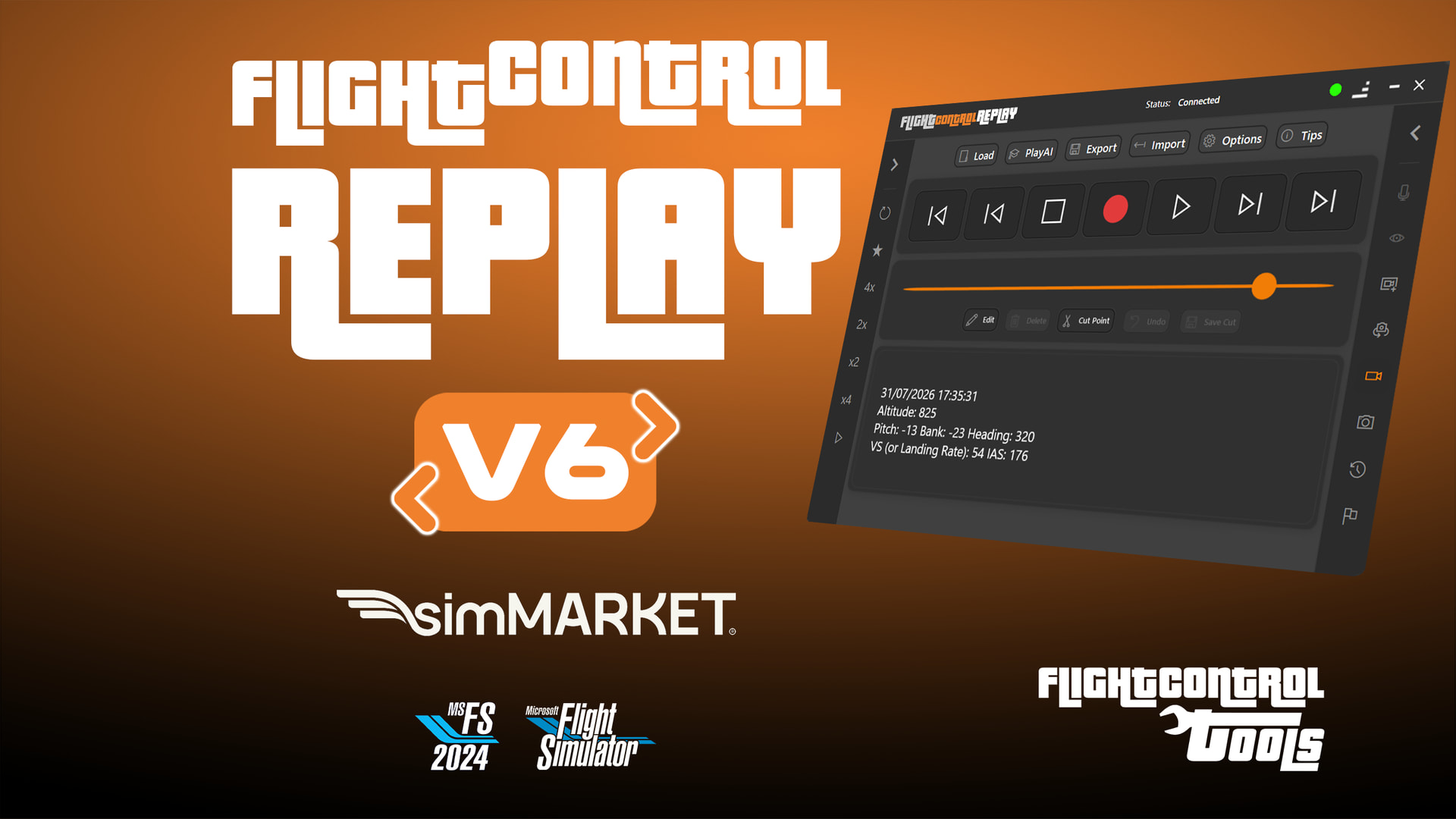
[RELEASE] MSFS24 | MSFS20 | FlightControlTools | FlightControlReplay V6 | Tools | Payware

Hi everyone,

Following FlightSimExpo 2026 and our FSElite stage presentation, I’m happy to officially share more about the future of FlightControlTools — especially FlightControlReplay V6.

Here’s the preview trailer :
Version 6 is planned for release toward the end of July 2026, and it will be the biggest evolution ever made to the FlightControlReplay series.

This is not just a visual refresh.
It is a deep redesign of the complete utility for MSFS 2024 and MSFS 2020, built around one objective:

Make replay creation faster, smarter, more cinematic, and more immersive. :movie_camera::airplane:

Over the past months, development has focused on:

• A completely redesigned User Interface
• New cinematic technologies
• A smarter replay system
• AI traffic tracking
• Better tools for creators, pilots, and replay analysis

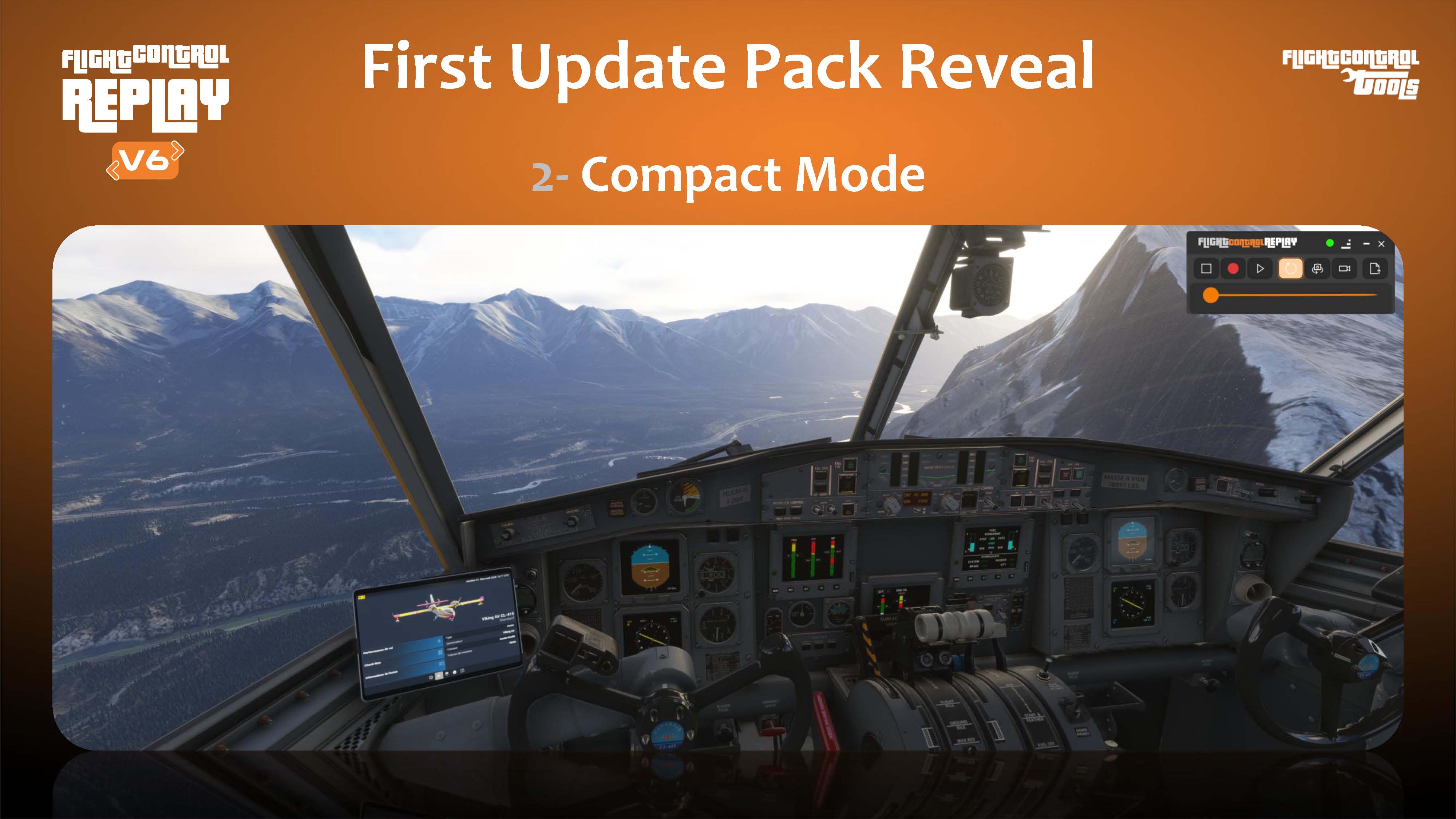
Some of the major features planned for FlightControlReplay V6 include:

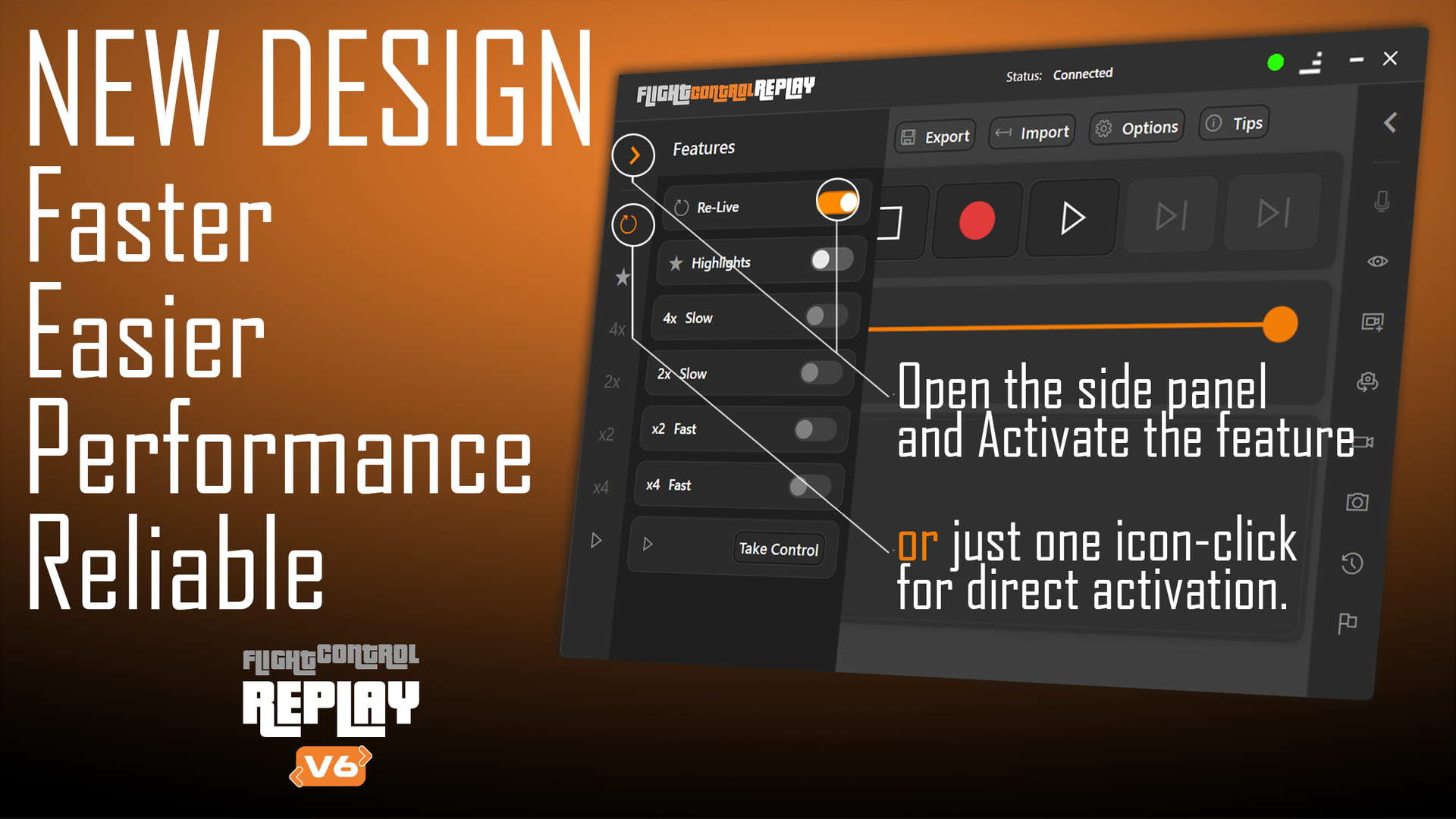
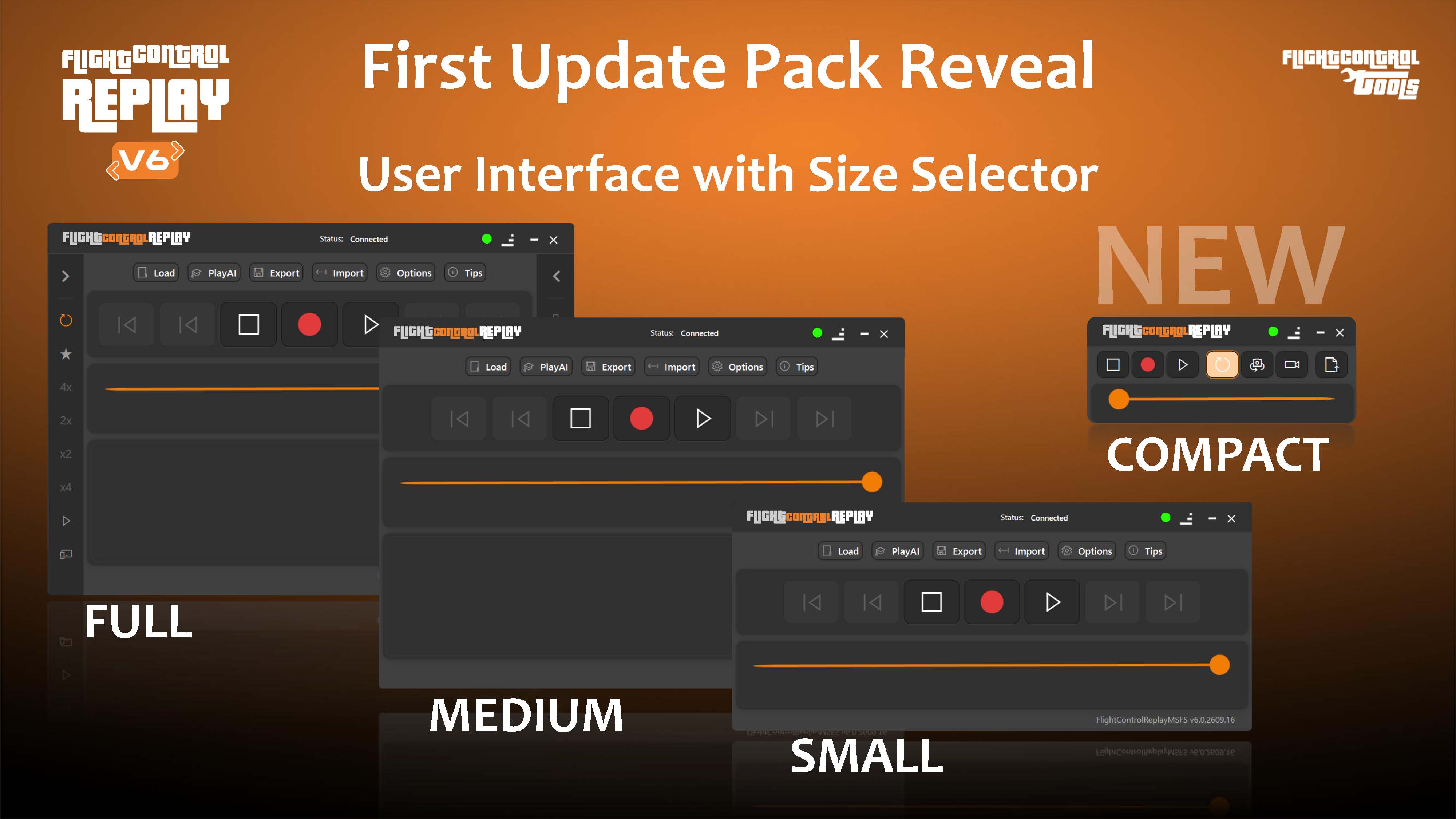
Redesigned User Interface
A cleaner and faster workflow, with easier access to features, options, sliders, and creative controls.

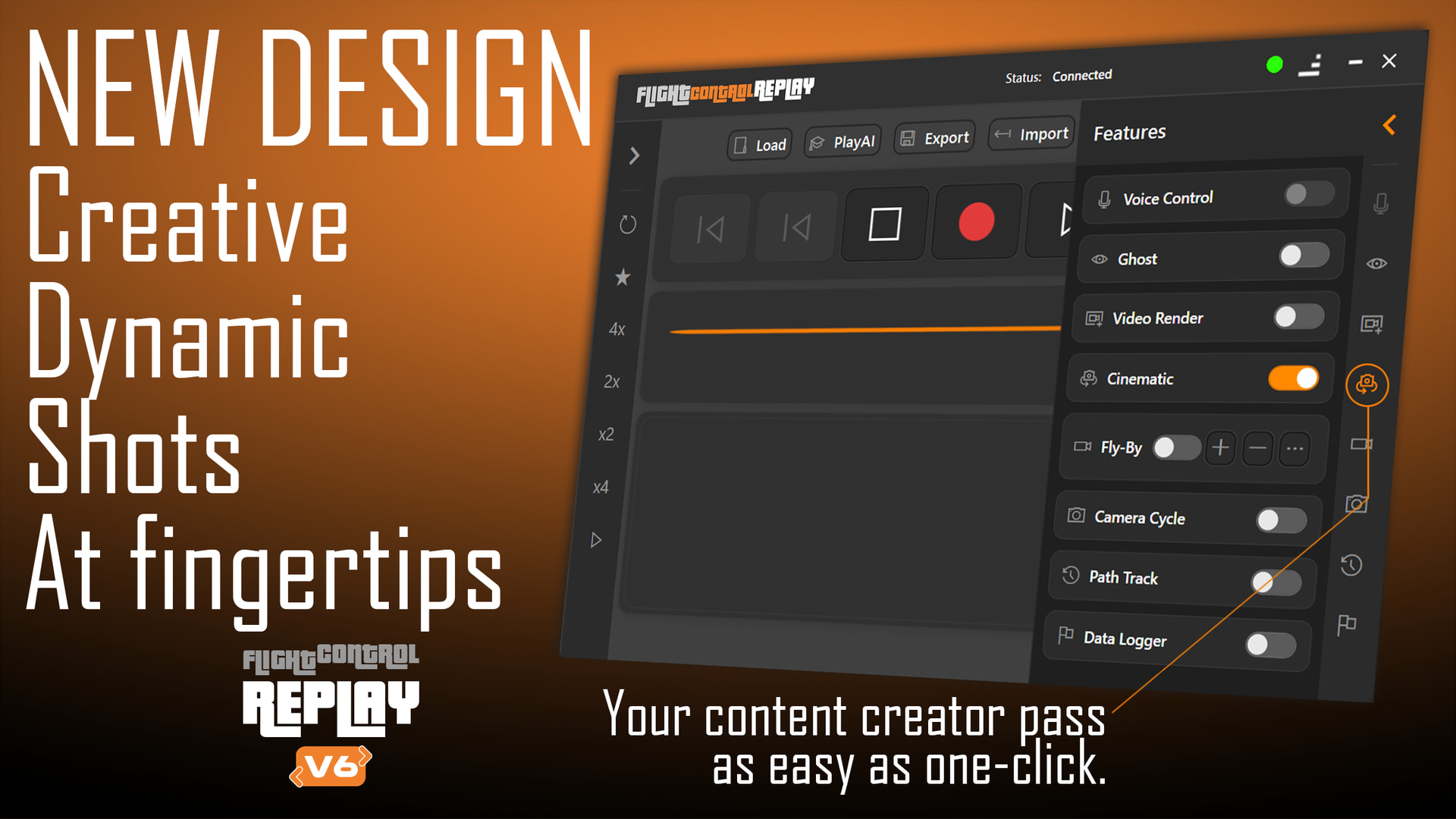
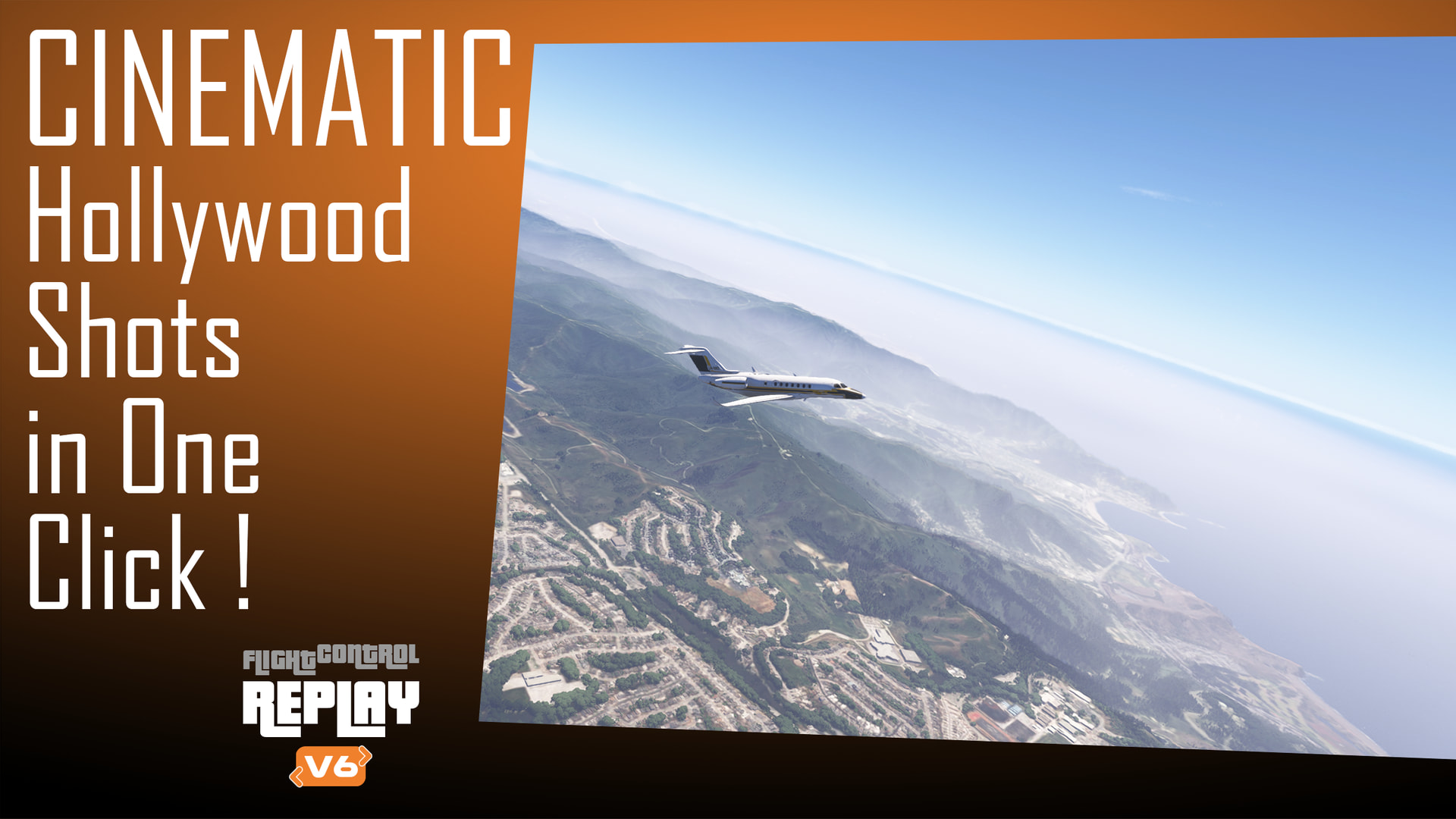
New Cinematic Mode
Unrestricted camera movements for movie-style captures, smoother transitions, dynamic tracking shots, and sweeping airport scenes directly inside the simulator.

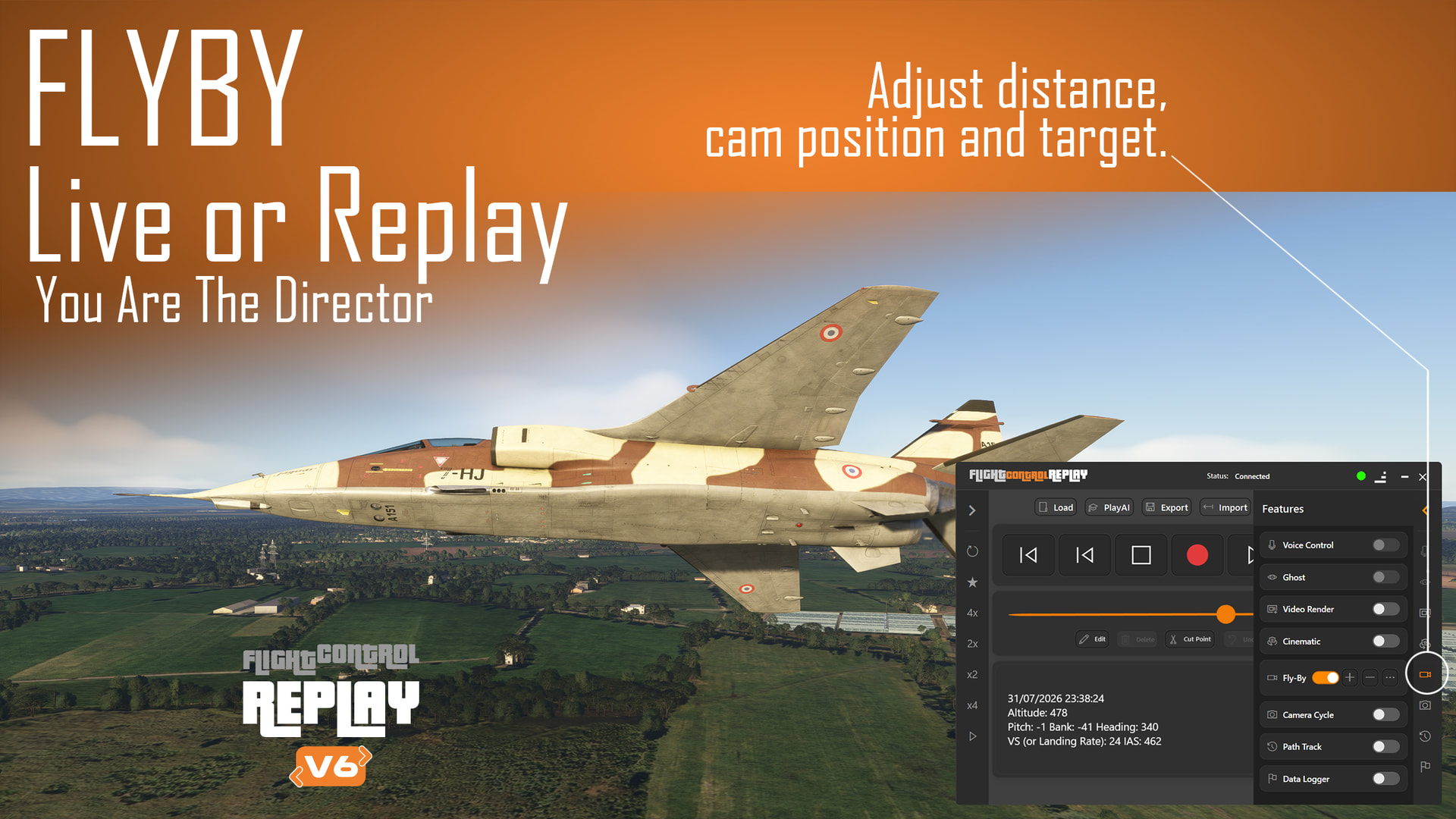
New Fly-By Cameras in Live Flight
Fly-By Camera will no longer be limited to recorded replay sessions.
You will be able to use it during live flight phases such as takeoff, approach, landing, cruise, and taxi operations, with adjustable distance, zoom, and viewing angles.

AI Traffic Tracking
Track nearby AI traffic in real time and create more alive, active, and realistic airport scenes.

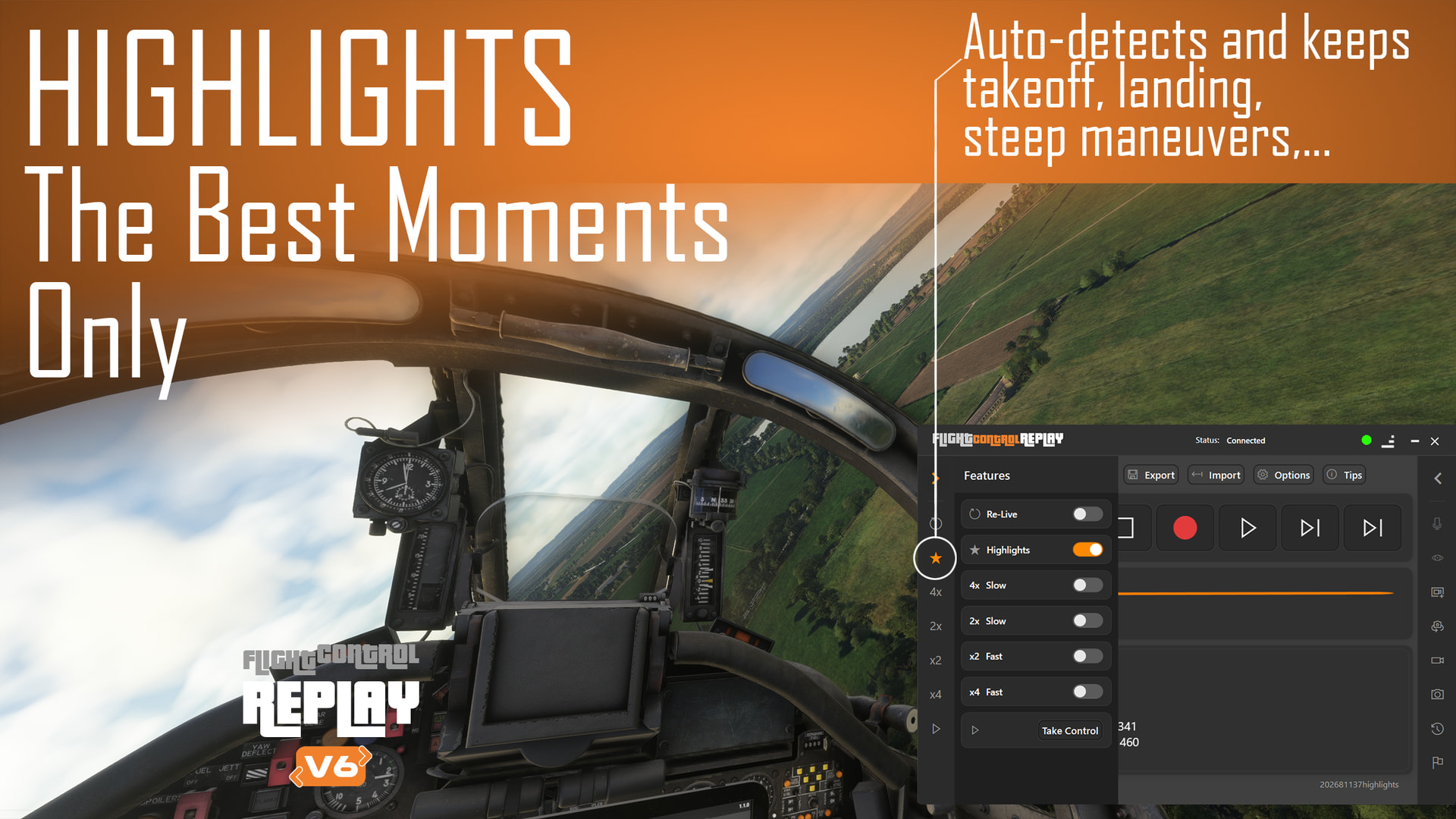
Automatic Highlights
FlightControlReplay V6 will detect important moments of your flight, such as takeoffs, landings, sharp manoeuvres, and key events, while helping skip long inactive cruise periods.

Enhanced Custom Replay for Add-On Aircraft
Further work is being done to improve replay behaviour with complex third-party aircraft.

Flight Analysis Logs and Charts
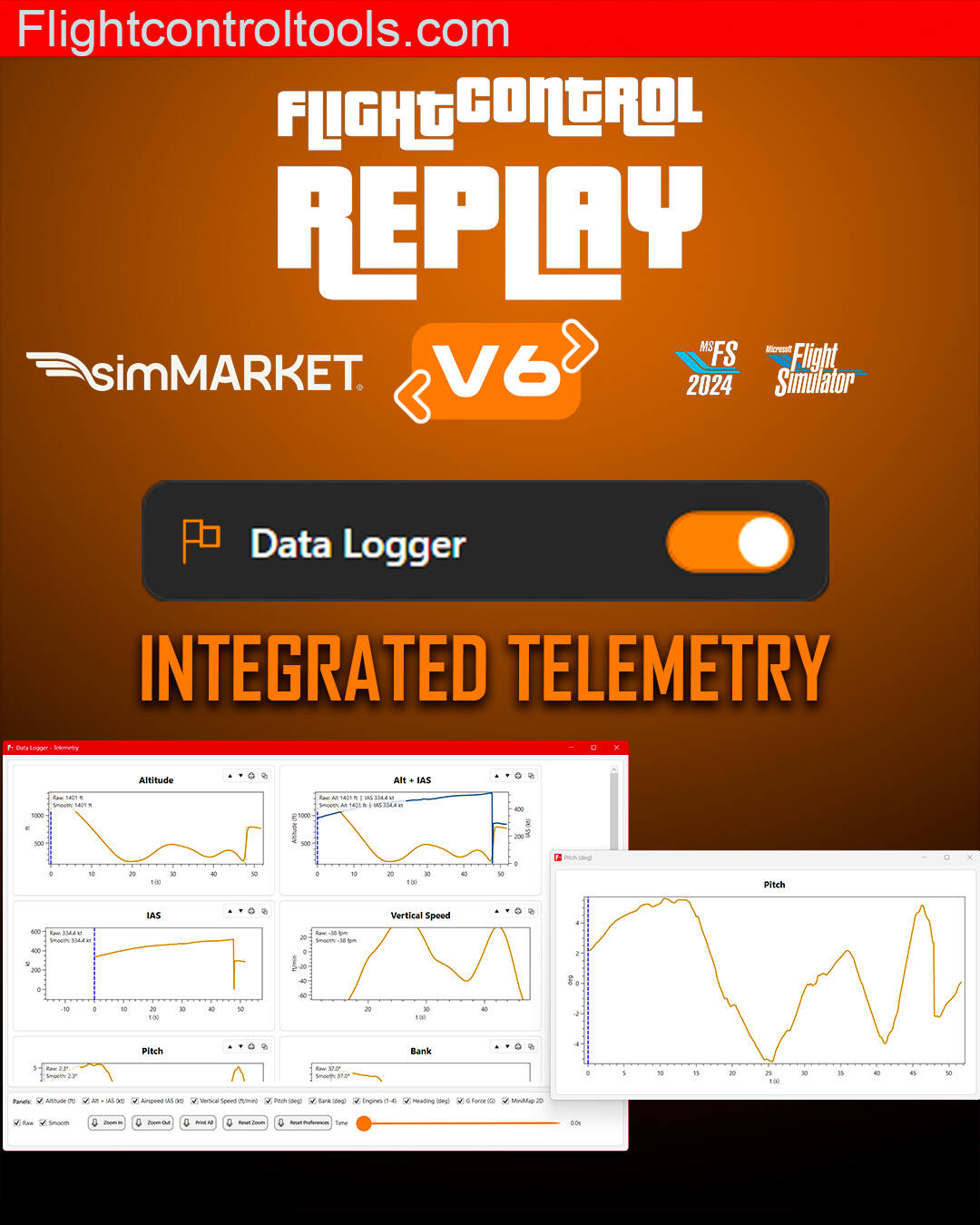
Review useful flight data such as speed, vertical speed, pitch, and bank angle after your flight.

Registered users of FlightControlReplay 5 will receive a reduced upgrade price for Version 6.
I really want to reward the users who have supported FlightControlReplay over the years. Your feedback and support have helped shape this next step. :folded_hands:

During FlightSimExpo, I also presented the recently released FlightControlSpotter V2 Fly-By Update, which introduced:

• Fly-By Camera for user aircraft
• Fly-By Camera for AI Traffic aircraft tracking
• Fixed SpotView Camera with drone controls
• Save and load drone camera positions

That update is already available free of charge for existing FlightControlSpotter users, via SIMMARKET.com of Microsoft Marketplace.

More details about FlightControlReplay V6, the final feature set, and the upgrade pricing will be shared closer to release.

Thank you again for your support, your feedback, and your passion for flight simulation.

Version 6 is a major step forward for FlightControlTools — and I’m very excited to bring it to you. :rocket:

Here’s the full 10 minutes video presentation including the trailer and the feature details
1 Like

FlightControlReplay 6 – Final Approach! :airplane::clapper_board:

The countdown is on! Following its impressive preview at FSExpo 2026, FlightControlReplay 6 is now on final approach, with release expected later this month for Microsoft Flight Simulator 2024 and 2020.

If you’ve been waiting to take your replays, cinematic videos, and flight analysis to the next level, this is shaping up to be the biggest update in the history of FlightControlReplay.

Expected highlights include:

  • :movie_camera: Completely redesigned user interface

  • :clapper_board: Brand-new Cinematic Mode with unrestricted camera movement

  • :airplane: Live Fly-By Camera for takeoff, cruise, approach, landing, and taxi

  • :robot: AI Traffic tracking

  • :star: Automatic Highlights generation

  • :bar_chart: Enhanced flight analysis and replay tools

  • :high_voltage: Faster workflows built for pilots and content creators alike

The preview demonstrations have generated plenty of excitement across the flight simulation community, and many simmers are now eagerly waiting for the official release date and pricing details.

We’re getting ready. :grinning_face_with_smiling_eyes:

How many of you will be upgrading to FlightControlReplay 6 on day one? Which new feature are you looking forward to the most? :rocket:

1 Like


:hourglass_not_done: Waiting for the User Manual like… :grinning_face_with_smiling_eyes:

As FlightControlReplay 6 moves toward its release later this month, work is progressing on an essential final step: the User Manual.

More than a simple quick-start guide, it will walk you through:

  • :open_book: Installation and first launch
  • :desktop_computer: The brand-new User Interface
  • :sparkles: The main changes and new features
  • :gear: Detailed explanations of features, options and their operation

While I am waiting for the manual to be completed before preparing the Release Candidate, development hasn’t slowed down. The remaining time is being used to polish every aspect of the application: improving communication between FlightControlReplay 6 features and the Microsoft Flight Simulator core engine, fine-tuning already implemented functions, and integrating additional enhancements for both the default MSFS aircraft and third-party aircraft add-ons.

The task list is shrinking fast, with every completed item bringing FlightControlReplay 6 one step closer to release.

Stay tuned—it’s getting close. :airplane:

Hi ,

Fabio here ! I m happy to announce that next week will be released FLIGHTCONTROLREPLAY V6 .

I m very proud of what i achieved developing this new version. There will be a new User Interface , new features , bugfixing on previous features and much more in the future. This will be a base for the future (stay tuned for Autumn announement) .

I hope that you will appreciate my hard work. Next week will be new post about pricing and upgrade path … stay tuned

Fabio

2 Likes

:airplane: FlightControlReplay 6 is almost here!

The next generation of FlightControlReplay is ready for takeoff! Featuring a complete redesign of both its core engine and Windows user interface, FlightControlReplay 6 delivers an experience that is easier, faster and more reliable than ever.

Whether you enjoy perfecting your landings, creating cinematic videos or flying in formation, FCR6 introduces powerful new tools while keeping every feature that made the FlightControlSeries a favorite among flight simmers.

:rocket: New in FlightControlReplay 6

:desktop_computer: Completely redesigned core engine & User Interface

  • Faster workflows
  • Modern interface
  • Improved performance and reliability

:clapper_board: NEW Cinematic Mode
Professional-quality camera choreography with smooth automated movements including Wing Reveal, Wing Sweep, Orbit, UpDown360 and many more.

:movie_camera: NEW Fly-By Camera
Now available in both Live Flight and Replay (Replay only in FCR5).

Track your own aircraft or nearby AI traffic to create realistic spotting sequences for takeoffs, landings, low passes and cinematic fly-bys.

:star: NEW Highlights
Automatically jump to the best moments of your replay, including takeoff, touchdown and dynamic manoeuvres.

:round_pushpin: NEW Path Track
Display the recorded flight path to visualize trajectories, analyse manoeuvres and review every phase of the flight.

:gear: NEW LVAR Recording
Record and replay custom LVARs used by advanced third-party aircraft for enhanced compatibility with custom systems and animations.

:bar_chart: NEW Data Logger
Powerful flight telemetry with customizable graphs for Altitude, IAS, Vertical Speed, Pitch, Bank, Engines, Heading and G-Force, including zoom, synchronized timeline, panel management, pop-out windows and printing.


:heart: All your favorite FlightControlReplay features remain onboard

  • Instant Replay
  • Ghost (live AI formation flying)
  • PlayAI (multiple AI aircraft during replay)
  • Custom support for Replay of complex aircraft add-ons (PMDG, Fenix, Maddog, HPG,…)
  • Cut & Edit Replay
  • Camera Change Studio on the replay timeline
  • MP4 Video Render
  • Virtual Reality support
  • FlightAware flight import
  • Google Earth flight path export

:euro_banknote: Pricing - available very soon -this weekend- at simMARKET

New customers
EUR 24.00 (+ VAT where applicable)

Upgrade from FlightControlReplay 5
:tada: 50% OFF
EUR 12.00 (+ VAT where applicable)


:shopping_cart: FlightControlReplay 6 will be available this weekend on simMARKET, with Marketplace availability to follow.
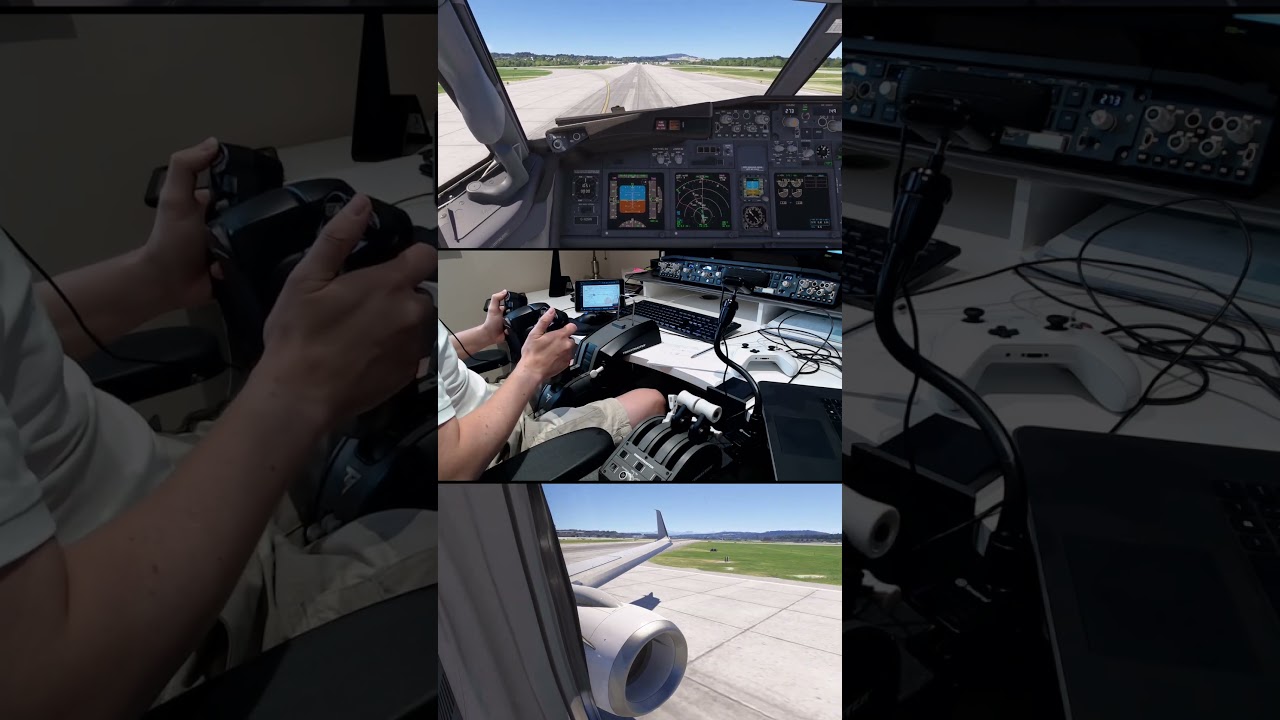
:movie_camera: Want to see FCR6 in action?

Check out the latest Short from flightdeck2sim content creator:

What does a takeoff look like from three different perspectives?

The video synchronizes the same departure from Zurich using:

  • :video_game: Flight controls
  • :airplane_departure: Flight deck
  • :airplane: Wing view

The stunning external wing footage was captured using an early access version of FlightControlReplay 6.

FlightControlReplay 6 is designed for Microsoft Flight Simulator 2024, Microsoft Flight Simulator 2020, and remains compatible with Prepar3D v5/v6.

See you this weekend! :airplane:

FlightControlReplay 6 is released! :rocket:

The next generation replay tool for Microsoft Flight Simulator

FlightControlReplay 6 is now available!

After years of development and continuous improvements based on community feedback, FlightControlReplay 6 introduces the biggest evolution of the FlightControlReplay experience, bringing a new generation of replay, cinematic creation, and flight analysis tools to Microsoft Flight Simulator.

Designed for MSFS 2024 and MSFS 2020 pilots, FlightControlReplay 6 focuses on cinematic replay creation, faster workflow management, easier navigation, and advanced flight analysis.

What’s new in FlightControlReplay 6?

:airplane: Completely redesigned user interface
A modern interface designed for faster access and easier navigation.

:clapper_board: New Cinematic Mode
Create more immersive flight videos with advanced replay and camera features.

:video_camera: FlyBy Cameras during live flights
Capture dynamic external views while flying.

:star: Automatic Highlights
Automatically identify and create replay scenes from your flights.

:small_airplane: Enhanced Custom Replay support
Improved compatibility with add-on aircraft.

:bar_chart: Data Logger Flight Analysis graphs
Review your flights with detailed performance information:

  • Altitude
  • Airspeed
  • Vertical speed
  • Pitch
  • Bank angles

FlightControlReplay 6 also continues to offer powerful tools for flight simulation creators and enthusiasts:

  • MP4 video recording
  • Advanced camera controls
  • PlayAI formation flying
  • Instant Re-Live replay
  • Cinematic flight capture workflows

Upgrade policy

FlightControlReplay 6 is available now:

:euro_banknote: Base price: EUR 28.00 (+ applicable taxes)

Existing FlightControlReplay 5 customers benefit from a reduced upgrade price:

  • Registered FCR5 customers: 50% OFF upgrade fee

  • FCR5 purchases made after June 30th, 2026: FREE upgrade to FlightControlReplay 6

A bundle offer is also available with FlightControlSpotter, the tower view and virtual spotting tool for Microsoft Flight Simulator.

Discover FlightControlReplay 6:

:link: Product page:

:clapper_board: Official trailer:

Thank you to the Flight Simulator community for your continued support and feedback.

FlightControlReplay 6 — Your flight. Your replay. Your story.

1 Like

:clapper_board: FlightControlReplay 6 — Feature Spotlight: Cinematic Mode

FlightControlReplay 6 is out — and this week, we’re taking a closer look at one of its biggest new features: Cinematic Mode.

:movie_camera: NEW — Cinematic Production

Turn your MSFS flights into professional-style aviation videos with the new Cinematic Mode.

Choose between Automatic Mode for quick, ready-to-use cinematic sequences, or take full control and build your own dynamic camera movements.

Create complex camera sequences using:

  • :airplane: Wing Reveal
  • :counterclockwise_arrows_button: Wing Sweep
  • :cyclone: Orbit
  • :up_down_arrow: UpDown360
  • :clapper_board: And many additional automated camera movements

Combine different movements to create smooth, dynamic sequences around your aircraft — from dramatic wing passes to sweeping exterior shots and 360° orbital views.

Whether you’re creating a flight video, capturing a landing, showcasing an aircraft add-on, or simply looking at your flight from a different perspective, Cinematic Mode gives you a new way to direct the action.

:backhand_index_pointing_right: FlightControlReplay 6 is available now for MSFS 2024 and MSFS 2020.

:shopping_cart: simMarket: FLIGHTCONTROLREPLAY 6 MSFS P3D

1 Like

:movie_camera: FlightControlReplay 6 — Weekly Feature Spotlight

:new_button: LIVE FLY-BY CAMERA

One of the biggest changes in FCR6: Fly-By Camera is now available LIVE at any point during your flight.

:police_car_light: No prior recording. No replay required.

Activate Fly-By Camera and instantly step outside the cockpit to watch your own aircraft from realistic spotting positions.

:airplane: Taxi on the ground
:airplane_departure: Watch your takeoff
:airplane_arrival: Follow your landing
:camera_with_flash: Capture a low pass
:cloud: Observe your aircraft during cruise
:small_airplane: Follow nearby AI traffic

:clapper_board: Control the experience

Use + / - directly in Fly-By mode to change the camera distance from your aircraft.

Open “…” for additional settings:

— Camera Distance
Set the distance between the camera and aircraft. 0.05 NM is a good starting point.

— Camera Position
Choose the camera angle around the aircraft:
:right_arrow: Positive angles = right side
:left_arrow: Negative angles = left side

— Max Distance Before Camera Change
Control how far the aircraft travels before the camera moves to its next fixed position.

Lower value = more frequent camera changes
Higher value = longer Fly-By sequences

:bullseye: The result: realistic spotting-style sequences that can be created instantly during the flight, without recording a replay beforehand.
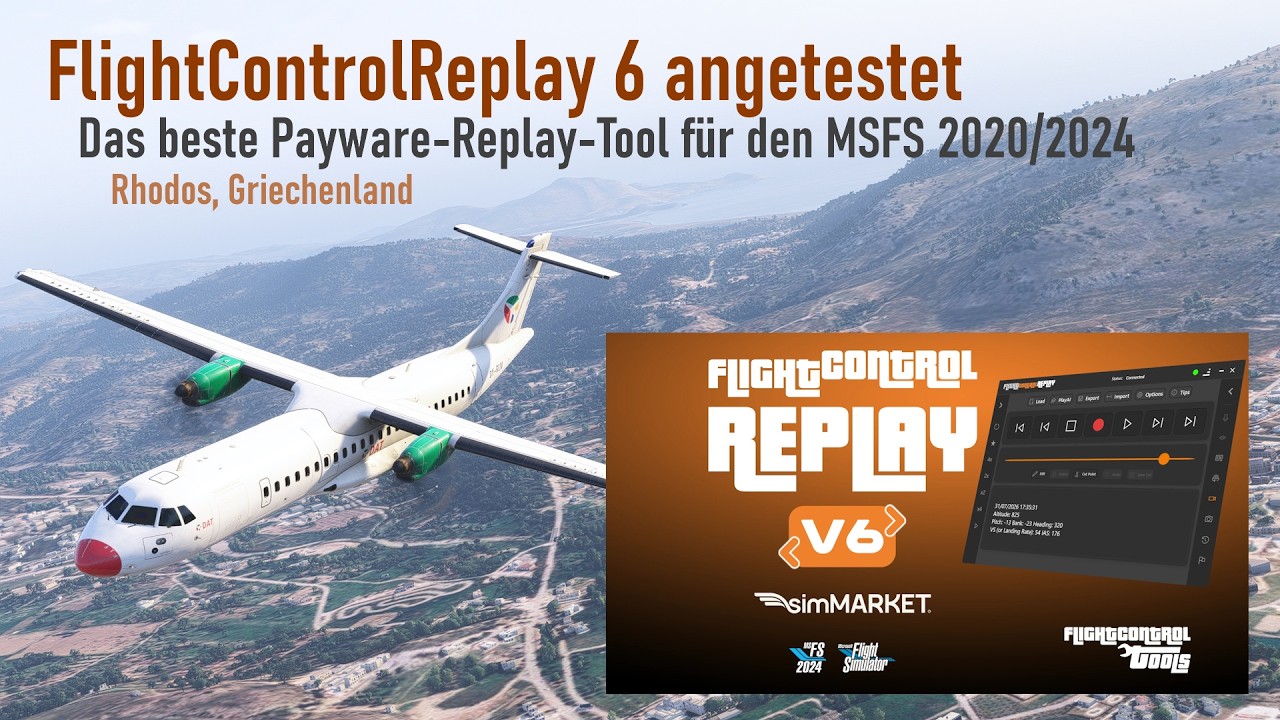
:rocket: FlightControlReplay 6 is available now at simMARKET for MSFS 2024 & MSFS 2020.

Hi!

Here you have a great tutorial for FlightControlReplay v6 in German language but with English !

Thanks !

:counterclockwise_arrows_button: FlightControlReplay 6 — Weekly Feature Spotlight: Re-Live Instant Replay

This week, we’re highlighting one of the most popular features in the FlightControlReplay series: Re-Live Instant Replay.

Because it is one of the most requested features among FlightControlReplay users, Re-Live is enabled by default in FlightControlReplay 6.

The idea is simple: Life made easy. :airplane:

:counterclockwise_arrows_button: What is Re-Live?

Re-Live is your Instant Replay.

While you are flying, FlightControlReplay continuously stores the most recent moments of your flight in memory. This means that when something interesting happens, you can instantly go back and watch it again — without interrupting your flight session.

Maybe you just completed:

  • :airplane_arrival: A smooth landing

  • :mountain: A challenging approach

  • :airplane: A low pass

  • :counterclockwise_arrows_button: An aerobatic manoeuvre

  • :camera_with_flash: Or simply a moment worth seeing again

Just activate Re-Live and replay the latest moments of your flight.

Once the replay has finished, you can instantly return to the cockpit, resume control of your aircraft, and continue your flight.

No preparation required

There is no need to start recording a replay before the event.

With Re-Live enabled by default, FlightControlReplay 6 is continuously ready to capture the latest moments of your current flight.

Fly. Something happens. Re-Live it. Continue flying.

You can find a more detailed explanation of the Re-Live feature and its settings in the FlightControlReplay 6 manual.


:movie_camera: FlightControlReplay 6 Tutorials

We are also sharing a couple of recent videos from the community.

:germany: German FlightControlReplay 6 tutorial:

:movie_camera: Another FlightControlReplay 6 live video and demonstration:

FlightControlReplay 6 – First Update v2608.25 Released

FlightControlTools has released the first update for FlightControlReplay 6, improving replay compatibility and overall stability.

What’s fixed in v2608.25

  • Fixed PMDG replay

  • Fixed Horizon Simulations 787-9 replay

  • Fixed an Instant Replay issue

  • Fixed a potential Crash To Desktop

  • Fixed Robinson R66 helicopter replay

The update continues to improve compatibility across different aircraft categories, from complex airliners to helicopter operations.

More than a standard replay

FlightControlReplay 6 is designed as a dedicated flight recording, replay, analysis and cinematic production environment.

Version 6 introduces major tools including:

  • Re-Live Instant Replay to relive recent moments of your current flight without interrupting the session

  • Live Fly-By Camera

  • Advanced camera and cinematic production tools

  • Automatic Highlights

  • Flight Analysis and detailed logs

  • A redesigned and streamlined interface

MSFS 2024 includes its own free embedded replay feature, but FlightControlReplay 6 goes significantly further with dedicated tools for recording, analysing and producing cinematic content from your flights.

Whether you want to check a landing, replay an approach, analyse your flight or create a cinematic sequence, FlightControlReplay 6 gives you a dedicated workflow built around those tasks.

FlightControlReplay 6 + FlightControlSpotter Bundle

The FlightControlReplay 6 + FlightControlSpotter bundle is also available, combining advanced flight replay tools with virtual traffic and aircraft spotting capabilities.

FlightControlReplay 6 v2608.25 is available now as a free update for all FCR6 users.

2 Likes

:loudspeaker: FlightControlReplay 6 — Reviewed by MSFS Addons
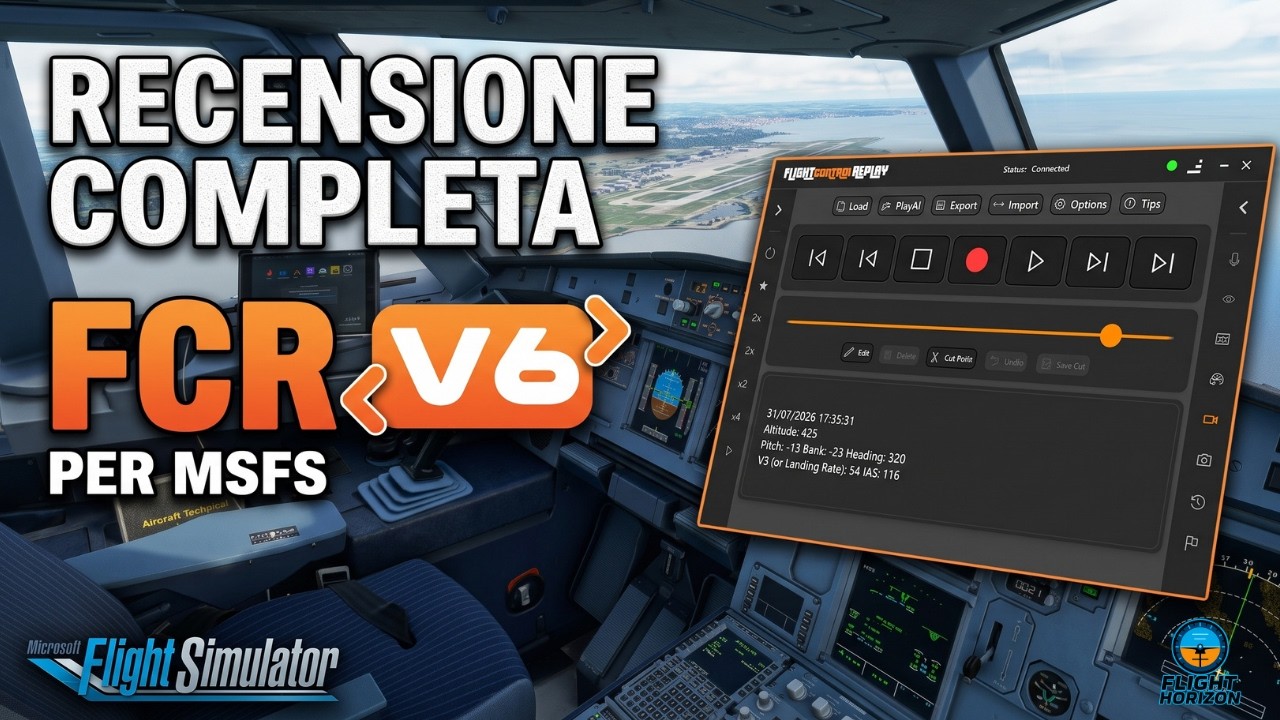
:clapper_board: FlightControlReplay 6 has just received an in-depth review from MSFS Addons — and the verdict is clear: 8/10.

“One of the most capable tools in the sim.”

The review highlights how FCR6 has evolved far beyond traditional replay:

“It has grown into a filmmaking and analysis suite that happens to have replay at its core.”

With Live Fly-By, advanced cinematic cameras, Automatic Highlights, flight analysis, aircraft add-on support and powerful replay capabilities, FCR6 brings together the tools needed to capture, analyse and produce your flights in MSFS 2020 and MSFS 2024.

:airplane: FlightControlReplay 6

:star: 8/10 — MSFS Addons

:backhand_index_pointing_right: Read the full review:
[https://msfsaddons.com/2026/08/29/flightcontrolreplay-6-review-is-a-paid-replay-tool-worth-it-when-msfs-2024-ships-one-for-free/

Thank you to MSFS Addons for the review and for putting FlightControlReplay 6 through its paces! :airplane::clapper_board:

2 Likes

Hi !

another Review from Flight Horizon ! Stay tuned

1 Like

:airplane: FlightControlReplay 6 — Weekly Update: FsimUK Aerospace Bristol & What’s Next

This week’s FlightControlTools update is a little different. We’re looking ahead to FsimUK Aerospace Bristol, while also sharing what’s coming next for FlightControlReplay 6.

:flag_gb: Meet FlightControlTools at FsimUK Aerospace Bristol

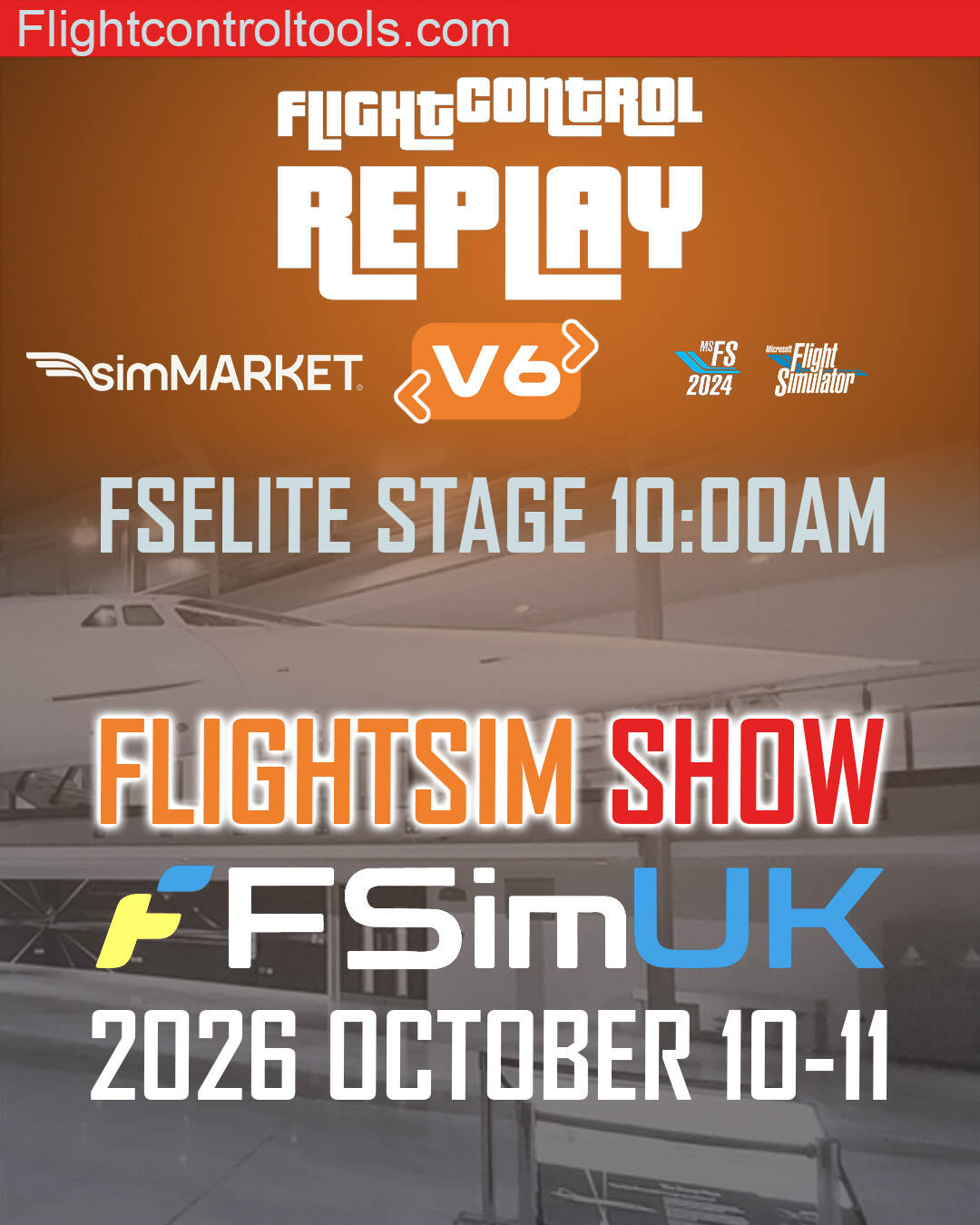
We’re pleased to announce that FlightControlTools will be exhibiting at FsimUK Aerospace Bristol on October 10–11, 2026.

If you’re attending the event, come and meet us, discover FlightControlReplay 6, see the latest features in action, and talk directly with the developer.

It will also be a great opportunity to discuss what you would like to see next from FlightControlReplay.

:rocket: FlightControlReplay 6 — More to come

The release of FlightControlReplay 6 is only the beginning.

Development continues, with new features planned for a future update. We’ll share more details as development progresses.

So if you’ve already upgraded to FCR6, stay tuned — there is more to come.

:movie_camera: FCR + ChasePlane Tutorial

This week we’re also sharing a tutorial covering FlightControlReplay and ChasePlane.

:flag_it: The original audio is in Italian, but YouTube’s automatic translation can provide subtitles and translation in your language.

:point_right: Watch the tutorial:

And if you’re attending FsimUK Aerospace Bristol, we look forward to seeing you there! :airplane:

FlightControlReplay 6 — Your flight. Your replay. Your story.

1 Like