[RELEASE] SimVoice Copilot 1.0.12.0 — Now with English and Spanish support

Your voice is now part of the cockpit

SimVoice Copilot brings natural voice control to Microsoft Flight Simulator, allowing you to operate key aircraft systems without taking your hands away from the controls.

Control autopilot settings, radios, lights, landing gear, flaps, simulator functions, and much more using simple spoken commands—all while staying focused on flying.


Speak. Command. Fly.

SimVoice Copilot connects directly to Microsoft Flight Simulator through SimConnect and turns your spoken instructions into aircraft actions in real time.

Use precise commands such as:

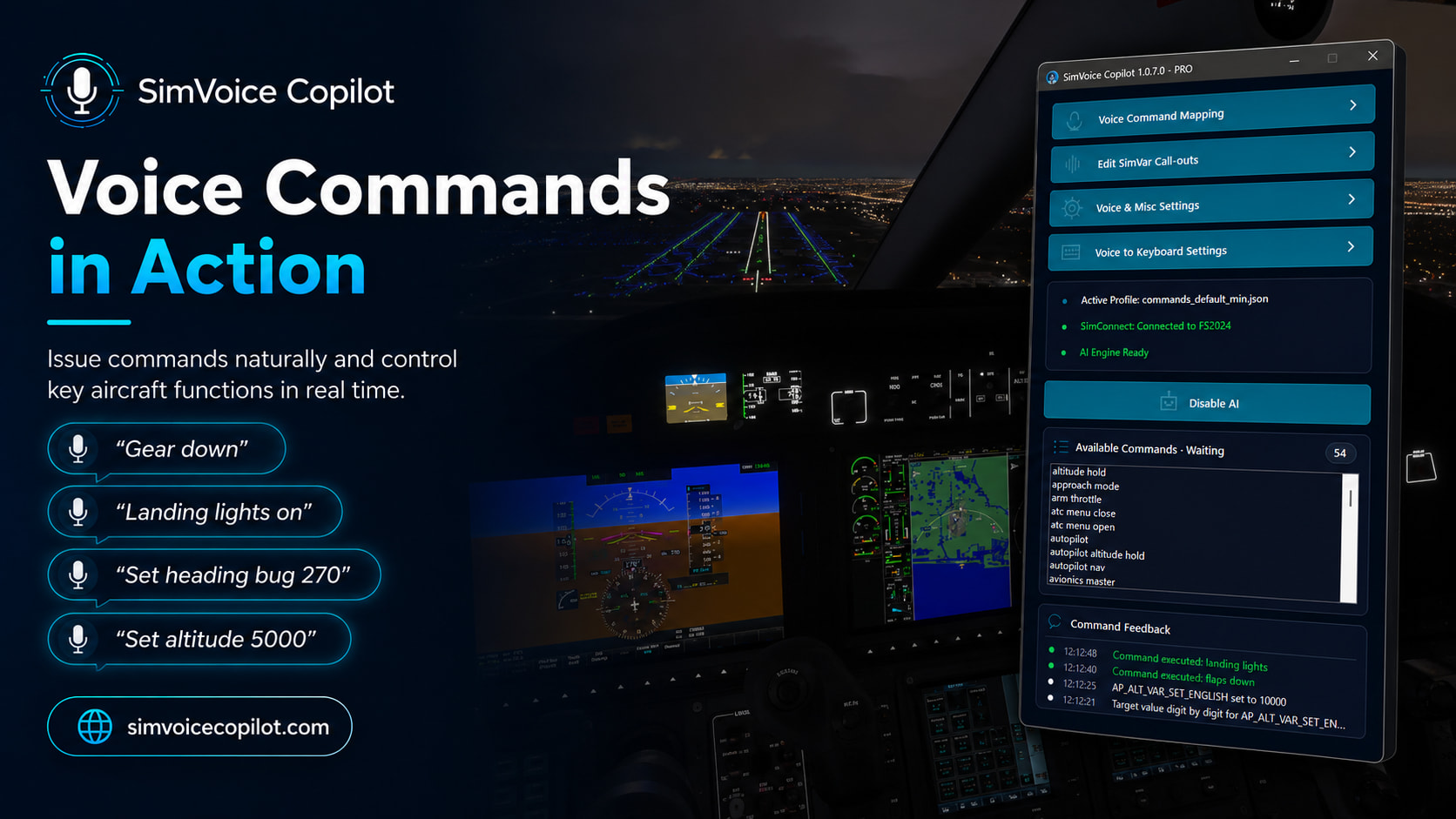
  • “Set altitude ten thousand”

  • “Set heading bug two seven zero”

  • “Landing lights on”

  • “Flaps down”

  • “Gear down”

You can also create your own commands, customize existing phrases, and adapt command profiles to different aircraft or flying styles.
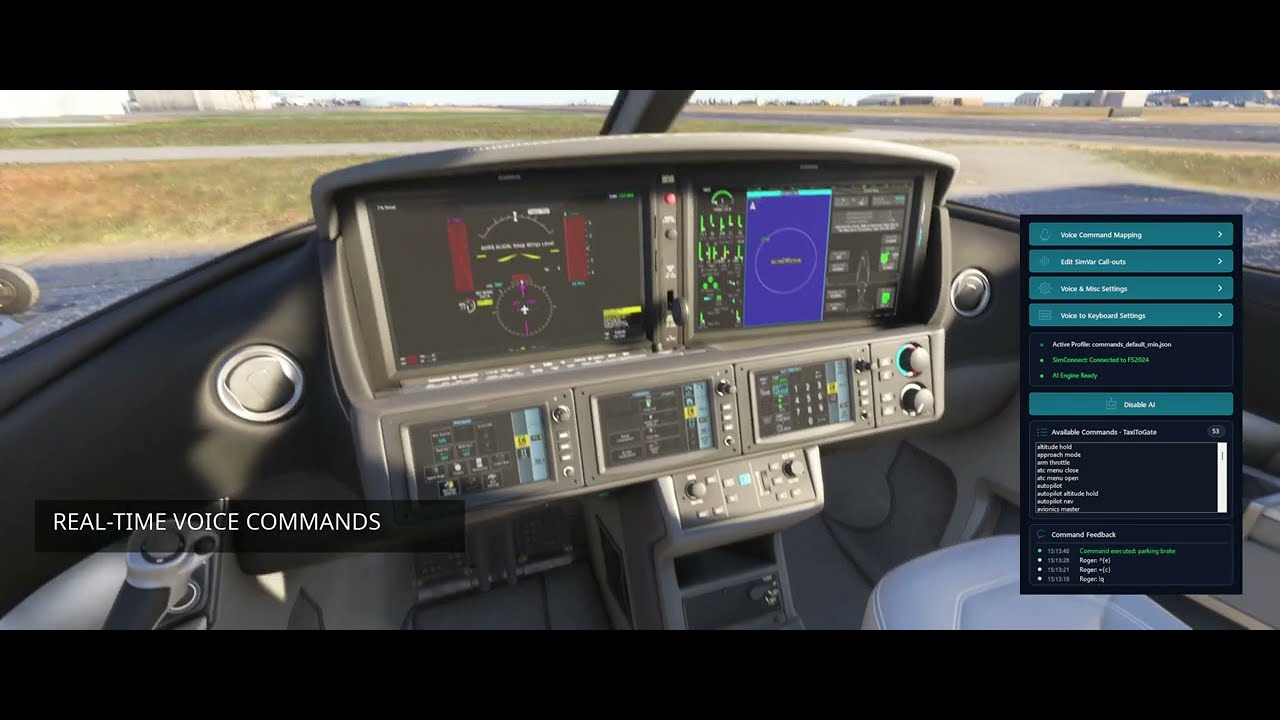

See SimVoice Copilot controlling MSFS in real time—from autopilot adjustments and aircraft systems to custom voice commands and local AI requests.

Ready to try it? Start your 7-day free trial at simvoicecopilot.com


Voice commands in action

Commands are executed directly inside the simulator, with visible feedback confirming what was recognized and performed.

SimVoice Copilot supports:

  • Autopilot, altitude, heading, navigation, and approach controls

  • Radios, transponder, lights, landing gear, and flaps

  • Simulator and keyboard commands

  • Custom aircraft profiles

  • Spoken confirmations and SimVar call-outs

  • Flight-phase command filtering

Flight-phase filtering helps ensure that commands are available only when they make sense, reducing accidental or inappropriate actions during different stages of the flight.


Optional Local AI Copilot

SimVoice Copilot includes an optional AI mode designed to understand more natural requests when a traditional command does not provide an exact match.

The AI engine runs locally on your PC, without requiring a cloud AI subscription.

Examples can include natural instructions such as:

  • “Copilot, prepare the aircraft for landing”

  • “Set me up for the approach”

  • “Turn on the lights we need for departure”

Traditional voice recognition remains available for fast, precise, and predictable commands, even when AI mode is disabled.


Choose how you want to fly

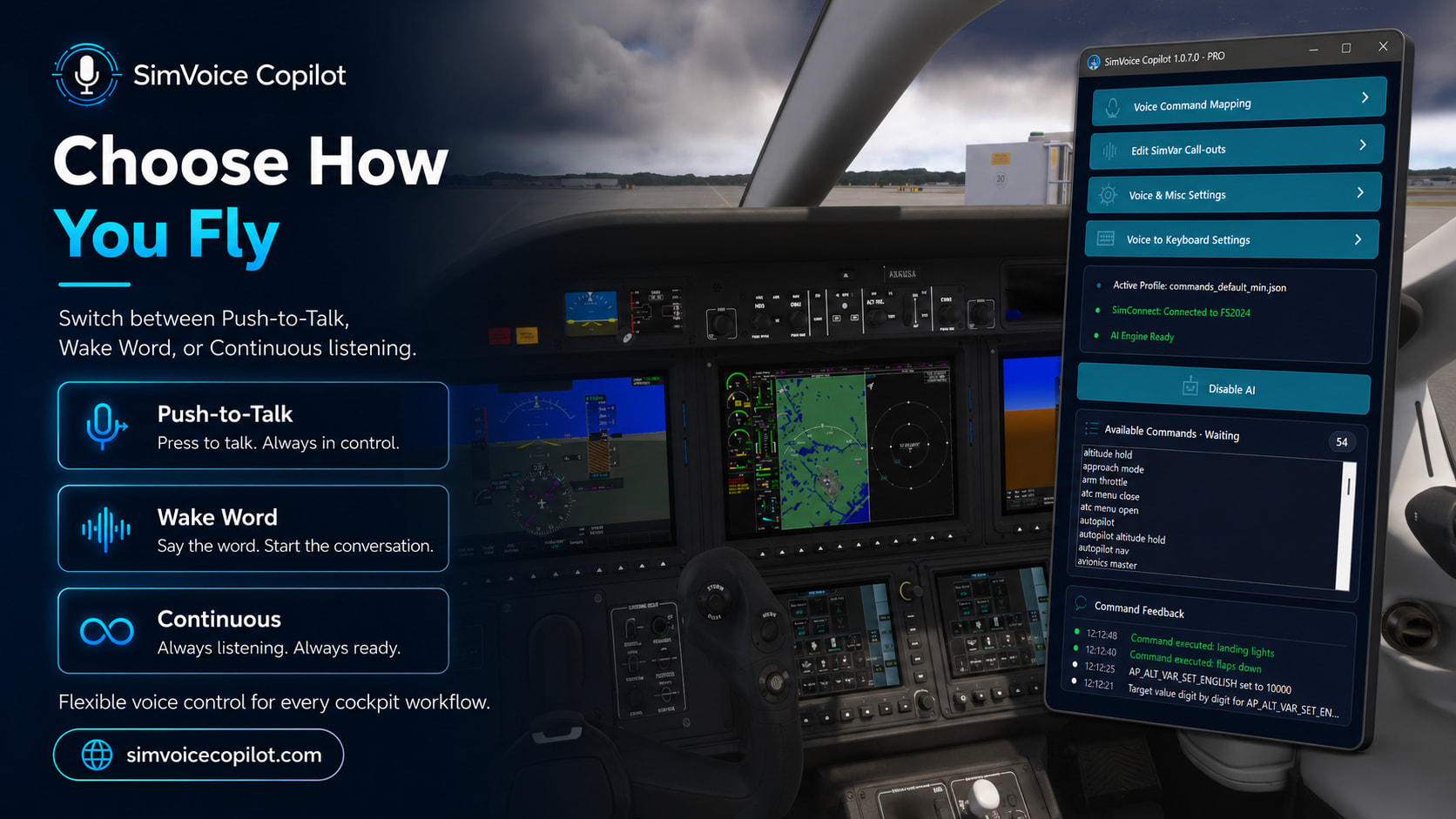
Every cockpit setup is different, so SimVoice Copilot offers several listening modes:

Push-to-Talk

Press your assigned control, speak the command, and release it. Ideal when you want full control over when the microphone is active.

Wake Word

Start commands using a wake phrase such as “Copilot” or “Hey Copilot.”

Continuous Listening

Keep SimVoice ready to receive commands throughout the flight without repeatedly pressing a button.


Built for flight simulation

SimVoice Copilot is designed for practical use during real simulator sessions, whether you fly on a monitor or in VR.

Key features

  • Compatible with Microsoft Flight Simulator 2020 and 2024

  • Direct SimConnect integration

  • Optional local AI engine

  • Push-to-Talk, Wake Word, and Continuous modes

  • Custom voice commands

  • Voice-to-keyboard commands

  • Custom SimVar call-outs

  • Aircraft command profiles

  • Automatic flight-phase detection

  • Selectable microphone and audio output devices

  • Designed for both traditional and VR cockpit workflows


Try SimVoice Copilot

A 7-day free trial is available with the annual plan.

Start your 7-day free trial and take voice control into your cockpit:

https://simvoicecopilot.com

Support and community

Join the official Discord community for support, feedback, command profiles, product updates, and direct contact with the developer:

SimVoice Copilot
Developed by SimTech Aviation

Speak. Command. Fly.

SimVoice Copilot is now officially available on the Microsoft Store! :tada:

After completing the Microsoft Store certification process, SimVoice Copilot v1.0.11.0 is now officially available for Windows through the Microsoft Store.

You can now install SimVoice Copilot directly from the Store and receive future application updates through Microsoft Store. SimVoice Copilot supports both Microsoft Flight Simulator 2020 and Microsoft Flight Simulator 2024.

Install SimVoice Copilot

:shopping_cart: Open directly in Microsoft Store

:globe_with_meridians: View the Microsoft Store web page

SimVoice Copilot allows you to control Microsoft Flight Simulator using natural voice commands, including:

  • Autopilot settings
  • COM and NAV radios
  • Lights, landing gear and flaps
  • Simulator functions
  • Keyboard shortcuts and custom aircraft commands
  • Configurable SimVar call-outs
  • Flight-phase command filtering
  • Optional local AI Copilot

Voice recognition runs locally on your Windows PC, and the application integrates directly with Microsoft Flight Simulator through SimConnect.

A 7-day free trial is available with the annual plan.

:globe_with_meridians: Plans, documentation and product information

This Microsoft Store release is an important milestone for SimVoice Copilot. I would like to sincerely thank everyone who participated in testing, reported issues and shared feedback. Your support helped make this release possible.

Already using SimVoice Copilot? I would love to hear how it performs with your aircraft, VR setup, controllers or home cockpit.

Support and community

:speech_balloon: Join the SimVoice Copilot Discord community

Thank you for supporting SimVoice Copilot!

Speak. Command. Fly.

SimVoice Copilot 1.0.12.0 is now live on the Microsoft Store! :studio_microphone::airplane:

Version 1.0.12.0 of SimVoice Copilot is now available through the Microsoft Store.

The main highlight of this update is the introduction of multilingual support, with full support for:

:united_kingdom: English
:spain: Spanish

The application interface, voice commands, messages, and documentation are now available in both languages.

This release also includes several improvements to voice recognition, command handling, application feedback, and overall stability.

SimVoice Copilot lets you control Microsoft Flight Simulator using voice commands, helping you interact with aircraft systems without taking your hands away from the controls.

The app can be downloaded or updated directly from the Microsoft Store:

Thank you to everyone who has tested the application and shared feedback. Your reports continue to help improve SimVoice Copilot.

More languages, commands, and aircraft compatibility improvements are already planned for future releases.

¡SimVoice Copilot 1.0.12.0 ya está disponible en Microsoft Store! :studio_microphone::airplane:

La versión 1.0.12.0 de SimVoice Copilot ya se encuentra disponible en Microsoft Store.

La principal novedad de esta actualización es la incorporación de soporte multiidioma, incluyendo:

:united_kingdom: Inglés
:spain: Español

La interfaz de la aplicación, los comandos de voz, los mensajes y la documentación están ahora disponibles en ambos idiomas.

Esta versión también incluye mejoras en el reconocimiento de voz, la ejecución de comandos, los mensajes de respuesta de la aplicación y la estabilidad general.

SimVoice Copilot permite controlar Microsoft Flight Simulator mediante comandos de voz, facilitando la interacción con los sistemas del avión sin apartar las manos de los controles.

La aplicación puede descargarse o actualizarse directamente desde Microsoft Store:

Muchas gracias a todos quienes han probado la aplicación y enviado sus comentarios. Sus reportes continúan ayudando a mejorar SimVoice Copilot.

Ya estamos trabajando en nuevos idiomas, más comandos y una compatibilidad más amplia con diferentes aeronaves.

SimVoice Copilot 1.0.13.0 is now available! :airplane::studio_microphone:

We are happy to announce the latest update of SimVoice Copilot, focused on improving reliability, voice recognition, and autopilot control.

This update brings:

:white_check_mark: Improved recognition of voice commands with numeric values (altitude, heading, vertical speed, and more)

:white_check_mark: Better autopilot control and compatibility with advanced avionics and G1000 aircraft

:white_check_mark: Improved English and Spanish command profiles

:white_check_mark: New online user manual accessible directly from the application

:white_check_mark: New Support Package export tool to make troubleshooting and support faster

:white_check_mark: Stability and performance improvements

A big thank you to all pilots who provided feedback and helped us improve SimVoice Copilot.

Your reports and testing continue to shape future updates.

Get it at SimVoice Copilot - Free download and install on Windows | Microsoft Store

Enjoy your flights! :airplane: