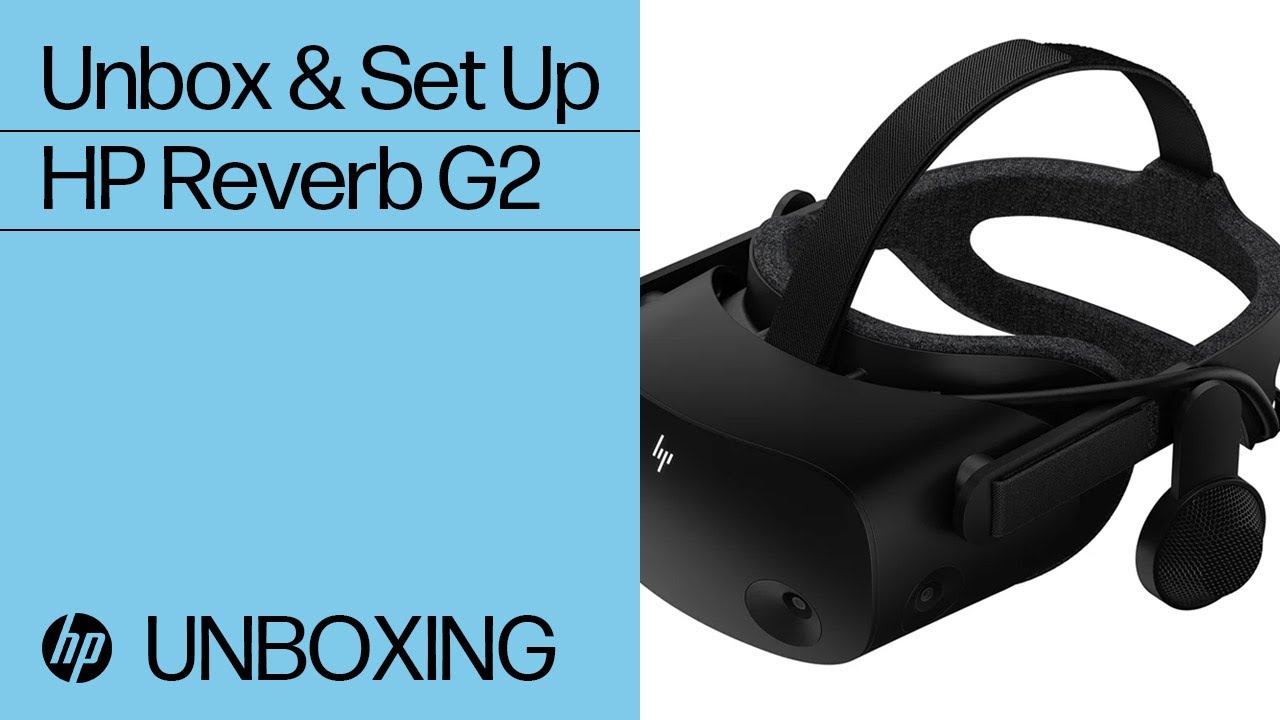
As per title… how do you connect the G2 (version 2)? Do you go directly with the Micro USB, or do you use the adapter and a normal USB port?
I get mixed feelings here. Sometimes the Micro USB is OK, other times it’s ■■■■, and I have to switch to the adapter. Other times… is the other way around.
Generally speaking, I have the impression that a part of the “always changing” performance we get from FS2020 is due to the connection of the headset itself.
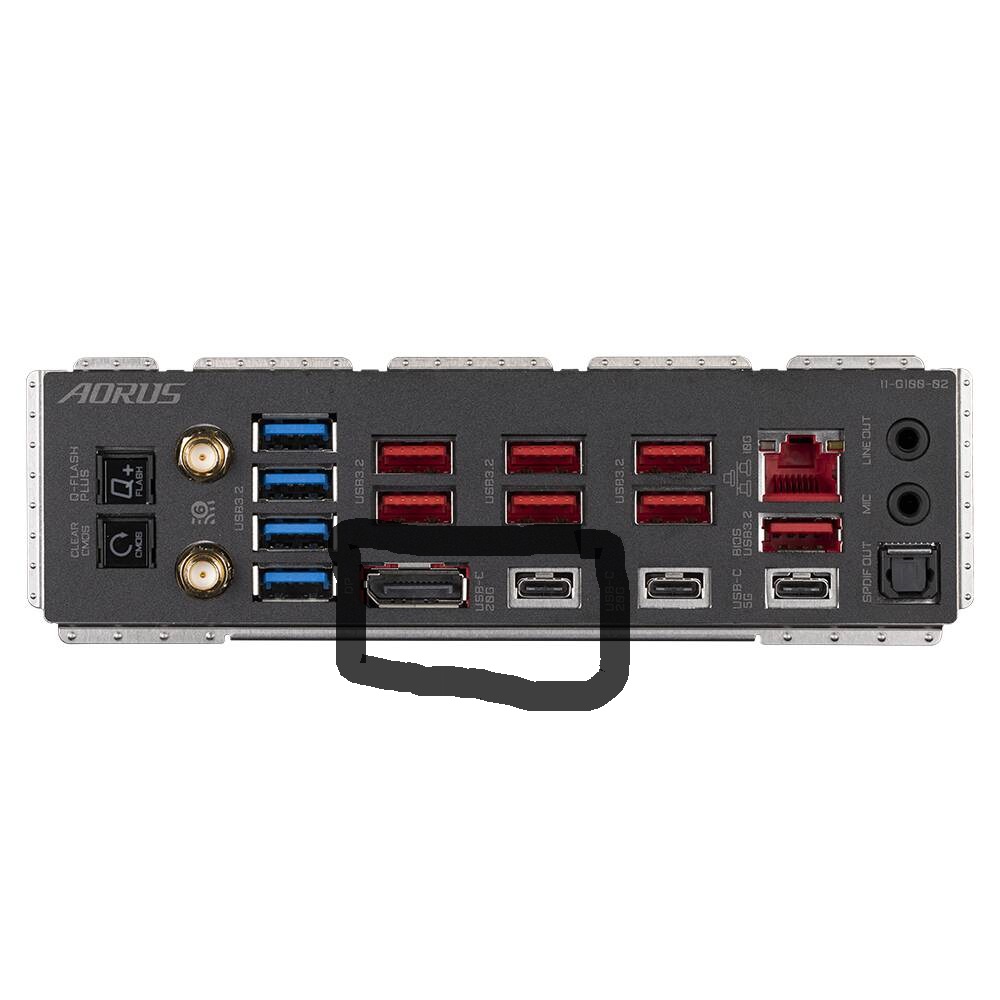
The G2 cabling does not include a micro-USB connector. It has a USB-C connector. Though an USB-C adapter in included don’t use it for you don’t need it. The G2 cable with this USB-C connector should be plugged into one your mobo’s USB-C ports, the one that’s circled should work fine. That’s what I did for my G2 and it works great. As you noted, don’t use the mobo’s DisplayPort for the G2 (crud, people do get careless with the info they post).
A few months back I tried a Reverb using a USB-C to USB-A adapter as my then PC did not have a C port. Apart from the adapter supplied, I tried three other adapters. I could not get the Reverb to run consistently with any of them, despite trying every USB-A port on the PC. I eventually changed PC and got one with a C port. The reverb works perfectly now, even on high to ultra settings.