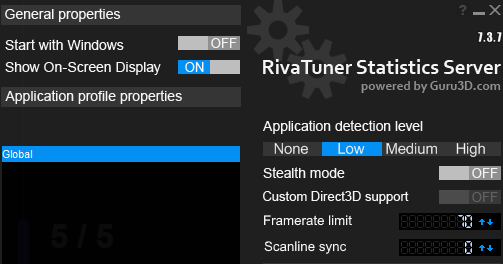
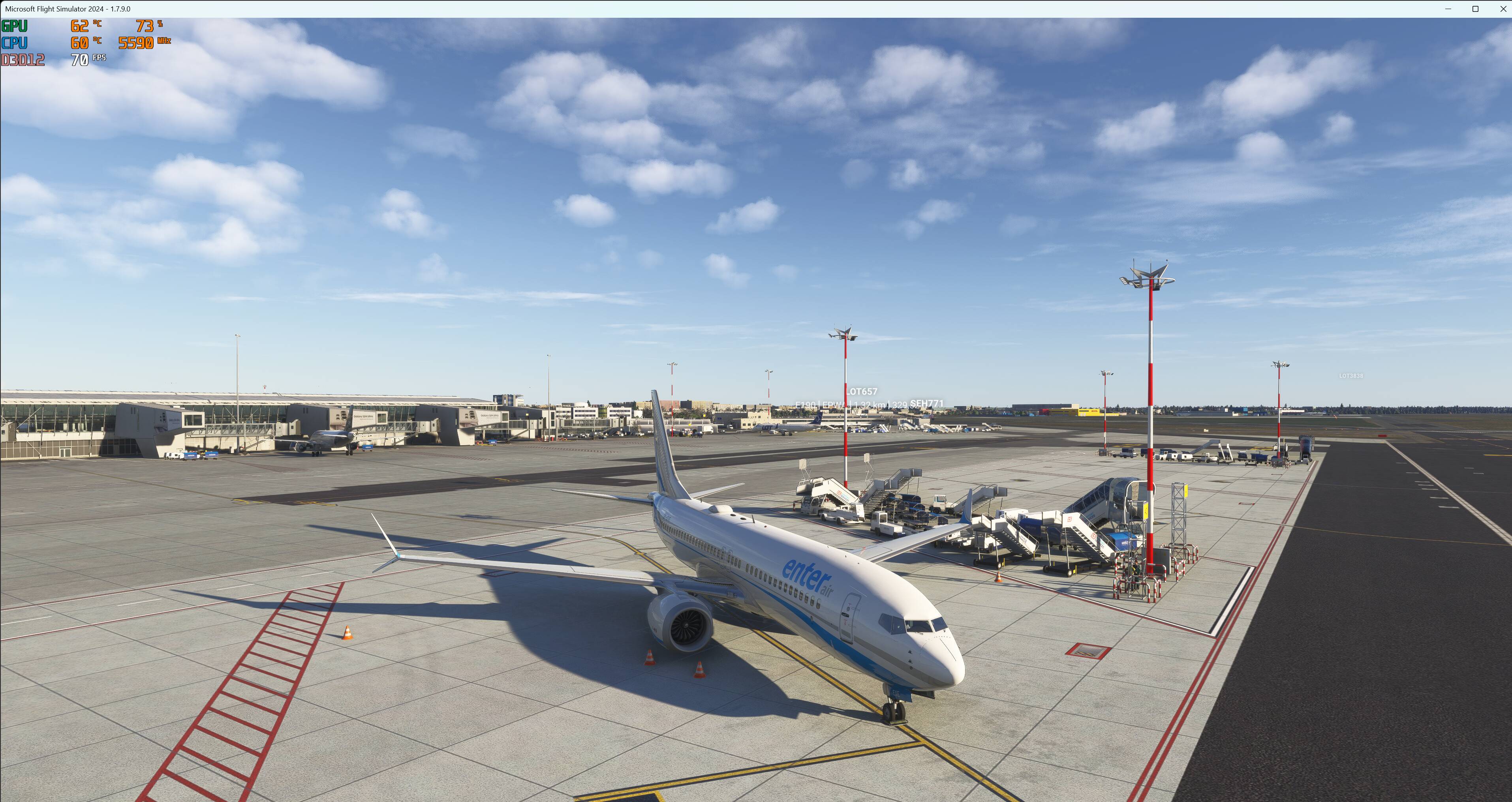
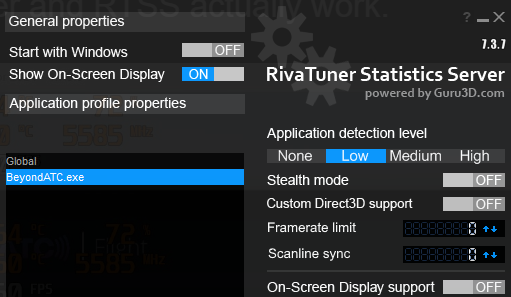
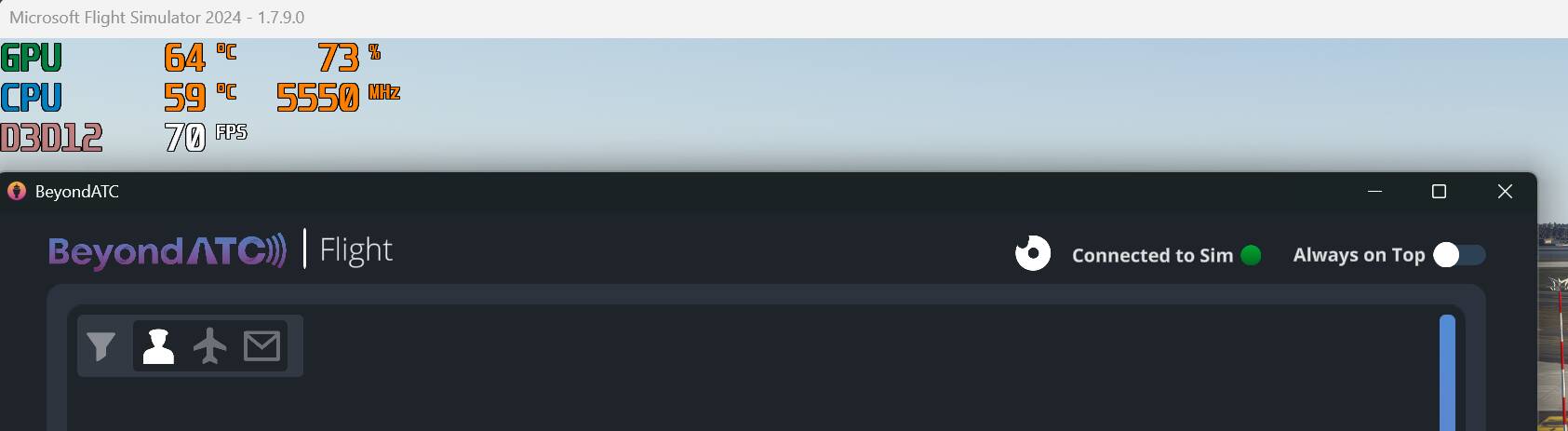
Description of the issue: Riva Tuner Stadistics overlay not showing on SU5. The fps limiter does not work either. It seems that RTSS does not detect the game at all. I have tried with “Custom Direct3D support” ON with no difference. I have never had this problem before with any update or any other game.
FREQUENCY OF ISSUE
How often does this occur for you (Example: Just once, every time on sim load, intermittently)? : Every time on sim load.
REPRODUCTION STEPS
Please list clear steps you took in order to help our test team reproduce the same issue:
Run MSFS2024 SU5
RTSS overlay doesn’t show and fps limiter doesn’t work
YOUR SETTINGS
If the issue still occurs with no mods and add-ons, please continue to report your issue. If not, please move this post to the User Support Hub.
What peripherals are you using: No peripherals connected
[PC Only] Are you using Developer Mode or have you made any changes to it? : No
[PC Only] What GPU (Graphics Card) do you use? : Nvidia RTX4080, latest drivers
[PC Only] What other relevant PC specs can you share? : Windows 11 updated
MEDIA
Please add a screenshot or video of the issue occurring.
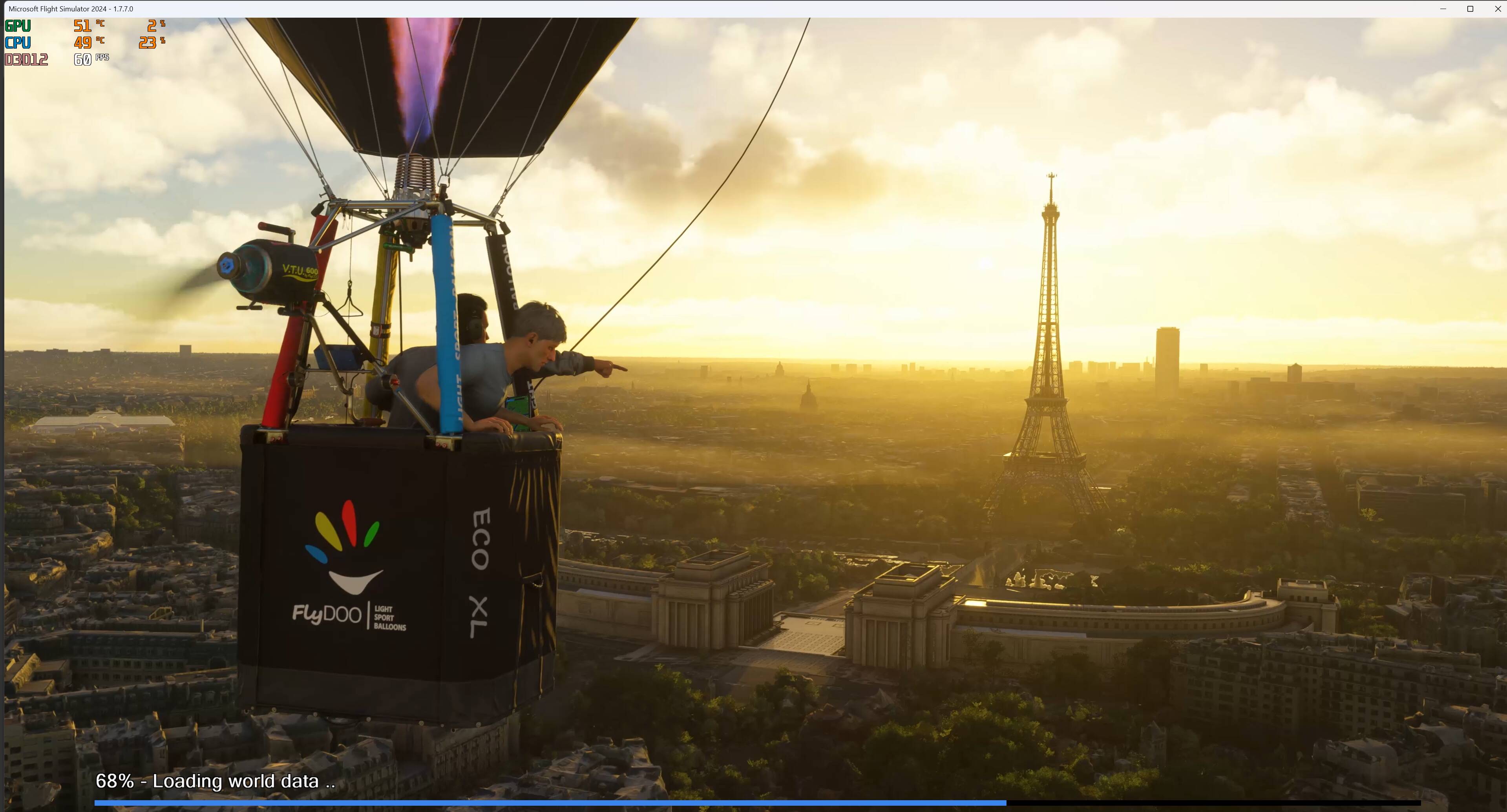
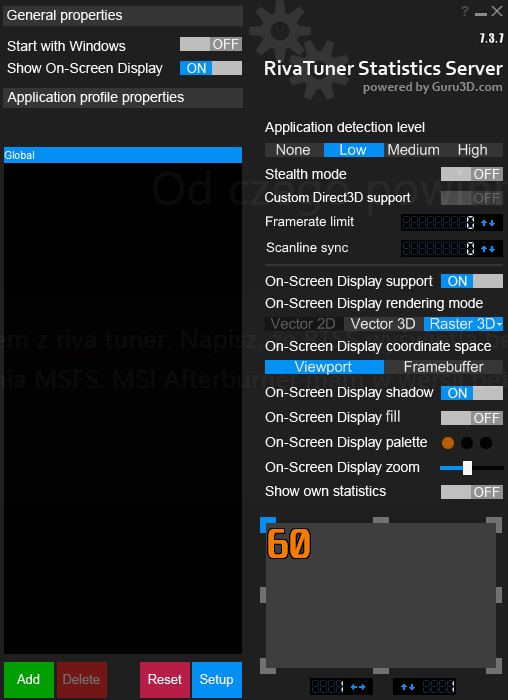
RTSS displays the overlay without any issues as soon as MSFS 2024 SU5 beta 1.7.7.0 is running. I have MSI Afterburner in beta version 4.6.7, downloaded from the official MSI website, and RTSS in version 7.3.7.28314 Below is a screenshot of RTSS – everything works fine, so compare it with your own settings.
The same thing happens to me. When I switch from DLSSFG to FSRFG, it disappears, and the same thing happens when I switch from FSRFG to DLSSFG. But I’ve found the solution: close RTSS and reopen it. It should work again.
I recommend not using MSI Afterburner and RTSS if you don’t know how they work, as it could damage your hardware. In any case, it works fine for me, and I hope it works for you as well. If it doesn’t, please report the issue directly to MSI, because MSI Afterburner is their software, not Asobo’s.
I’m not angry, why do you say this?
It’s just, that in this forum things tend to get closed always a bit too fast and got forgotten. Beside this, I get a big fat blue hint that this topic has been solved as I type
You already said, that it is working for you.
My usage of RTSS and my Rainmeter gauge is different and it does NOT work anymore. It works flawless with SU4 and as soon as I switch to SU5b it doesn’t work any more. Switching back to SU4, it works. No other changes made.
What should my conclusion be then?
Believe me, I very well know what I do and what I have to expect.
Please re-read again how I use RTSS.
I find this conclusion very unpolite.
I don’t think this was you, but how the above qualifies as “spam” is beyond me. A question can be valid regardless of whether it consists of one word or twenty.
I’m asking quite literally whether you were serious with these comments.
If they weren’t serious, then obviously they were made either in bad faith or as a joke and not helpful to anybody, BUT not necessarily detrimental either.
If they were serious, then not only were they rude as the person articulated; they do not help solve the overall issue. If others are trying to assist in troubleshooting the problem, it is of no help to risk getting sidetracked by mere assumptions masquerading as foregone conclusions. People, otherwise willing and able to assist, may see you comments, believe them, and decide not to help. That’s bad.
Furthermore, implying somebody is ignorant or uninformed, especially when you cannot be bothered to cite the reasons you drew those conclusions, doesn’t help solve the problem at all. Even if you can, it isn’t that helpful anyway.
I think you should correct your comments, because they are wrong. Forgive me for not taking the backstabbing approach typical in these forums of flagging your post for some nonsense reason simply because I do not like it. Having it “hidden” also defeats the purpose as most of the information you presented was very useful. I value a slightly higher tolerance for open discussion than seems to be allowed in these forums as I think it is more conducive to holding each other accountable for things said.
I posted earlier but maybe my comments got missed in the scuffle.
I have had the problem since SU5. I think, but of course I could be wrong, that it is linked with the creation of the screen on statrtup. I also think that that is causing the crashing issue when returning to 2D screen from VR.
Before SU5, I could start RTSS and then start MSFS2024 quite happily and RTSS would appear on the screen as soon as the black screen appears.
However, now if I do that it briefly flickers on screen and then disappears entire and for it to return you have to stop/restart RTSS. A work around that I am currently using is that if I wait until the start animation appears with its 0% loading and then start RTSS it works absolutely.
This is why I think it is windowless screen related and the fact that the VR exit issue happened at exactly the same time is a bit too coincidental for me.
I don’t mind you asking but I probably don’t use in anyway like most people expect.
I don’t overclock or undervolt. I use it purely to increase the fan speeds of the GPU when the GPU load ramps up and to power RTSS. I do not run it all the time, just purely when I run 2024.
As i have said in other forum threads I am not somebody who goes down the overclocking road. Twenty years ago, it was almost a necessity but not these days.
A big under-utilization of Afterburner some might say but I use it only for what I want it for.
Still valid in 1.7.10. As it is 100% reproduceable with SU5b different as in SU4 it is not the fault of the 3rd party RTSS etc. I don’t know what has changed, but sth has changed.
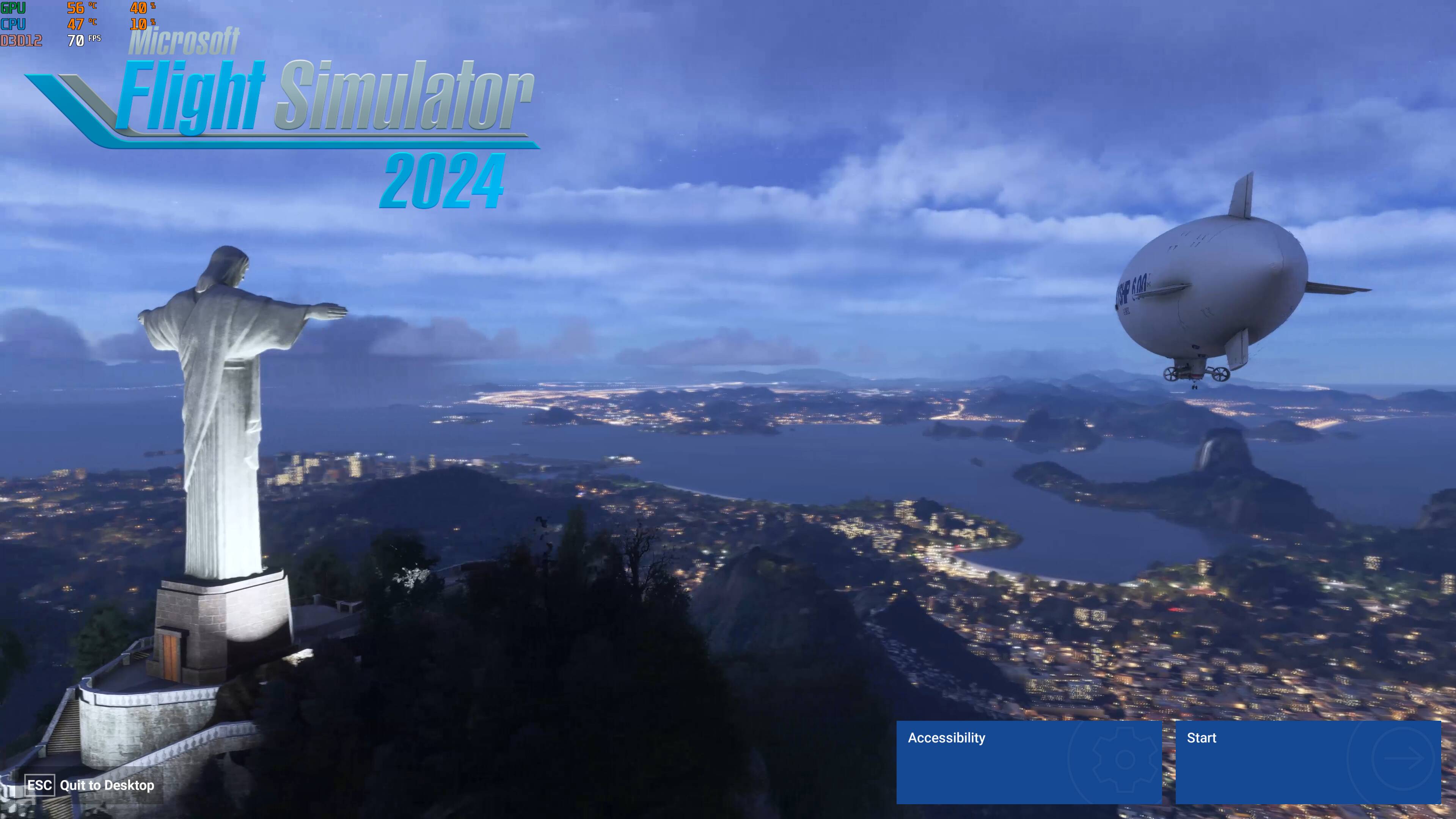
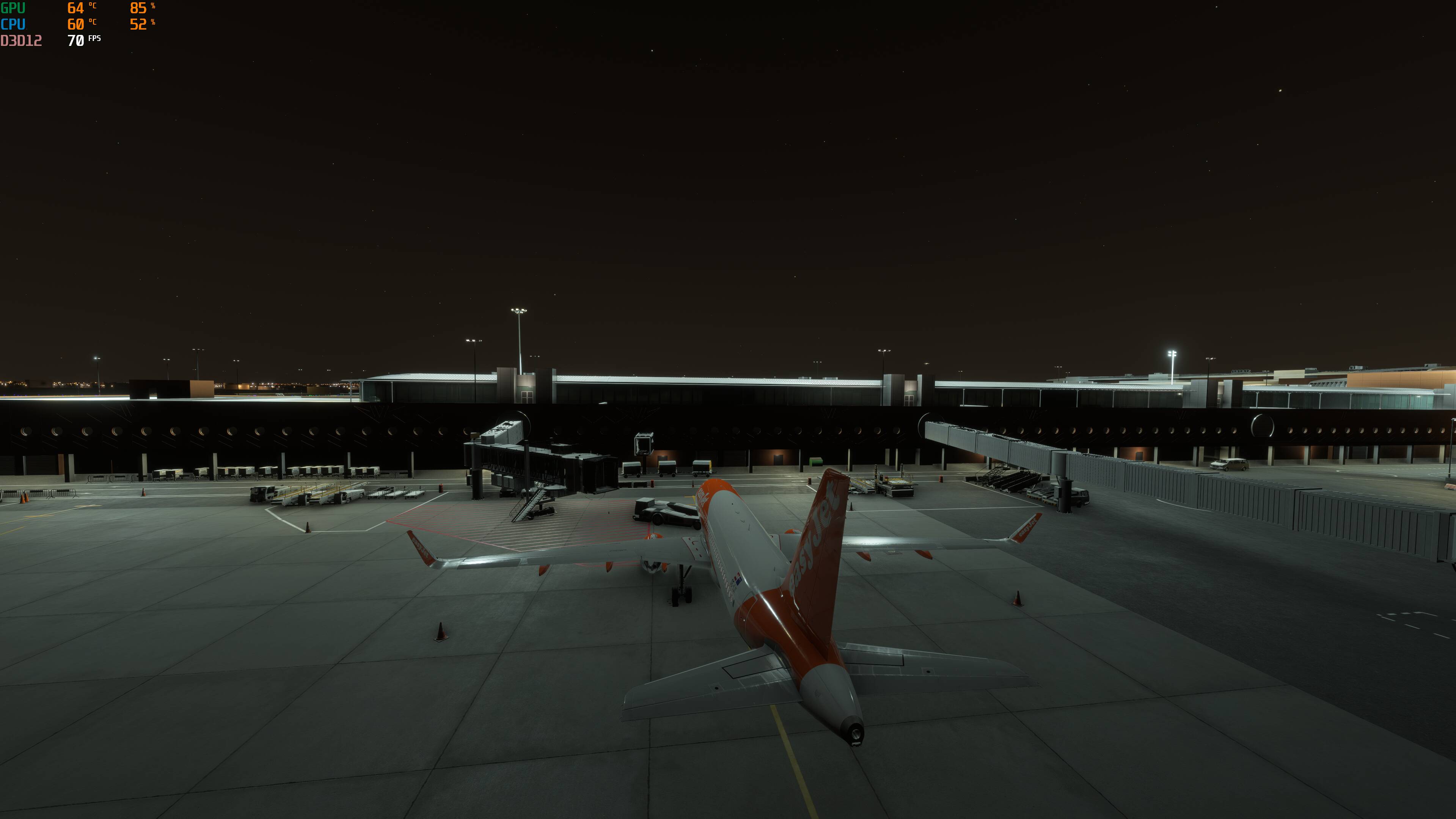
I have RTSS + Afterburner showing the overlay when FS24 SU4 is running.
Is there an easy way to have it always overlay on my Windows desktop, even if no other apps are running?
I found this on a Guru3D RTSS forum, and could use Task Scheduler to launch it at login, but I’m not sure I should go down that path.