Using the template below will greatly help the team reproduce the issue and ease the process of fixing it. Before posting, search for an existing report. If you are not sure it’s a bug, please first report in User Support Hub.
ISSUE DESCRIPTION
Description of the issue:
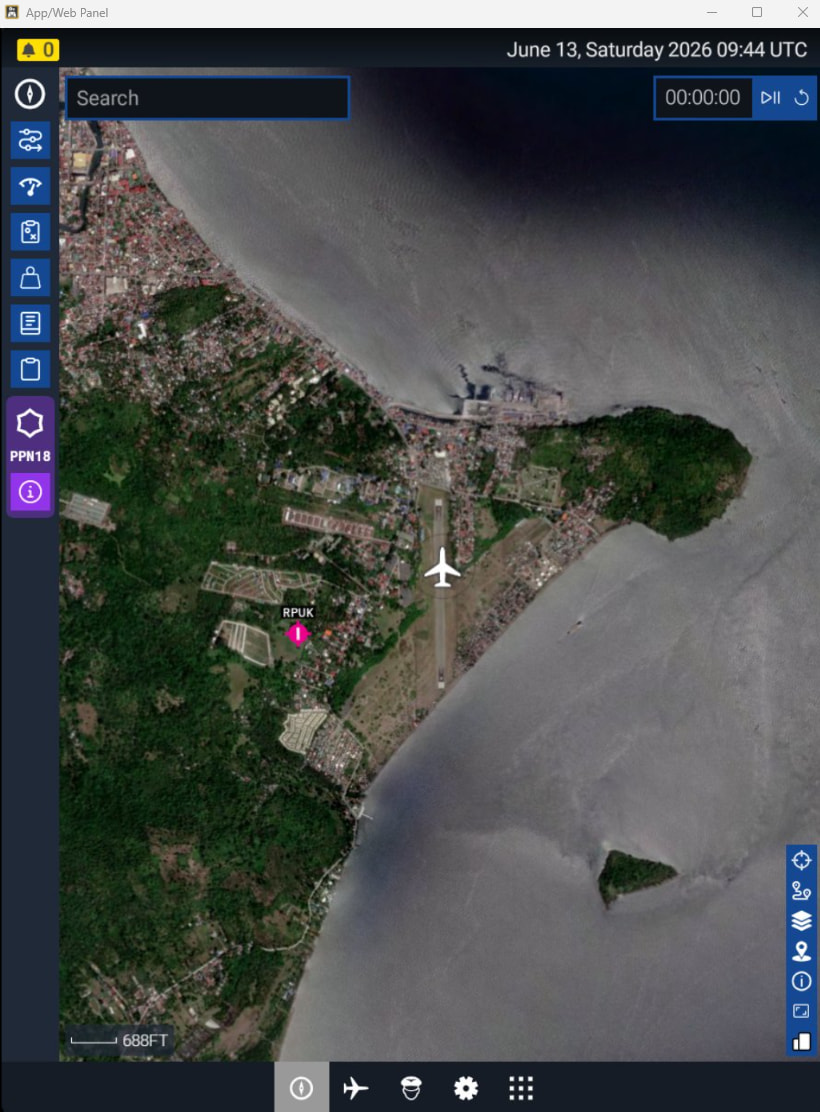
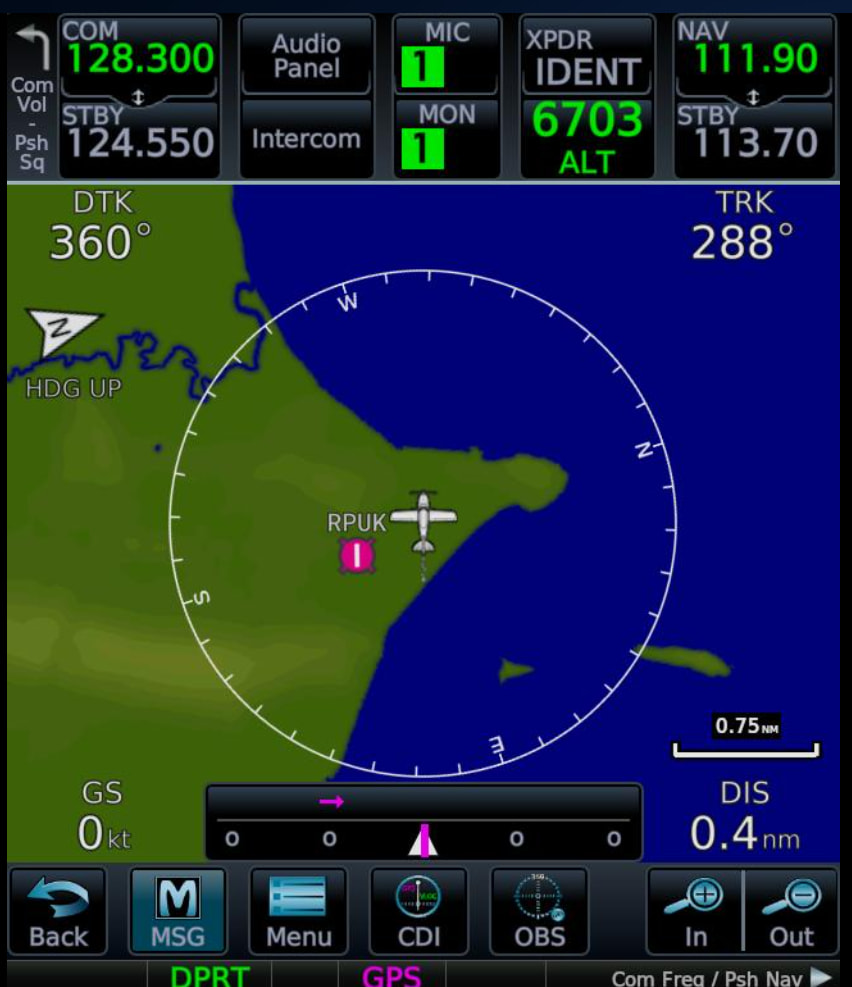
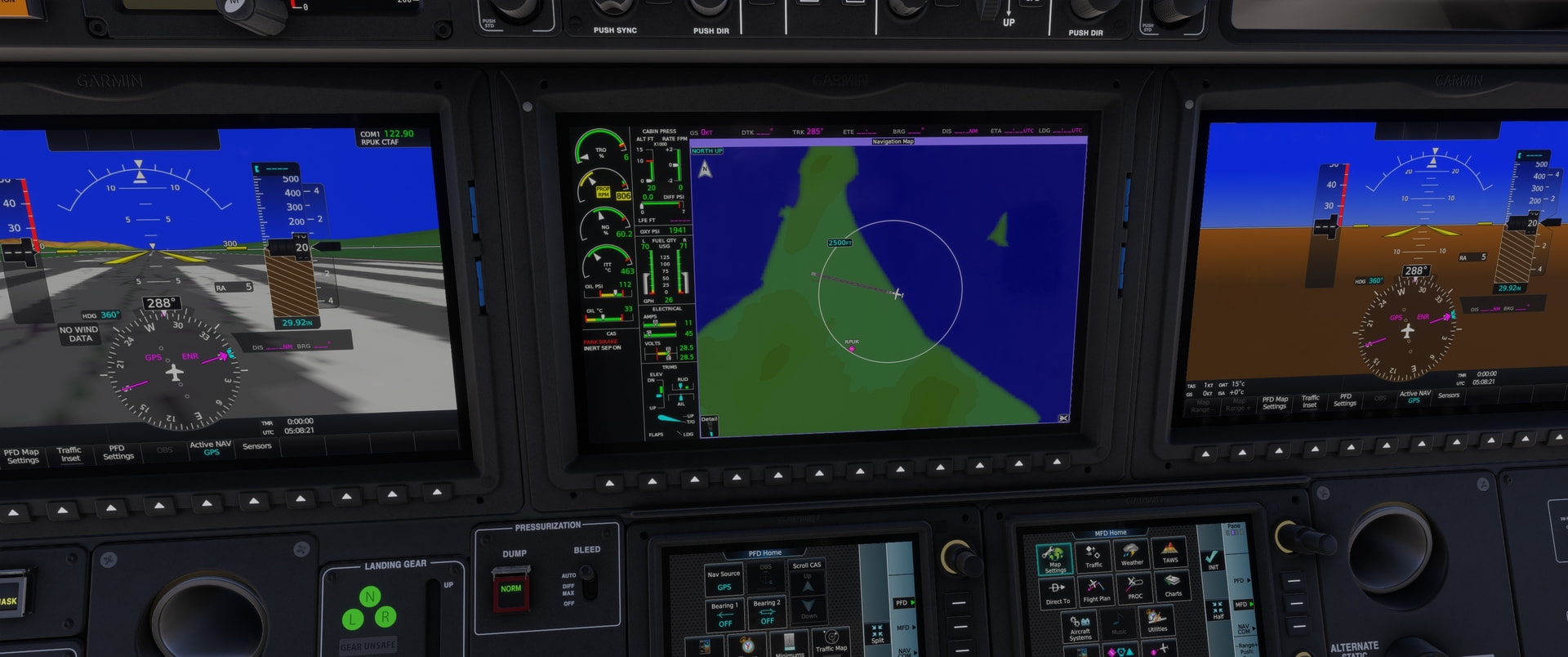
RPUK CALAPAN, Philippines. After landing at this airport, I realised the actual runway/airport does not match the information shown on the map on the EFB. Same with the PMS GTN 750.
See the attached images 1 and 2.
Coordinate or location of issue:
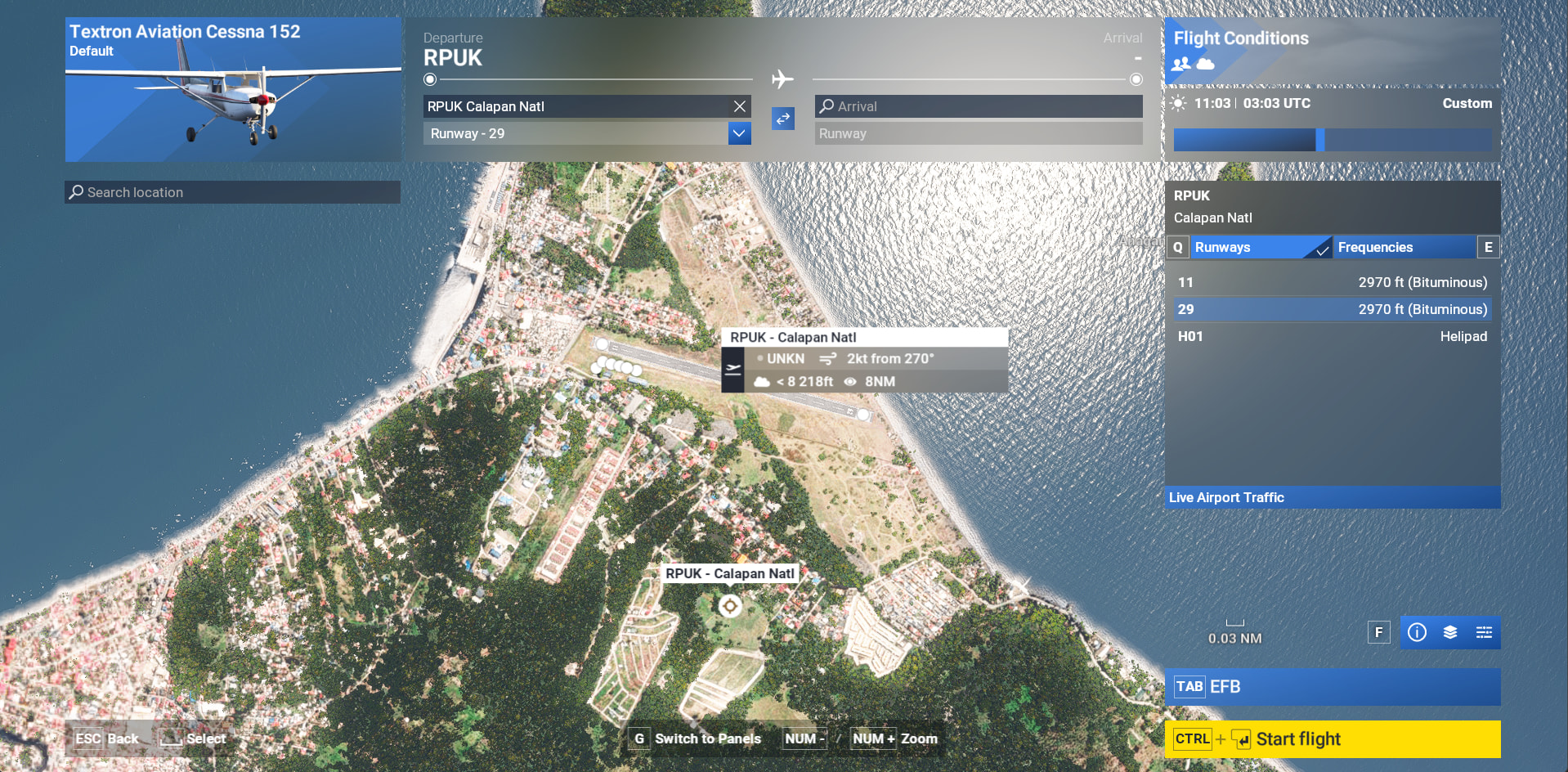
RPUK CALAPAN, Philippines
FREQUENCY OF ISSUE
As of today 13.June.2026
REPRODUCTION STEPS
Please list clear steps you took in order to help our test team reproduce the same issue:
- Take off from KPUK, circle around and land.
Compare the map on the EFB with the of location of the aircraft.
YOUR SETTINGS
If the issue still occurs with no mods and add-ons, please continue to report your issue. If not, please move this post to the User Support Hub.
What peripherals are you using:
[PC Only] Are you using Developer Mode or have you made any changes to it? NO
[PC, MSFS 2020 Only] Are you using DX11 or DX12? N/A. I am on MSFS 2024.
[PC Only] What GPU (Graphics Card) do you use? Not relevant to the issue.
[PC Only] What other relevant PC specs can you share? Not relevant to the issue.
MEDIA
-
Online map on the EFB
-
PMS GTN 750
-
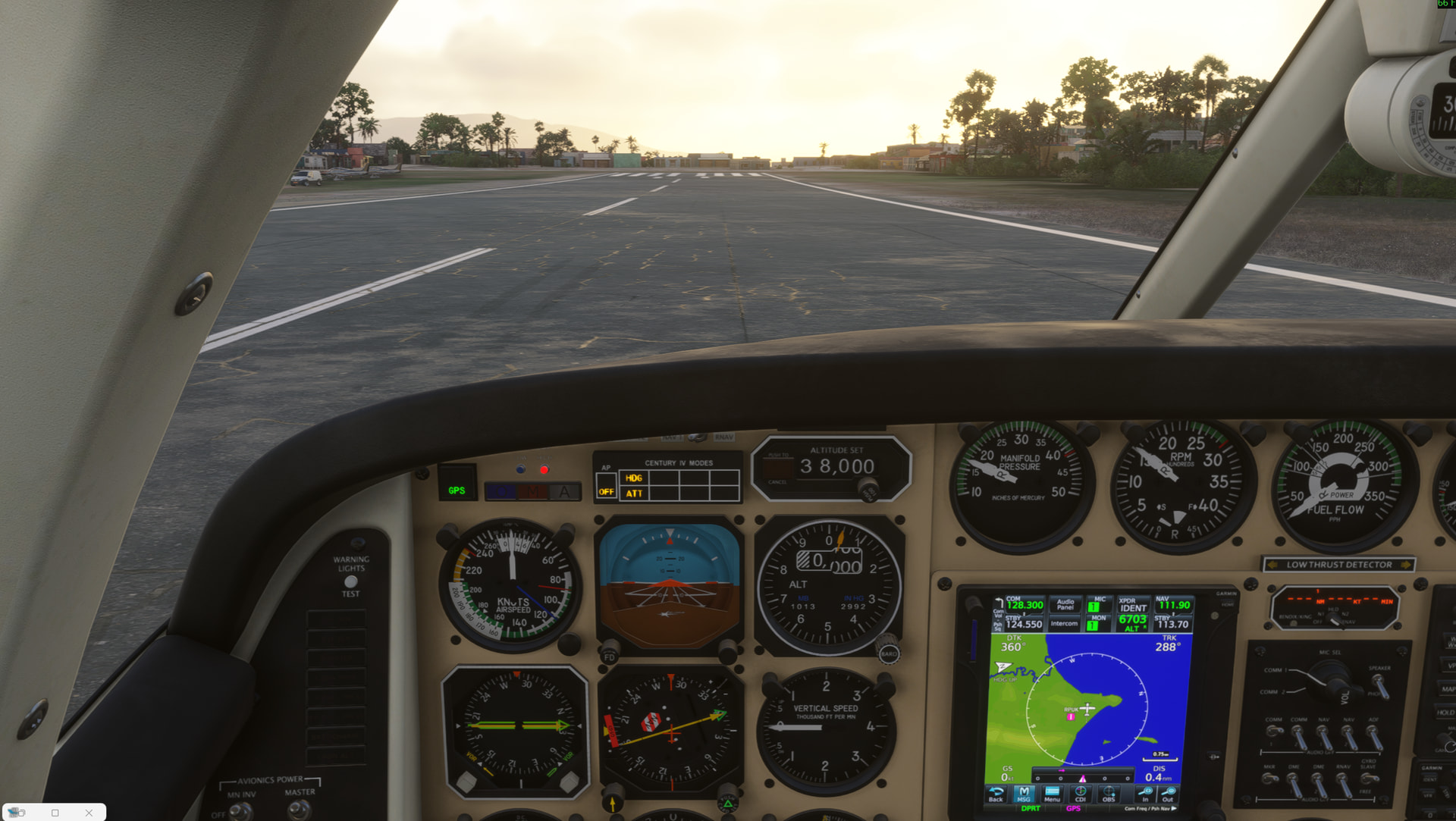
On Runway 29