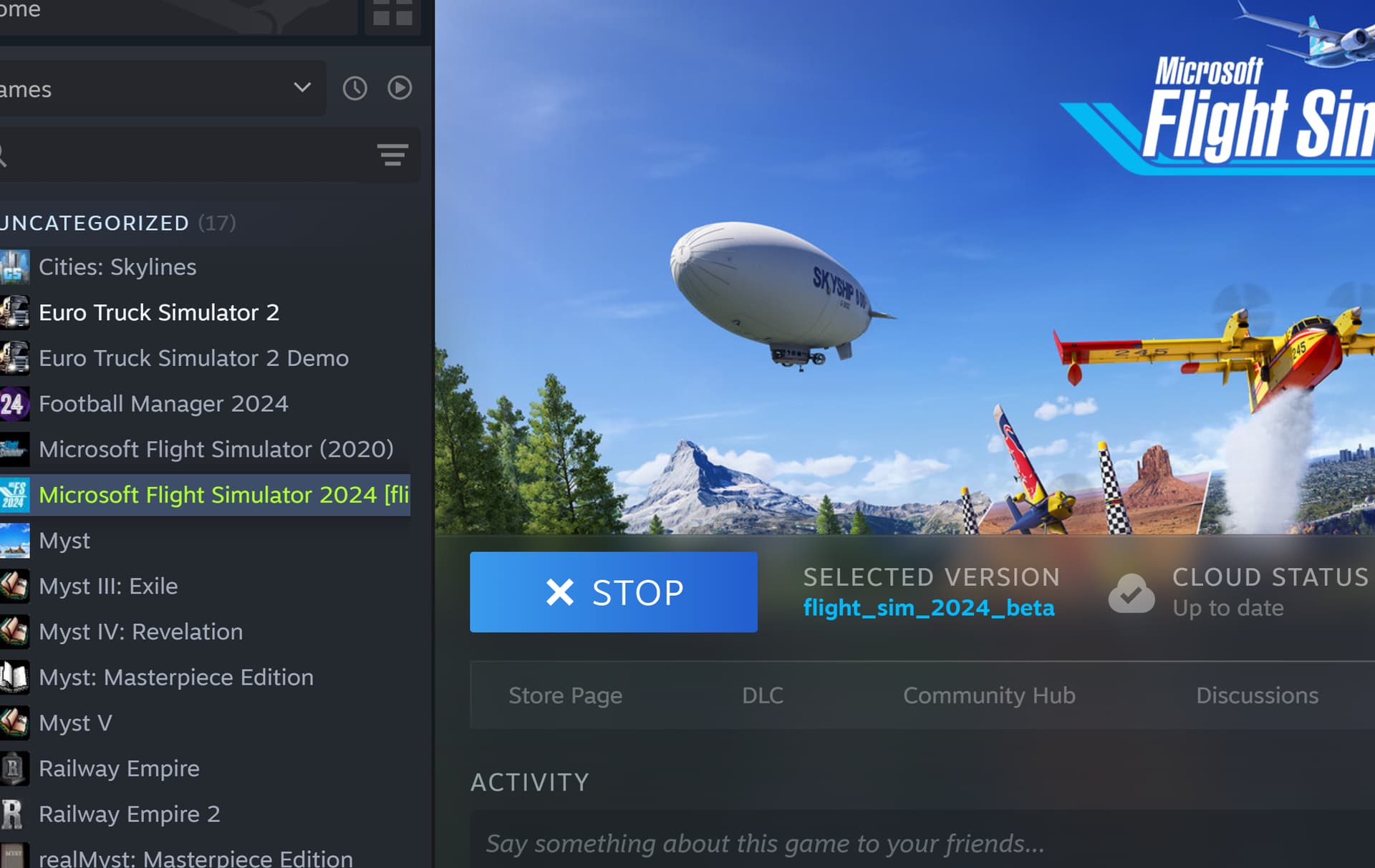
On Steam
Open Steam library
Right-Click MSFS 2024
Click properties
Click betas
Select SU3 beta
On Steam
Open Steam library
Right-Click MSFS 2024
Click properties
Click betas
Select SU3 beta
Ill try the flight from London city again should I?
Yes mate …
EDIT
Once you’ve updated to the SU3 beta, restart PC.
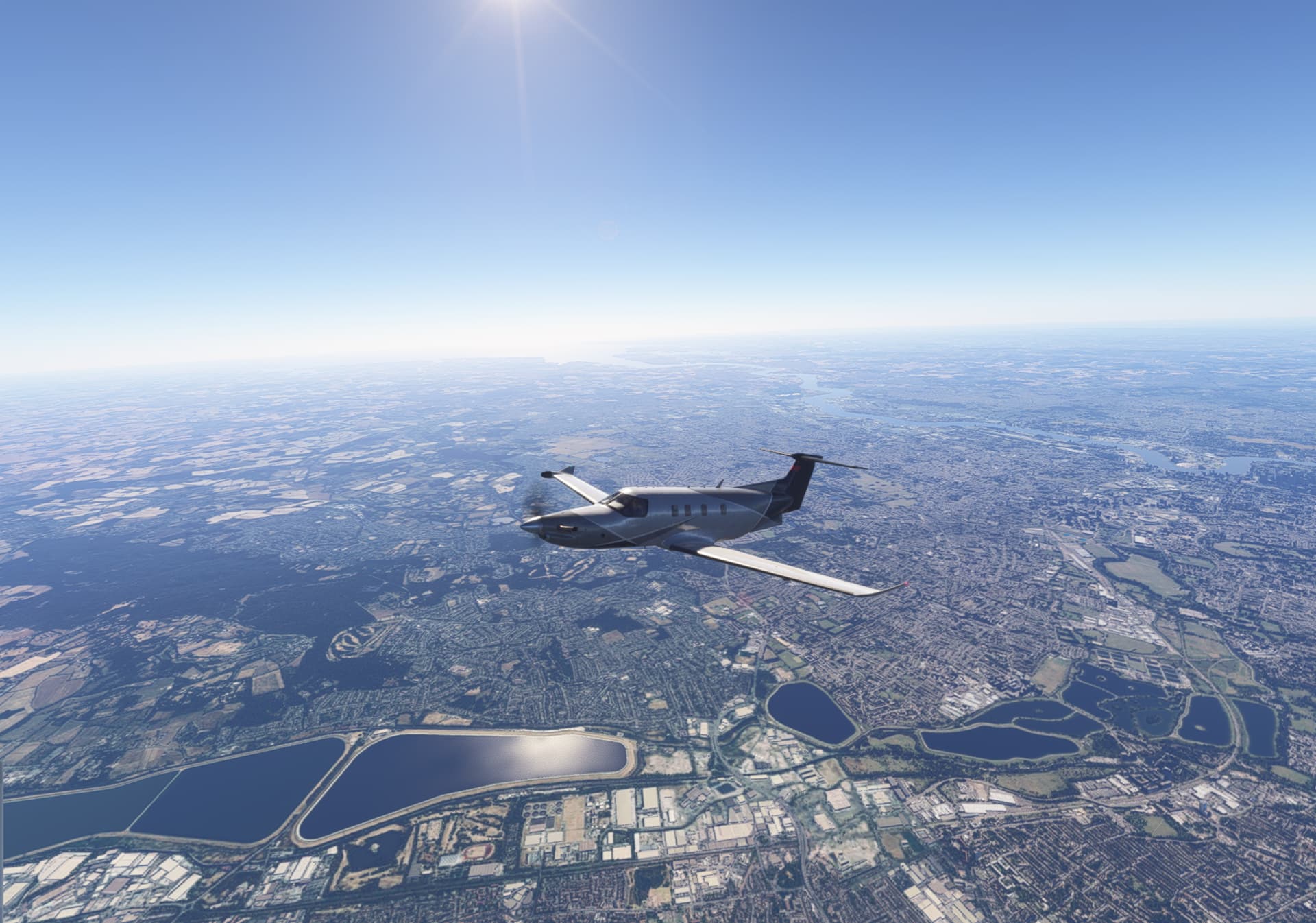
Should I come out or continue? Oh, this is so beautiful - hold thumbs
If you’re already flying, then just enjoy the flight - no need to interrupt it now.
It seems to me that before updating to the SU3_beta, the CTD usually happened shortly after takeoff and judging by the screenshot above, you were already well past Heathrow this time. Still flying?
Why am I able to fly such a smooth flight so far in the Beta and not in SU2? I am using the same equipment - ie PC, honeycomb, pedals - what is so different?
Only answer when you have time. I am enjoying this after all of the frustrations 
If you’re still flying and there’s no CTD - that’s already a big win  I’m keeping my fingers crossed it stays that way.
As for the smoothness after updating to SU3 - MSFS 2024 devs really did make some solid improvements in that area. Performance has definitely gone up for many users.
One tip: make sure nothing else is running in the background - no browsers, no chat apps, nothing. MSFS should be the only thing running on that machine (well, plus Steam of course).
And if you want to post on the forum during the flight, best do it from a separate device - like a second PC, laptop, tablet or your phone. Keep the sim machine dedicated 100% to MSFS.
well, the beta is just the future development version with fixes , improvments, etc.. can work better, but because it is a “beta” can contain ‘new’ bugs.
Changelog of Betas: Beta News - Microsoft Flight Simulator Forums
If you now no longer running into CTD after time , then may be one of the fix containing within the beta was the problem…
Looks like you finally got this sorted. I am keeping my fingers crossed too.
Between the latest beta build and Nvidia graphics driver I am having a good time. Happy flights 
Oh thanks waterlattice. It is such a happy moment to fly
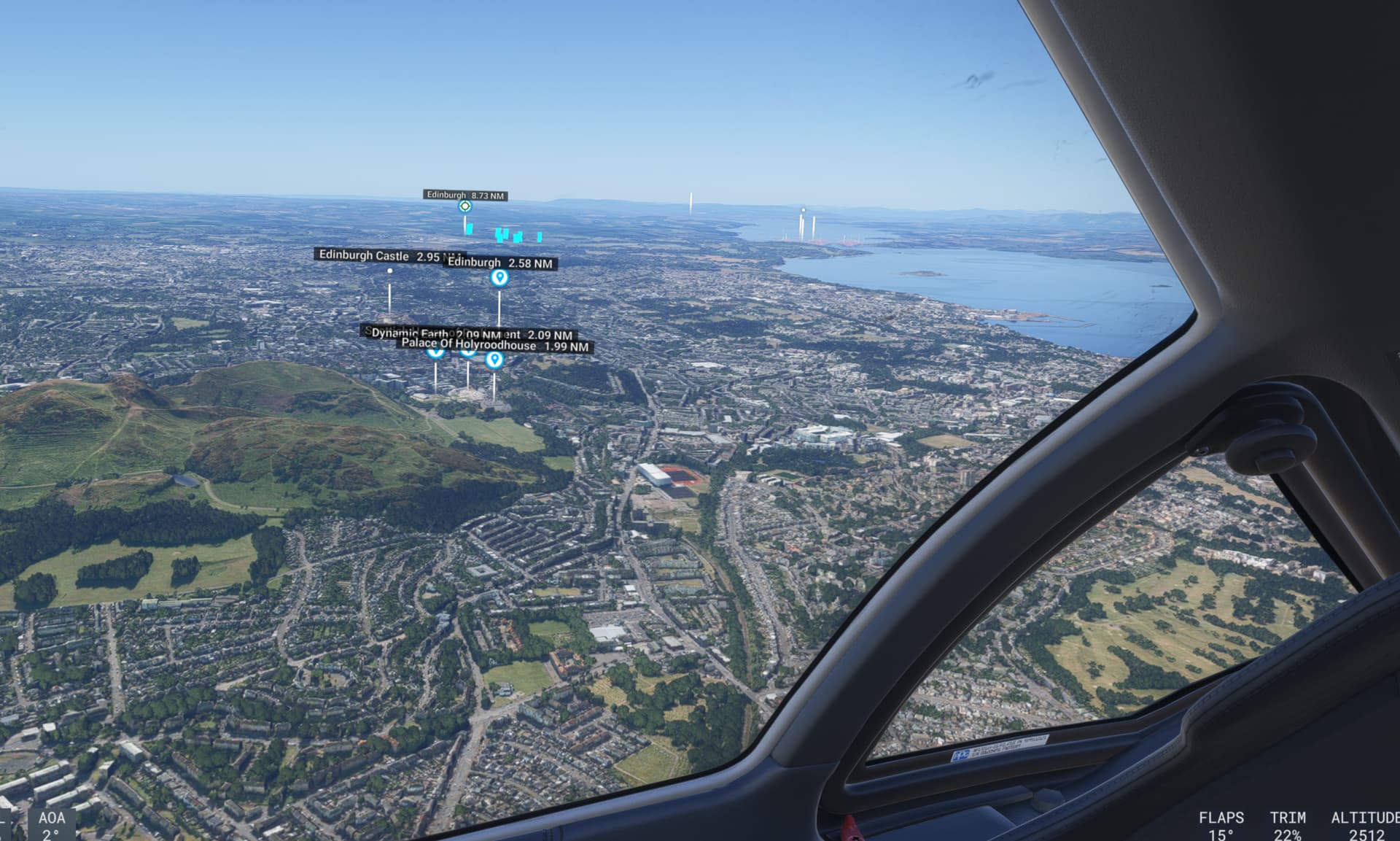
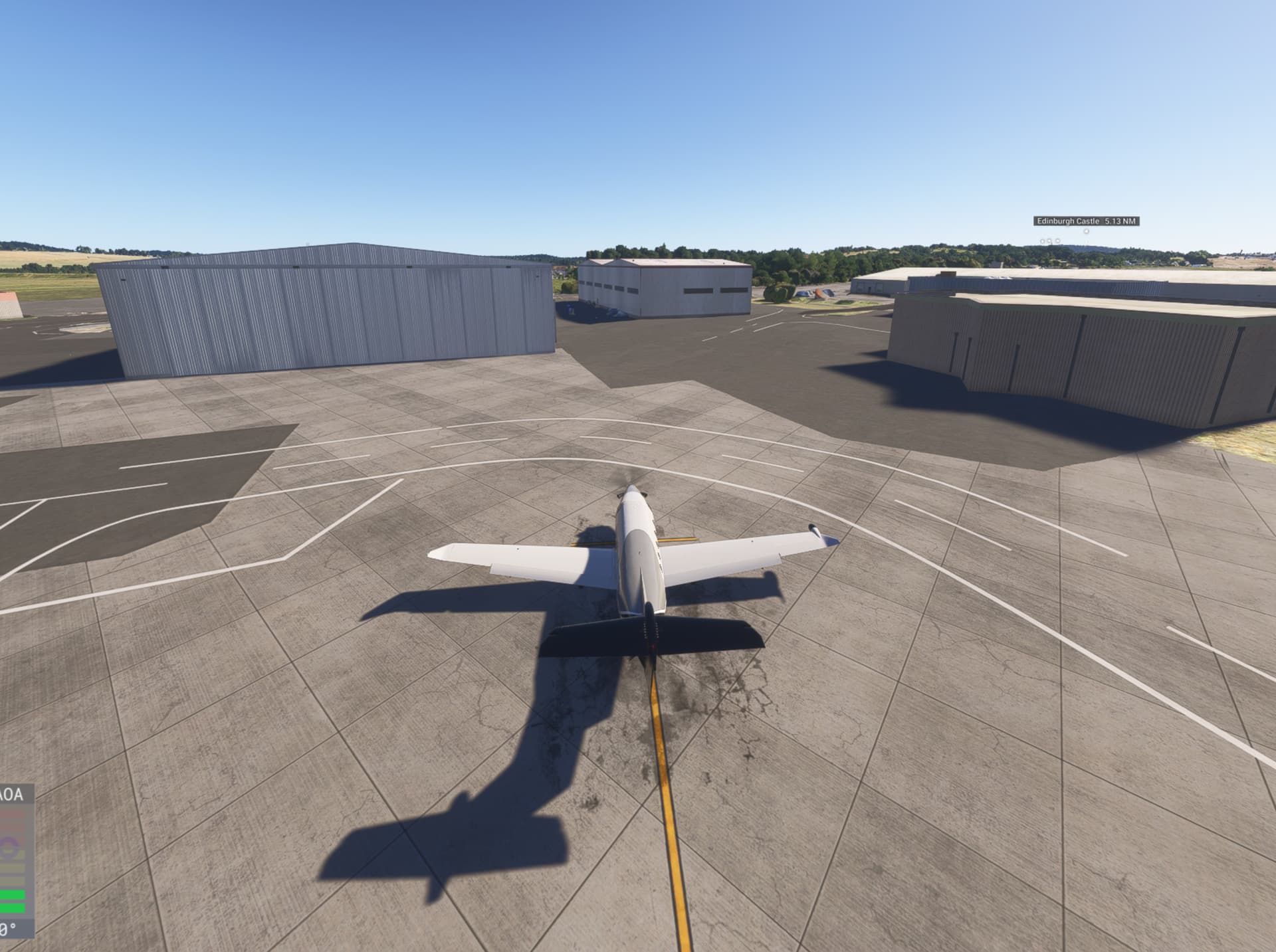
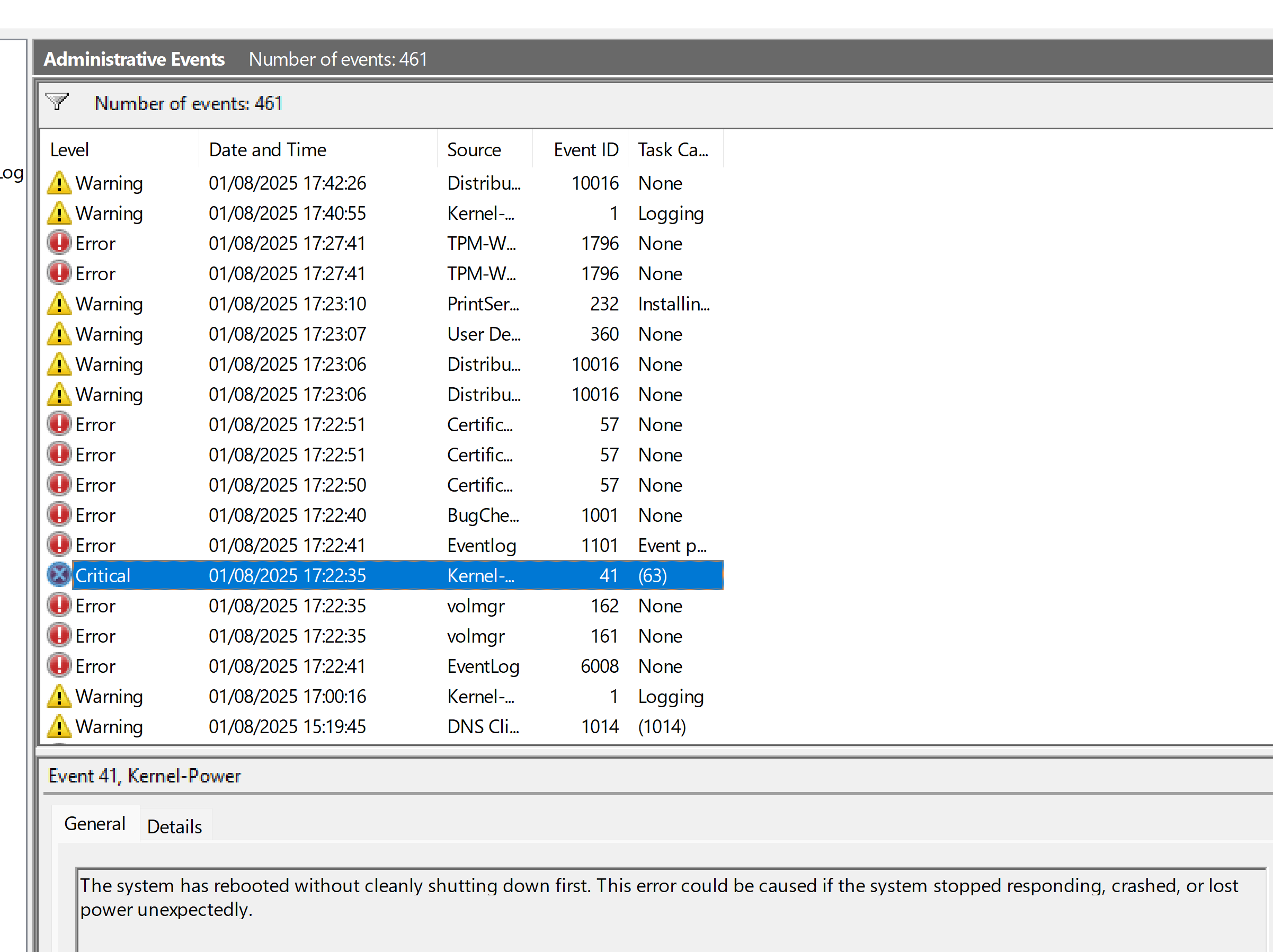
So I got to Edinburgh, ended the flight, BACK, and then it crashed to an error blue page for windows who said they are collecting info
It said go to Troubleshooting Windows unexpected restarts and stop code errors - Microsoft Support
NVLddkmkm.sys
system_service_exception
I found this explanation
The nvlddmkm.sys failed, system service exception error is a Blue Screen of Death (BSOD) error related to your NVIDIA graphics card driver. It indicates a problem with the graphics driver or the way it interacts with the system.
This video explains how to identify and fix the nvlddmkm.sys BSOD error:
I hope this means something to you.
Don’t we suspect there is a serious problem with the windows 11 programme for this PC - if you recall I told you on the 23rd the windows telephone support team remote connected to my PC and reloaded windows 11 because the builder had not put the correct version on - do we now uninstall windows and nvidia & reinstall it - I fear I will never get rid of the problems unless we do.
I can get someone to reinstall windows and Nvidia from scratch just to rule out these are the causes of the issues. Then reinstall msfs 2024.
What are your thoughts because this PC has given me problems from the moment I switched it on after buying it.
I don’t recall ever saying that Windows 11 needs to be reinstalled. A BSOD points to something deeper - could be driver-level or hardware-related, but not necessarily a broken Windows install.
OK, so someone from Microsoft support remotely connected and installed the latest version of Windows 11 Home.
At least now you’re on the correct and up-to-date version of the OS, which should help eliminate some potential issues.
But why reinstall the whole system again? There’s really no need for that.
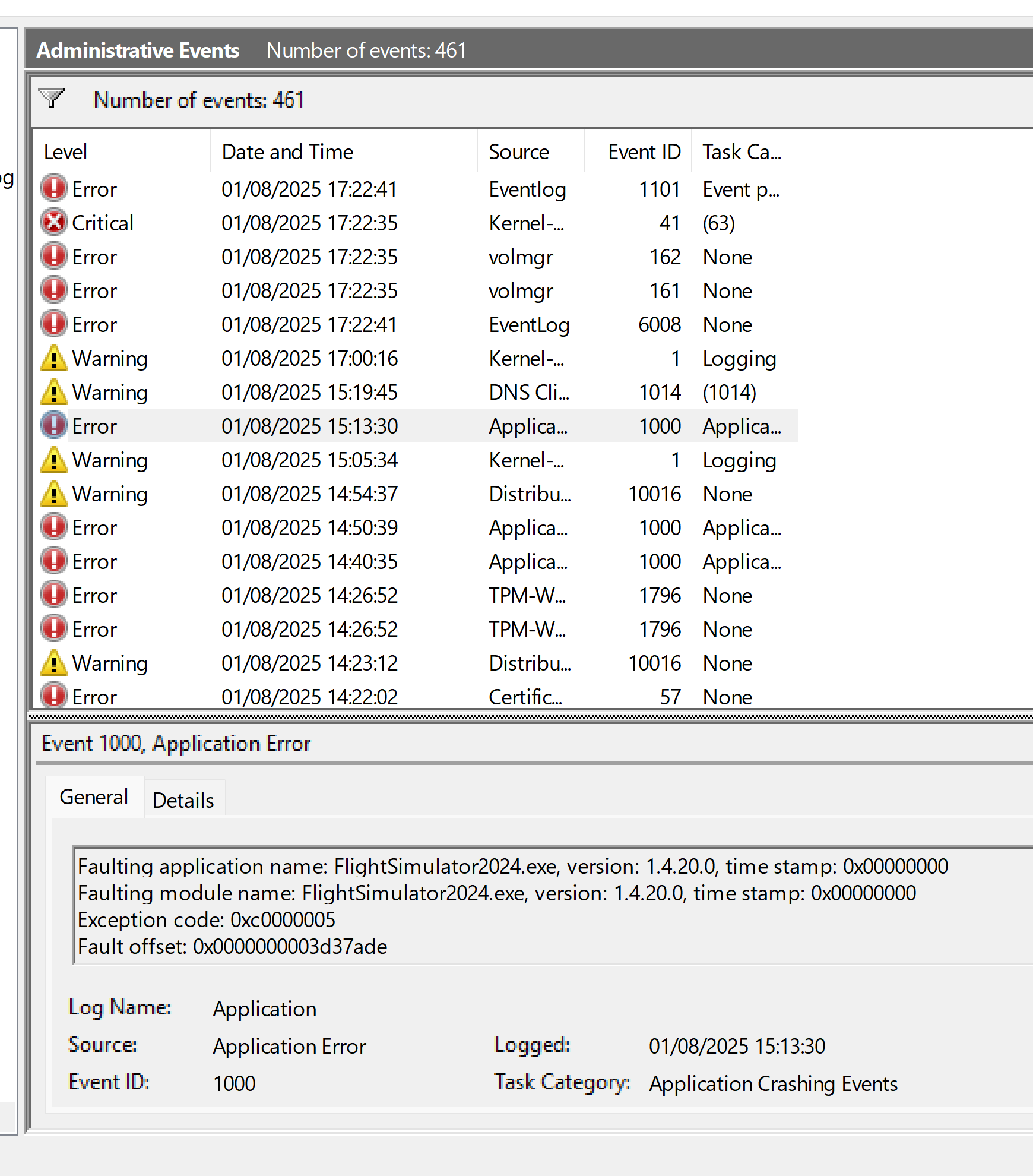
Those Event Viewer entries - like TPM errors are nothing serious. That one probably shows up because Secure Boot is disabled in the BIOS. Totally fine.
And as for the DCOM warnings: absolutely nothing to worry about. These messages have been around forever and I’d bet good money they’ll still be showing up years from now - if Microsoft ever even bothers to fix them at all.
Seriously - these warnings are normal. Don’t waste time chasing ghosts.
I assume the Microsoft support person did a standard clean reset or fresh install of the system. Doing it all over again now won’t make those warnings go away and it definitely won’t fix anything, because there’s nothing broken in the first place.
BTW, how are you connecting to the internet Wi-Fi or Ethernet?
Also, who installed Norton on your system? Was it you, or did it come preinstalled by PC builder or Microsoft support?
And could you please share your full PC specs - including exact models of all the components inside PC case (CPU, GPU, motherboard, RAM, SSDs, etc.), as well as the power supply brand and wattage?
We also don’t know whether your BIOS is set up properly and which version you’re currently running.
These details might help narrow things down.
Some of what you are saying is a relief. I’m just doing a couple of things in the house and then I’ll get busy with your queries.
I think it’s a good idea to have someone more familiar with system configuration take a proper look - someone who really understands BIOS settings, Windows setup and hardware behavior. If this PC has been causing problems from day one, the issue might be deeper than just software or drivers.
If you bought a complete PC with Windows preinstalled, then it was the seller’s responsibility to configure the BIOS and system properly so that things like BSODs don’t happen out of the box. That’s on them - they sold you a PC that should’ve worked reliably from the start.
EDIT
And that’s exactly why we generally don’t recommend buying prebuilt PCs on this forum. Most of us prefer to guide users in selecting individual components based on their budget and then help them put together a solid, reliable build.
I can honestly say that none of the people I’ve helped with custom parts selection have had the kind of ongoing issues you’re describing. Not one.
Of course, that’s not to say all prebuilts are bad - but unfortunately, many of them are poorly assembled or misconfigured from the start.