I just bought a new computer with RTX 5080 with AMD 7 9800x3d and had a crash to the Steam page while flying. I then updated to the 577 latest driver and the same thing happened after about 30 minutes. Any ideas please?
My system (exclusively MSFS 2024 and Navigraph on Steam)
Windows 11
AMD Ryzen 7 9800x3D 8 core processor, 4700Mhz, 16 Logical processors
GPU Nvidia Gforce RTX 5080, driver 577.00, 32GB
CPU 2TB SSD
Gigafast 900 Internet hard wired to extender, WiFi 6E
Does anyone know why this system might crash to the Steam loading page after 30 minutes of flying and EFB use. One time I was flying the PC-12 on a cargo mission and the second time I was taking photos at an airport to upload to the Forum. Now 3rd time.
New Computer so quite Vanilla.
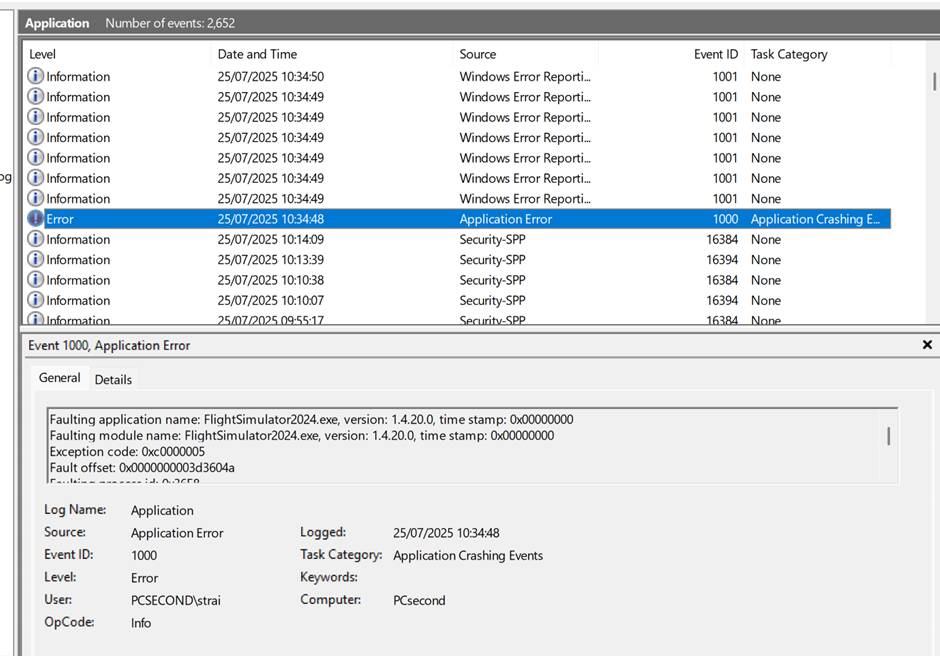
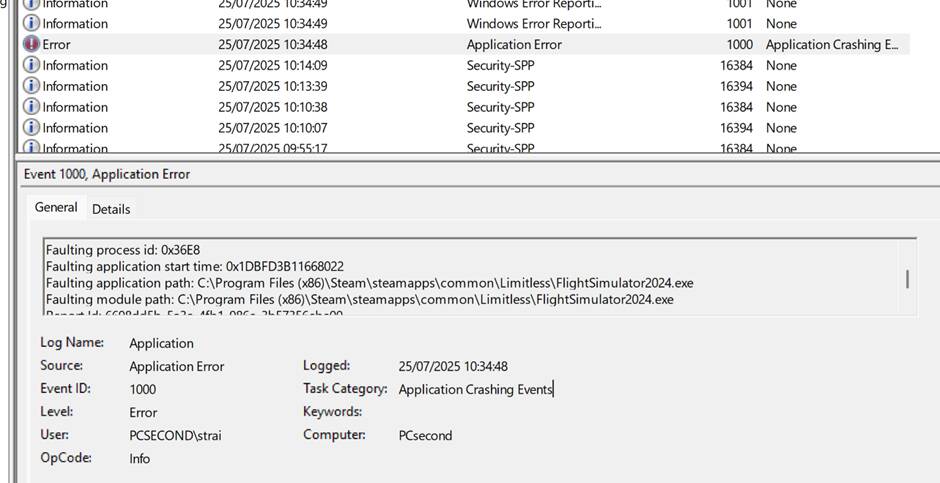
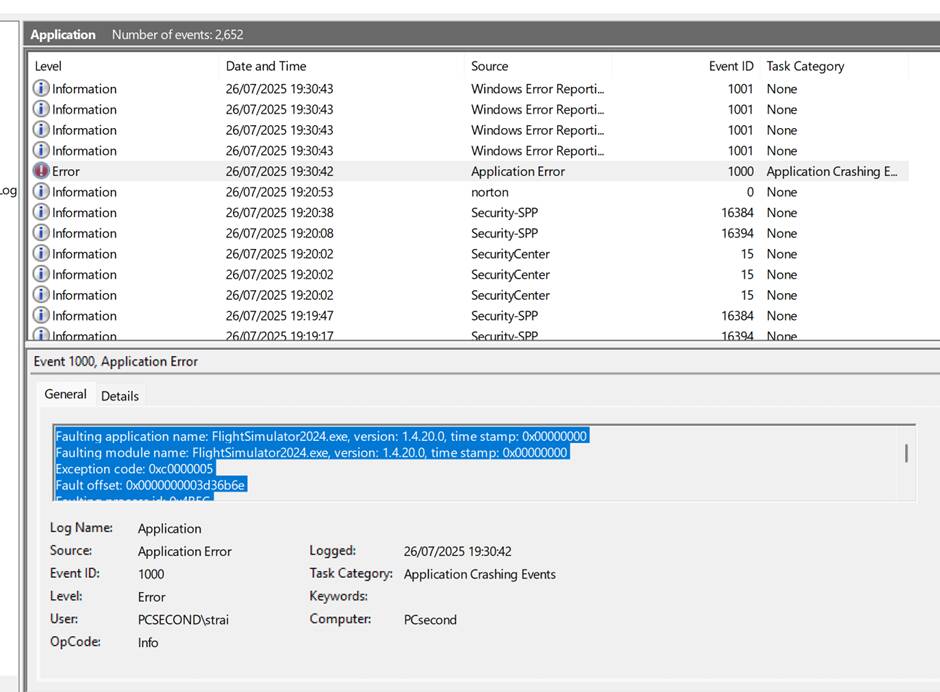
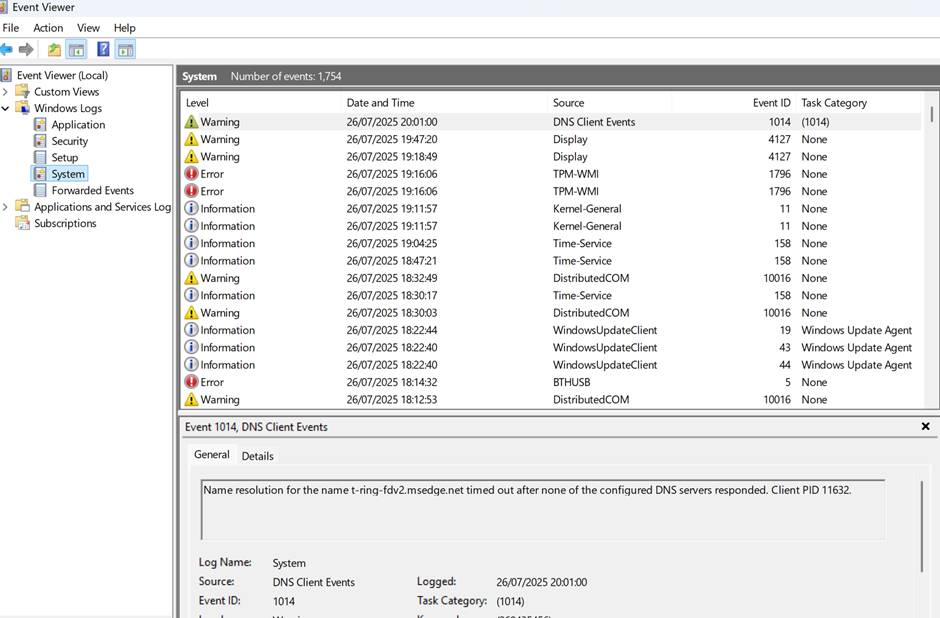
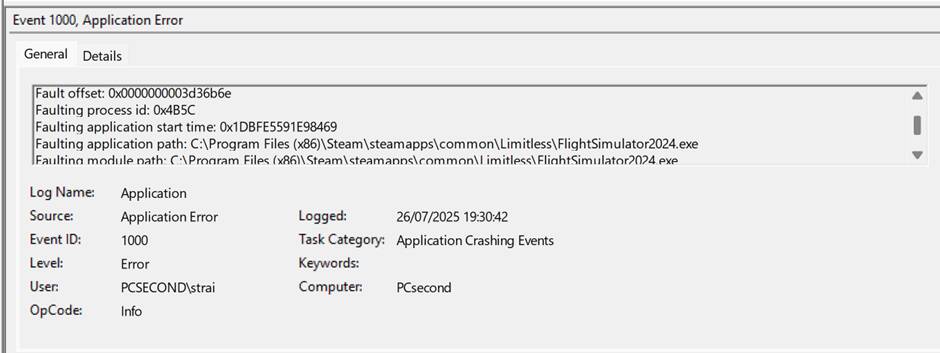
If you own MSFS on Steam, it’s recommended to turn off the Steam overlay.
Only enable it if you want to buy aircraft, airports, or other content from the MSFS Marketplace.
Thanks I will do that but just to say I never had an issue with it on my other computer. Was there anything of note in the fault reports that you felt I might chase down apart from the Steam overlay.
Steam overlay now off and Ill give it another go
Hi, no that did not work, CTD in 10 mins to steam loading page.
So I have Navigraph/simbrief in my community folder and today I bought the Citation x. Since it is new would that need to be emptied? CTD’s were occuring before I bought it.
First of all, MSFS should be tested without any mods, addons. Community folder must be completely empty.
Also, make sure no external programs like Navigraph, FSUIPC, Spadnext or similar tools are running in the background during testing.
Thanks, I will give it all a go tomorrow if that’s OK. 10pm here. I’m tired now after all the head scratching today and the heart ache from not having a perfect product when new!. Is it OK to report back to you tomorrow please. Thanks for the suggestions so far.
Sadly, those 0xc000005 errors are the most generic ‘something went wrong’ crash reports, which makes them the trickiest to troubleshoot.
As @TenPatrol said, test completely vanilla (so no addons, no external applications). Otherwise; make sure windows is fully up to date etc.
Will do thanks. Any advice on how to remove addons in sim and where I would do this please. I can uninstall navigraph no problem.
Rename your Community folder to Community_Copy and then create a new empty folder named Community in the same location.
Next, locate your exe.xml file - once you find it, rename it to exe_copy.xml.
After doing that, launch MSFS and see if the CTD still happens.
Hi, So here is what I did so far.
I uninstalled all the Navigraph downloads and the aerosoft lights for the honeycomb, I turned off the wifi to my TV so it is only connected to my PC.
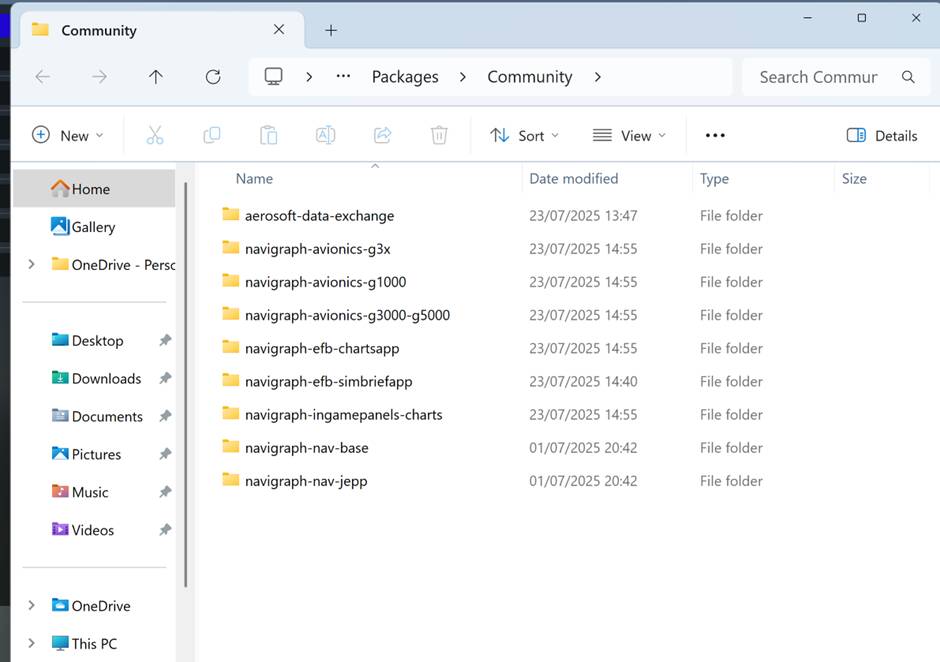
I went into my community folder and oddly it still shows the below despite having uninstalled those programmes.
I flew a flight for about 40mins from departure to arrival in a de-havilland, took a couple of pictures. It did NOT crash, yay.
Being as I am on a steep learning curve here with fiddling with my computer (I am really ignorant about them but now learning!) why are these above features in the Community folder when I have uninstalled everything? Are these MSFS’ own files that come with the sim?
Anyhow, now I need to learn how to make create a new empty folder and how to locate my exe.xml file! Can you maybe explain to me what this does if I do this please?
Good morning, glad to hear you got a flight in!! Wondering if you renamed your Community folder to Community_Copy as suggested immediately above? Suggest going back over the above posts to check all those boxes before next steps. Belated congrats on the new PC too!
P.S. Perhaps try right clicking on your Community folder to make a copy. You may have to go up a level in the folder structure to do this ( ) Then you can right click on the copy and rename it. Apologies if you already know how to do these steps.
Thanks Nikita, Thanks for the advice - I absolutely don’t know how to do much of anything on a PC but I am sure going to learn through this process. Actually, it is about time I am forced to do this to learn how to help myself (with a lot of very welcome guidance from you all - thanks).
One thing, if someone could explain to me, I would appreciate it so I understand why I am doing this, what the difference is btw Community_copy and a new Community folder i.e. how does it make a difference to what?
How is it different from putting the Community folder in a different drive as others have suggested?
By renaming it in place, the sim won’t recognize it, but it is still there for your future use simply by restoring its name to Community. This is a matter of convenience as I understand it. Having it in a different place works too but is more steps, so the instructions given above I see as keeping things simple for you and making it easy to keep track of where things went when it comes time to reverse course. Make sense?
The toughest principle for me to stick to is to make only one change at a time, as that is the only way to know for sure what affects what. Try to have patience with yourself, your new PC and the process so others more knowledgable than myself can step you through problem solving. When it all comes together, you will have learned a bunch and be delighted, but it can take weeks to sort out a new PC in a meaningful way, that I’ve learned the hard way for sure LOL!
Just to catch others up on your progress, please confirm that these steps are now done. If not yet, just ask here and we will sort things out together. Same thing for the following…
Are you using Process Lasso? If yes, just disable it completely. Since I did that, I have not seen any crash, freeze, or CTD.
No I so far I only had navigraph and the aerosoft lights add on. I uninstalled both of those and now I am getting a short flight in departure to arrival. I am learning how to set up a different community folder prior to adding them back. Yeah, I watch Youtube vids and read stuff but so many questions arise in my head that I am still stuck in the fear vs contemplation stage about breaking something I shouldn’t in my PC!
Did you burn in test your HW: processor, graphics card to rule out any dead on arrival components. The failure you are describing could very likely be due to overheating of a component - did you have tested for that too?
Have you enabled any overclock on your Memory - which memory configuration do you have? Have you enabled any XMP profiles? If yes, which one? And maybe try a different one.
What power supply do you have - ist it sufficient to drive the whole PC when on very heavy load?
I have run an OCCT test - no hardware faults ID’d. Fault is with the SIM according to event file.
PC is new and yes power supply is sufficient - built by gaming Co. via Costco.