OK, so should I be posting all those settings in the pages you asked me to copy exactly from your PC and MSFS 24 (if that’s the data you mean)? I can do that but they wouldn’t they be the same each time if I got a CTD. The hardware too would be the same. I suppose what I am asking is what exactly could be different data that the devs would be interested in and be helpful especially in my limited PC knowledge capacity.
You know a silly thing I thought I noticed was, the time before this with the CTD and this time 2 things - the 1st, I bumped my honeycomb throttle unit and got an instant CTD and the second was the bumpy landing. I know you will laugh at this but it is so coincidental that both times it was a bump. Maybe I am putting 2+2 and getting 5??
Yep.
BTW, the thread I linked was just one example. There are plenty of others where users are reporting CTDs, freezes, stutters, and other stability issues. Right now, SU3 simply isn’t ready to be a final release and I’d say at least 80% of those testing SU3 would agree with that.
Also, don’t rush to report bugs just yet. If you’re not 100% sure whether it’s the game or your PC, hold off. Test your PC thoroughly with other games first. No need to jump the gun or get caught up in SU3 hype. One step at a time.
Did almost the same flight - Absolutely perfect. No CTD’s, no crash to Steam, no stutters.
I downloaded beta update. Uninstalled the MSFS 2024 as advised and re-downloaded MSFS 2024 Beta SU3 - and presto - BRILLIANT!
I oddly feel it is finally there and more confident it will not crash. I will test in other GA now before trying the 737.
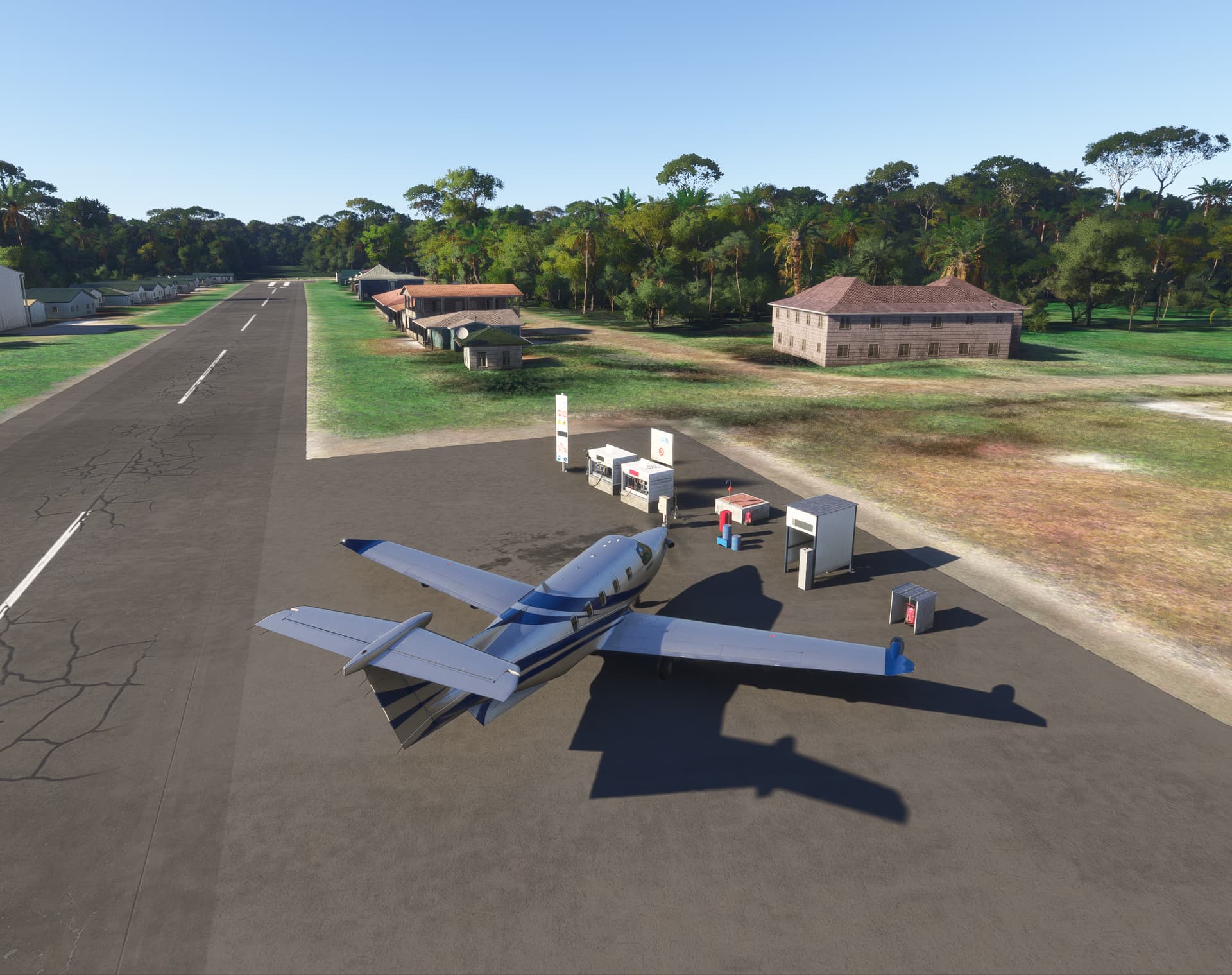
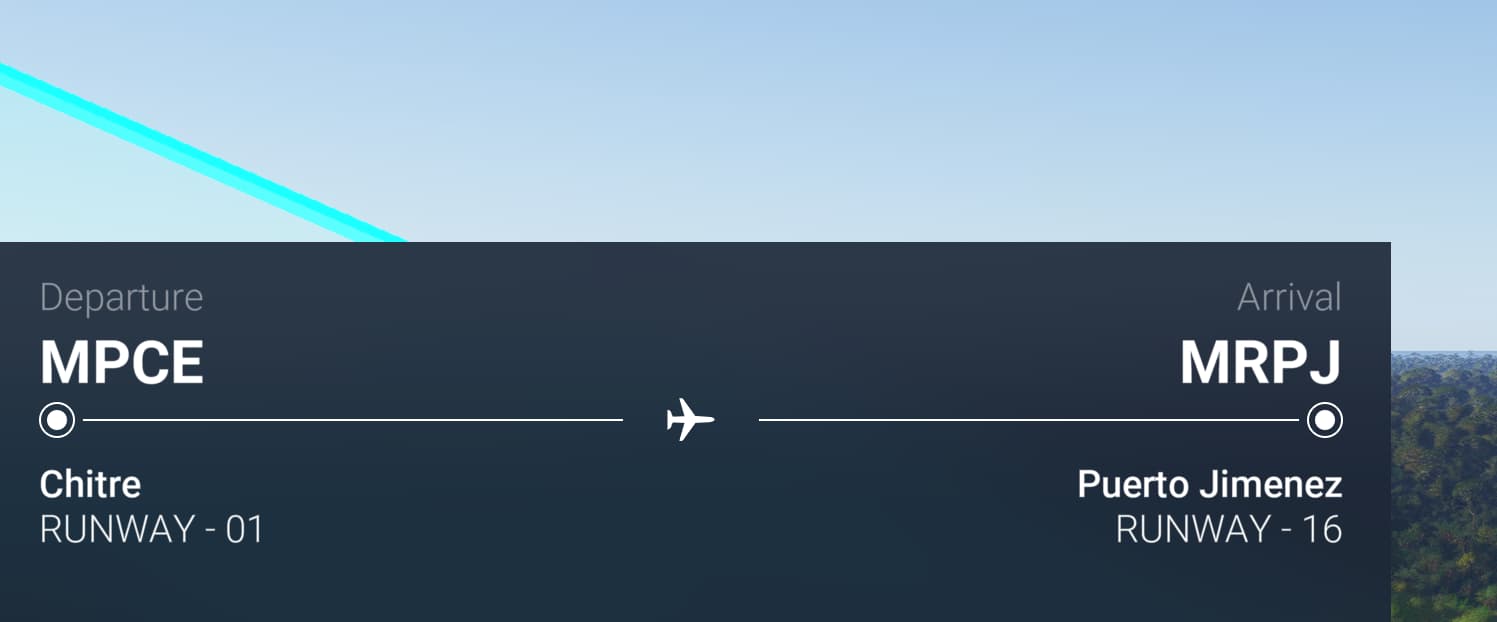

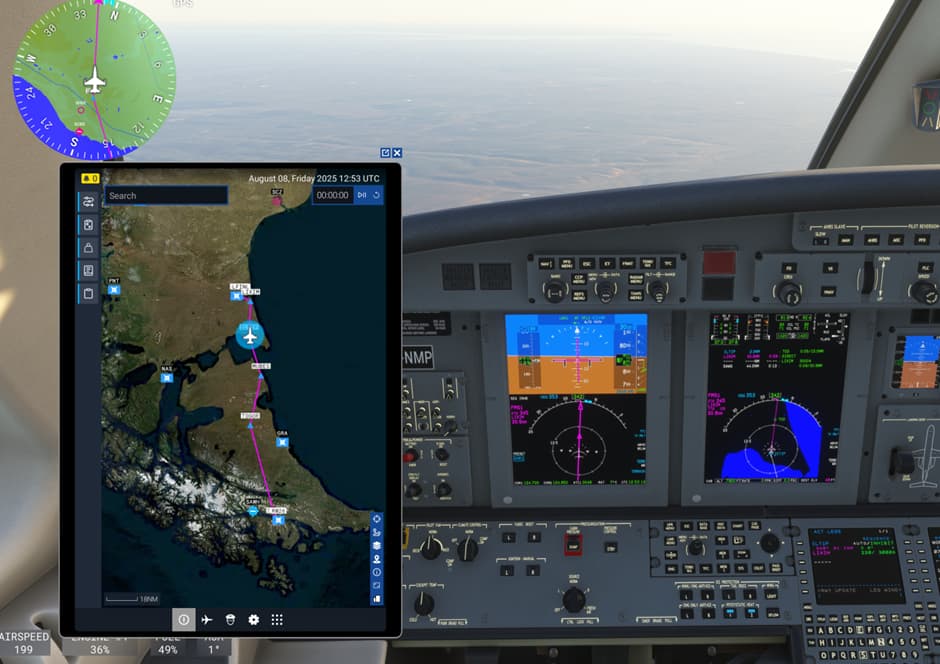

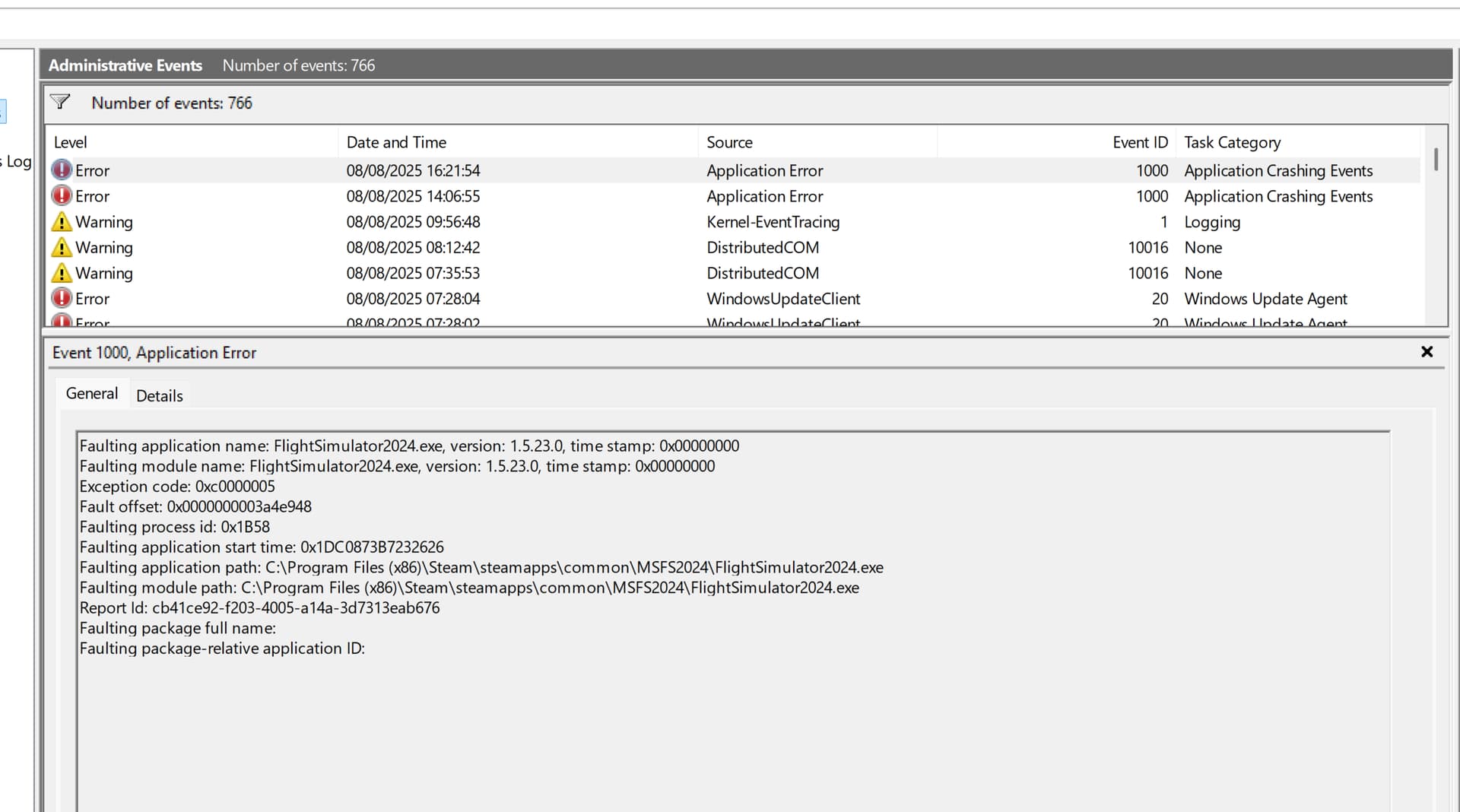
If you’re also experiencing a CTD in the SU3 beta version, please report it in the topic linked below:
https://forums.flightsimulator.com/t/1-5-23-0-su3-beta-survey-stability-pc/732640
Also include Fault Bucket ID.
You can learn how to find that ID here: How to find your Fault Bucket ID after a crash [PC]
I have done this. Thanks, I have learned another new thing about where to find fault buckets. I am certainly going through an education, thanks.
I’ve read having XMP enabled can cause CTD’s with 2024. It was happening with 2020 as well. It’s a shot in the dark but I would try disabling it and see what happens. Can’t hurt to try.
Thanks for the info, I will need to read about what XMP is. I am not that clued up yet. I have certainly learned how to find stuff but still am too afraid to actually change anything without understanding the ramifications of my actions.
You have an AMD CPU and a motherboard designed for it, so in your case it’s about EXPO, not XMP - basically the same thing. For Intel it’s XMP, for AMD it’s EXPO.
EXPO (XMP) is simply a ready-made profile for your RAM. It automatically increases the clock speed and lowers the timings
Sorry I already forgot he had an AMD CPU. Having said that if it was me I would return the PC and either build my own or get something else.
He was having CTD’s in SU2 and now in SU3. I know you keep saying 2024 isn’t stable but it’s been stable for you, myself and many others. CTD’s with his system should not be happening. 
Yes, I agree this system should not be having CTD’s. But what can one say to the builders. They would just say I must return it to them to fix and that is miles away. Added to the fact they do not know MSFS 24. I had an engineer have a look and he said he could not find a fault with it. Ten Patrol has been tweaking stuff. The only thing is the GPU and my PC says it is in working order. I have sent through faulting codes so I am hoping something comes of it. Of course Nvidia still have a bit of work to do too.
I found this comment on Reddit
“Finally upgraded to 5080 from 4080 gpu today and I got so many issues with my new gpu. I was reading here for solutions and finally found one comment that solved this issue. Problem was nvidia driver never copied on my system no matter how many times I tried from DDU to fresh install. So it’s a bug that need to promptly fix by Asrock for new 5000 series. I spend so much time and money swapping my parts and solution was changing pci speed to below gen 4/3/2. So in future if anyone comes to problem where the driver doesn’t install on asrock nova board just change the pcie speed. Full cmos reset and change your cable from either dvi to hdmi or vice versa. Also change your monitor resolution coz cyberpunk will crash on higher fps”
https://www.reddit.com/r/ASRock/comments/1ixp029/asrock_bios_5080_bug/
I see in the comments on the side others are having issues with this GPU.
Any thoughts TenPatrol?
First of all, you have a different motherboard. Second, you didn’t have any problem installing NVIDIA driver. Third, from my point of view, the OP didn’t provide any valuable information - just saying he changed the PCIe speed is not enough. And fourth, the OP has a case that’s way too small and I would never install a GPU vertically, especially not in a way that blows all the hot air inside the case. Don’t waste your time reading threads like that.
So no 30 day return policy? It’s probably frustrating me more than you are frustrated since I want so badly for you enjoy the sim as I am.
My concern is you have a hardware issue and if that’s true nothing Asobo does will help you.
Of course I am aware you had an engineer look at your PC and TenPatrol has been helping. With all that help it’s still possible something is not being caught and that’s not your engineers or TenPatrols fault.
Anyways whichever direction you go I am now keeping my fingers crossed you get this sorted.
You are working miracles here but forget if this is the same thread as I noted ASUS says that the 580 NVIDIA driver does not work with their 5080. Easier to go back to 577 for me.
Lads, I would like to remind you that at the moment MSFS 2024 SU2 and SU3 beta are completely unsuitable for hardware testing. Please don’t even think about using MSFS 2024 to evaluate your hardware or Windows performance - just forget about it.
I repeat once again, that you should test your hardware with other demanding games, such as Cyberpunk.
As for the NVIDIA driver - it’s worth checking the Game Ready 577.00 version. I currently have this driver installed
Just forget about it?….nope. If I bought a PC and was experiencing CTD’s with SU2 and or SU3 Beta I would return it in a heartbeat and get something that works without CTD’s. Especially after all the help you have given. That’s how my brain works and that’s my opinion.
Why did you revert back?
As you can see, I’m getting CTDs in MSFS 2020 with DX11 and following your line of reasoning I should return my hardware because of the CTDs. The truth is, my hardware is perfectly fine - the real problem lies with the drivers and/or MSFS 2020 itself and I’m not the only one experiencing this. The same applies to MSFS 2024: if there’s a CTD, it doesn’t mean you need to return your hardware - MSFS 2024 simply isn’t fit for testing right now and that’s the brutal truth.