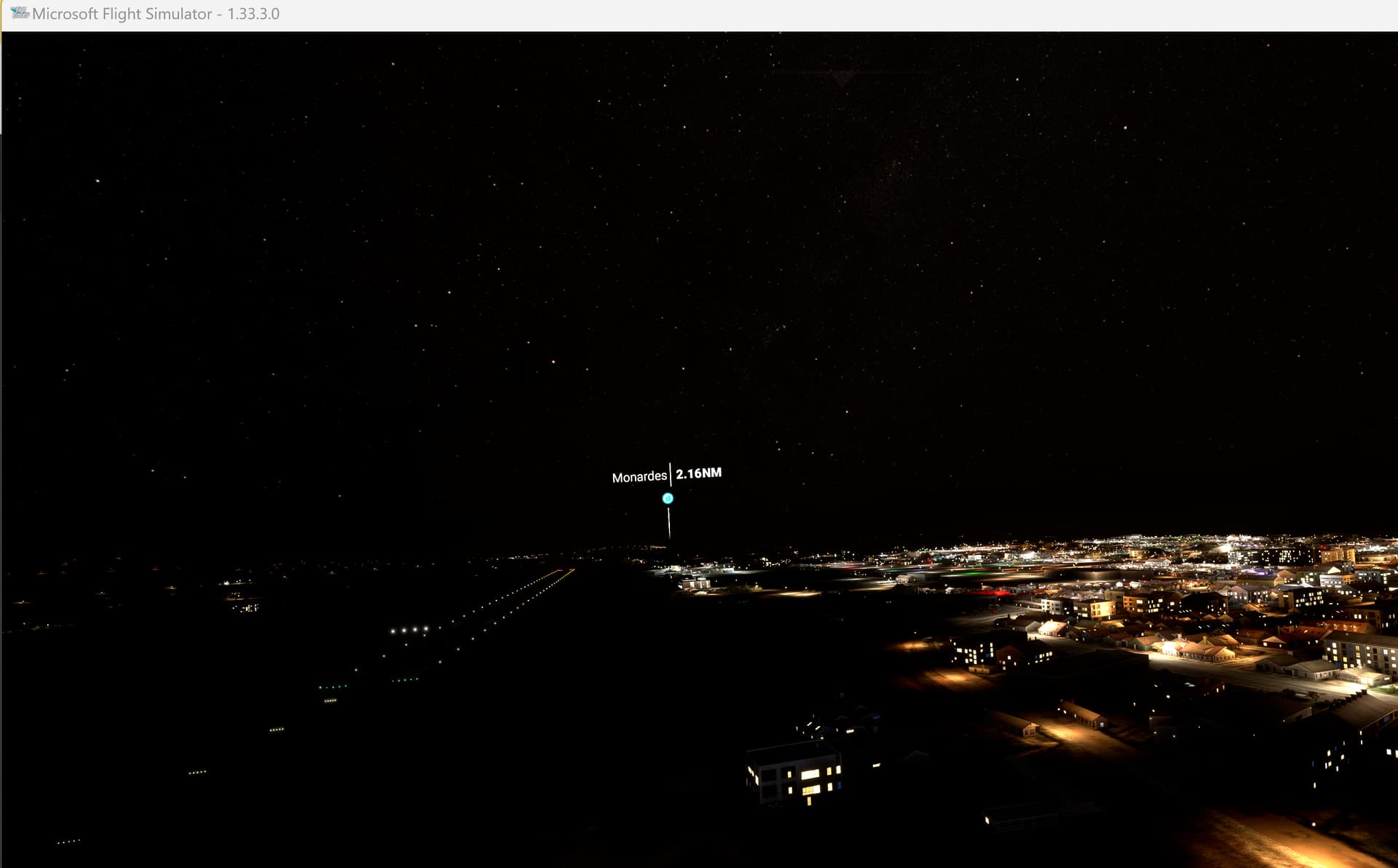
Hello all,
important is to have repeatedly same issue at same place, maybe with different weather or time conditions.
Hello all,
important is to have repeatedly same issue at same place, maybe with different weather or time conditions.
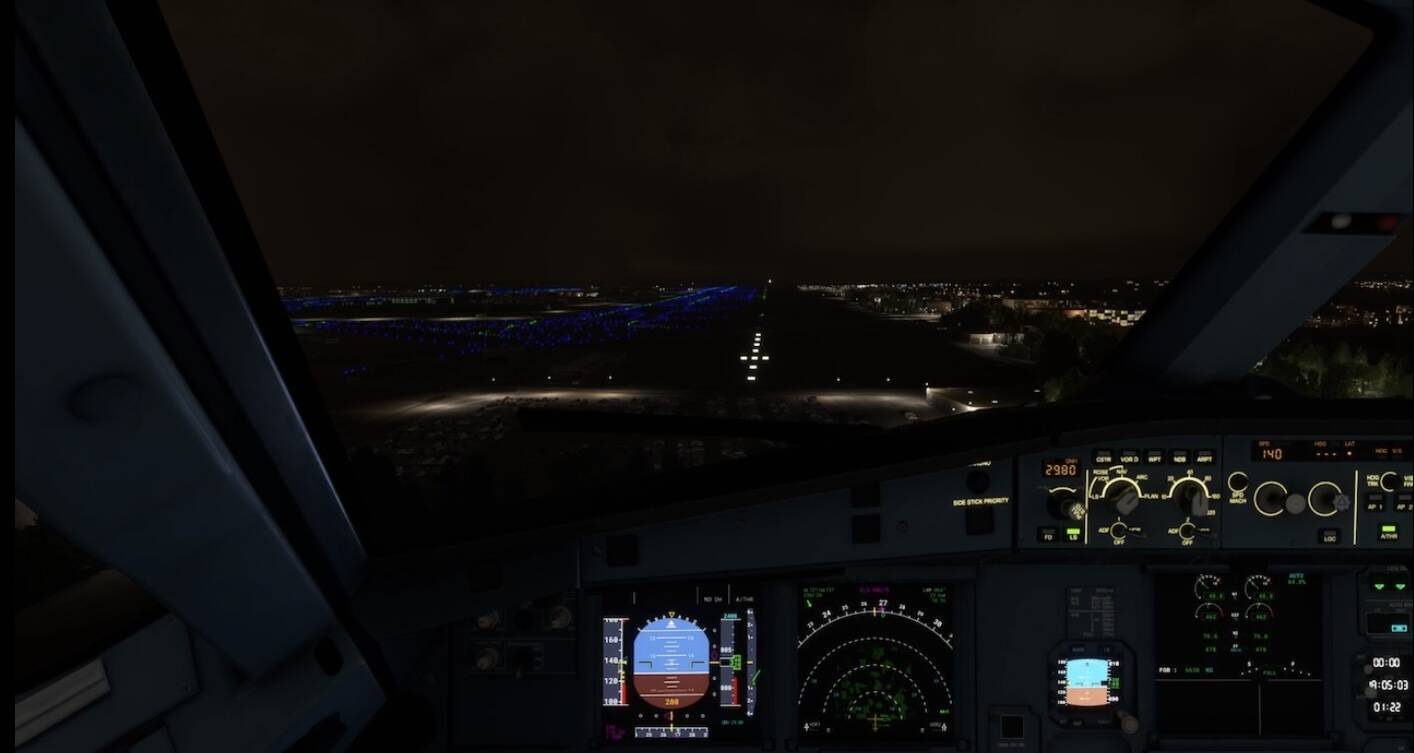
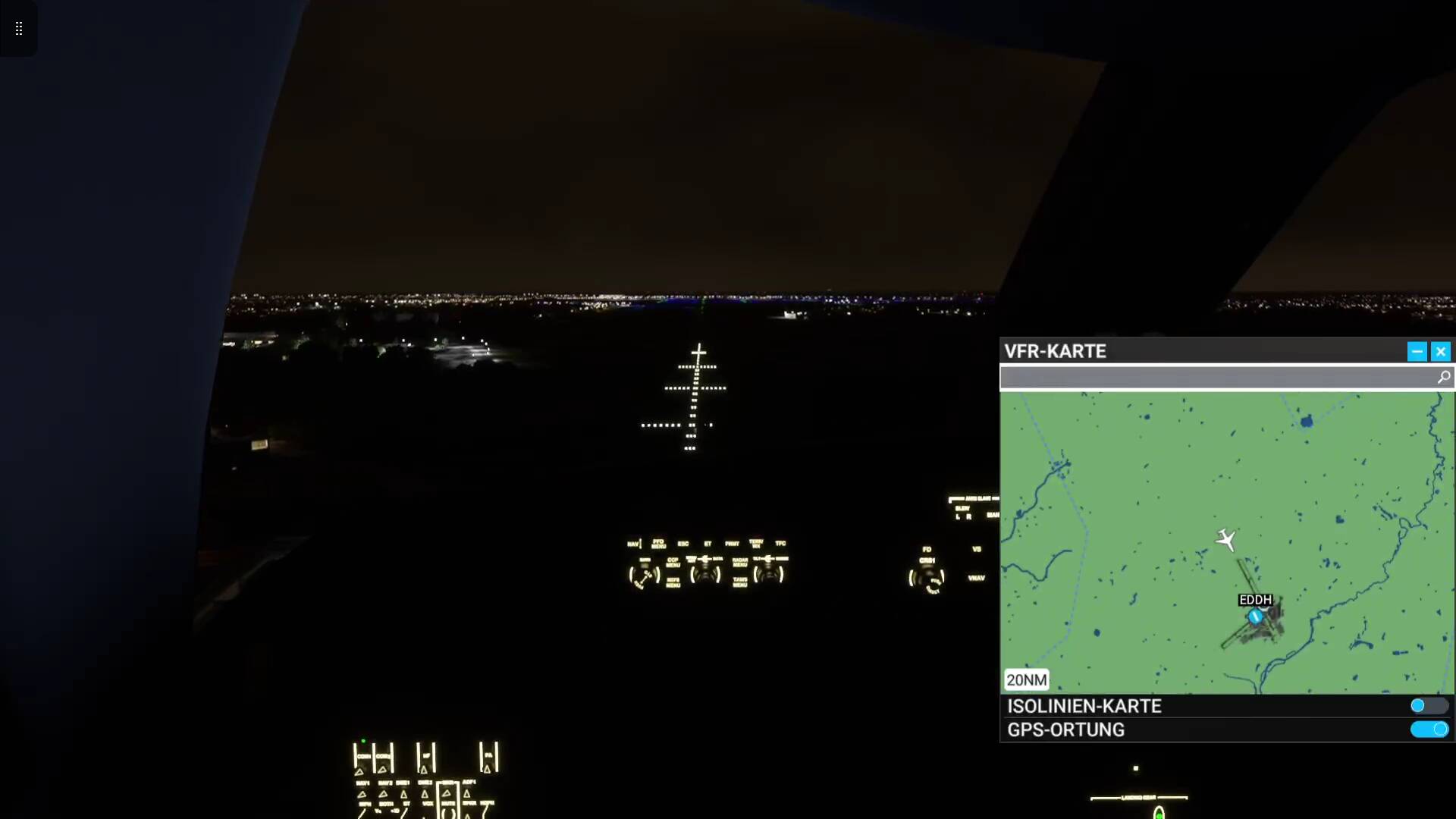
In LEMD I have repeated many times, with various climates and always the lights off. I haven’t seen lights on the runway for more than 15 days. I thought it was just a LEMD problem but I started trying with others and I had the same result.
Since the last update I also appreciate that the night lights of the terrain turn off and on by zones. Before they were more stable.
For the record, I have no third party airports installed. In fact, before I entered the AAU1 beta program, I emptied everything from my Community folder except Navigraph navdata.
No runway lights sure makes landing a challenge!
Same here, ALL runway lights are off, so I have to turn day on If I want to see something… it´s frustrating
Do you have the same issue if you follow the OP’s steps to reproduce it?
Provide extra information to complete the original description of the issue:
the runways lights won’t turn on when landing. But when I load into an airport during the night and takes f from there they will be turned on but not at my destination
If relevant, provide additional screenshots/video:
Ongoing issue, since su11. Night flying is annoying after long flight to a dark runway. Xbox
Do you have the same issue if you follow the OP’s steps to reproduce it?
Hi im new to this forum, im new to fs2020. and im on Xbox s which im also new to. but have years and years on the fs9 pc. so not new to fsim. I also cant see any runway lighting at night. especially at egbb bhx . i did download addon for this apt from the marketplace. dont know if that has anything to with the issue at all as it
seems to happen at other apts too. is there a setting i should be looking for?
is it a glitch,
or is it me doing something wrong?
Provide extra information to complete the original description of the issue:
If relevant, provide additional screenshots/video:
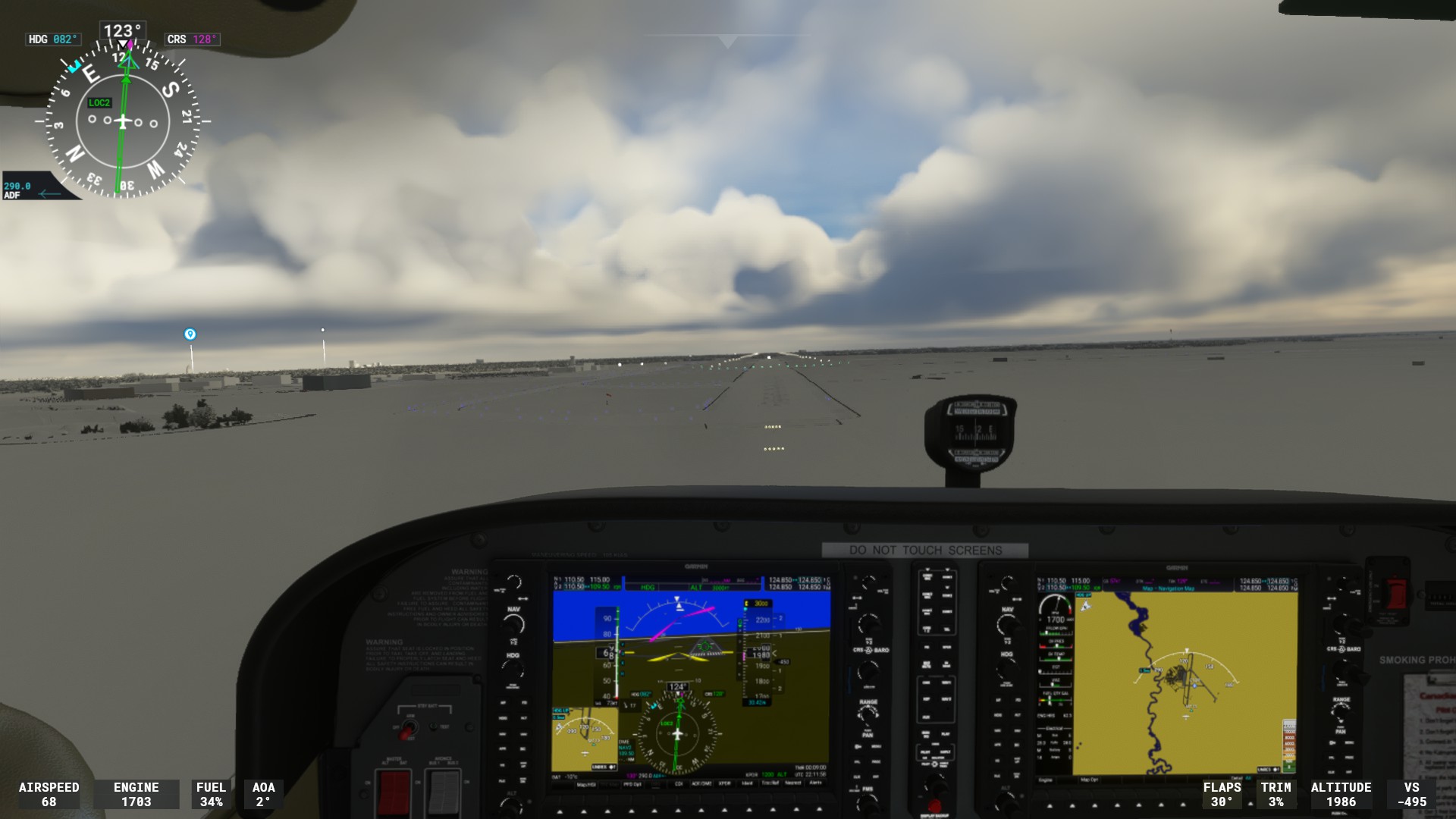
Still having this isuse badly with terrain at 130. Wasnt even night time but did fly through the clouds.
CYQR
LIRN jusr blue taxi lights on Runway 06 approach, there was lights for 24 which I spotted dueing the missed aproach.
Do you have the same issue if you follow the OP’s steps to reproduce it?
I have the issue with most night flights.
Provide extra information to complete the original description of the issue:
Arriving at airports (recently EGPE, EGPK, EGNM) approach, taxi, apron lights are on. Runway lights are off. Same airport loaded as departure point the lights are fine.
If relevant, provide additional screenshots/video:
I think a scan for this issue in the bug reports is necessary…this issue is spread across several posts and the votes need aggregation.
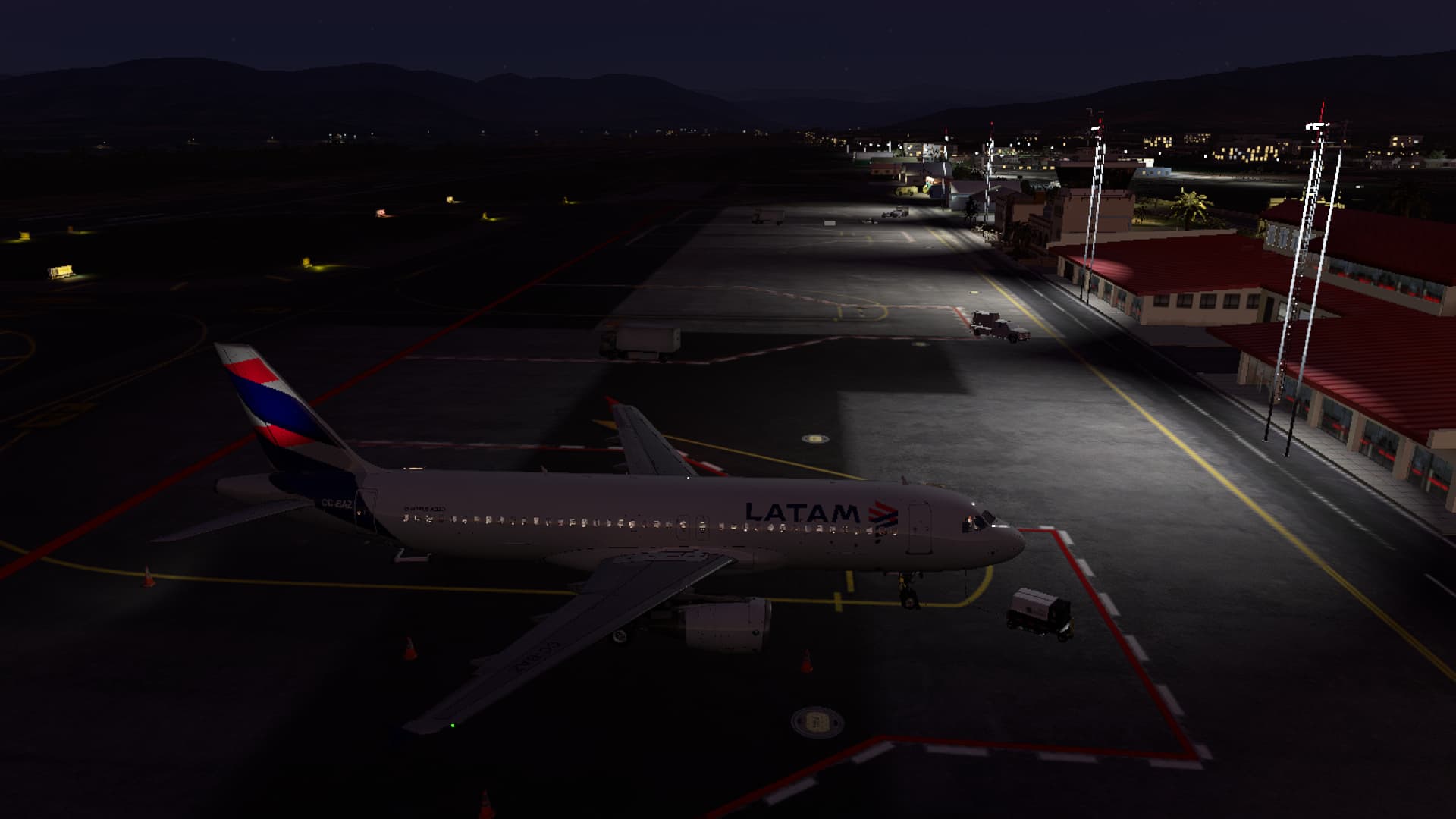
Hello, I have the same isue. I departed from SCEL in the sunset, and everything was OK, but when I was arriving to my destination SCIE I realized that the runway lights were off. I thought it was a scenery problem but I tried in SCSE (same procedure, taking off from SCEL in the afternoon and landing in SCSE at night) and there was the same issue. I think it happens when I depart from an airport when it’s still daylight and land at another airport when it’s night. As you can see in the picture below, everything is fine except the runway lights. So annoying when trying to land!
Weird. What could be the problem then?
I don’t have any idea.
I only have World Update X: USA and World Update II: USA installed.
Maybe it is that.
If is is being caused by your World Update or an addon.
I think I have found a fix after hours of testing 
Part of me thinks only the 4th step really fixed the issue, so feel free to jump to that. But just in case, I will give you the exact 4 things I’ve done to solve this.
For those who say they’ve done this, please make sure you get a loading screen. Earlier today I tried doing this with the rolling cache and when I came back a second time, rolling cache was off again! But I never got a loading screen the first time round. When I did it this time, there was a loading screen confirming something was happening and now the settings have remained.
Do you have the same issue if you follow the OP’s steps to reproduce it?
Confirmed by a night arrival at GMMH with no mods
Provide extra information to complete the original description of the issue:
No lights at all on runway and also no lights on taxiway and appron
If relevant, provide additional screenshots/video:
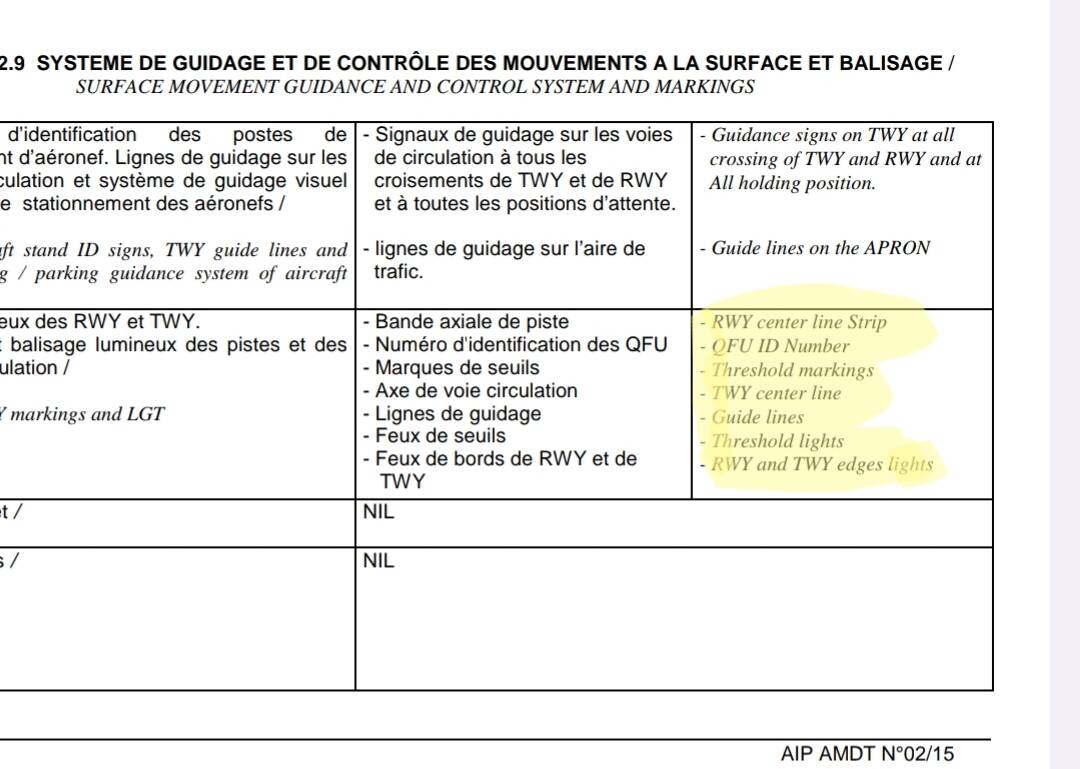
GMMH airport lighting chart
I think your issue at GMMH is different. It is not the the lights are turned OFF, it is that if you look around at this airport it has no lights at all on the runway and apron, they are totally missing on the scenery so no chance to turn them ON.
This is a copy of my post, from which I was directed here:
Before a flight, I always spawn in a default aircraft (eg. C172) at my destination airport to check if the 3rd party scenery has installed correctly. Before today’s flight I did such check as well for this scenery of CYLT and everything looked correctly - most importantly all lights (runway, taxi, approach) were working.
So I then spawned at my departure airport in a Black Square TBM850 and flew for about 2 hours to CYLT. But when I started the approach and landed the runway was pitch black. There were no runway edge lights and flashing approach lights. However, steady approach lights, taxi lights and taxi signs were working fine.
Normally, I would’ve thought it’s a faulty scenery. But the same thing happened to me a few weeks ago when I tried to approach ENHV with this scenery in Black Square TBM850. When I tested the scenery before flight all runway lights were working. But during the approach, even when I was directly above runway it was completely dark. For that flight I diverted to ENKR with this scenery, which has more advanced runway lightning system and which worked fine.
I use up-to-date Windows 11 with all drivers updated. I use the latest Steam version of MSFS and the issue occurred both before and after WU15. I keep my Community folder rather lean (59 folders in total). I use Navigraph, but I rename 3rd party sceneries so that they load after Navigraph sceneries. I have not installed any sketchy mods that mess up with binaries.
Computer specs:
i7-12700K
64GB DDR4 RAM
RTX 3060Ti (8GB VRAM)
Simulator is installed on SATA SSD
Potentially relevant simulator settings:
Display Mode: Full Screen
Resolution: 2560x1440
Antialiasing: Nvidia DLSS with DLAA
V-Sync: on
DirectX: DX11
Global Rendering quality: high-end
Terrain LOD: 100
Off Screen Terrain Pre-caching: High
For me Unknown’s lights and graphic settings didn’t work. But I noticed I didn’t have rolling cache enabled so maybe this will help.