If you want to uninstall their drivers. Goto programs and features. It in the list to uninstall.
Is this with logitech plugin or 3rd party?
The logitech and i updated fs2020 today as well. Master switch was working on the cessna didnt try other planes yet. Only thing not lit up was my gear up/down light hoping that was just because the 152 is fixed gear.
For me it is just the Logitech plugin. I have not used any 3rd party plugins at all.
Can you tell my what version drivers the FIP is running? Mine wont work at ALL 
Version 8.0.281. And i just checked gear lights are working just needed an RG plane to test it on.
Ill see if I can get rid of 8.0.124, just seem like they get that installed no matter what I do Thanks for checking!
I downloaded right off of logitech. Sorry your having issues currently.
Im sure you have the link but ill include mine here.
ps://support.logi.com/hc/en-us/articles/360024848713–Downloads-Flight-Instrument-Panel
Are you seeing the 8.0.281 in the Device manager?
Worked perfect for me on six flights last night. The only time I touch my keyboard now is to speak to ATC. All flight were cold and dark starts, and I used only the hardware to start the plane.
This was with SPAD.neXt.
If i go to control panel>hardware and sounds>Devices and printers it shows my rudder, flight switch panel and yoke if i right click and go into properties>hardware and then properties driver tab it is 10.0.19041.264
My previously stated 8.0.281 was on the download file tbh not sure if thats what you meant.
Did you have to install the separate logitech driver or does the plugin contain the driver as well?
@ hobanagerik
Mate thats great that it all works ok for you  But as i said previously it was all working as advertised with the Logitech plugin that was only just released before today’s patch. New patch dropped and the master avionics switch does not work. And TBH i dont want to spend $42 AUS for one switch that worked perfectly yesterday Doesn’t make any sense.
Sorry its late my brain is half off i just went to programs and features yes i have version 8.0.281 showing
Yeah, thats the windows driver to it. I’ll see if I can recreate this, thanks again!
only one download and it worked for all components.
fiz so my master switches for bat and alt are working but the master avionics seems to not be working atm. i imagine they will get it sorted out soon.
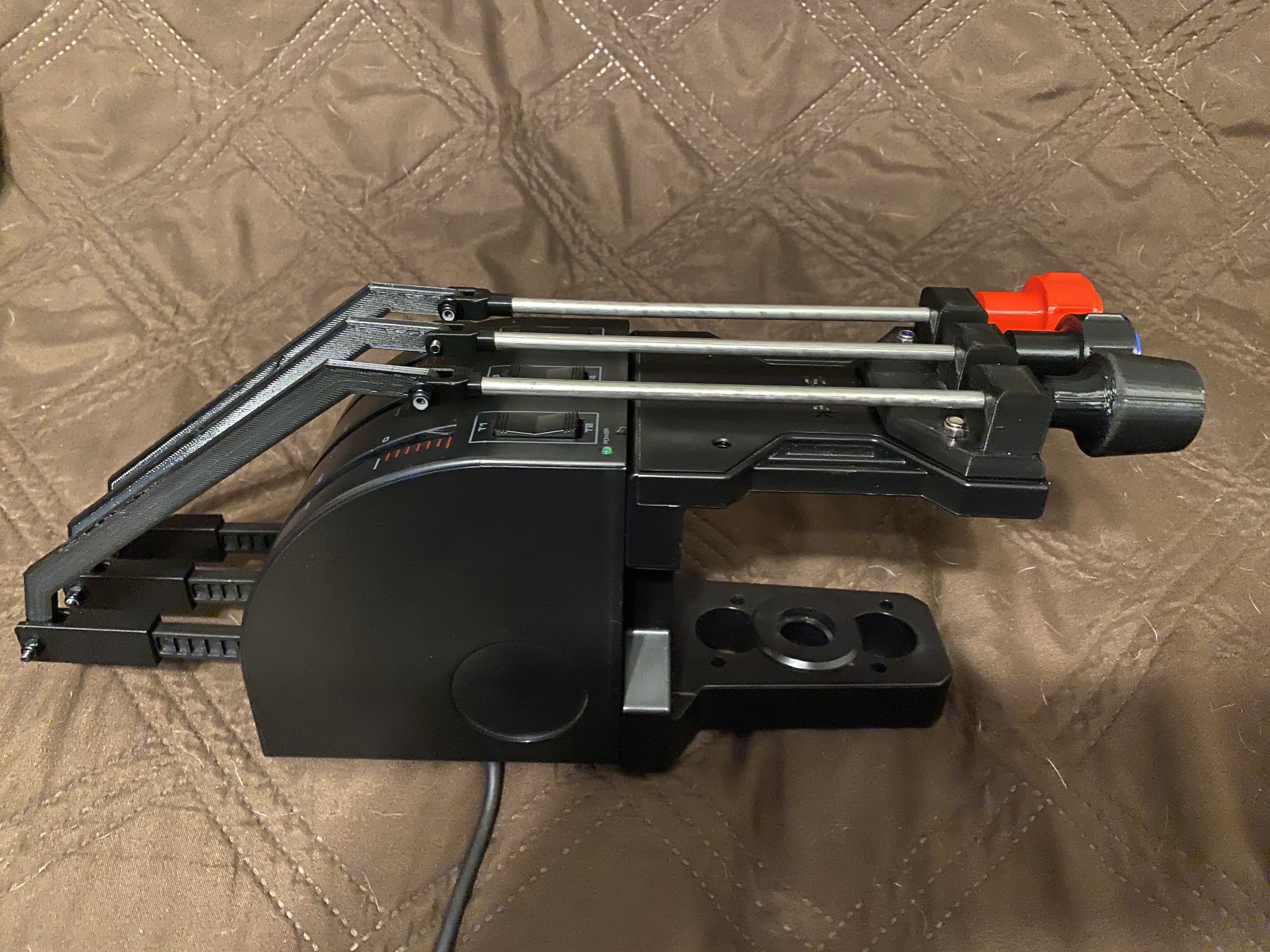
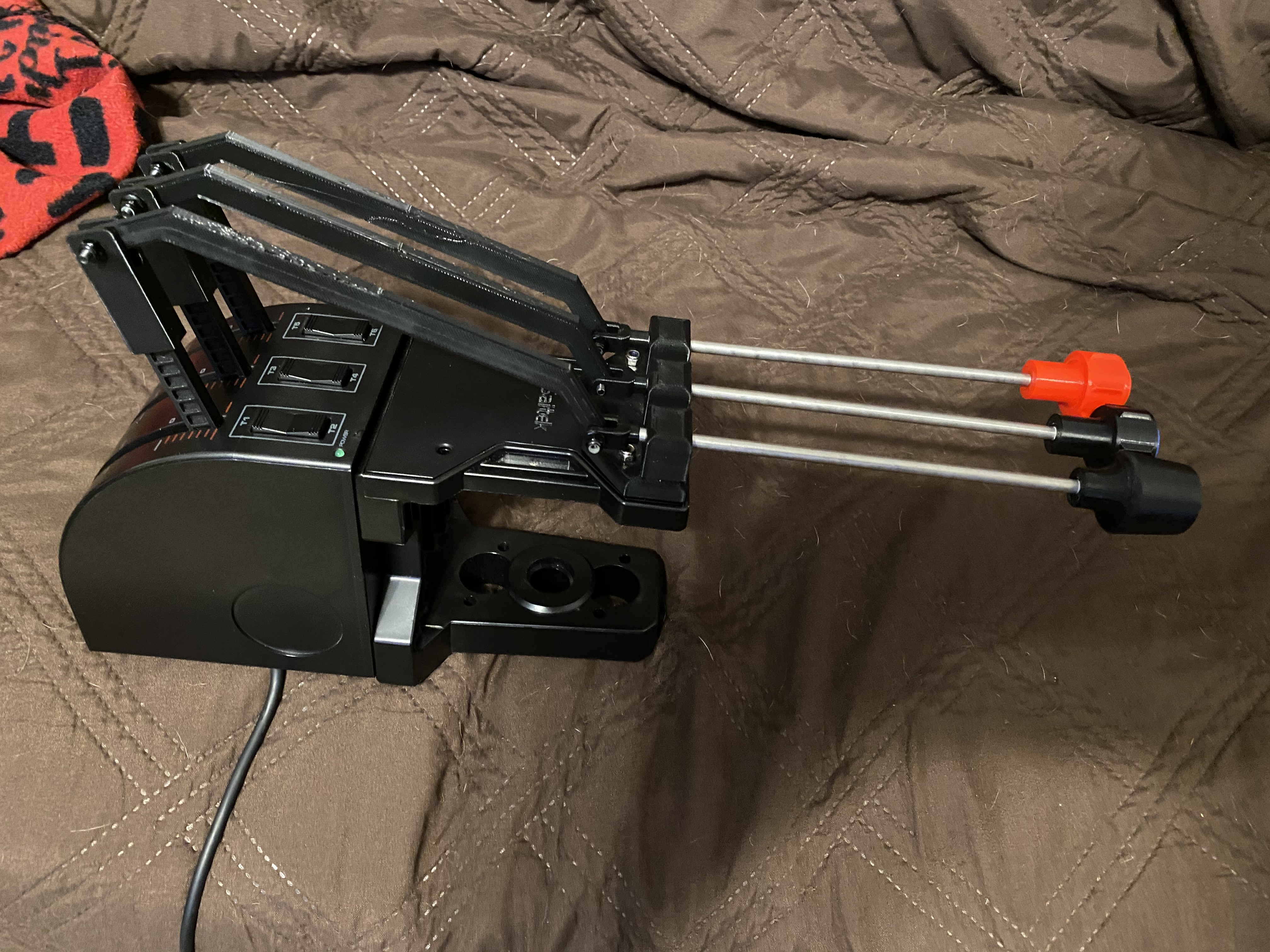
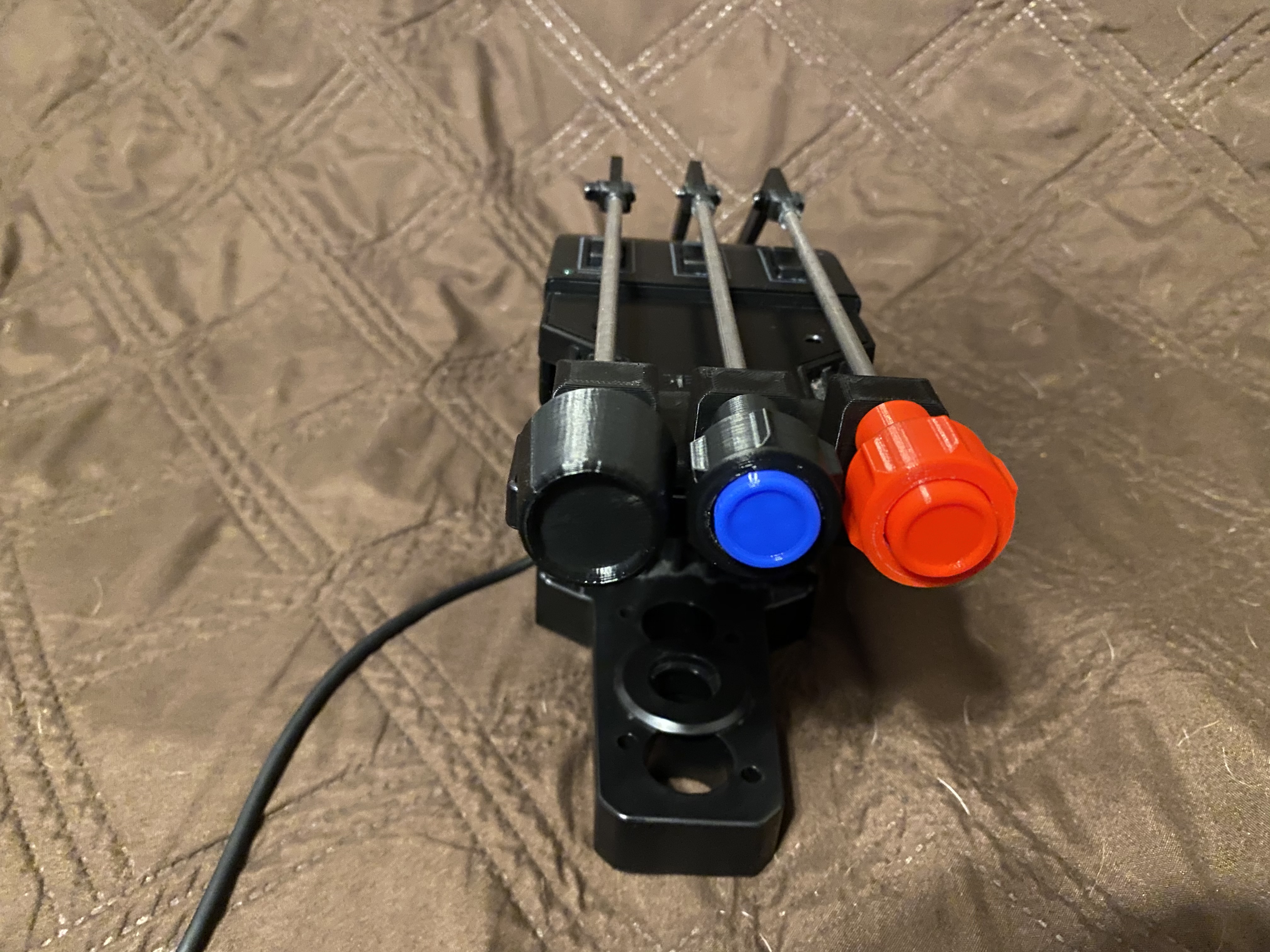
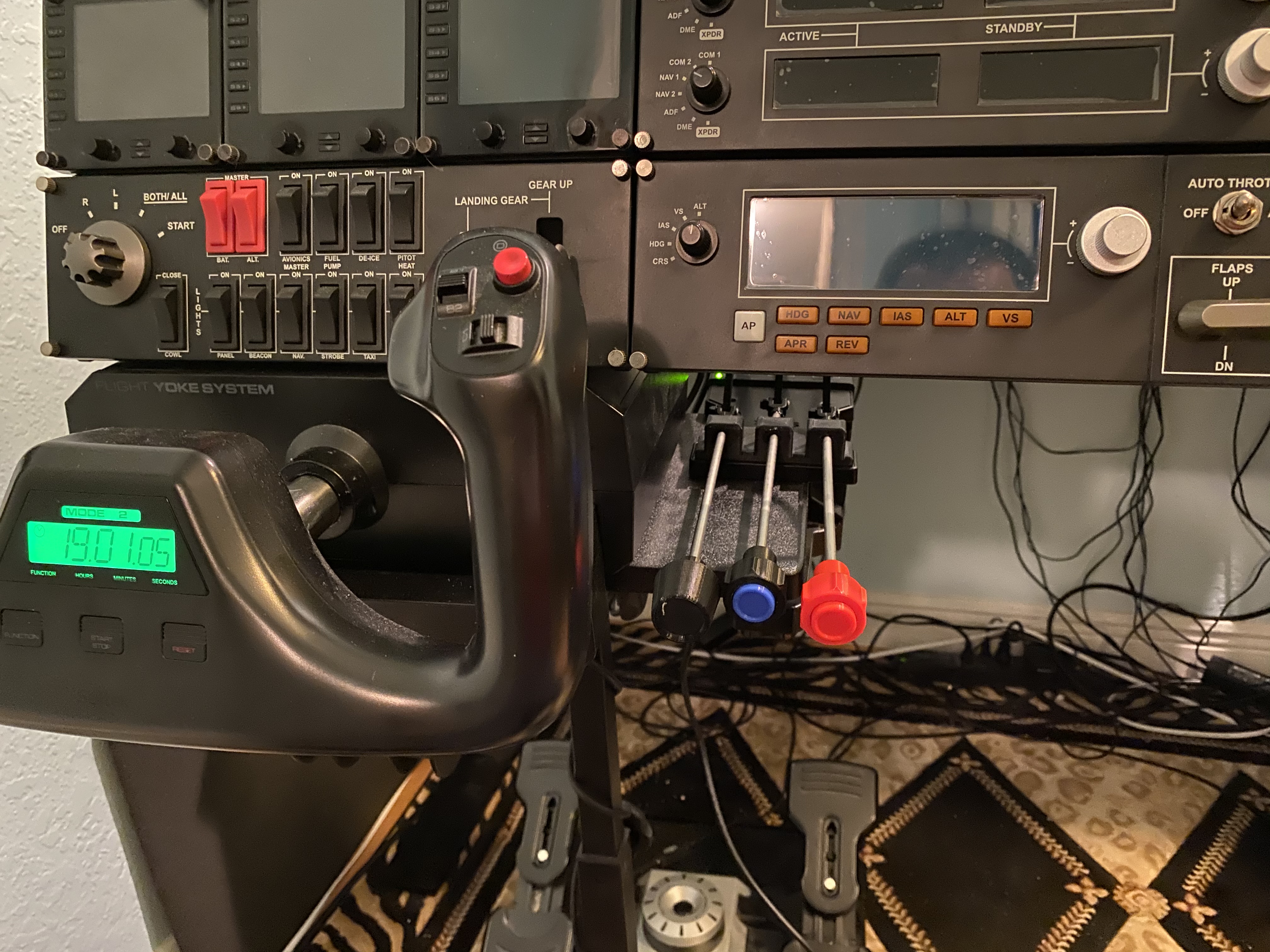
Unrelated to our current plight but i had a friend 3d print me cessna style swap for the saitek tpm.
9 Likes
That’s great, although it does kind of look like a melee weapon from Fallout. 
True, you shouldn’t have to pay to get it all working, but I had a decision to make:
-
Wait for either MS/Asobo, or Logitech, to create a driver that I knew would not let me customise the buttons in any way, and if they didn’t do what I wanted I had to wait for one of them to do it for me.
-
Pay £20.32 to get SPAD.neXt, where I can customise the button configuration as I see fit.
I opted for option 2. Option 1 seems like it has some teething problems, and for the small amount of money it cost me to remove those headaches, I consider it well spent.