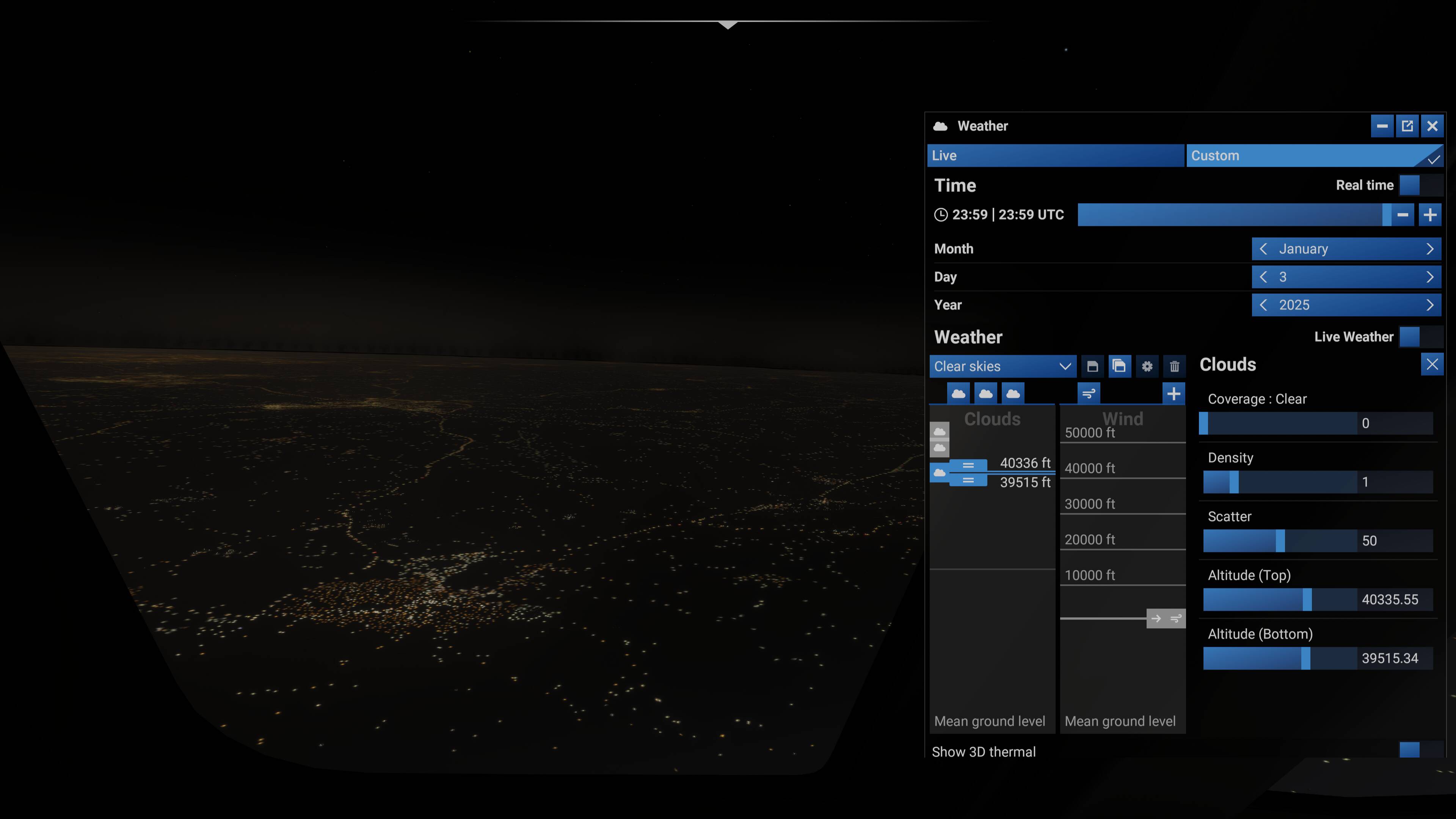
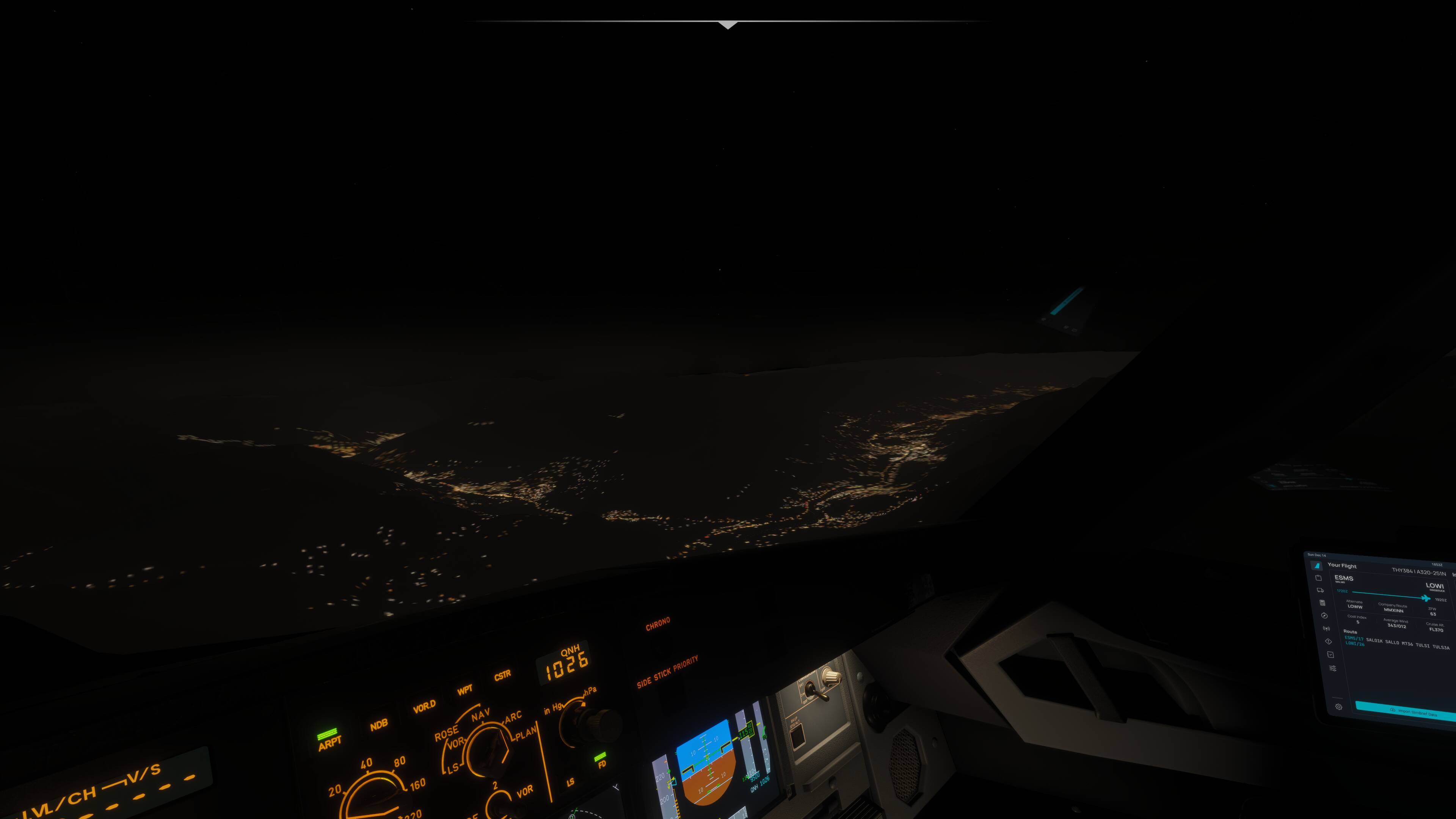
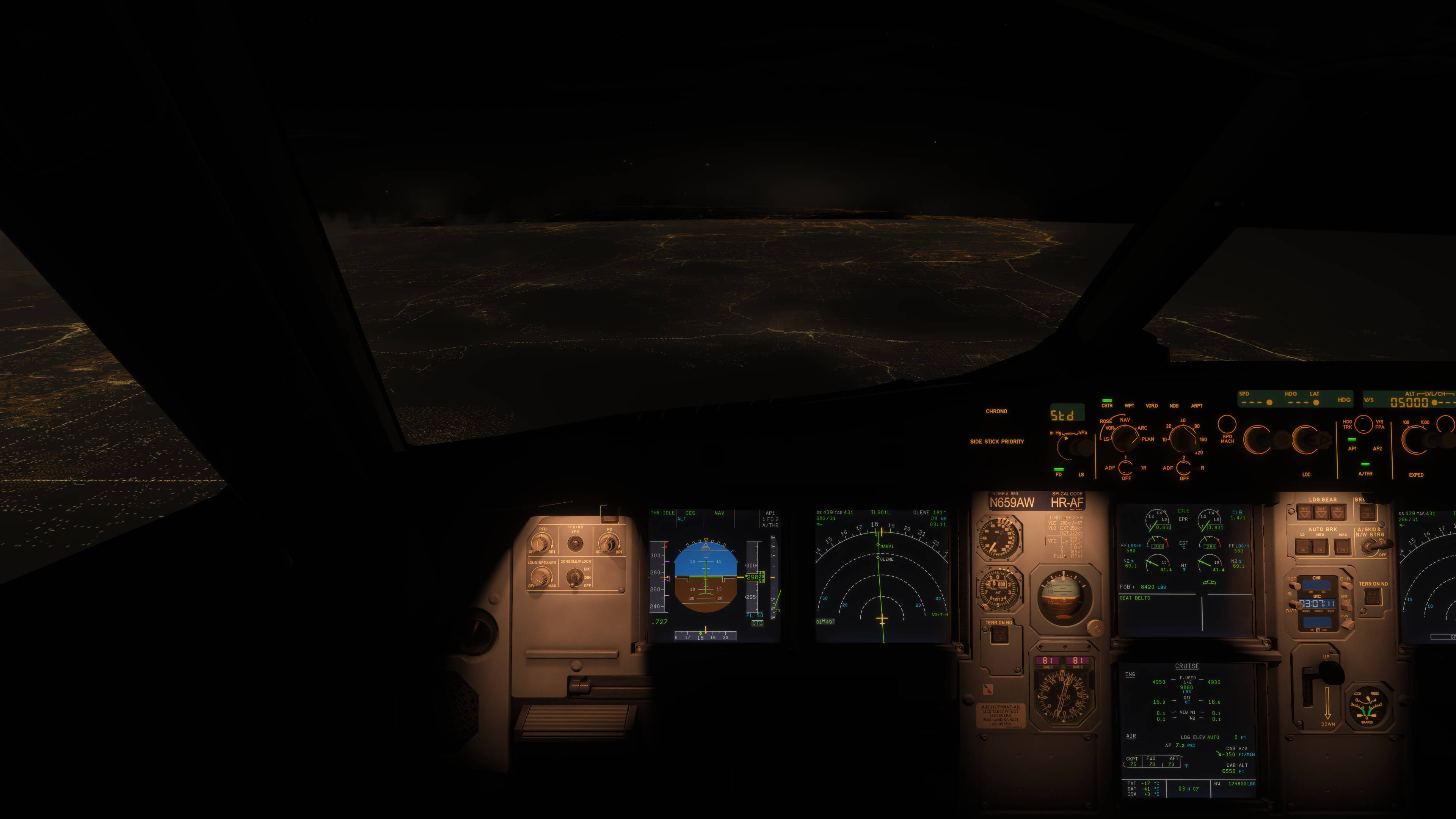
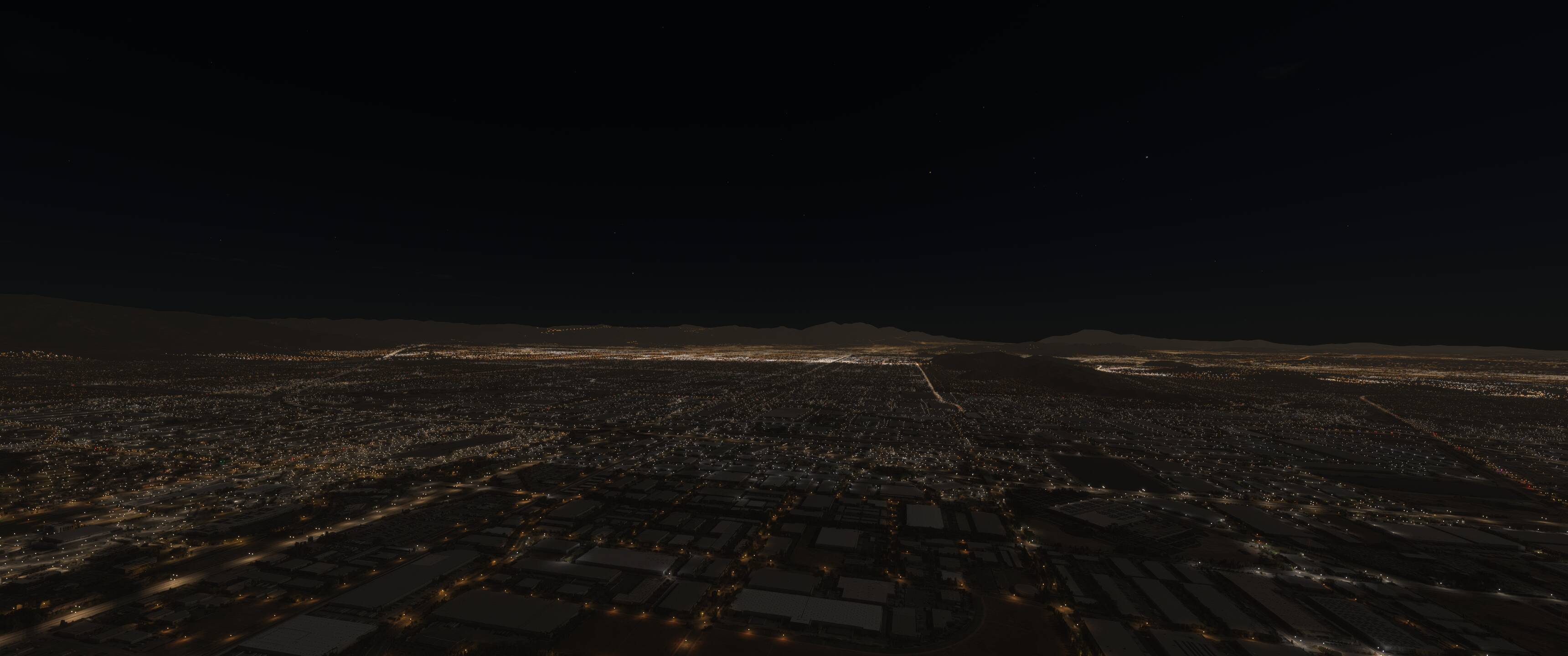
Night lighting around big cities in MSFS has the infamous “sepia mask”, which is one thing, but in my case this mask has a hard edge I’d say around 50 miles away from my airplane at all times. This mask is making all terrain (even water) appear bright and brown. This makes the mask even more jarring and makes night flying
FREQUENCY OF ISSUE
At all times while flying at night. Please see the below photos taken above Toronto. You can see the full extent and hard edge of the mask from here, as well as the fact that this mask is fully lighting up the surface of Lake Ontario.
Unfortunately I can’t give guidance to reproduce this issue since I can’t find a way to get rid of it in the first place. I suspect it’s something to do with my hardware.
YOUR SETTINGS
I am on a clean vanilla install with the High graphics preset. No change in graphics settings seems to fix this.
[PC Only] What GPU (Graphics Card) do you use?
I use an AMD Sapphire Nitro+ RX 6950 XT on the latest drivers (25.8.1)
Hope someone knows a fix or is made aware of this issue thanks to this post.
This seems to be related to draw distance. It’s even there during daytime but not noticeable for the most part during daytime! I had Bijan remove some of the lakes in Iran which don’t have any water and at distance the lakes still have water but once you get closer (just like the Sepia mask) they disappear and shown correctly. I hope they can fix this global draw distance issue.
There’s a glowing hazy circle around the plane (around 150km radius) at night. Behind this radius the night is pitch black as it should.
FREQUENCY OF ISSUE
Problem exists since launch of the game
REPRODUCTION STEPS
visible at night, especially without Clouds at high altitude. I have this problem since launch of the game. I reinstalled the game, drivers and more many times. Problem can be corrected with lowering black level but then other details get lost.
Problem exist in both HDR and SDR but is more prominent in HDR.
Intensity of glowing depends on region. It’s very prominent over South Germany (Stuttgart), Las Vegas and New York City for example.
Most people don’t have this problem but I am aware of people with the same graphic card who have the same issue.
YOUR SETTINGS
problem exists with all settings on my RX 6950 XT.
Hard edge over Tokio with newest World Update in SU4 Beta. New reworked night lightning doesn’t help with this problem. The hard edge is visible on the sea and on the land/mountains.
I can confirm that I had this problem with my 6950 XT. I did multiple Driver reinstalls with DDU, changed every possible settings and I couldn’t get rid of it. Two days ago I replaced it with a 9070 XT and the problem is gone. It prevents you to fly at night especially with HDR Screens.
Using the template below will greatly help the team reproduce the issue and ease the process of fixing it. Before posting, search for an existing report. If you are not sure it’s a bug, please first report in User Support Hub.
3 tags are required - add them in the tag section next to the title above:
The sepia mask has a hard edge in the distance. Especially visible at night in major cities. Flying FL100+ in Phoenix or Mesa at night with clear skies could replicate the issue.
FREQUENCY OF ISSUE
Happens for all nights and in all major cities. There are no exceptions. Happening all the time.
REPRODUCTION STEPS
Please list clear steps you took to help our test team reproduce the same issue:
Need to be on an AMD RX 6950 XT GPU
Lead flight at night (midnight)
Lead flight with clear skies
Climb to FL100+
It should be visible on the horizon, especially around the mountains.
Seems like it’s definitely something Asobo will have to fix on their end as there is some kind of rendering issue going on. Really hope this is something they will actually look into since they’re also looking into the issue the 9000 series cards and the night artifacts.
I am still having this issue with the latest update. Still on my AMD 6950 XT on the latest drivers. This issue is preventing me from moving from FS2020 to 2024. It’s unacceptable that this issue has gone overlooked for so long, especially since in my case it’s a high end card that is far from the end of its useful life. Having it or other GPUs from the same generation (which have a significant market share) be neglected in such a way is not acceptable