As already mentioned in the following thead: A320neo v2 - reverse thrust not working - #25 by Chewwy94
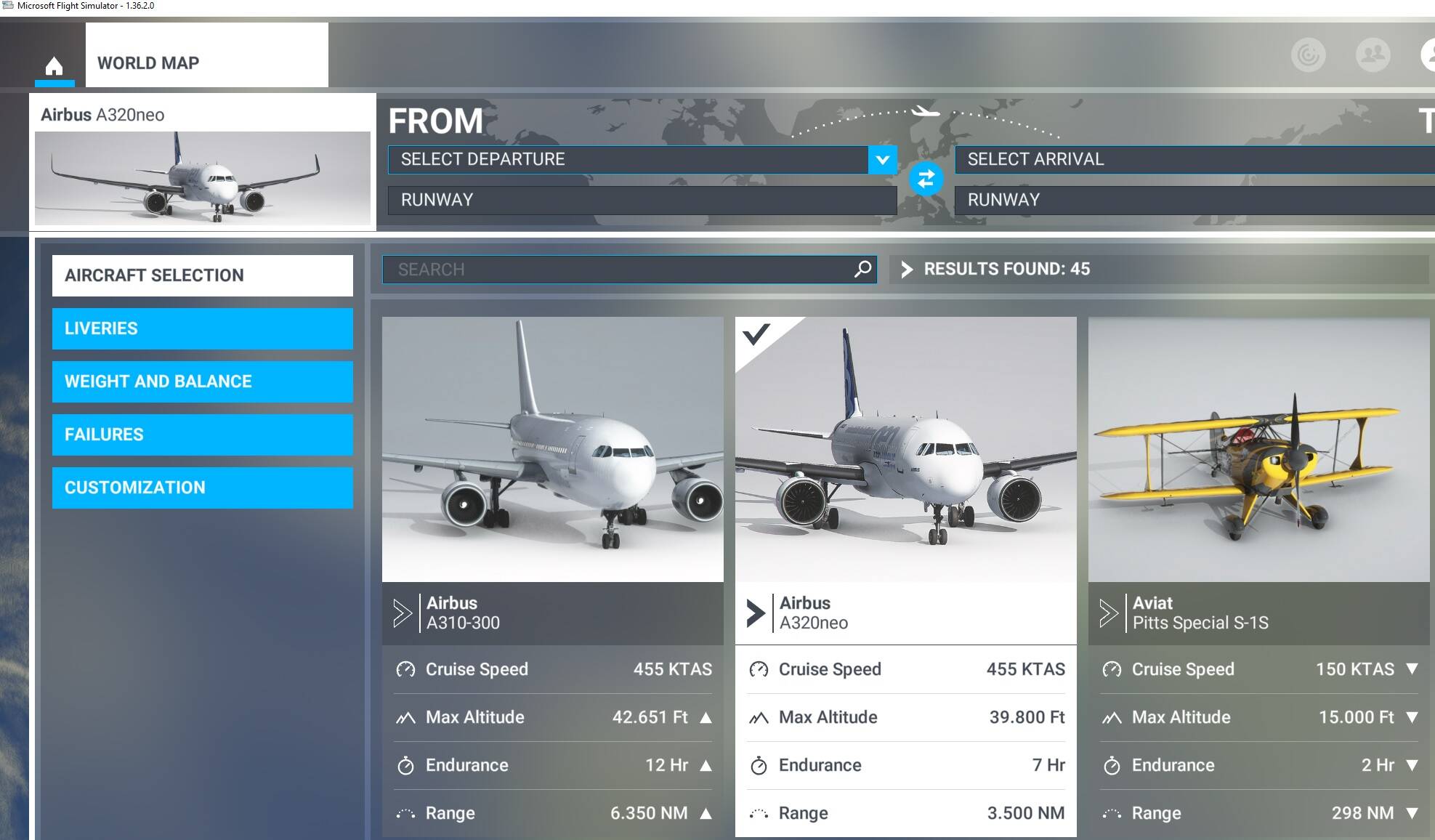
I have several problems with the A320neo and with MSFS (Steam version) itself. I assume now that I probably have an outdated version of the game? My version number is 1.36.2.0 and I only see the the A320neo not the A320neo V2 in the game.
My Problems with A320neo
- Throttle lever jitters when pulled to 0 on the ground by Thrustmaster joystick.
- Reverse thrust is set to joystick button 17 and should actually be activated when I land and pull the throttle all the way down. I can also see in the options menu that joystick button 17 is activated when I pull the throttle all the way down. But on landing I can never reach reverse thrust, only by hitting F2.
With the game itself:
- Always starts in windowed mode, not matter what I chose in the options menu and saving the full screen option. With next start up the game starts again in windowed mode.
- Sometime Search for Update Screen comes when start up and it stays there forever. Only killing the task help.
- Nvidia Frame generation option is grayed out. Im using an RTX 4070 Super.
Other here mentioned that for example there is already the A320neo v2 available etc.
I seems to me that I have an outdated version of the game. Can you help me?