ISSUE DESCRIPTION
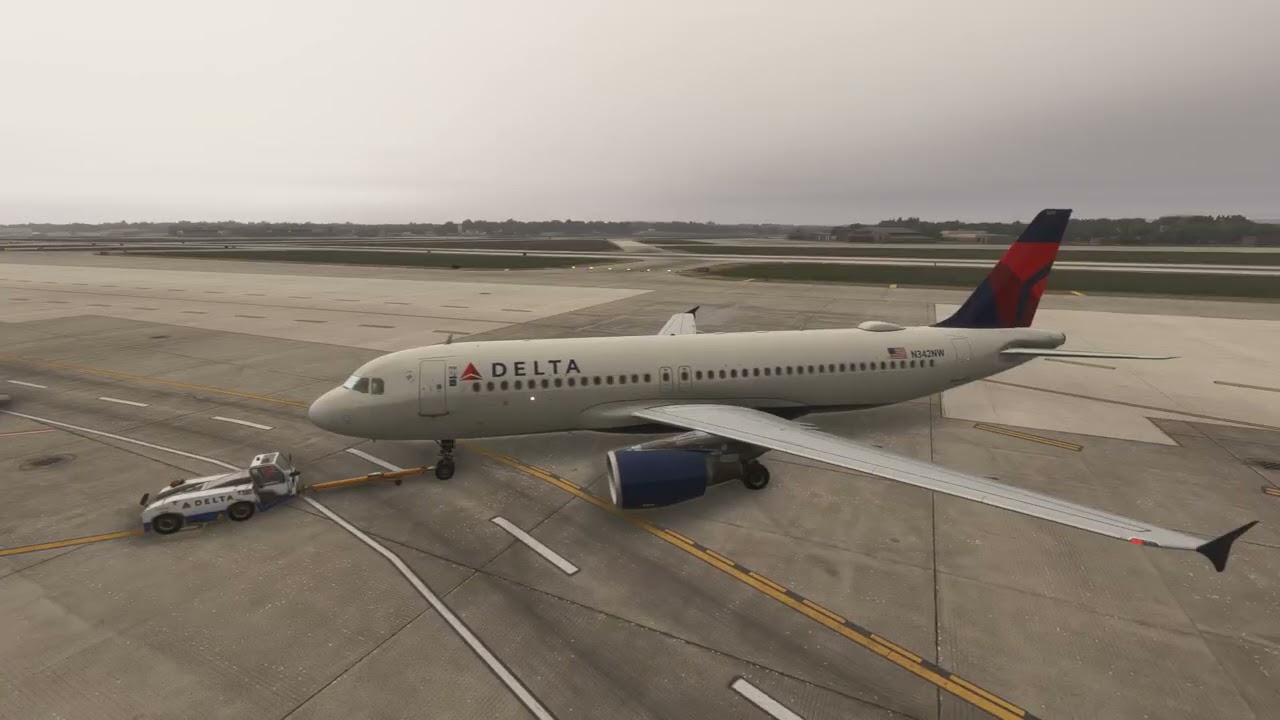
Description of the issue: Severe stuttering of animations when panning the camera. Everytime panning the camera (in all modes), animations are severely stuttering. This includes e.g. cargo doors on the Fenix A320s, GSX vehicles or other scenery related vehicles.
Being static settles the stutters again. OSTP is set to LOW. CPU is at a constant 100% (wasn’t on SU3), so this might influence this. The sim itself remains super smooth (about 100FPS inclusing FSR3 FrameGen.
FREQUENCY OF ISSUE
How often does this occur for you (Example: Just once, every time on sim load, intermittently)?
Everytime
REPRODUCTION STEPS
Please list clear steps you took in order to help our test team reproduce the same issue:
-
Pan the camera in all modes during active animations like moving GSX vehicles or Cargo Doors
-
FSR3 FrameGen active
YOUR SETTINGS
If the issue still occurs with no mods and add-ons, please continue to report your issue. If not, please move this post to the User Support Hub.
What peripherals are you using: T.1600M Joystick, TWCS Throttle
[PC Only] Are you using Developer Mode or have you made any changes to it?
No.
[PC Only] What GPU (Graphics Card) do you use?
AMD RX 6800
[PC Only] What other relevant PC specs can you share?
Intel i7 8700K @4.2Ghz, 32GB Corsair Vengeance RAM
MEDIA