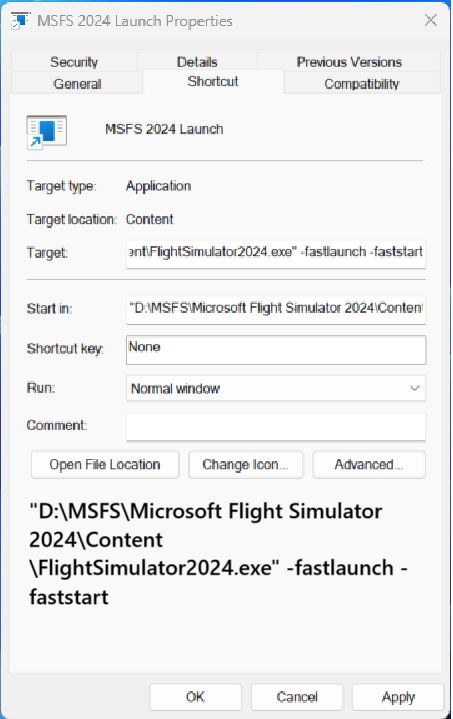
Short cut icon disappeared, how to fix?

Minor issue but annoying for me.
After a aborted start of msfs 2024 my icon disappeared. How can i fix this?
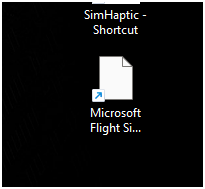
Same for 2024

1 Like

I created my own. The path to your flightsimulator2024.exe file might be different.

1 Like

is this in program files? Can find this option sadly

Open Xbox app
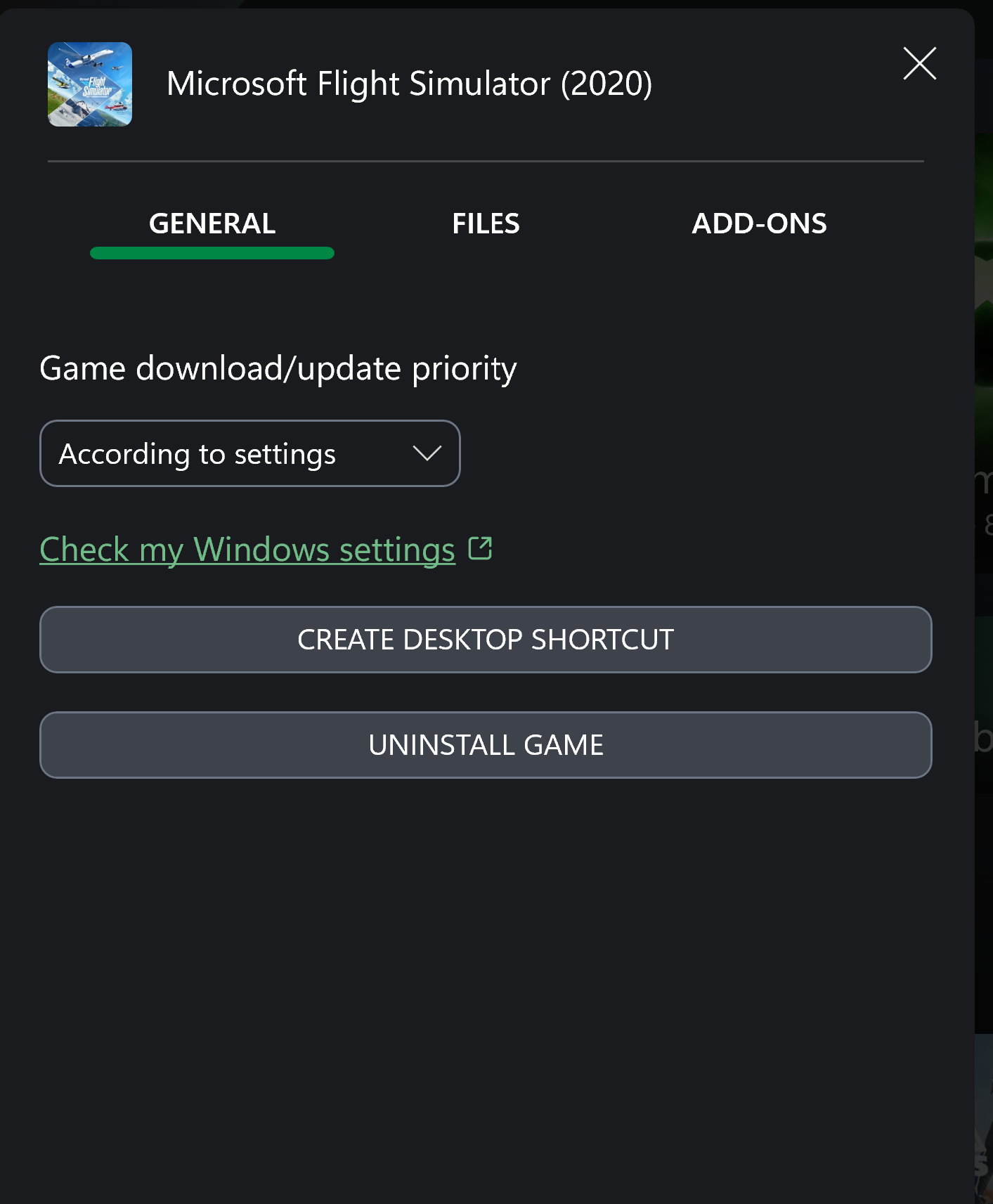
Right cklick MSFS 2024 → manage → create desktop shortcut
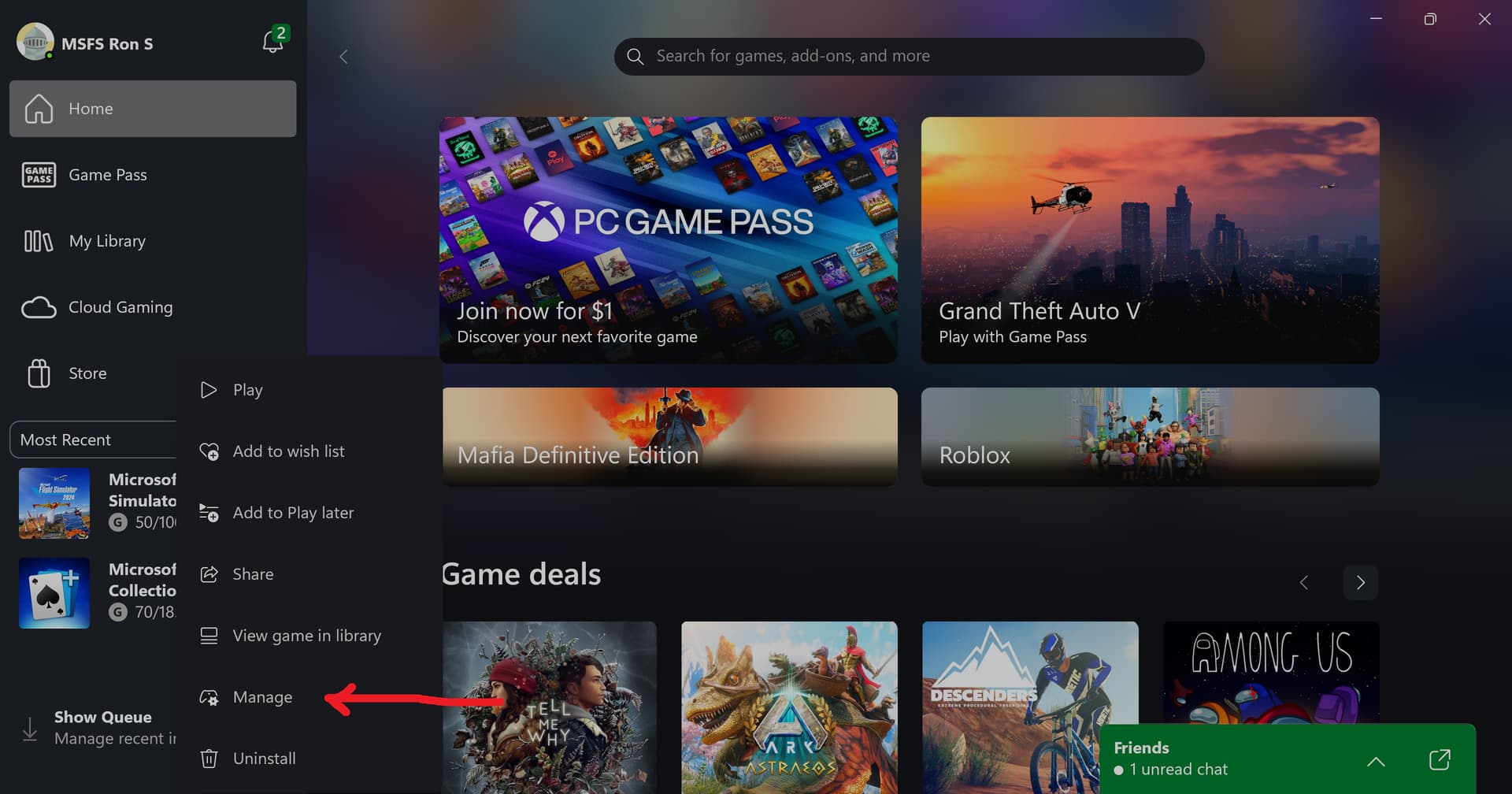
Xbox app

This forum is NOT allowing me to upload an icon.!

That’s correct, the forum does not allow file sharing, so icons cannot be uploaded.

1 Like

Create a Desktop Shortcut to get the FS2024 icon.

Edit:
Typo corrected. 2025 to 2024

The FS2025 official icon is not suitable with some background colours.
Ultimately I have created an icon from one of the MSFS2024 “badges”:
But If I cannot post it here …

No need to send the file - we already know how to fix it and add the icon (.ico) ourselves.

Are we talking the same thing? I meant a different icon. I attach two variants (JPG version obviously).

MSFS2024_vario

MSFS2024_blue