1 tag is required - add them in the tag section next to the title above:
- One for platform (ms-store)
ISSUE DESCRIPTION
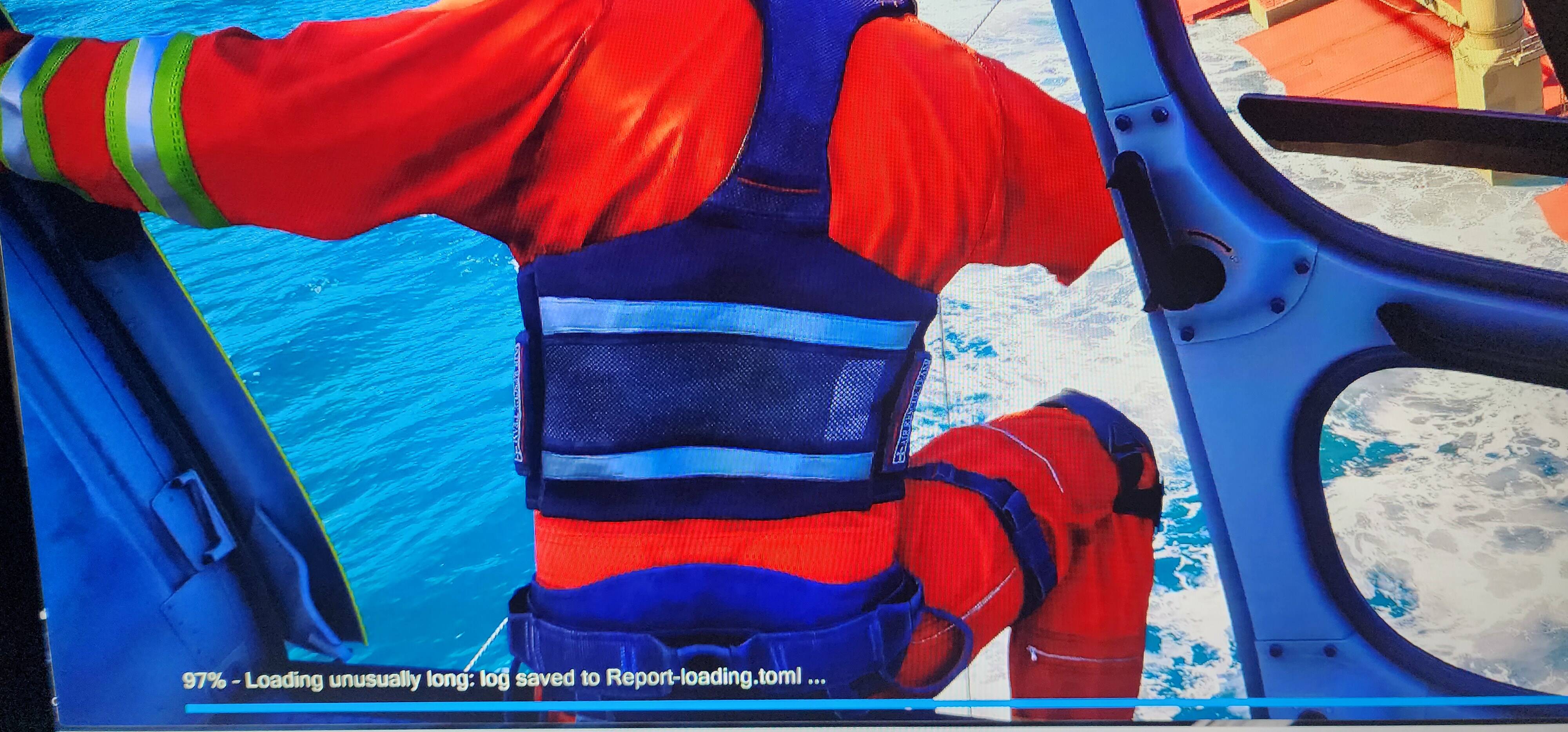
Description of the issue: After fighting the Spawning issue caused by V 1.6.25, i cant get my sim passed 97% Loading, Report-loading.toml was generated
FREQUENCY OF ISSUE
How often does this occur for you (Example: Just once, every time on sim load, intermittently)? All Time
REPRODUCTION STEPS
Please list clear steps you took in order to help our test team reproduce the same issue:
-
Due to not been able to do much to get my sim how it was, i decided to uninstall and leave the Beta insider program
-
Installed the SU3 normal Flight Sim multiple times using either microsoft store and also Xbox Live app
-
I also was a member of Xbox Premium member but i also stopped the sub since i didnt use it
-
Tried removing the Community folder from there, deleted the Cache file. deleted the streamed packages folder, deleted the SystemAppData folder, reset microsoft store and also xbox app
-
Went back to the Beta and downloaded he 1.6.29.0 Version and still im suck
-
the highest it has reached on loading percentage is 97% with log created and i checked if disk activity was present; 0 Activity
YOUR SETTINGS
If the issue still occurs with no mods and add-ons, please continue to report your issue. If not, please move this post to the User Support Hub.
What peripherals are you using: Turtle Beach Velocity One, Logitech Pedals, Logitech Radio and AP
[PC Only] Are you using Developer Mode or have you made any changes to it? Doesnt Apply
[PC Only] What GPU (Graphics Card) do you use? AMD RX7900XT
[PC Only] What other relevant PC specs can you share? Ryzen 9 5900X & 64GB Ram
MEDIA
Log : https://drive.google.com/file/d/1ZpRXTW1tbwo1LKEM5awmuUv3u0oxcwNh/view?usp=drive_link