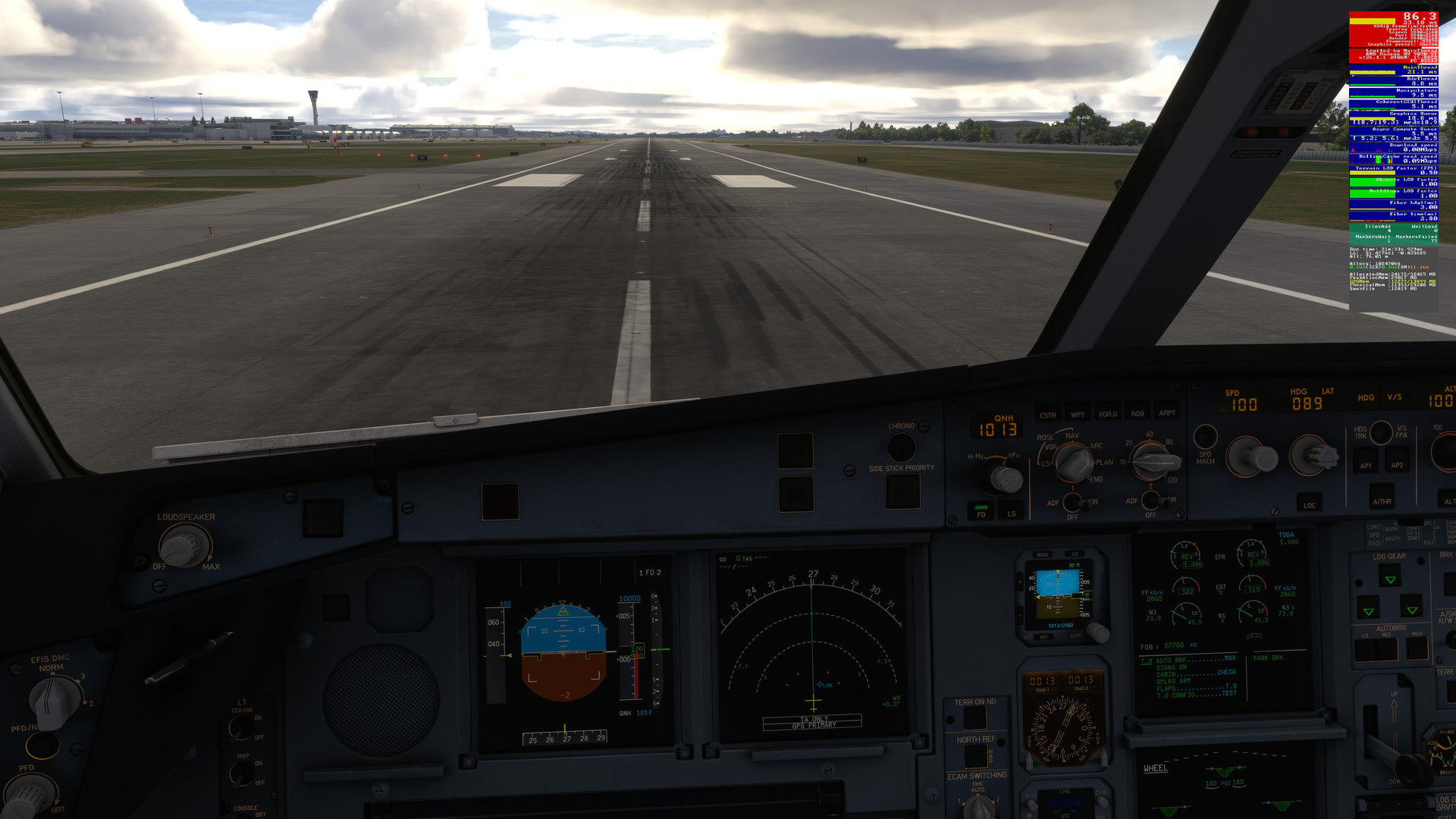
VR, using BATC, Jet Card, HJet.
5 flights yesterday. Zero issues. 10 airports I’d never been to.
VR, using BATC, Jet Card, HJet.
5 flights yesterday. Zero issues. 10 airports I’d never been to.
Two hours of free flight in several locations around the world (India, New York, France, the Himalayas, the Cairns, Australia).
Overall smooth. A few significant stutters.
In New York, however, I experienced repeated bursts of stutters like machine-gun fire several times… annoying.
For me, this version, like the previous three or four, is inferior. We’ve seen better.
For me, without the stutters, it would be almost perfect.
AMD 9070xt, I9 14900KF, TLOD 400, OLOD 200, mostly ultra settings, TAA, fps capped at 100 (50 x 2), Fsr 3 framegen, dynamic settings at 50fps, 1440p.
Nope not that I noticed 
X Box X.
first flight after deleting reserved space and then disabling Gayas KSFO… loaded in with default settings and live weather at Flightbeams KSFO and flew to KMOD. The weather was mostly clear. There was a nice haze throughout most of the trip and the PG looked just fine. There were few if any stutters. The only thing that bugged me was the windsocks were hexagonal even when really really close to them.
Tomorrow I will try a heavier aircraft with heavier weather…vision in a storm…
note: hexagonal windsocks are the least of my worries 
Based on the release notes for this build, I was not expecting any significant changes in performance in v1.7.30.0.
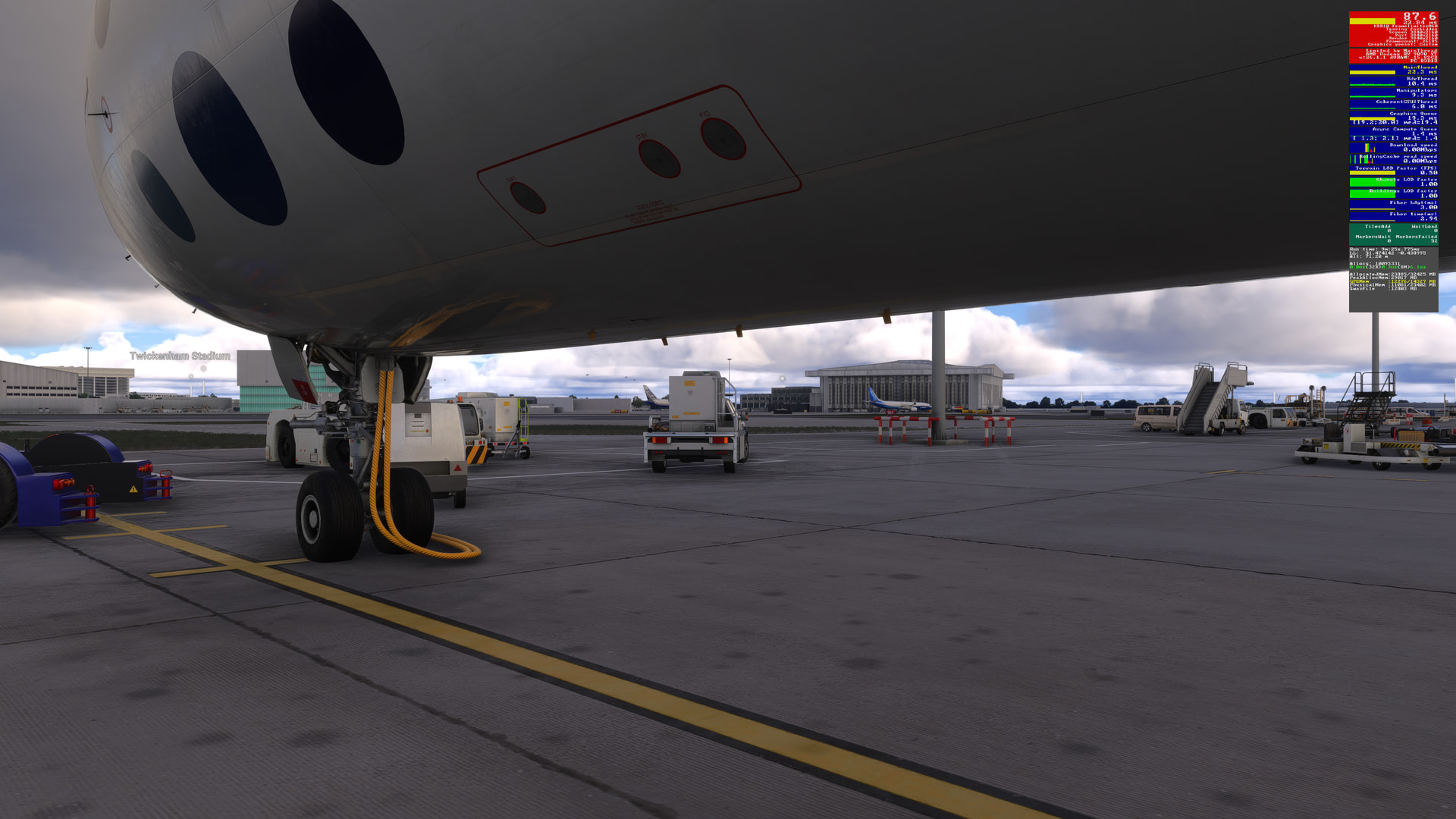
Just to be sure, I decided to recreate the initial park-taxi-ready-for-takeoff section of my previous EGLL-EDDF flight in the .28 build. You can see the screenshots of that test with the dev-mode widget in this post.
PC specs, GPU drivers, MSFS graphics & other settings are all the same (there have been a few windows security updates since then, but IMO it’s highly unlikely that these would impact MSFS in any way). Flight settings are almost the same - the date is different (todays date) and time is slightly earlier, I think, based on the lighting (I did not make a record of the time of the start of the flight).
So what did I see?:
| View Location & Camera | Build 1.7.28.0 | Build 1.7.30.0 |
|---|---|---|
| Cold-n-dark, just spawned in | 64.2 | 87.6 |
| Cold-n-dark, just switched to cockpit view | 72.5 | 88.4 |
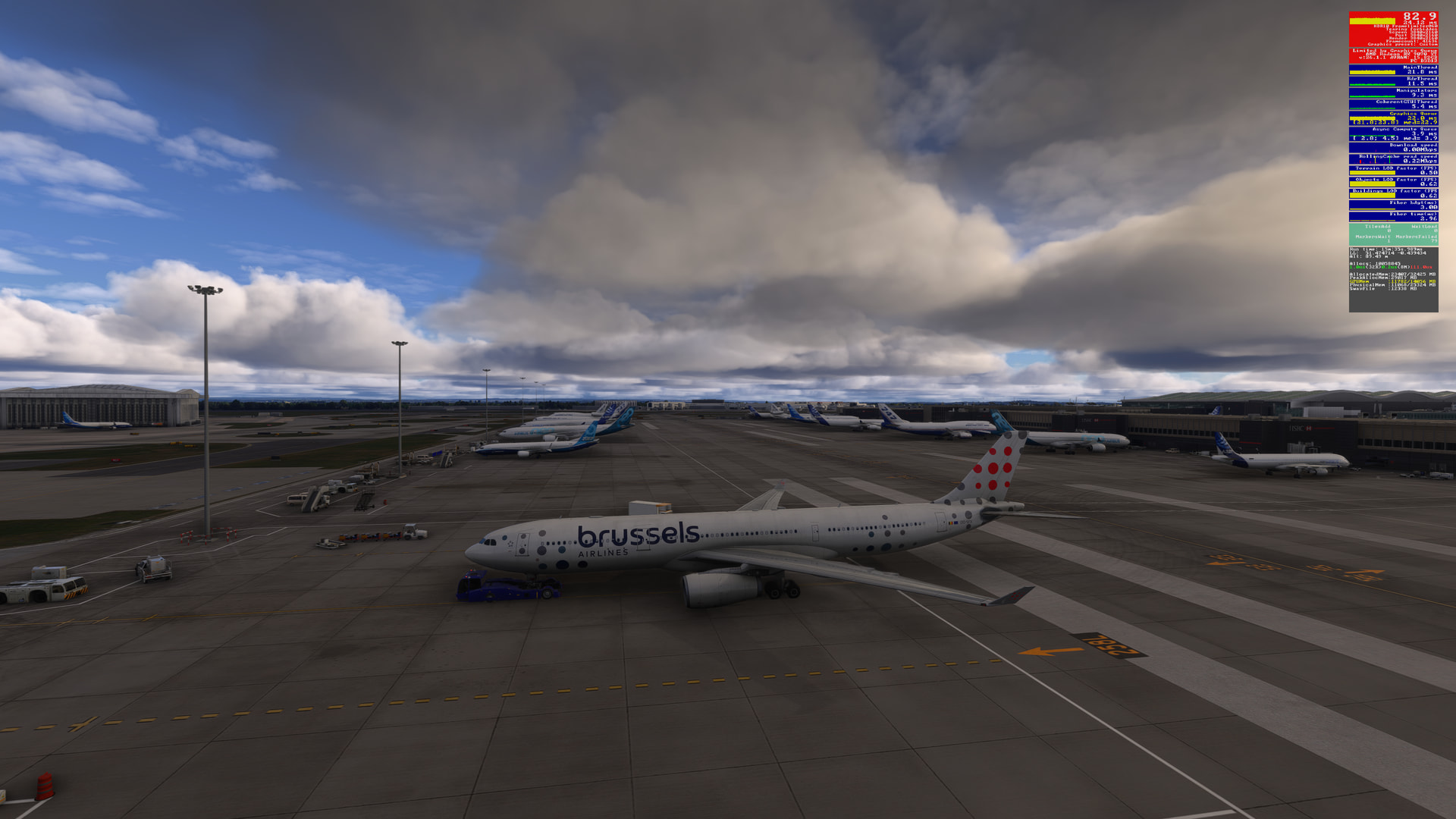
| Pushback, external view | 36.5 | 82.9 |
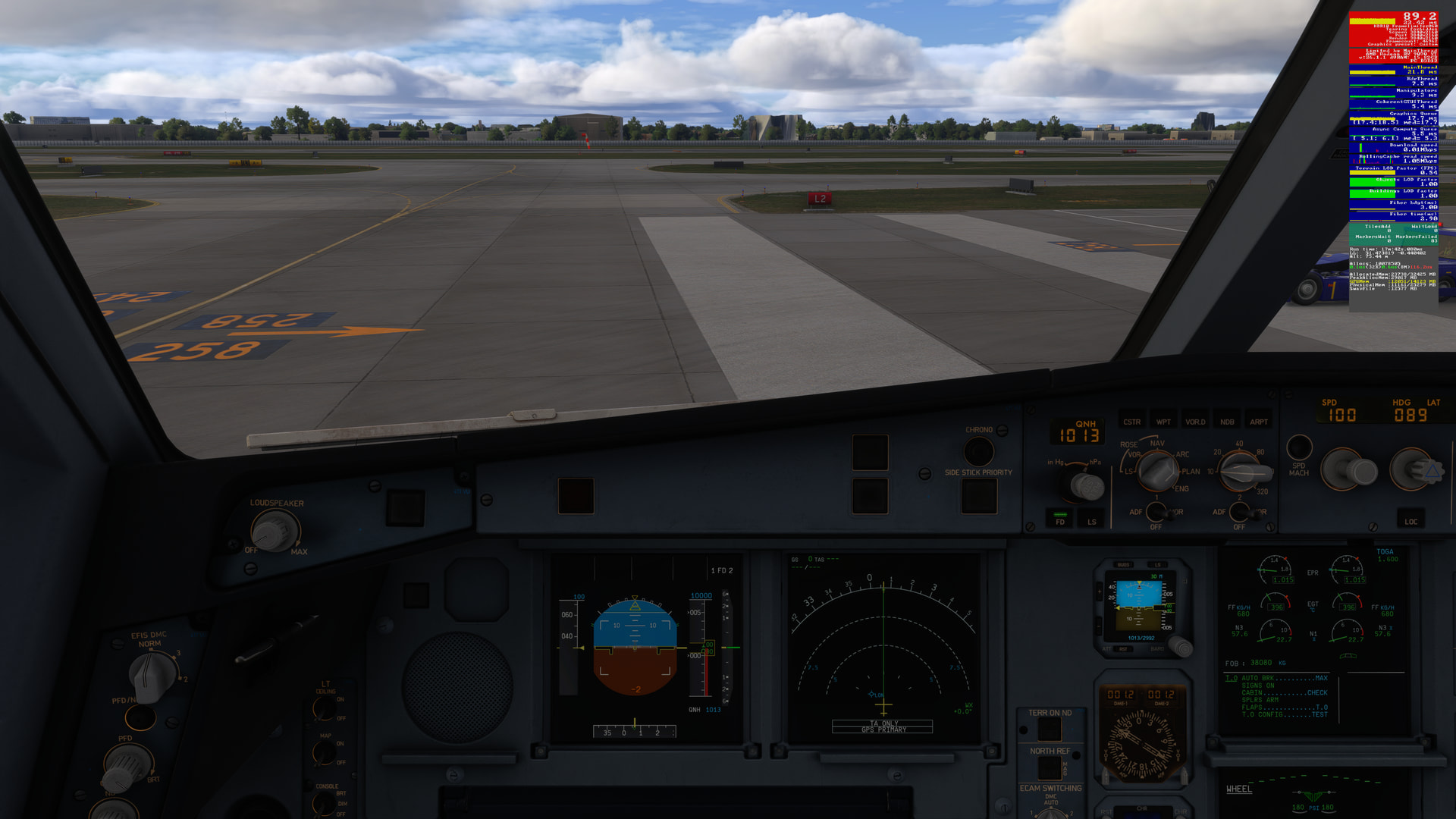
| Taxiing, cockpit view | 43.4 | 89.2 |
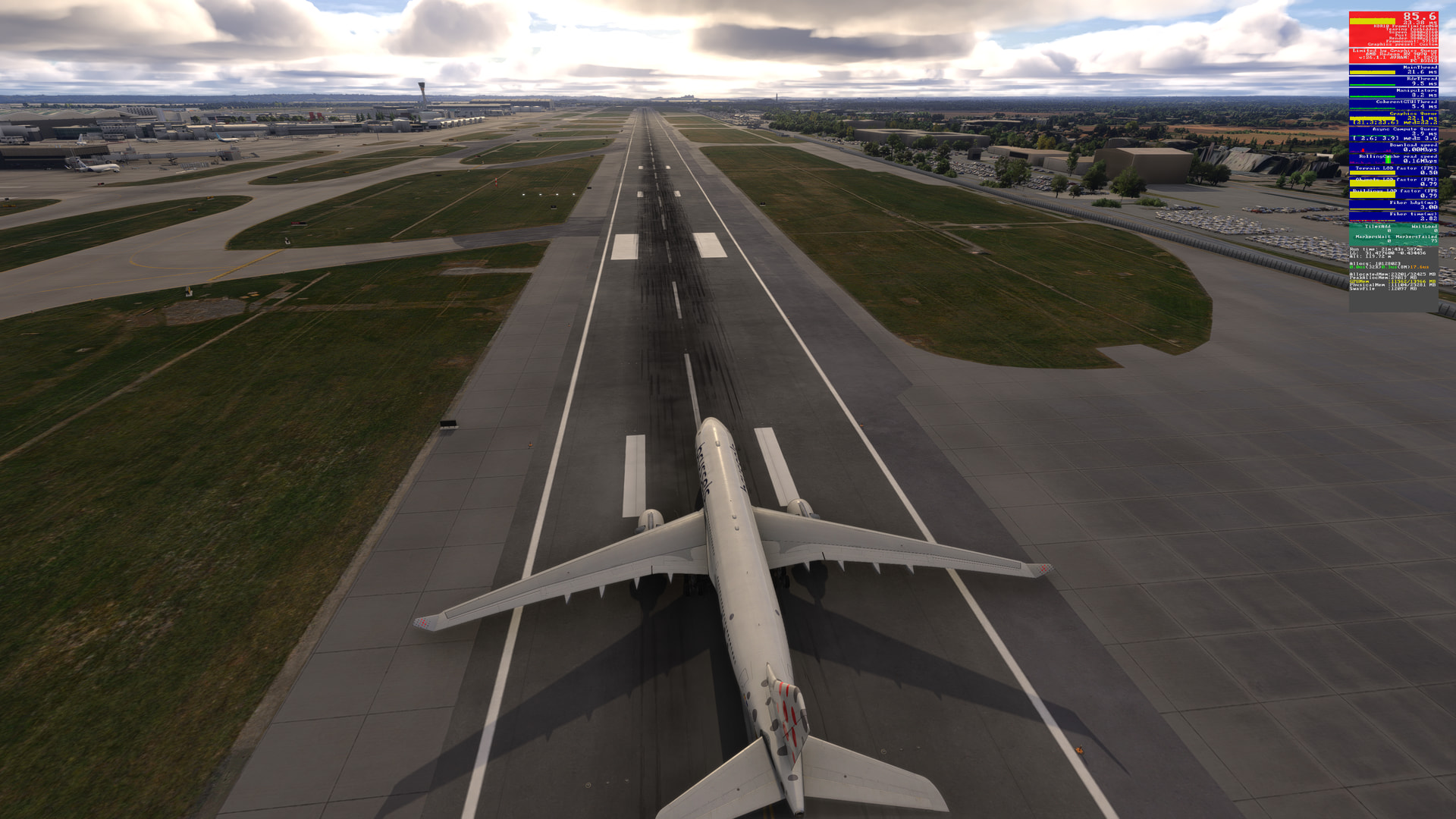
| Runway, ready for take-off external view | Mid 30’s | 85.6 |
| Runway, ready for take-off internal view | Mid 30’s | 86.3 |
Unlike the .28 build, there were no stutters at all. Nor did the dreaded “Peaked over Retail Budget” notification, which appeared (with its associated pop-up) in .28 rear it’s ugly head in this .30 build.
These results were so surprising that I double-checked all my settings to confirm that they were the same, plus exited MSFS, then restarted and re-ran the test, resulting in virtually identical framerates (within the margin of error).
Note that I always delete all caches and the rolling cache between builds, so the results reported here are not due to cached data being read / used for the first test in this .30-build.
Screenshots. I’ve tried to recreate the same screenshot locations from the .28 build, that you can view here.
Cold-n-dark, just spawned in:
Cold-n-dark, just switched to cockpit view:
Pushback, external view:
Taxiing, cockpit view:
Runway, ready for take-off external view (no equivalent in .28):
Runway, ready for take-off internal view (no equivalent in .28):
I have no explanation of why I’m seeing such an increase in framerates on my PC in this build, but whatever the devs did to try to make “Improvements to reduce instances of low memory/avionics issues on Xbox Series X|S and PS5” appears to have improved performance on my PC in high-resource-usage situations. Yay! 

Edit:
On reflection, although I don’t have an explanation, there is a clue to what might be going on.
In my .28 build post, I noted that:
“Having powered up and started the pushback, framerates have halved. I’d was hoping for somewhere around 45 with this viewpoint. You’ll also notice the dreaded “Peaked over Retail Budget” notification, which appeared (with its associated pop-up) after I had powered up.”
In the .30 build, the dreaded “Peaked over Retail Budget” notification did not appear. Where was the greatest improvement in framerates? After I had powered up the aircraft.
Looking at the data from the dev-widget:
| View Location & Camera | Build 1.7.28.0 | Build 1.7.30.0 | Build 1.7.28.0 | Build 1.7.30.0 | Build 1.7.28.0 | Build 1.7.30.0 |
|---|---|---|---|---|---|---|
| - | AllocateMem (Max 32425) | PeakAllocMem | GPUMem | |||
| Cold-n-dark, just spawned in | 26652 | 23885 | 31177 | 29017 | 13543/14413 | 12276/14327 |
| Cold-n-dark, just switched to cockpit view | 25701 | 23797 | 31177 | 29017 | 12524/14332 | 12108/14122 |
| Pushback, external view | 33833* | 23407 | 40617 | 29017 | 15290/14263* | 11782/14056 |
| Taxiing, cockpit view | 32814* | 23738 | 40617 | 29017 | 14393/14185* | 12051/ 14123 |
| View Location & Camera | Build 1.7.28.0 | Build 1.7.30.0 | Build 1.7.28.0 | Build 1.7.30.0 |
|---|---|---|---|---|
| - | PhysicalMem | SwapFile | ||
| Cold-n-dark, just spawned in | 12337/24584 | 11081/25402 | 14315 | 12803 |
| Cold-n-dark, just switched to cockpit view | 12456/24729 | 11101/25283 | 13244 | 12696 |
| Pushback, external view | 19623/25084 | 11068/25324 | 14210 | 12338 |
| Taxiing, cockpit view | 18619/24802 | 11161/25279 | 14195 | 12577 |
It may be that once the Allocated Mem exceeds the max (32425 in my case), and / or the GPU exceeds the available memory (~ 14056 to 14413 in my case), framerates will drop and never recover.
Memory usage in the .30 build is considerably less than the .28 build. Since the memory never peaked over retail budget, framerates remained high.
Hi SmotheryVase665,
Thank you for this incredibly detailed and data-driven analysis! Your memory allocation tables explain exactly why the simulator suddenly feels so different in this build.
I can fully back up your surprising findings with my own experience. Based on the release notes, I wasn’t expecting a massive performance leap either, but v1.7.30.0 turned out to be a total game-changer for stability and smoothness.
Just like you recreated your test flight from the previous build, I did the exact same thing. On my channel, I also have a video testing the previous SU 5.1 Beta 12 (1.7.28.0) patch, so it was very easy to compare the two builds directly.
To document the changes in this new version, I did a raw, single-take test flight using the Discovery Preset and ended up pushing the sim even further by testing the heavy London preset alongside New York.
You can check out the raw footage, loading speeds, and my graphics settings breakdown here:
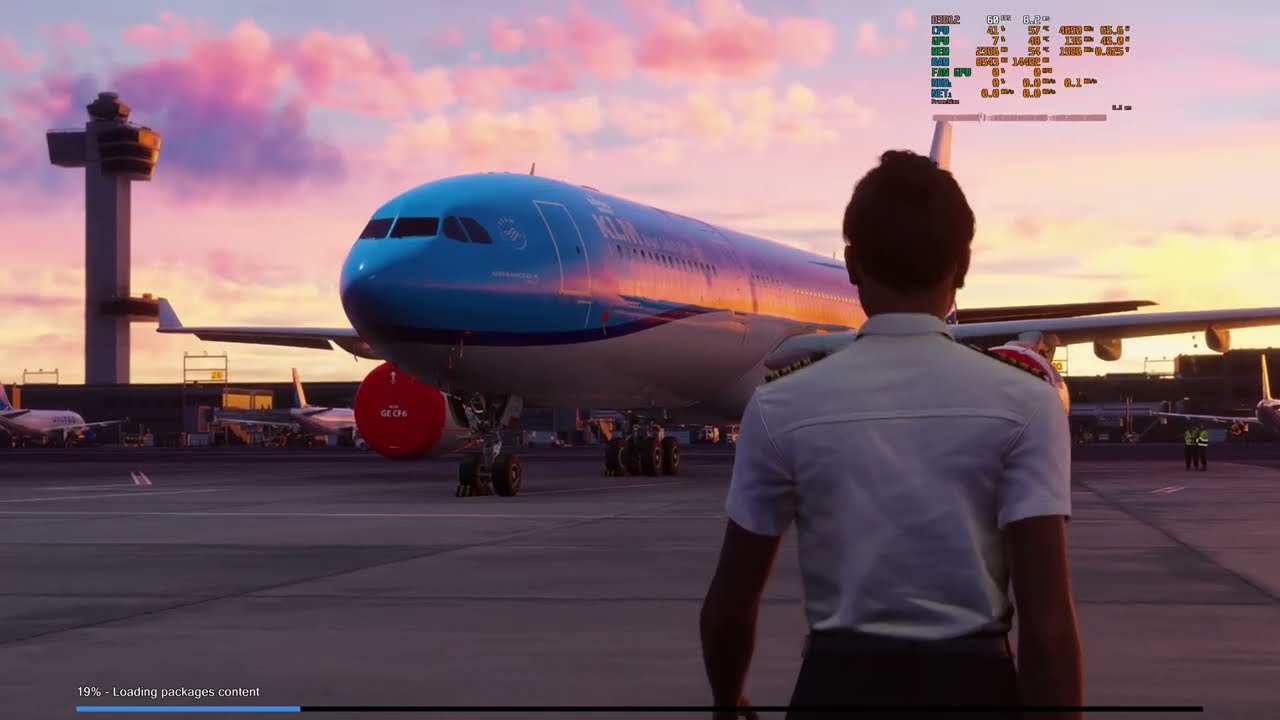
Your technical breakdown regarding memory usage makes perfect sense. On my end, the notorious stutters and sudden frame drops are completely gone, even when loading heavy environments. Whatever the devs did to optimize memory for consoles has clearly paid off massively for the PC builds as well in high-resource scenarios.
Note on settings: I noticed your massive FPS jump and suspect you might be running without Frame Generation. On my end, I am utilizing Frame Generation, which paired with these new memory optimizations, makes the experience incredibly fluid.
Another critical detail I discovered during testing relates to camera control: I demonstrated both Xbox gamepad and mouse look in the video. Interestingly, the massive memory strain and heavy stuttering seem to happen primarily when using the mouse, likely due to high mouse sensitivity forcing the engine to redraw assets too quickly. When switching to the gamepad, the camera panning is smooth, and performance holds up surprisingly well.
It is truly encouraging to see that the development team is actively responding to the feedback from test pilots and the community, without missing fine details like the engine heat blur effect on the Cessna.
P.S. My video testing the Career Mode will be coming a bit later, as I’m very curious to see if the work on that front has kept pace with these memory optimizations. I will do a detailed test on that very soon!
Thanks again for your hard work and for providing such solid benchmarks for this thread!
I’m sorry to say but I’m on PC and I didn’t notice one bit in the optimize department, a big drop of it, yes.
My guess would be mouse polling, since the sim has to poll the mouse to determine if it should show tool tips or highlighting. Then it’s also polling for mouse clicks, so there’s a good amount of CPU resources being put into mouse functions.
Frame generation was enabled for both flights (full settings are viewable here). Are you suggesting that once the “Peaked over Retail Budget” notification appears, frame generation no longer functions for the remainer of a flight, even though it is enabled in the graphics settings?
@wingview
Although my hypothesis may be valid for my particular PC hardware & settings, it is highly unlikely to be the sole reason for all the issues that PC users are seeing. What would be useful to know is how many of the issues being reported occured after a “Peaked over Retail Budget” notification appeared during a flight (if it did at all).
I’ve seen reports from some users seeing this pop-up immediately after the flight starts. If my hypothesis is correct, their performance is probably going to be sub-optimal for the entire flight.
Anecdotally, I’ve noticed this happening ever since MSFS 2024 released. Back then, I had an Intel Arc 770 GPU & saw the “Peaked over Retail Budget” notification more often. Performance would tank - sometimes into the single digits - and never fully recover. I learnt it was better just to end the flight and restart MSFS (Just starting a new flight would not restore performance). It seems whatever the root cause of the problem, there appears to be no code to - in non-development terms - gracefully clear away the debris left behind in memory after the notification so that the performance could recover to pre-notification levels.
I decided to try out HDR10 and 4k on my X Box and after a little bit of color and picture adjustments, it looks pretty good. It had an odd issue that I don’t know the cause but thats not relevant.
I flew the Cirrus Vision from KSTL to KBNA today. There was some pretty cool looking weather. It could have been graphically better but it was good and as expected. It was a pretty smooth flight as I remember. I ended the flight and then changed to the C152 and went to W29 bay Bridge and flew westward but it was quite stuttery. I chalked it up to the amount of scenery in that area and shut everything down for a while.
This evening I come back and did a nighttime flight from KPVD to a little airport south of Newark and it had a few stutters but not bad. and then I ended the flight and started on 01R at YBBN and flew to Redcliffe. aside from some stutters, it was an awesome short little trip as the approach to YRED is just awesome!
but I am not sure that something hasnt changed for the worse since my first flight on this beta version and the only thing I see is that the Addon support module was updated from v333 to v337. could that have caused issues or is it just me?
just to note though - scenery looked good and I still have all my addons enabled so…
BUILD . 1.7.30.⁰⁰⁰⁰⁰⁰⁰…
PS5
AIRBUS A330 743L BELUGA
EGLL - LEMD
Live stormy weather 
Loading  - Took its time loading in
Stutters - 1 time and it was after loading in when generic parked Aircraft were loading in
AI traffic  weirdly no
Memory issue free
Successful flight including takeoff into stormy weather and cruising and landing
Stutter free apart from the encounter described previous
Should this build be released 90%
Hi SmotheryVase665,
Sorry for the confusion, let me clarify! Because the performance gap between our tests was so massive—with my maximum and minimum FPS metrics looking significantly better and healthier than yours—I initially assumed you might be running without Frame Generation, without having cross-checked your exact settings first. I only brought it up because it seemed like the most logical explanation for such a huge difference in performance baselines.
Regarding the “Peaked over Retail Budget” error and Frame Generation — in my tests, FG doesn’t actually shut down. Instead, what happens is that the simulator’s built-in FPS stabilization algorithm drops drastically in efficiency. Once the memory overflow occurs, recovery becomes painfully slow, rebuilding performance at a rate of just 1–2 FPS per second, which significantly increases the overall stabilization time. It’s worth noting that this behavior existed in previous builds as well, but now, in terms of actual gameplay feel, it is noticeable to a much lesser degree.
Tried a flight from Heathrow to marseille earlier in the pmdg 737, taxiing and take off were pretty horrific with stutters and poor LOD. Gave up after 10 minutes as stutters weren’t disappearing. So definitely have to lower all settings for major airports and disable addons and vice versa for non major. Series x
All look in your 2024 libraries and disable anything 2020. Sign out. Delete rolling cache, and streamed packages on pc. Restart pc, restart sim - see if that makes any difference.
PS5 user. In short - 5.1 better than 5.0 for sure, but Way worse than Su4…
Not trying to be polemic here, just honestly curious: were there no ps5 users in the SU5 beta? Why was this not caught in the beta?
What do you mean it wasn’t there?) It was probably there, but I did the first beta test with version 5.1, and that’s because the full version of the game is terrible
Yes there were. Problem being not all join this forum. PS have their own forums. If that’s where they normally go they probably don’t feel the need to come here unless there is a problem.
From what I’ve read, it seems that the performance regression didn’t really occur until the final release of Sim Update 5. This could have a few explanations in my mind:
I actually thought that the game on the PS5 and PS5 Pro versions would be decently different, but it turned out that it was NO different at all) That is, a waste of money.