ISSUE DESCRIPTION
12/6 - at least for me, it seems that setting all audio devices to “Don’t Allow” (except for my Pimax headset), fixes the “crashes after a minute or two.” This might be exclusive to RealTek sound devices - I don’t know.
Description of the issue:
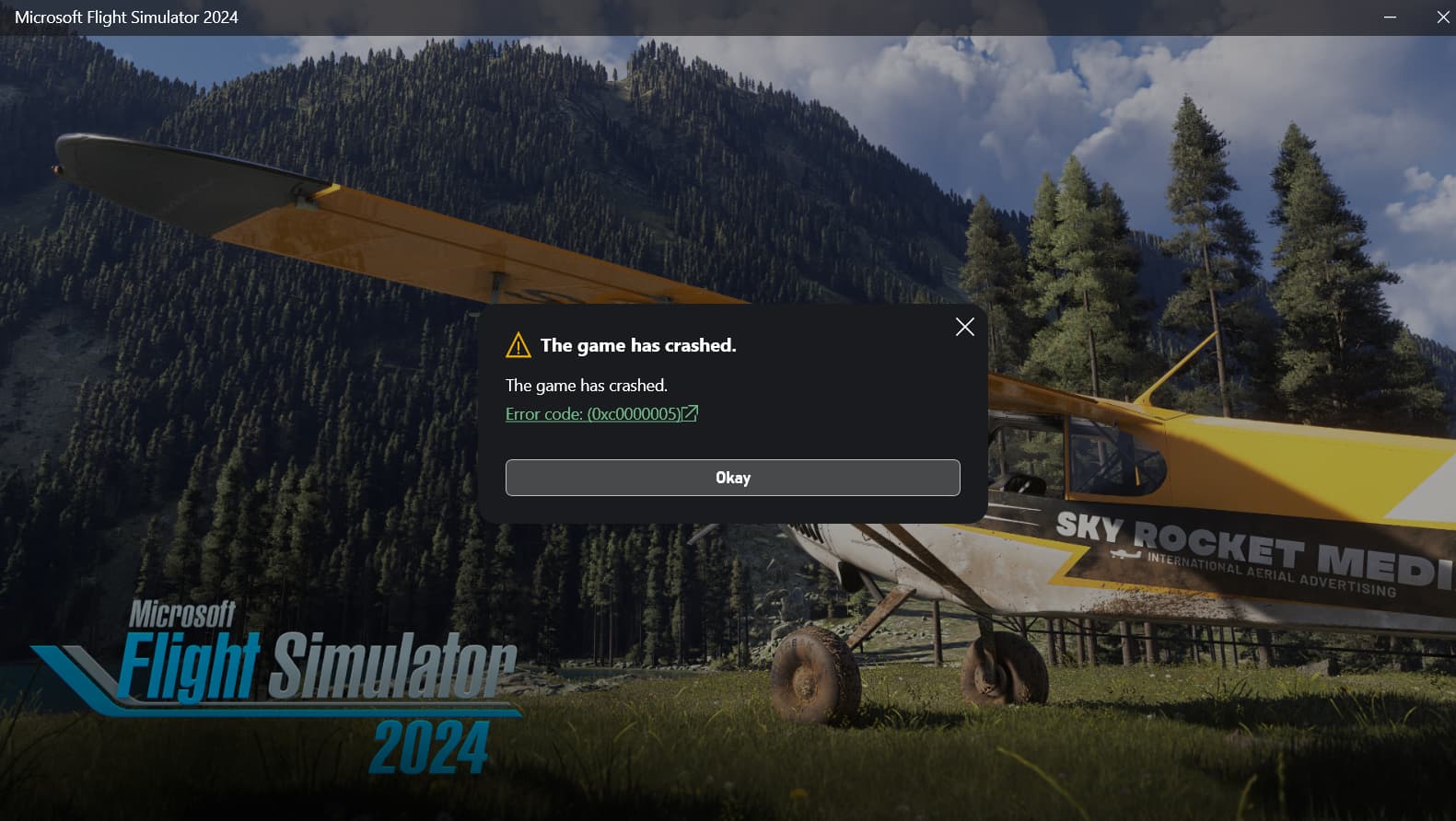
Soon after startup (perhaps a minute, maybe two), the app disappears with no messages - it just disappears.
NOTE (12/5): yesterday after trying a fix I read about, I set all audio devices to ‘don’t allow’ (other than my Pimax headset). I was able to use msfs 2024 the rest of the day. However, today, with no changes on my part (indeed, even a full uninstall/reinstall), and all I get is black screens. I was able to get into the game at one point (menus displayed, just no background - server issue?), but couldn’t fly. The game wasn’t really ‘there.’ I’m sad.
Bug description:
I have been able to run the app a few times (I’ve completely uninstalled/reinstalled it multiple times). I thought immediately turning the graphics to high-end rather than ultra fixed it. But apparently not. I don’t believe I had any problems until (after an update) the first time I saw “synching your data…” After that, it simply won’t stay running. I don’t know how to exclude anything that may be ‘syncing’ that is causing trouble.
[PC Only] Did you remove all your community mods/add-ons? If yes, are you still experiencing the issue?
I have a just-downloaded new version of msfs. If the app is downloading community mods, I don’t know about them, or how to remove them. I have not seen anything in the app installed as mods.
FREQUENCY OF ISSUE
Every time on sim load.
REPRODUCTION STEPS
Please list clear steps you took in order to help our test team reproduce the same issue:
- Start app
- Wait a minute or two
- App disappears with no message
YOUR SETTINGS
If the issue still occurs with no mods and add-ons, please continue to report your issue. If not, please move this post to the User Support Hub.
What peripherals are you using, if relevant:
WinWing (throttle and joystick), Thrustmaster (rudder)
[PC Only] Are you using Developer Mode or have you made any changes to it?
Not using developer mode
[PC Only] Many issues may be due to an outdated graphics card. Please state your Graphics Card Driver Manufacturer (NVIDIA, Intel, AMD) and Version:
Nvidia 566.14
[PC Only] What other relevant PC specs can you share?
RTX 4090, 64 GB ram, i9-13900K, Storage spaces SSD mirror, installed to drive H:, Pimax 8KX (crashes with or without headset running).
MEDIA
Please add a screenshot or video of the issue occurring.
That would be amusing. A screenshot of my desktop, where the sim used to be…
[END OF FIRST USER REPORT]
 For anyone who wants to contribute on this issue, Click on the button below to use this template:
Do you have the same issue if you follow the OP’s steps to reproduce it?
•
Provide extra information to complete the original description of the issue:
•
If relevant, provide additional screenshots/video:
•