Thank you for using the Bug section, using templates provided will greatly help the team reproducing the issue and ease the process of fixing it.
Are you using Developer Mode or made changes in it?
No
Have you disabled/removed all your mods and addons? If the issue still occurs with no mods and add-ons, please continue to report your issue. If not, please move this post to the Community Support section.
No
Brief description of the issue:
Sim will not launch in any way
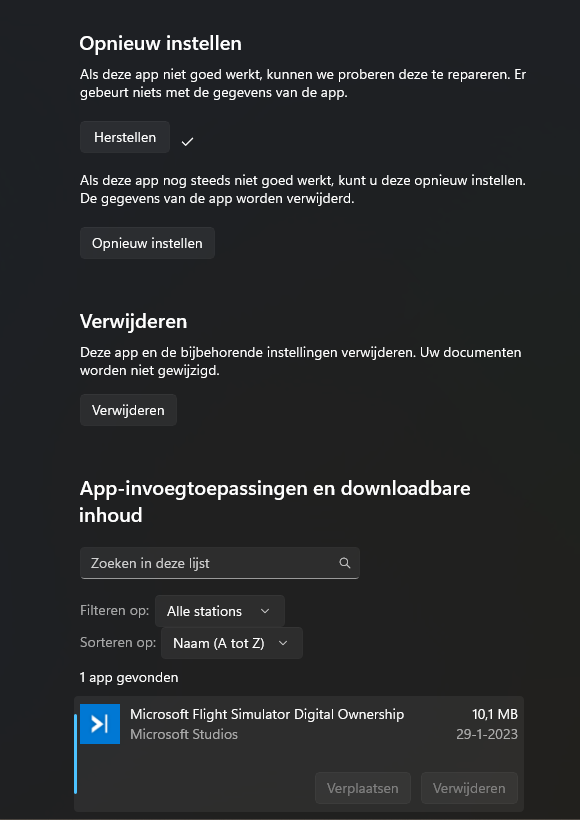
Provide Screenshot(s)/video(s) of the issue encountered:
Detailed steps to reproduce the issue encountered:
click on MSFS icon, nothing happens
Many issues may be due to an outdated graphics card. Please state your Graphics Card Driver Manufacturer (NVIDIA, Intel, AMD) and Version (Learn how to find your current graphics card driver version):
Graphics card is up to date
PC specs and/or peripheral set up if relevant:
not relevant
Build Version # when you first started experiencing this issue:
1.33
 For anyone who wants to contribute on this issue, Click on the button below to use this template:
Do you have the same issue if you follow the OP’s steps to reproduce it?
Provide extra information to complete the original description of the issue:
If relevant, provide additional screenshots/video: