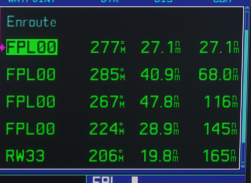
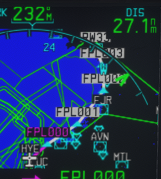
I’m new to FS2024 and to Little Navmap. Do any Little Navmap users know what the small solid triangles on the maps mean. The Little Navmap users guide is unclear, implying they are waypoints. However, if you select one as a waypoint, it is labeled as WP1 and it does not transfer over to fs2024 as a waypoint. I recently loaded a flight plan to Frankfort-Hahn airport (EDFH). As an example, there are dozens and dozens of the solid triangles in the vicinity of this airport especially to the left of the map and the upper part of the map. Thanks for any info.
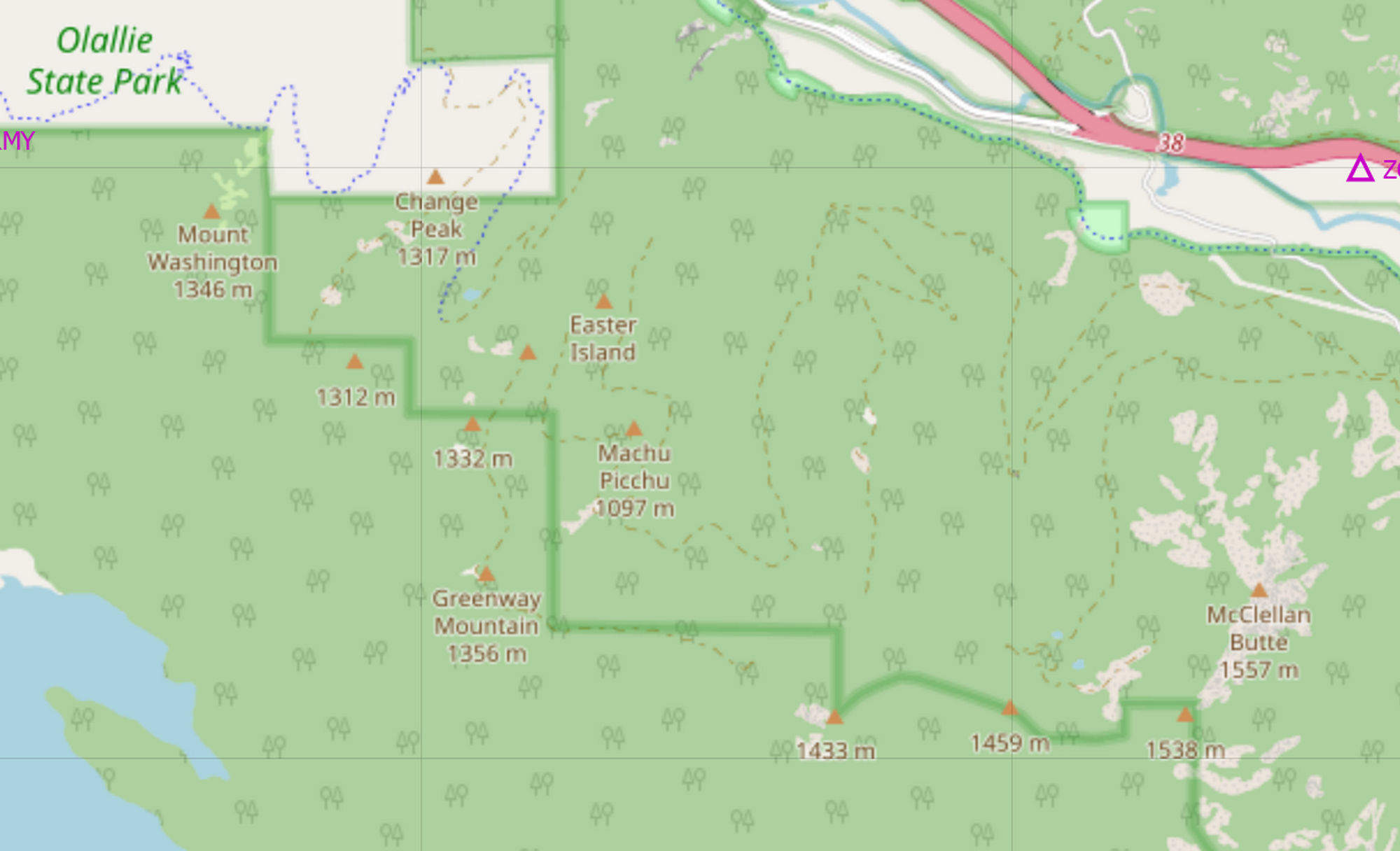
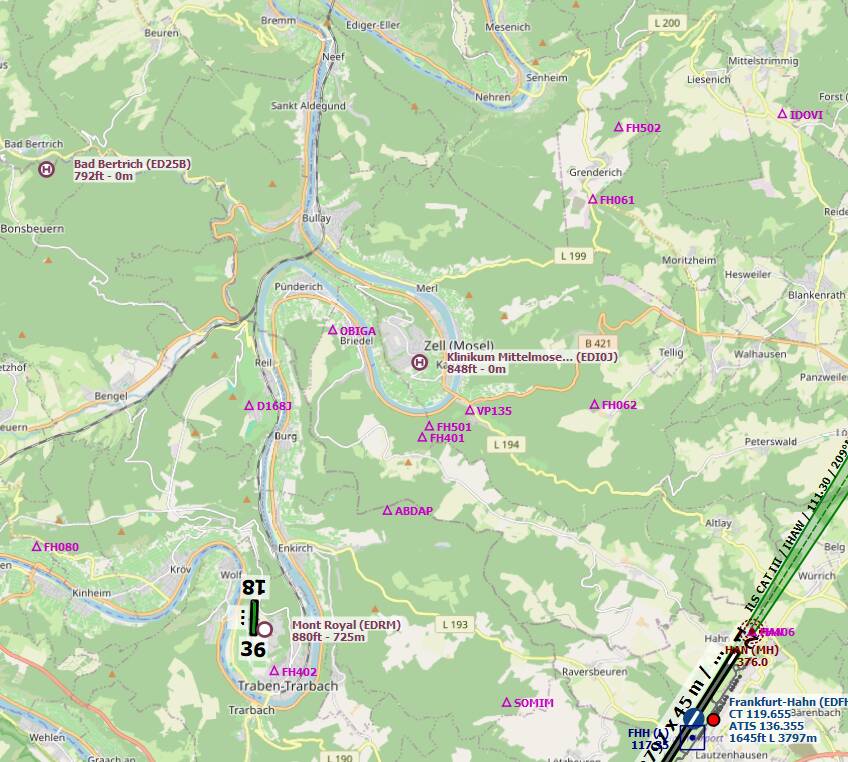
There are various add-ons for LNM for 3rd party POIs (Points of Interest). Could it be some of those? I don’t use them personally and I don’t see those symbols.
WP1 would indicate user defined waypoint.
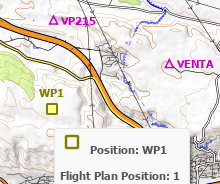
You can create them easily by CTRL+ALT+Left Click.
Either you are creating them, or your flight plan has them already. A screenshot would help here.
I tried ceating a simple flight plan in LNM, then threw in some user defined waypoints:
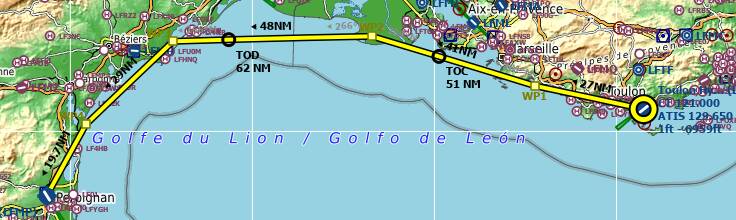
LFTH N0120F210 4311N00533E 4323N00439E 4322N00334E 4302N00305E LFMP
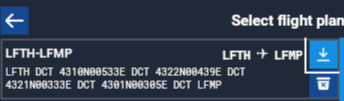
I then imported this into the web based flight planner, and saved it:

I then brought the saved flight plan into the EFB in the sim:

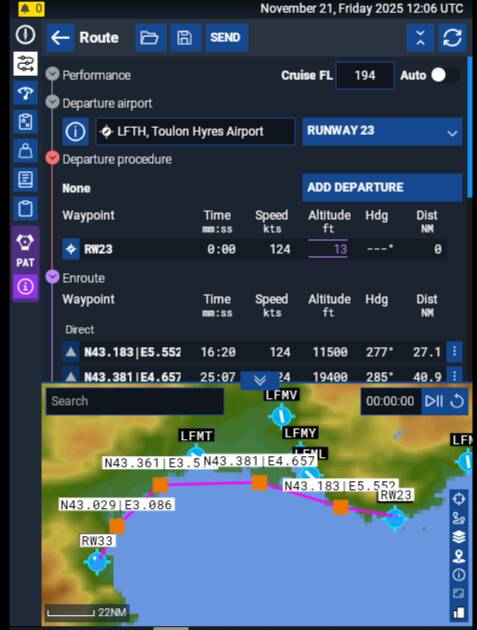
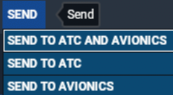
Then send to ATC, and avionics:
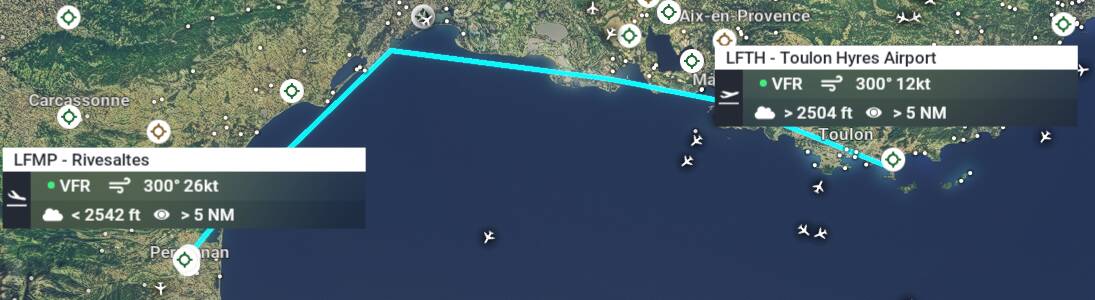
But they didn’t get pulled into the 530, only the departure, and arrival airports. I’m sure that has worked before for me.
Ah, it looks they got wiped during the spawn in. In the 530, I removed the flight plan, then in the EFB I pushed the flight plan to ATC & avionics again, and this time it worked: