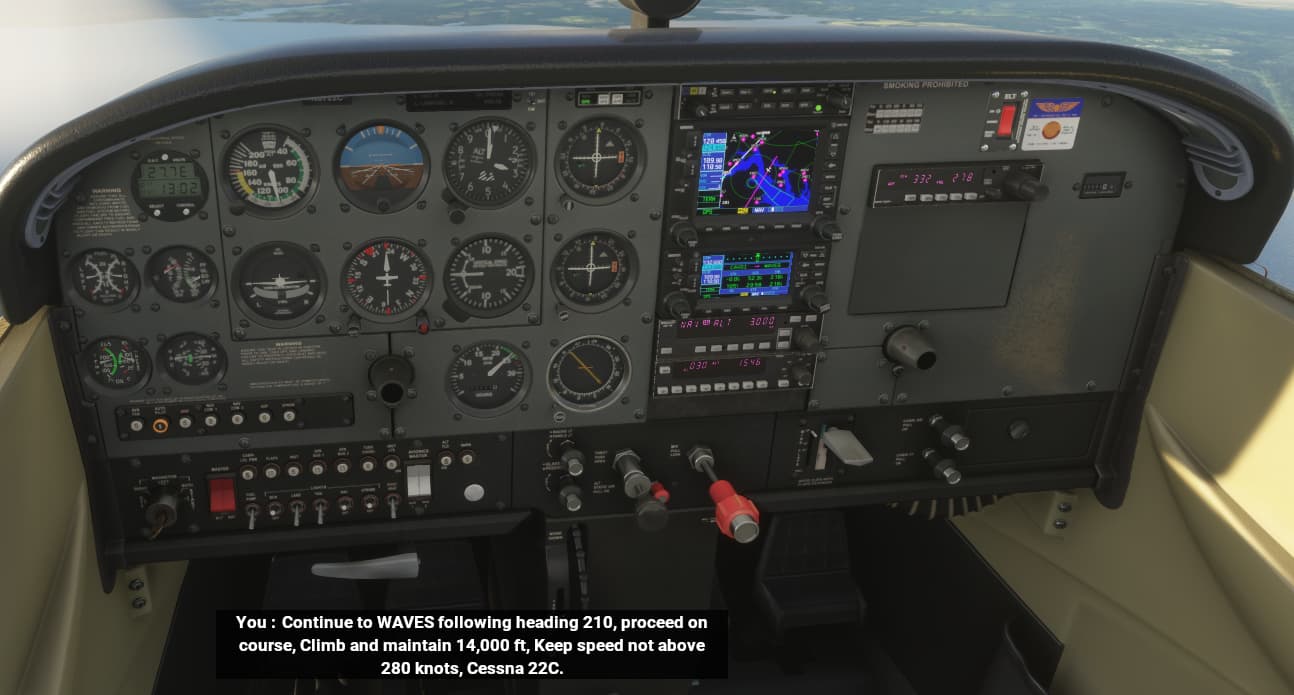
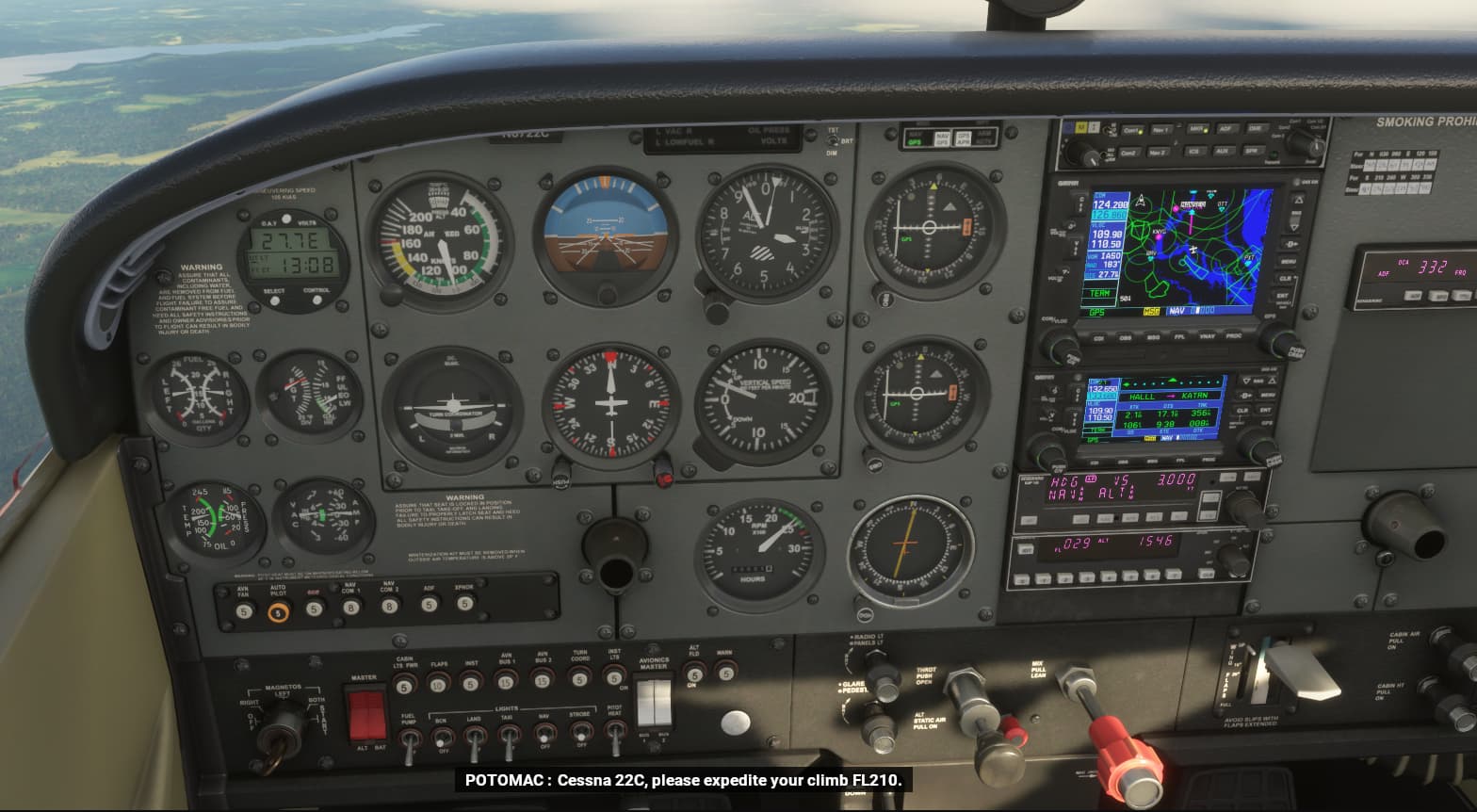
The problem with Azure ATC voices going silent, being temporarily restored by using COM2, but not being restored to COM1 without restarting the sim has existed for 2 years and 4 months, since July 2021, as first reported here, with 844 votes so far with no fix ever promised from Asobo:
4 Likes
I had this last night. ATC voice was heard, but my responses were silent.
It’s interesting that it always seems to be one or the other - I can’t remember ever having had both the ATC and the pilot going silent.
For me, it only happens if I hand over comms to the co-pilot. If I handle comms myself, the voices stay, even on a long flight.
Some time ago, I found that, if I didn’t hand over the comms till I was airborne, and then hand over, it was ok, but even that doesn’t work any more.
And the switching-to-com2 trick has never worked for me either.
In the case described here, it was not about “muted voices”, but about the same voices for all AI pilots and air traffic control. Sometimes male, sometimes female, but always identical. Then again in the next airspace. If there is a change at all, it is only between male and female. This wasn’t the case at the beginning and came with a new version at some point. Now there are only two voices. One for male, one for female. And not mixed male/female, they all speak with one voice. Either all male with one voice, or all female with one voice.
3 Likes
Roger that.
1 Like
Very good list. covered almost necessary points.
Losing Azure voices
Recommendation - Use Offline ATC, it utilizes the same Locpak file as Azure and Offline never drops, ever.
Useful selectable instructions missing [e.g. request barometer setting, switch to IFR on a VFR flight ]
You can request an IFR in-flight filing, it depends on your sector control, and whether you imported or created a VFR plan at the World Map.
Allow tuning to ATIS before landing
You can tune ATIS manually - you just need to know the frequency of the reporting station. It’s available up to 40nm LoS to your Destination.
Altitude often too high on approach
Never had this issue. I file my plan using an external EFB like Little Nav Map or Navigraph Charts, export as a PLN, import into World Map. ATC has matched Top of Descent and assigned Approach every time. In fact, because ATC doesn’t know about STARs, it will call for a descent to Initial Approach Fix way too early most times.
Sudden dramatic increase in altitude during approach, often followed by reduction back to a sensible level.
Per earlier, ATC actually sends me to the IAF altitude often times too early compared to VNAV calculated fixes based on Activated Approach. So I’m really not seeing where this is happening in the hundreds of simulated IFR flights I’ve had.
approach authorisation to waypoint sometimes not not matching arrival choices
There’s two things here that need to get unpacked. If by Arrival you’re referring to the Procedure - as mentioned, ATC doesn’t understand STARs. However, if by Arrival you mean the Destination - this sounds like a NavData issue, not ATC. Candidly, Navigraph has a data-only subscription that solves almost 99 percent of in-sim navigation data integrity issues. The rest of it is poor/substandard reporting by individual nation state agencies contributing to the global AIRAC process.
phraseology
Thanks to a former Staff member, I enjoy proper phraseology using FAA syntax with his Mod - again, the Locpak file is the key here. That + Offline ensures it’s always talking, and the mod gets it closer to correct terminology and procedural state. There are regional variations of this, but looking at the Locpak file, even as a rank amateur coder, I can tell there’s just no way to cover all the regional agency phraseology variances. And when you listen to actual ATC exchanges, you also see each region doesn’t even stringently follow it’s own rules
If ascending/descending to desired altitude via intermediate altitude steps, ATC should advise next step early enough to avoid levelling off unnecessarily.
This is supposedly addressed as part of SU14. I’m not in the Beta, but there is an active thread about it if you want to look it up.
Related problems:
Taxiway markings blank or confusing.
That’s not an ATC problem, that’s actually the airport BGL file and the procedural process of recreating thousands of airports without handcrafting each one (an impossibility). Mitigation is to use an EFB/Moving Map that reads the BGL and provides you with a top-down airport taxi chart diagram - i.e., Little Nav Map. Look at the chart while Ground reads the taxi instructions, they match up.
Offline voices are horrible when I’ve tried them.
It doesn’t work for me when I try modifying a plan in flight, which is when I need it.
Well it often happens to me.
So Asobo won’t fix the problem?
That’s why I labelled it as “related”. It’s just odd ground control gives precise taxiways to use, but these are often impossible to follow without the taxi ribbon.
Please note that I produced this list as a concise summary of what I and many others have commented on in the forum. It was intended to be a help to Asobo so they understand exactly what the problems users are concerned about. It was not intended to be a complaint. They can fix the problems or not, as they wish, but they cannot say they were unaware of the problems.
2 Likes
So Asobo won’t fix the problem?
I have no insight into whether it’s something that can be fixed. That’s a question for the Dev Team - I’m volunteer Staff but not part of MS - I’m an end user just like everyone else.
Realistically, Navblue is pretty good inside CONUS since around SU9/SU10 because of the FAA Supplemental Data. Outside of CONUS, Jeppensen is superior. So it’s really a market choice. Navblue is provided at no user cost, Navigraph is available for those who want to take advantage of it. In either case, ATC is dependent upon the data to function as expected.
Really, the bigger and more core problem with ATC isn’t ATC itself. Rather, all roads lead back to the Flight Planner logic. If the FP Logic is AIRAC compliant, then ATC, which queues off the Flight Planner, can ideally also be fully aware of all Procedure Legs and Types. Fix the FP module, and you get a chance to fix the ATC module. That was the general approach up until about early this year. Now the story changes with FS2024.
As for approaches, ATC prompts and TOD/BOD match up, so I’m honestly puzzled at what folks are doing to get such big swings. Maybe it’s because I fly GA and I use the Garmins, but it’s been very consistent even before Working Title did the big NXi revamp.
An AI ATC system is not going to be easy to develop ..
S0
#1 Fix the flight planning Logic (Including the World map), and define more precisely the formats of .pln file, extended if necessary to aid ATC provide a realistic service.
#2 Then, you can work to get ATC to understand and give realistic instructions, at appropriate portions of a flight.
2 Likes
Again, this plan has likely changed. FS2024 may require ATC to be completely rewritten from the ground up. Feel free to submit questions at the next Dev Q&A.
3 Likes
Until there are some Official announcements about ATC & 2024, one can only dream, and hope it may get better.
I would feel a lot more confident, if I saw that “ATC/Fight-Plan Dev” position filled at Asobo (ie, no longer being advertised)
It would be cool if ATC stopped giving me visual approaches in IMC situations. Requesting an alternate ILS or RNAV is approved with circle to land instructions in zero visibility at circling minima. Often times circling to a runway that is not aligned with the winds properly.
2 Likes
That bug, I don’t get why it’s persisted so long? We have the wind vector… We have all the runway heading vectors… Compute a handful of dot products and use the results to pick the runway that’s most closely aligned with the wind. How hard can it be?
2 Likes
When I want to call an airport because I want to land there, I often cannot contact them. That is, because the ATC is giving non-stop directives to other planes.
I wonder why I cannot change to the airport frequency, while ATC is doing their non-stop talking. It’s just a flick of the switch. Right? 
4 Likes
You can, you just won’t be able to get a word in edgewise. You would need to do it via the radios themselves though, not the ATC interface itself as it will be ghosted out most of the time.