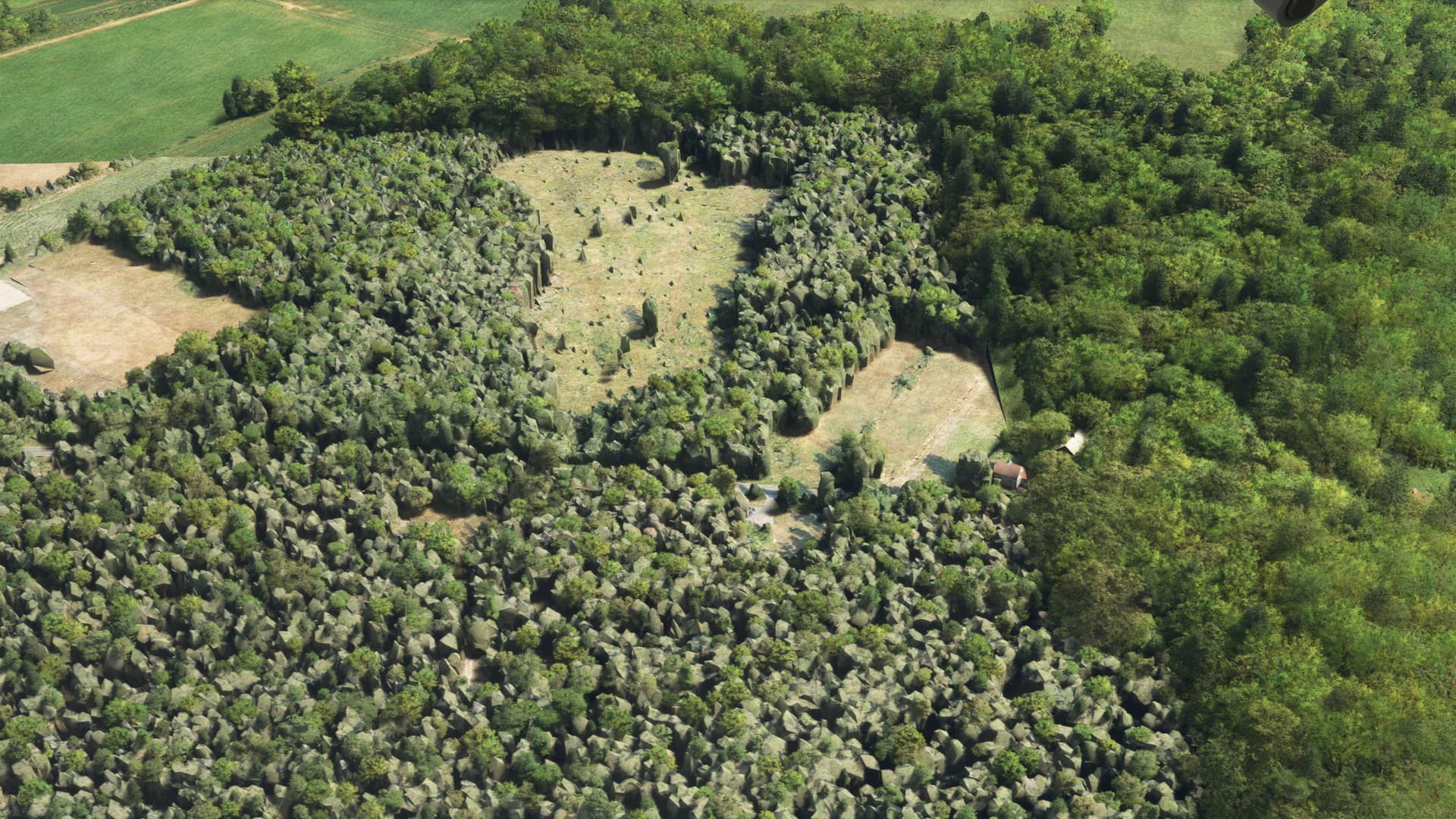
Which reminds me. The technique used clearly has issues with smaller structures, such a trees, and it makes sense a larger object, with a larger surface area would be detected, and scanned better.
But has anyone found a PG person yet? Perhaps we are just too small for this technique to work.
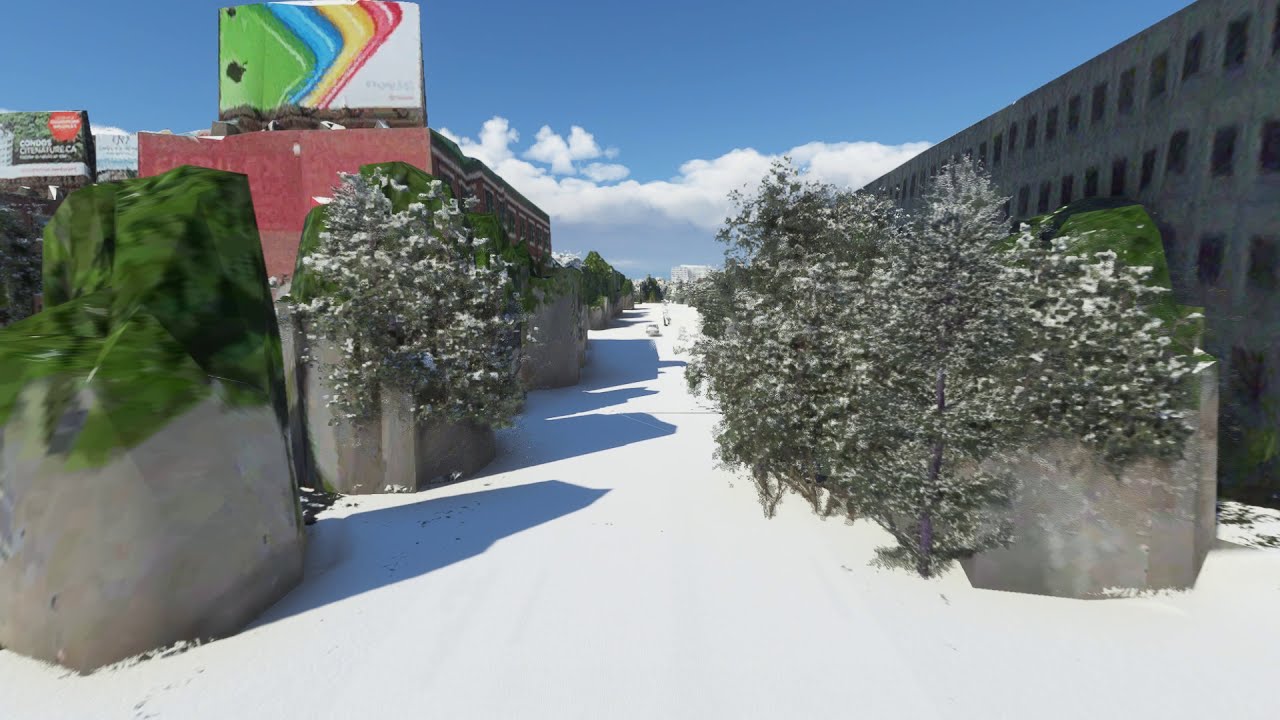
This is the melting buildings issue that is covered in other big threads including “Please Fix Photogrammetry and/or LOD.” It has been one of the top issues since about two months after launch and really no attention from the developers.
Take a look at Santa Monica Pier and Area North to Malibu. Looks fantastic in Bing ariel, even international flags on the beach. Bing has photos that look great. Sim has Palm trees painted on rock columns. Malibu pier to the north does not exist in the sim, but looks great on Bing. I made my own for this using GoogleMapsToMSFS (which looks like it’s using Bing, but I’m not sure how it works), it came out looking great, I think much better than the half submerged until your close, blocky looking thing that hardly resembles the Santa Monica Pier from the Bing Ariel.
Only way around this is to set Photogrammetry off and all trees look amazing again but houses all look like barns but i prefer the barns over the rock trees untill they fix it hopfully soon.
No, it isn’t. In this case there is simply no better data available.
Melted buildings are just an issue from distance and coming closer shows them properly. Here in this case the distance is not the issue, there is just a wrong/buggy scan of photogrammetry in Bing.
Well if your photogrammetry is only from high altitude or satellite photos, how would there be any data on what is underneath the tree tops? Think about it. Some areas might have enhanced photogrammetry with low altitude, low angle photos which a computer can then use to create better models. Or perhaps certain areas are manually altered for the same reason.
Your all dancing around the elephant in the room. Bing maps will never replace Google Maps, and there is a reason, for the majority of the world, Googles version is far superior and as an example has far more street view coverage. It appears to be a shock to Bing that people actually live outside the USA, Bing maps was and is a poor choice to be working with.
Well, if it might make you feel any better, Bing does not discriminate and “takes no prisoners” ANYWHERE, U.S. or outside U.S.!
One of the more commonly used airports in the U.S. KPAE, Paine Field also suffers from this thread’s aptly named title.
Turn on your Photogrammetry, if it’s off.
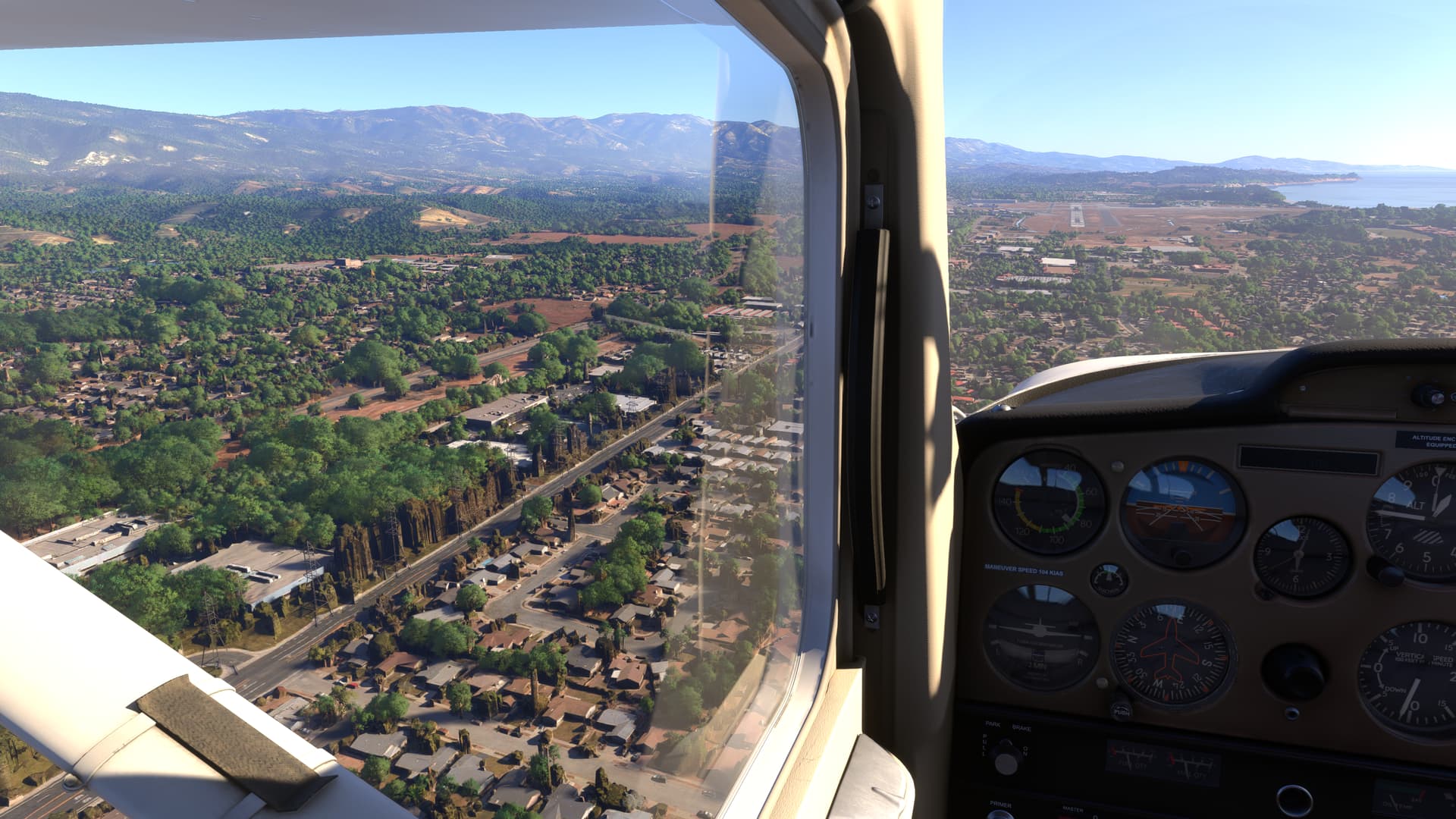
Line up for take-off from runway 34R, glance out your right window and admire the nice green trees and shrubbery along the taxiway. Wait, what - what are those boulders doing over there?
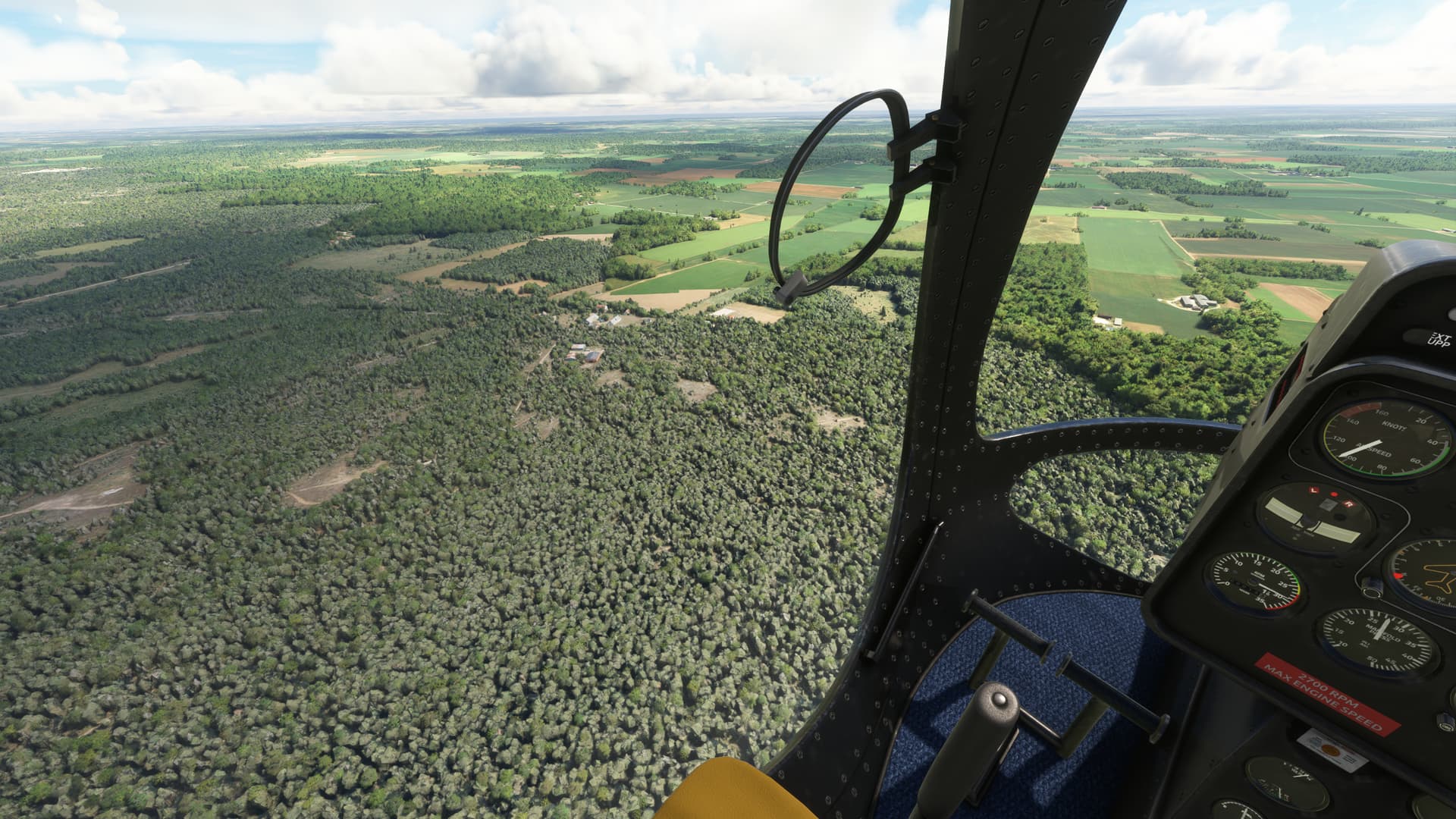
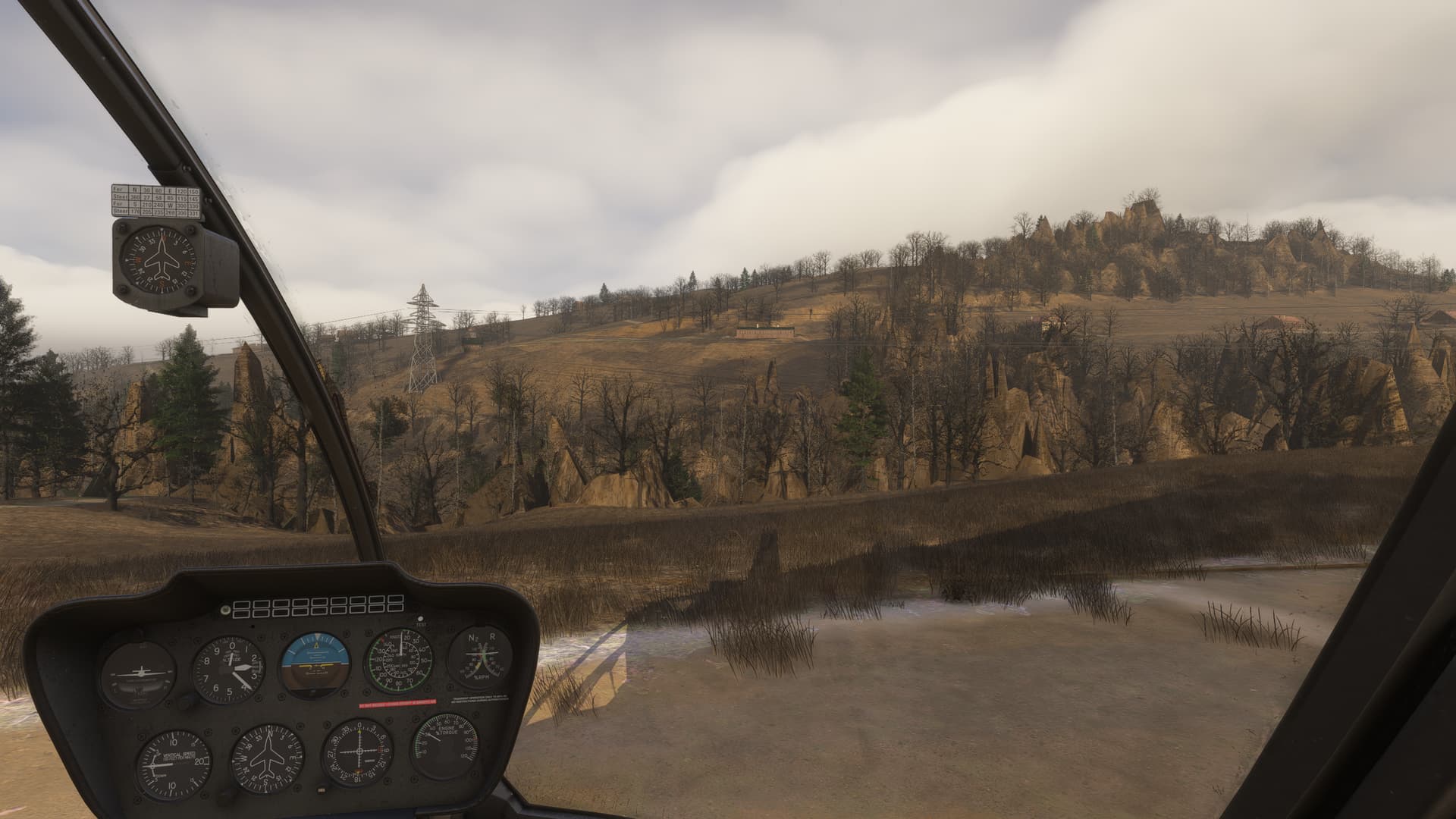
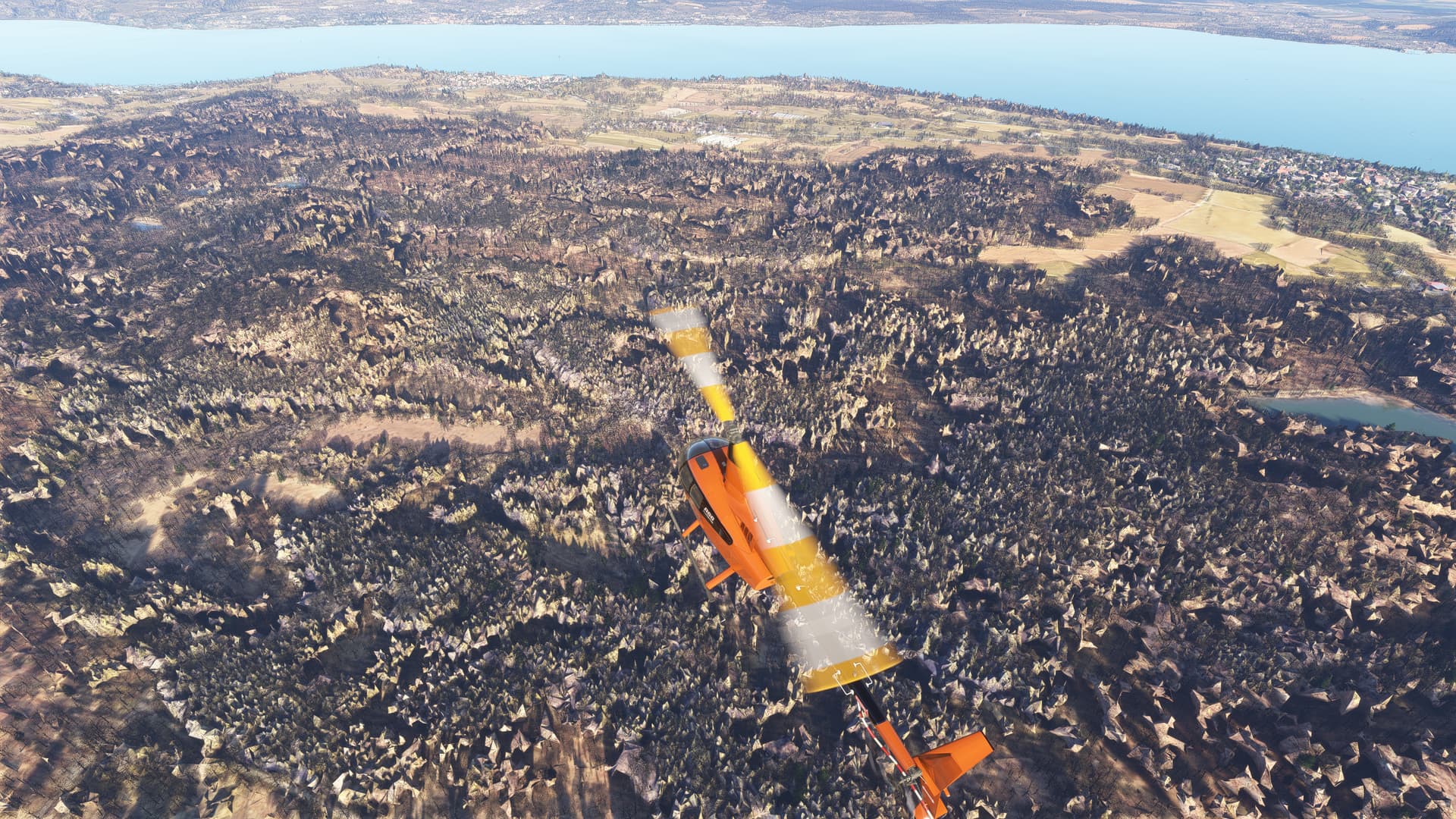
This is one of the most urgent tweaks to PG if you ask me. Any area with forests and phogrammetry will stick out like a sore thumb as the rocky trees are highly visible even when quite far away.
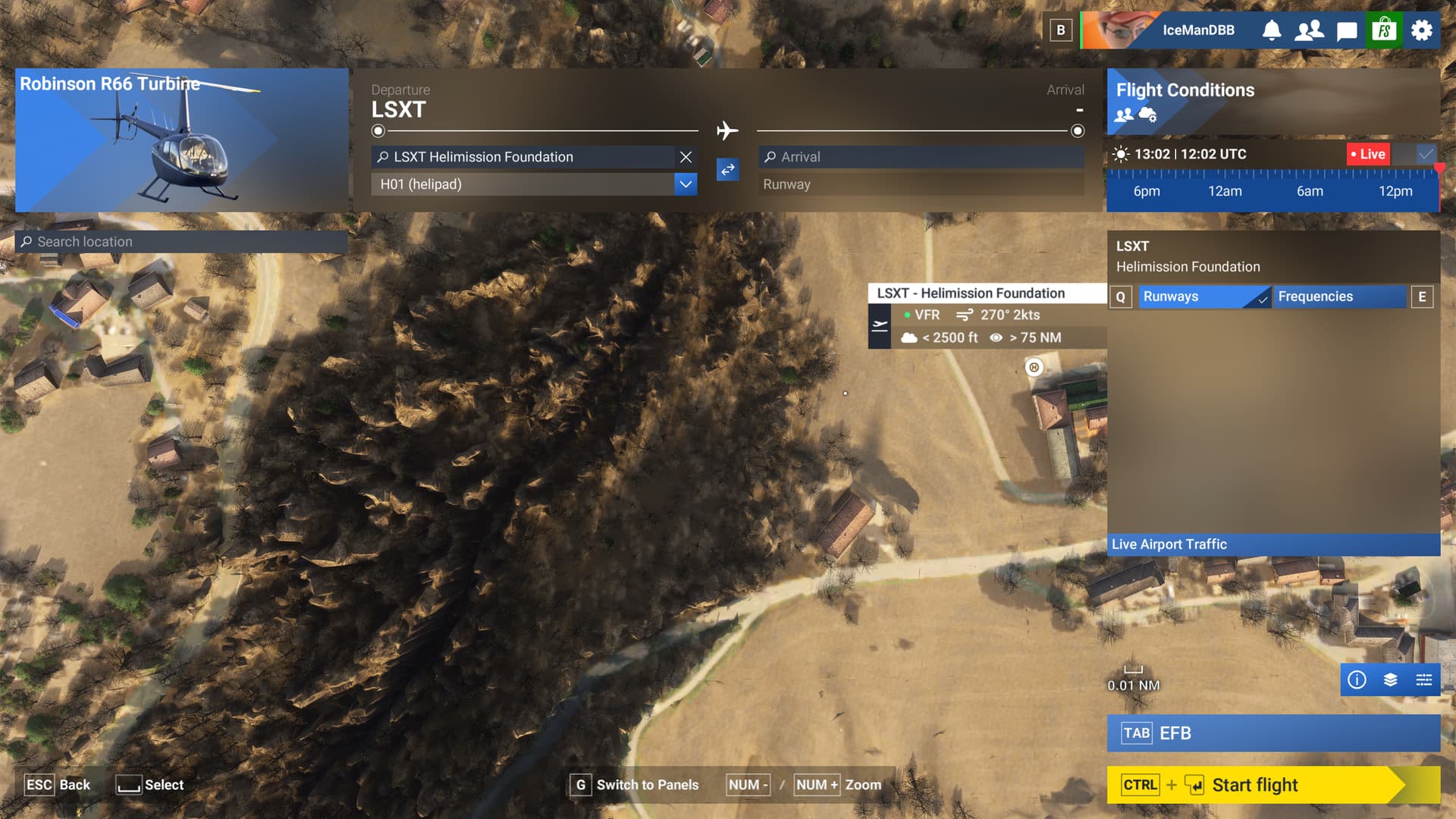
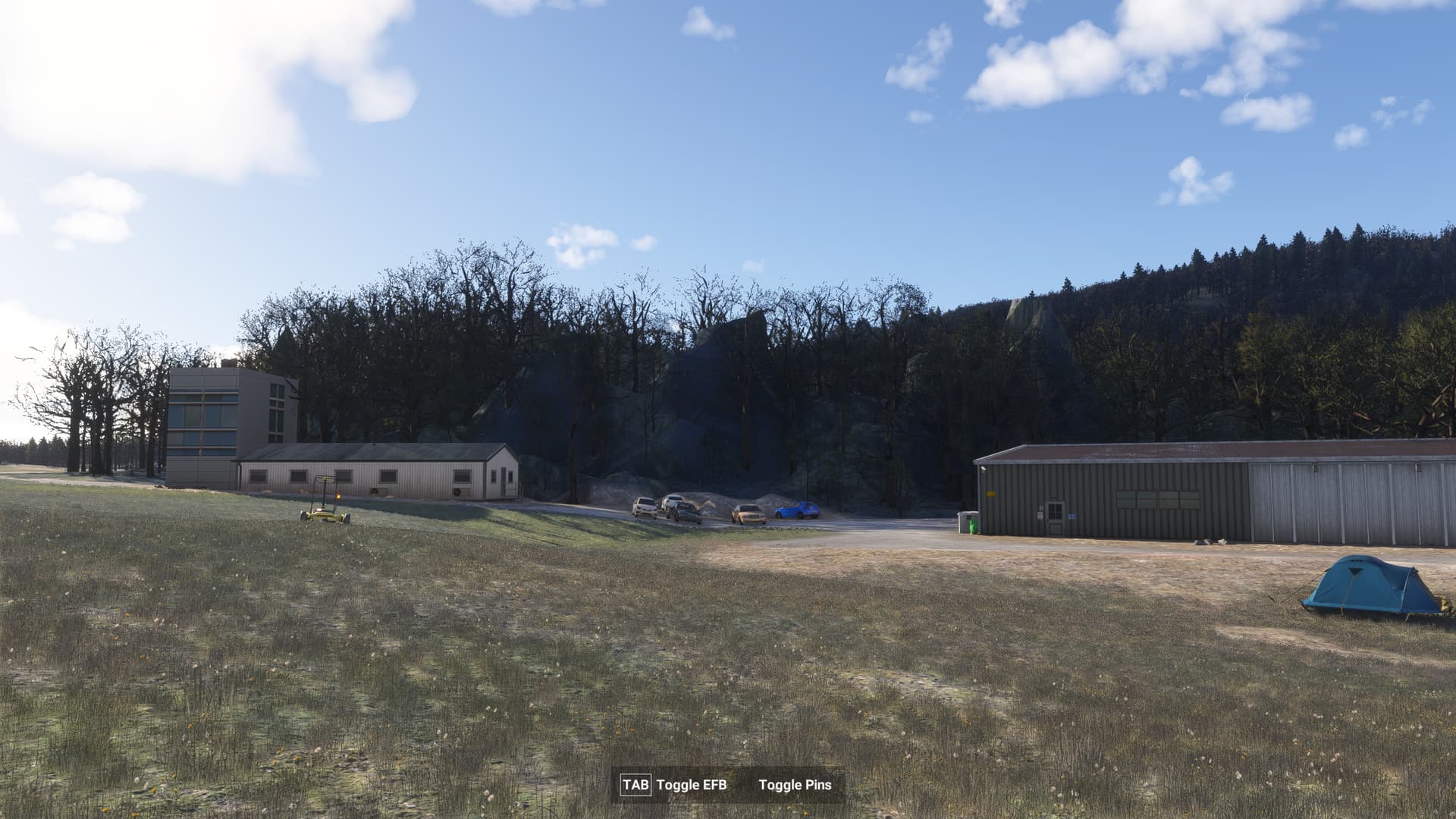
There are a lot of places north of the alps in FS2024, where there is a mixture of Autogen Trees with photgrammetry/TIN-Spikes and/or hightmap issues that interfere with autogen trees which looks really awful.
Please get rid of those artifacts and solely use autogen trees.
I wonder if a smoothing filter of some kind could be used to do that en-masse. If the sim is generating autogen 3D trees for those areas, it has already been determined that this area is a wood, forest or jungle region. Look at the heightmap for any small scale spikes that don’t match the immediate terrain outside the detected wooded area, and smooth that all out so that the differences in height are minimal, while preserving any slopes that are present.
With the sim looking as good as it does now up close, it really is a shame that some areas are completely destroyed by rocky trees and floating parts of poles and street lamps. It would ba a huge boost to the sim!
I think that the short-term solution could simply be flatten where the trees are placed. It doesn’t solve for where trees aren’t detected or placed, but at least content creators could fill in the gaps (especially through the new scenery gateway). With everyone contributing it would really speed up filling in the areas left behind.
I played around in the SDK and when you flatten all TIN, the trees look very good considering the current. The new variety helps and they become less overpowering (not perfect but much better). However, it removes the TIN buildings and the AI generated buildings are terrible looking IMO. What is the point of these beautifully crafted trees when all you can see is the canopies breaking through the TIN. Also, please correct me if I am wrong here, but I am certain I hear Asobo claim that they improved the AI and that terrain would be flattened where trees are detected. I don’t see that happening (at least in big cities) so how did they manage to do so in the mountains (aside from simply flatten TIN).
@CorkedSpider920 I thought I heard the same thing too. The community is lucky to have developers like @bijanstudio trying to tacke this on their own. However, given the scale of the problem and MS-Asobo’s ambitions for FS2024, this is a problem they should tackle.