SOLVED! Fenix Program A319-CFM not working

Hey again,

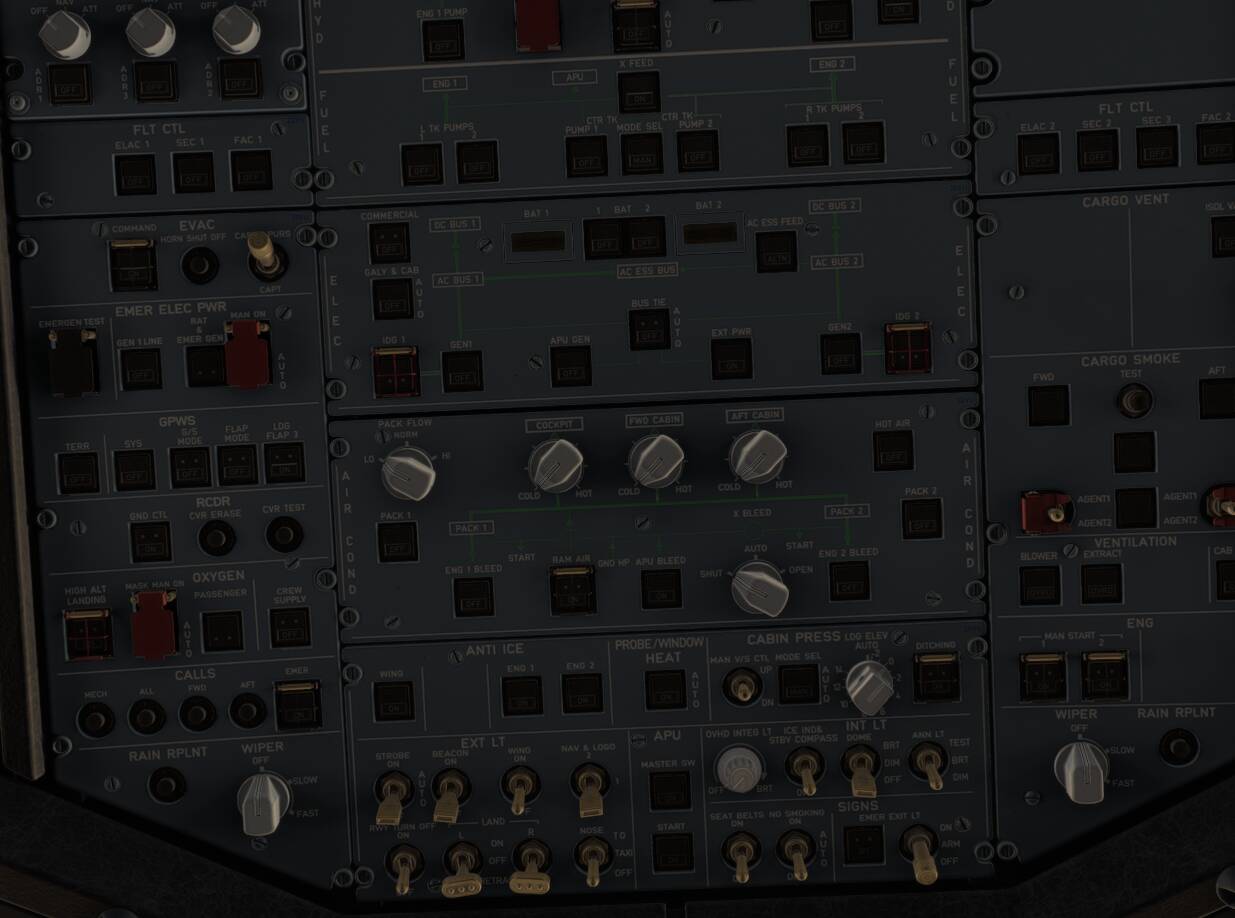
I just switched to MSFS 2024 from 2020 and experiencing issues with the Fenix Airbus A319 CFM. Whenever I wanna start a flight - with the Fenix A320 program started - the aircraft doesn’t load properly. The cockpit seems to be set up correctly, with almost every switch clickable, but I can’t turn on EFB, batteries or move the thrust leavers at all. I did never experience anything like this before because usually when the program isn’t started, the cockpit isn’t configured correctly at all, with all the outside lights on and whatsoever. So technically everything looks normal besides the battery voltage not viewable and no switch actually does what it’s supposed to do.

In advance, this is what I’ve tried so far:

  • Reinstalling the Fenix App
  • Reinstalling the Fenix A319 & A321 via the Installer
  • Deleting all files connected to Fenix for MSFS 2024 and reinstalling the Installer and the Program again
  • Sent Fenix a support ticket (no answer yet)

Also I know that it does work for the Fenix A320 and all other versions beside the A319-CFM.

This is what it looks like:
Thank you so much for helping me in advance! Any help is much appreciated!

Thank you for your post! Your topic has been moved to a sub-category of the User Support Hub

The Official Microsoft Flight Simulator > Forum Navigation category is meant for articles that help users become familiar with the various sections of the Official Forum.

If you would like other users to help you with an issue you are experiencing in the sim, consider these User Support Hub categories for your future post:

User Support Hub > Aircraft & Systems
User Support Hub > ATC, Traffic & NAVAIDs
User Support Hub > Crashes (CTDs)
User Support Hub > Hardware & Peripherals
User Support Hub > Install, Performance & Graphics
User Support Hub > Scenery & Airports
User Support Hub > User Interface & Activities
User Support Hub > Virtual Reality (VR)
User Support Hub > Weather & Live Weather
User Support Hub > Miscellaneous

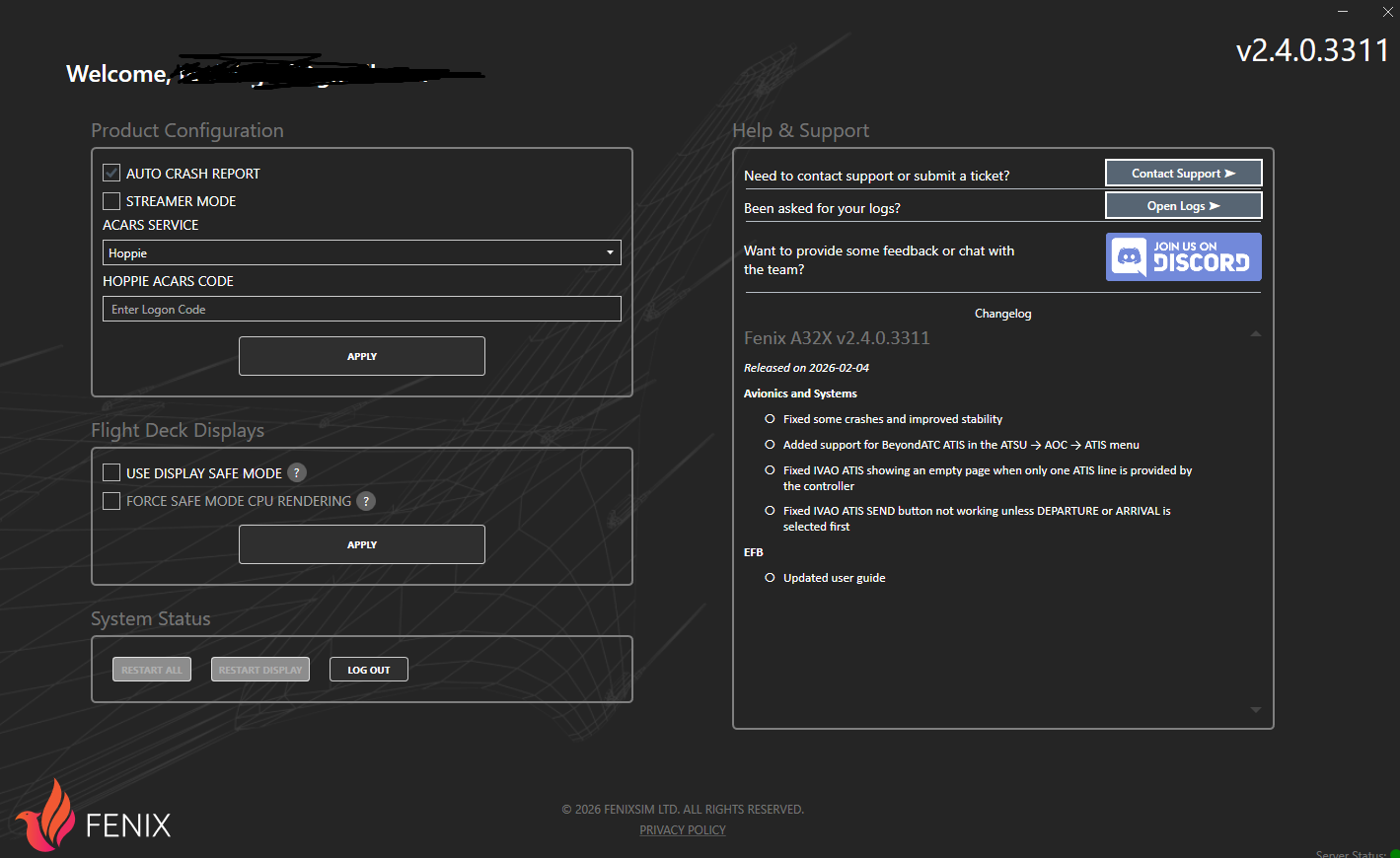
Did you try selecting “Use Display Safe Mode” to see if that helps anything?

Hey,

I did try that, but actually I found the solution and I feel dumber than ever before. I accidentally used a MSFS 2020-only livery that made it not work. I literally spent half of my day here to figure out the problem and didn’t ever think of trying it out with a different livery. I’m really sorry for wasting your time here and I really appreciate you’d try to help me!

1 Like

I can’t tell you how many times I’ve done something exactly like that.
Glad to know you found the problem!

1 Like