Edit: Issue was solved by deleting the appdata roaming folder of msfs2024 after deinstalling and then reinstalling.
ISSUE DESCRIPTION
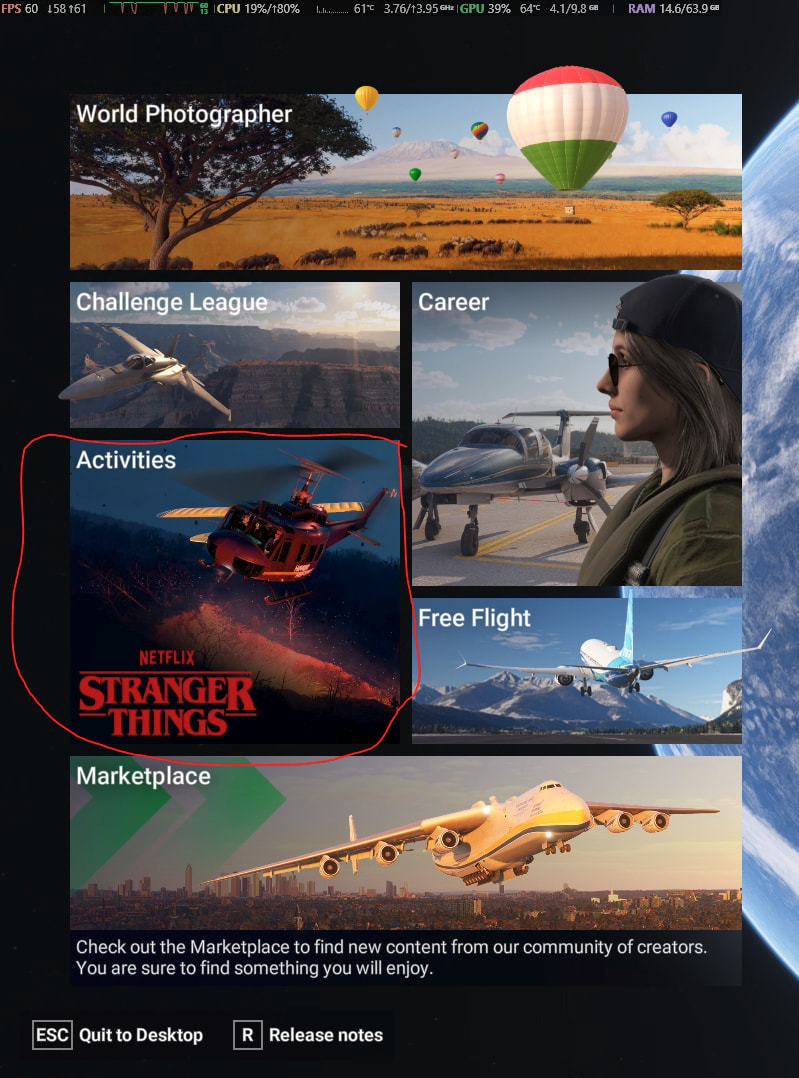
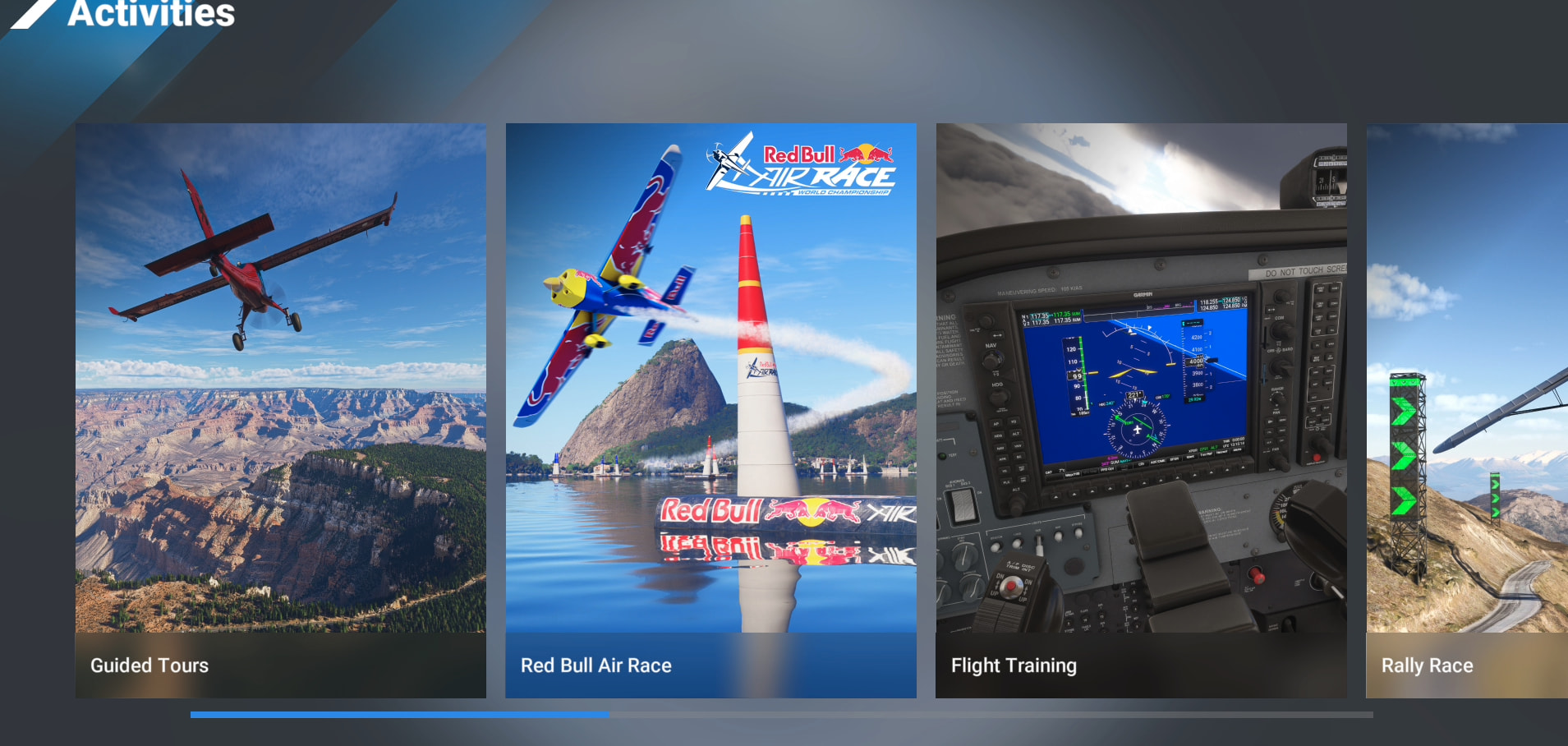
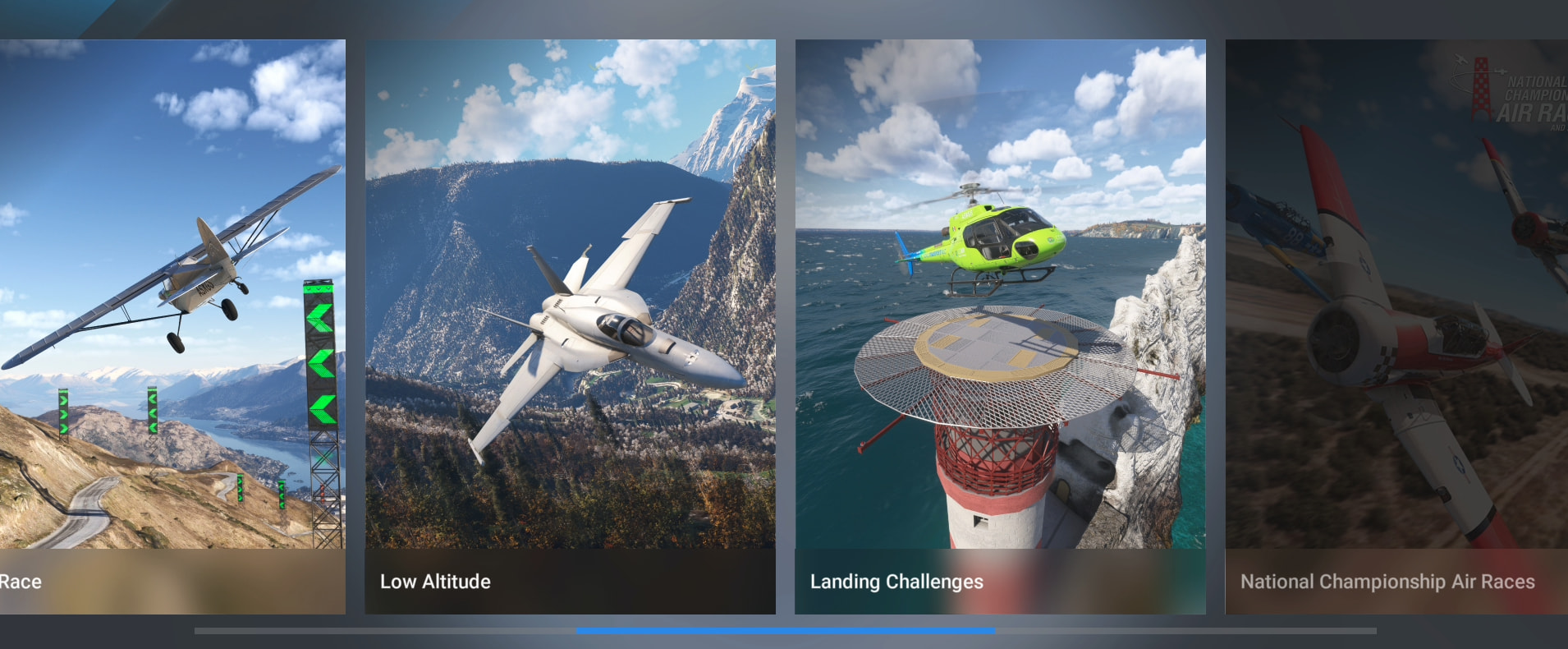
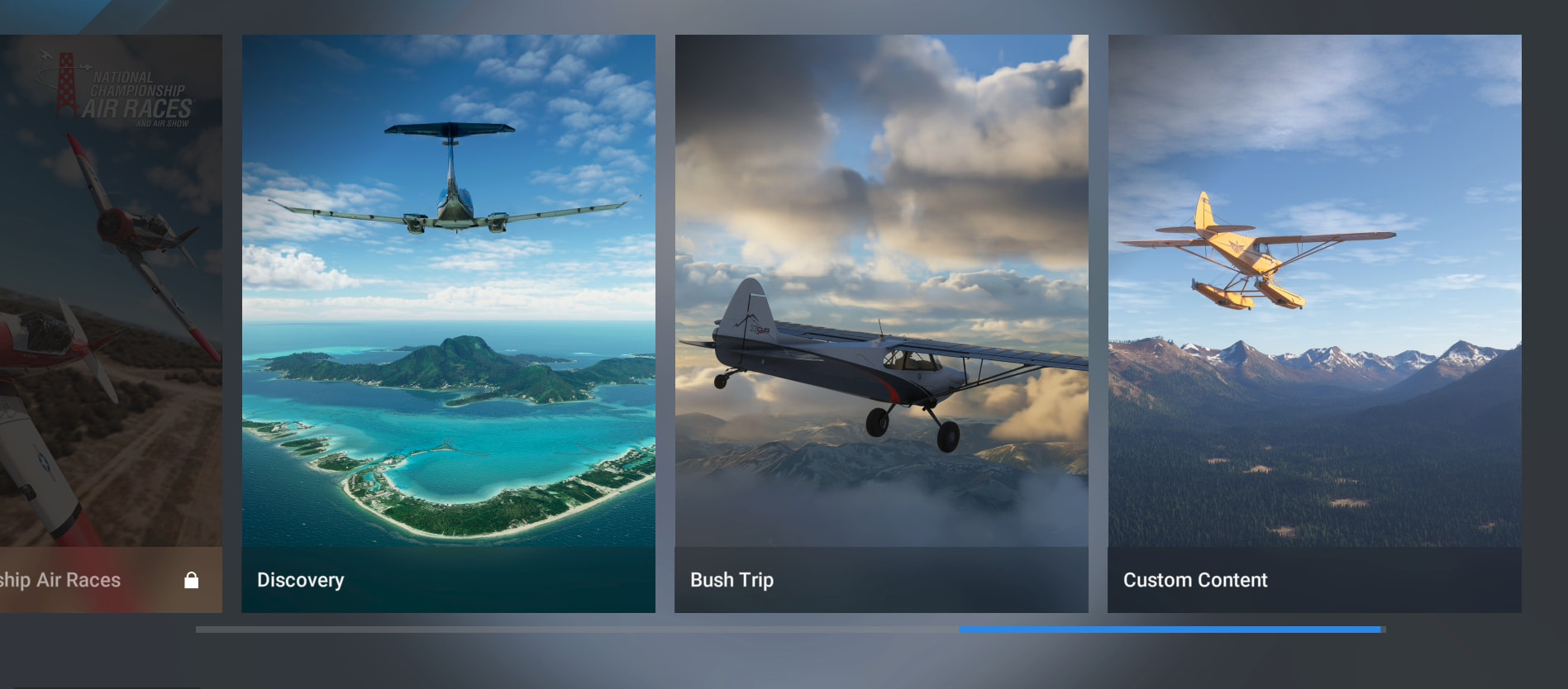
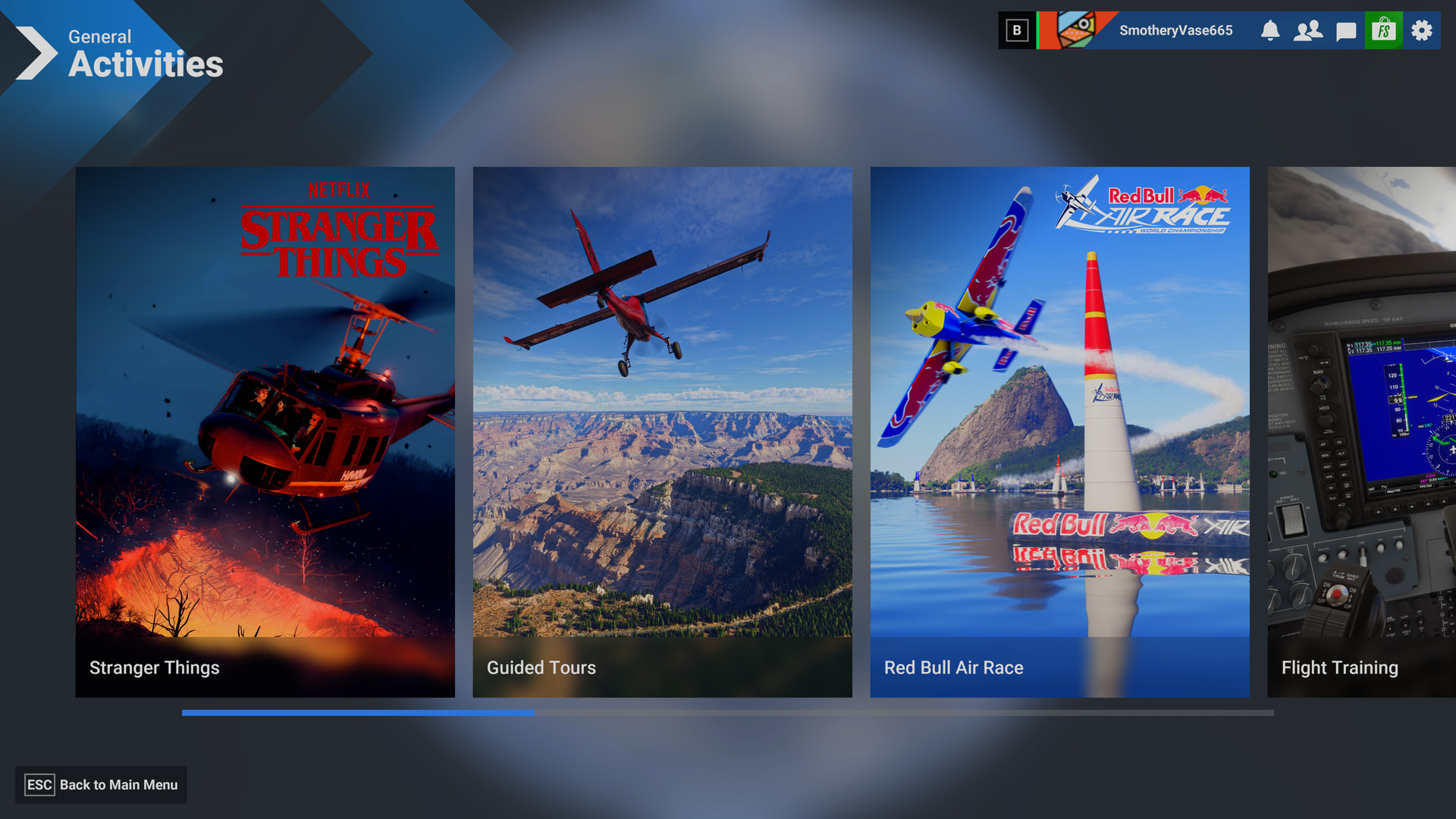
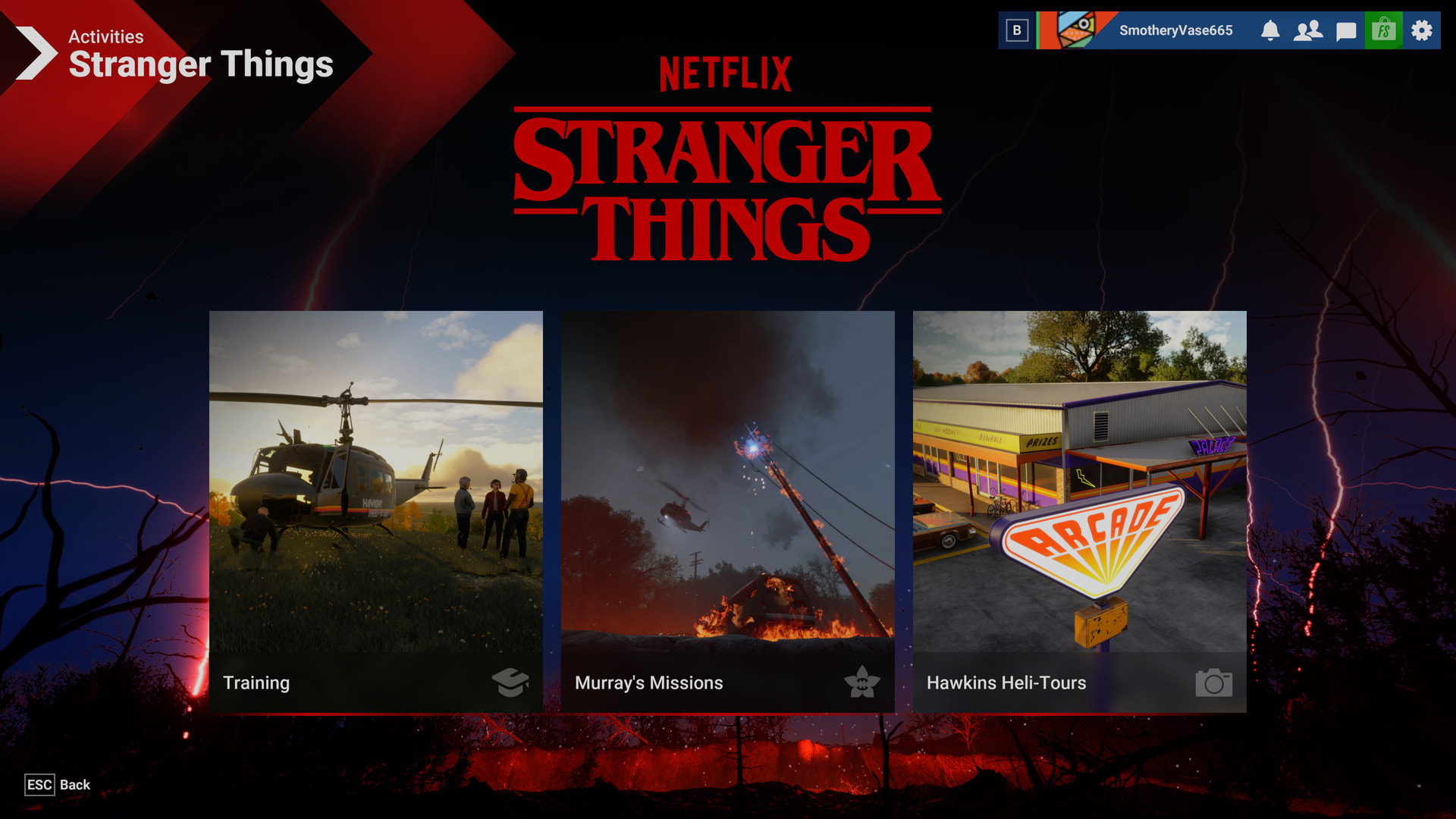
I do not see the Stranger Things activity in the activity screen anymore
FREQUENCY OF ISSUE
Everytime, i’m not even sure since when this started to happen, currently on SU6 beta. Switching back to SU5 does not change anything, deleted and reinstalled MSFS2024 and also removed whole packages folder does not help, the activity is shown as active in my library, tried it as streaming and also locally installed. it’s just gone. funny thing is, in the main menu i see the tile, but it is also a mix of of the stranger things tile and the normal activities tile.
REPRODUCTION STEPS
Please list clear steps you took in order to help our test team reproduce the same issue:
-
just trying to open/start Stranger Things Acticity
-
activity menu does not list Stranger Things, also not under custom content.
-
reinstalled sim through steam, also deleted all my local packages to have a vanilla streaming version. no change on the issue
YOUR SETTINGS
If the issue still occurs with no mods and add-ons, please continue to report your issue. If not, please move this post to the User Support Hub.
What peripherals are you using:
[PC Only] Are you using Developer Mode or have you made any changes to it? no
[PC, MSFS 2020 Only] Are you using DX11 or DX12? DX12
[PC Only] What GPU (Graphics Card) do you use? 3080
[PC Only] What other relevant PC specs can you share? -