Using the template below will greatly help the team reproduce the issue and ease the process of fixing it. Before posting, search for an existing report. If you are not sure it’s a bug, please first report in User Support Hub.
3 tags are required - add them in the tag section next to the title above:
-
One for platform (ms-store, steam, xbox, playstation, or xcloud)
-
One for aircraft if related (start typing in your aircraft name in the tag section and pick correct option)
Feel free to delete this quote section after adding your appropriate tags.
ISSUE DESCRIPTION
Description of the issue:
Coordinate or location of issue:
FREQUENCY OF ISSUE
How often does this occur for you (Example: Just once, every time on sim load, intermittently)?
REPRODUCTION STEPS
Please list clear steps you took in order to help our test team reproduce the same issue:
-
Open MSFS2020 ; Select free flight
-
Select NZGT and Runway 33;
-
Almost directly when I touch any camera controls or something that
change the view on my screen - Crash To Desktop.
4: Restart the MSFS (select Safe mode )
5: Free flight, NZGT, Runway 15.
6: Now I can do switch to external camera - Slew mode - and Drone camera.
But as I turn resp in north direction Crash To Desktop.
7: Take away my yoke - my logitec panels and more exept keyboard mouse and x-box controler
8: Rename my comunity folder to CommunityBkp.
9: Start up in still in safe mode
10: Select RW 33;
11: Move the Cockpit Camera with the mouse. Crash To Desktop
12: Restart again in safe mode but selected RW 15.
13: Now it is possible to slightly move the cameras. But when I turn on Drone and looking north
Guess what?? Crash To Desktop.
YOUR SETTINGS
If the issue still occurs with no mods and add-ons, please continue to report your issue. If not, please move this post to the User Support Hub.
Everything is taken away.
What peripherals are you using:
For 1-6 above - Logitec Yoke and Rudder pedals and some panels.
For 7-13 mouse,X-box controler (usb) and keyboard
[PC Only] Are you using Developer Mode or have you made any changes to it?
not using Developer mode
[PC, MSFS 2020 Only] Are you using DX11 or DX12?
DX12(Beta)
[PC Only] What GPU (Graphics Card) do you use?
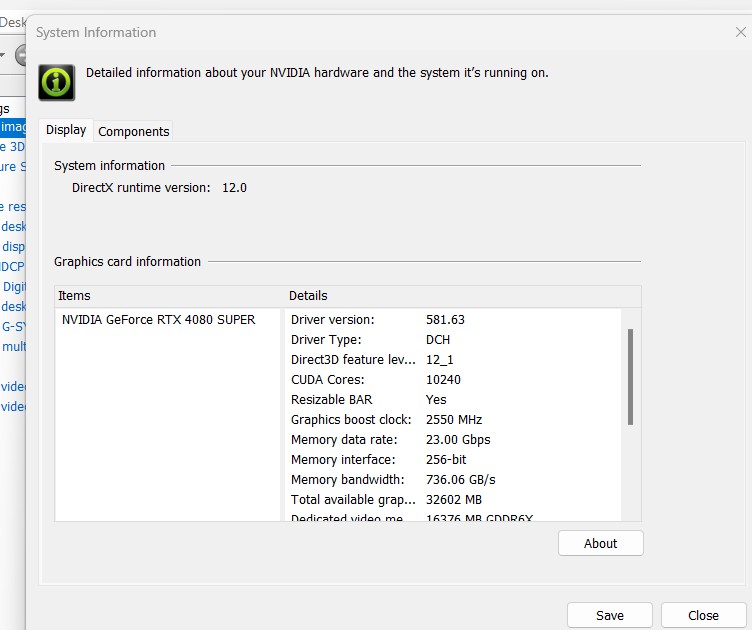
[PC Only] What other relevant PC specs can you share?
7800x3d
MEDIA
Please add a screenshot or video of the issue occurring.
RW 15 starting - Enter Drone camera and turn left.
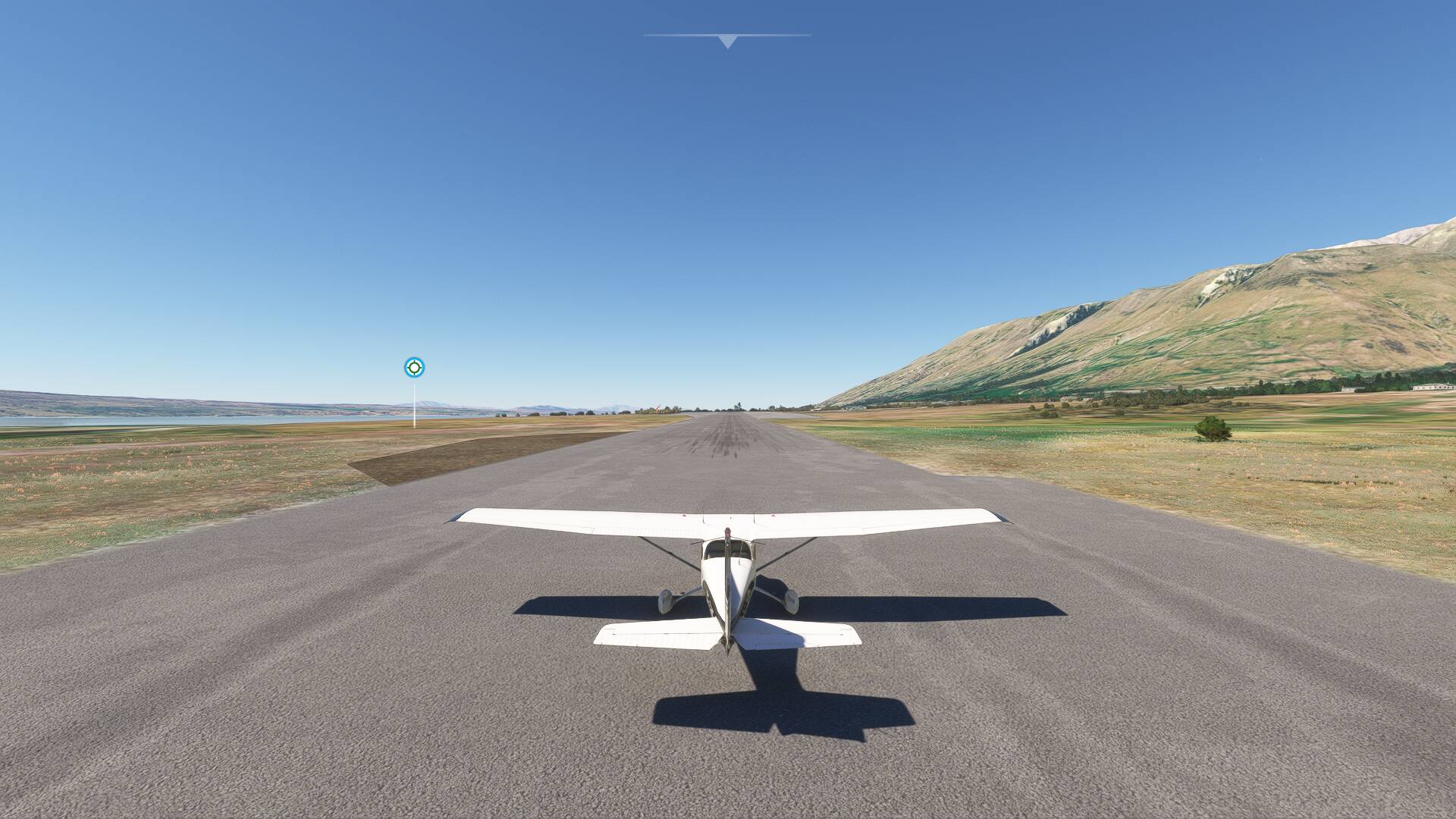
The last frozen second of my flight
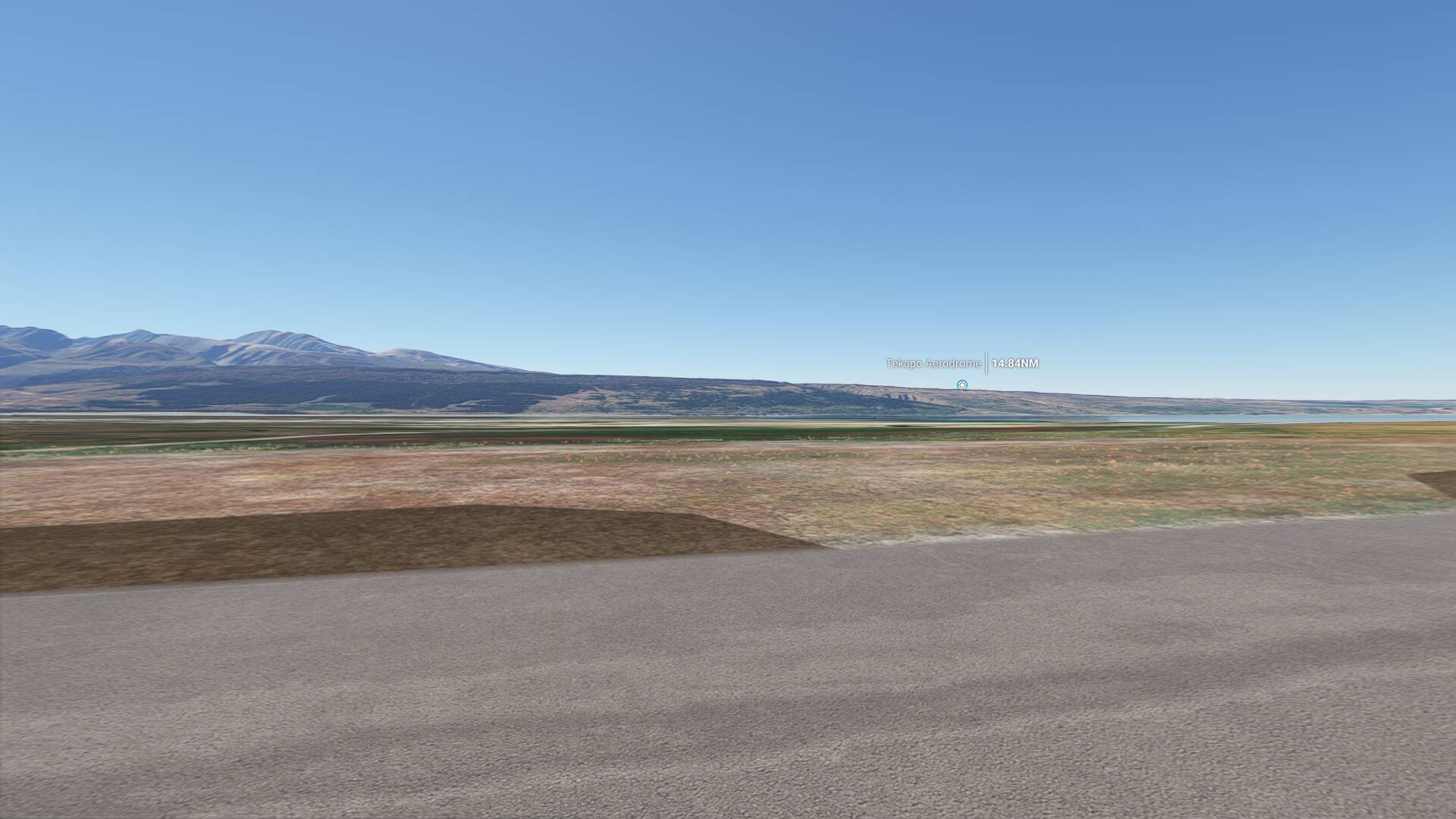
Ending up here