In Brief:
I had the sim installed on drive D: and now have uninstalled and re-downloaded to drive F: (steam copy).
Now whenever I boot up the sim application it creates an MSFS install folder on drive D: and asks me to re-download and i have to waste time directing to drive F: EVERY TIME I LOAD THE APP.
Talk about P.I.T.A
Please advise guys
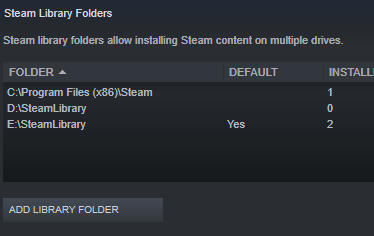
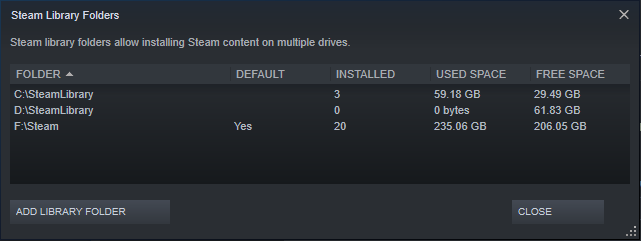
Did you define in Steam that F: is a valid Steam Library Path? And is it set to Default?
F: is my main steam drive yeah
There’s a possibility that UserCfg.Opt file is overriding your selection. It’s usually in:
C:\Users\YOUR WINDOWS LOGON NAME\AppData\Roaming\Microsoft Flight Simulator
It may not have been deleted during the last Uninstall?
The last line defines where MSFS was last installed.
Good shout i will give it a check
Winner winner chicken dinner!
Thanks for the help.
Good deal. Please mark the post in this thread that solved your problem by selecting that message’s three dot menu and selecting Solution. This will mark the thread as Solved and help future readers.