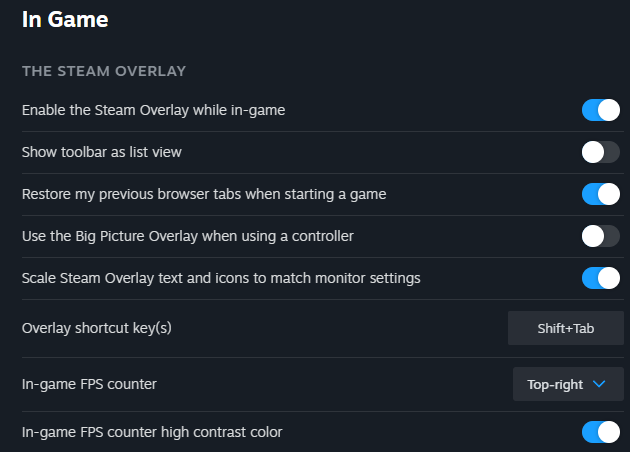
Hi I have a question, I seem to have lost the ability to use the Steam overlay on my version of MSFS24 steam edition and I’m not sure why. These are my current overlay settings, but whatever I do in sim, Shift+Tab doesn’t bring up the overlay. It just vanished one day with no input from me and I wanted to know if there is a way to see it again, as I cant take screenshots now?
Moved to User Support Hub > Miscellaneous as OP is requesting community assistance.
Solved with a clean install of windows, as a clean reinstall of the sim didnt initially fix it. Cause of why it vanished in first place is unknown to me
Surely there has to be another way ? Dont really fancy a full reinstall of Win 11. Overlay and everything still working on MSFS2020…just nothing (inc screen shots etc) working on MSFS2024
I tried different things, including a reinstall of the sim itself, like deleting all references to MSFS24 on my system..and that didnt work, you can try reinstalling steam…i didnt try that but maybe it would work? I feel the issue comes from a miscommunication between steam and MSFS24 with the overlay but I cant be sure of that. Because it also prevented me from purchasing items from the marketplace, as I needed funds through steam (only attempted to purchase as a test, and it hanged at the time)