Strange lines in scenery

1 tag is requred - add it in the tag section next to the title above:

Feel free to delete this quote section after adding your appropriate tags.


ISSUE DESCRIPTION

Description of the issue:
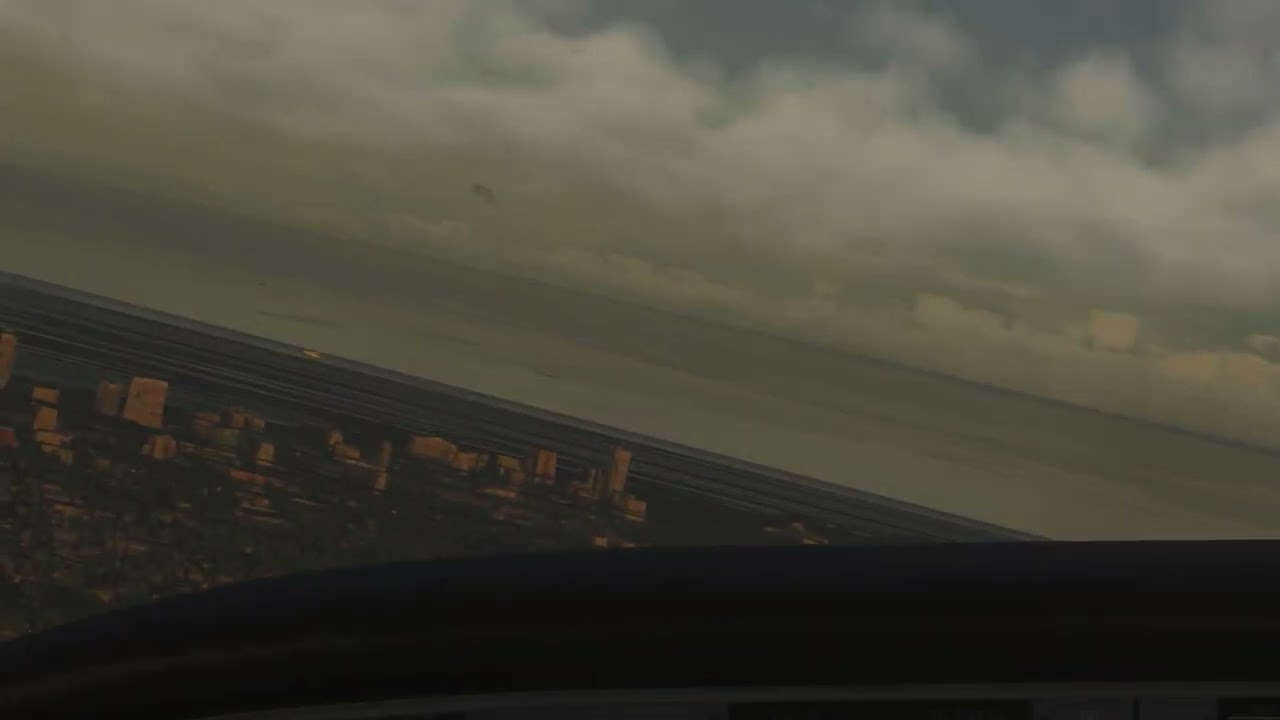
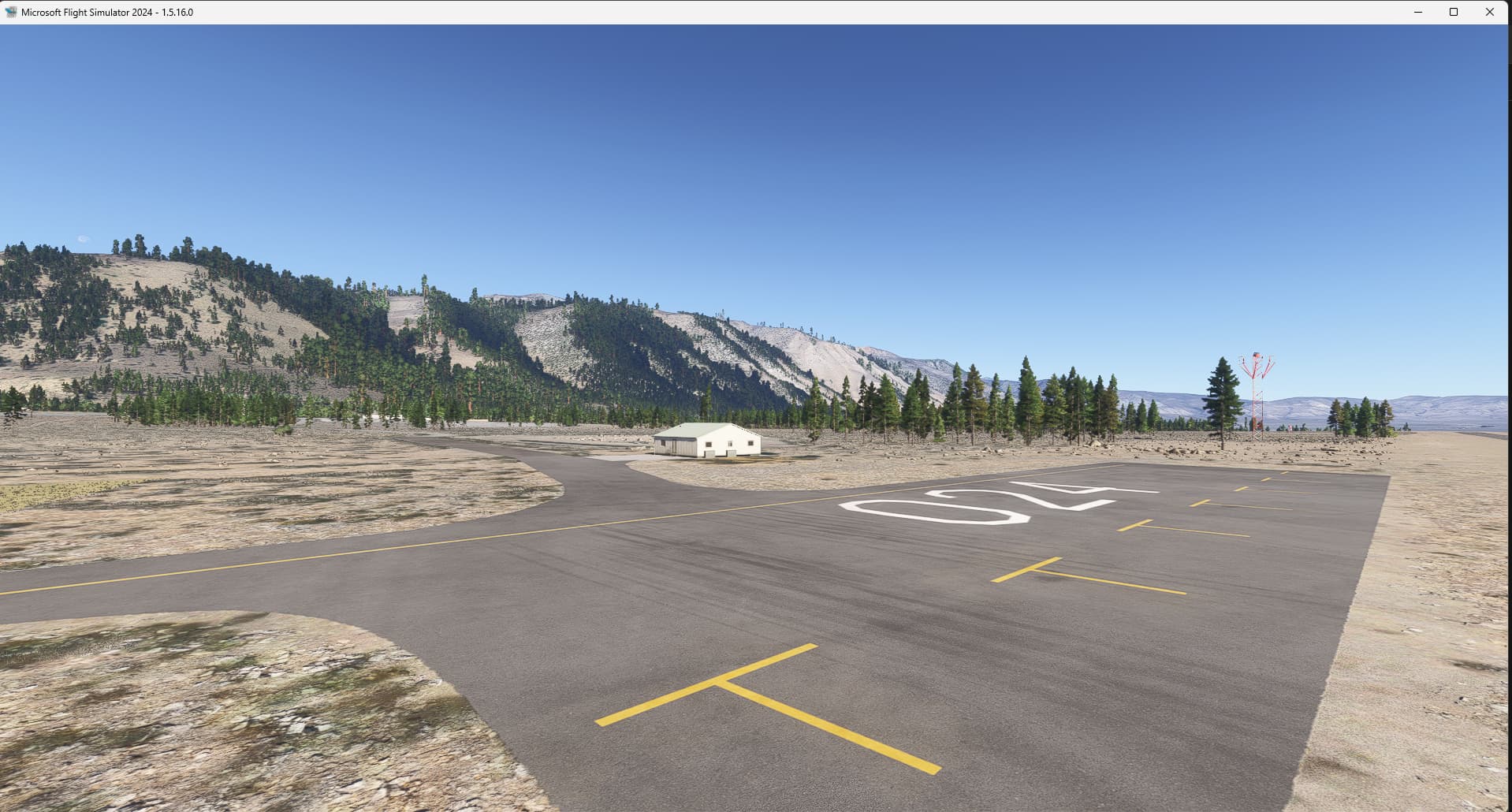
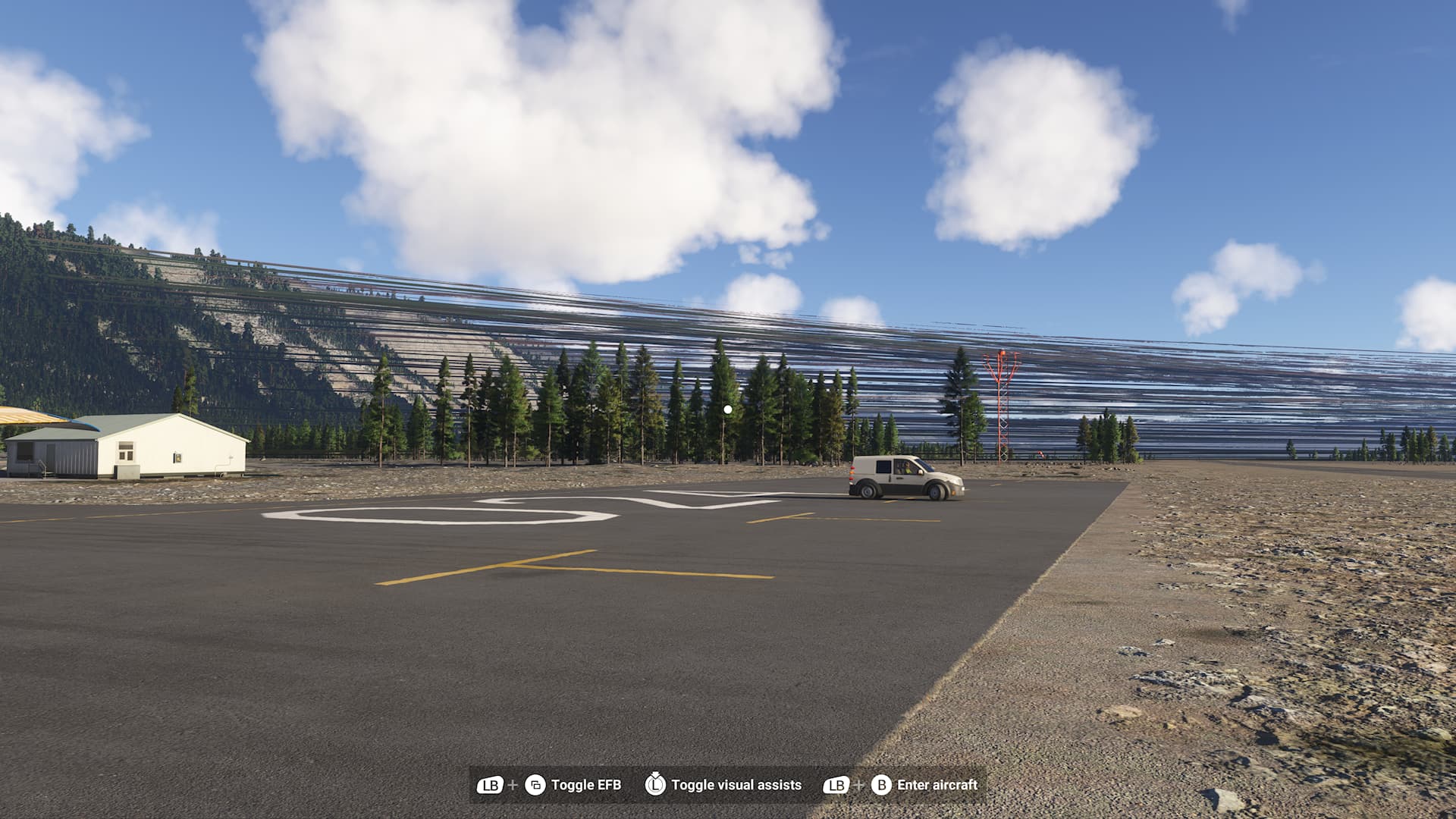
I flew out of O24 Lee Vining the other day and there were strange lines in the scenery that moved as you move your head (viewpoint).

Did you experience this issue before you joined the Beta?
No - but I cant say when they showed up (what beta version)
ICAO, coordinates, or specific location:
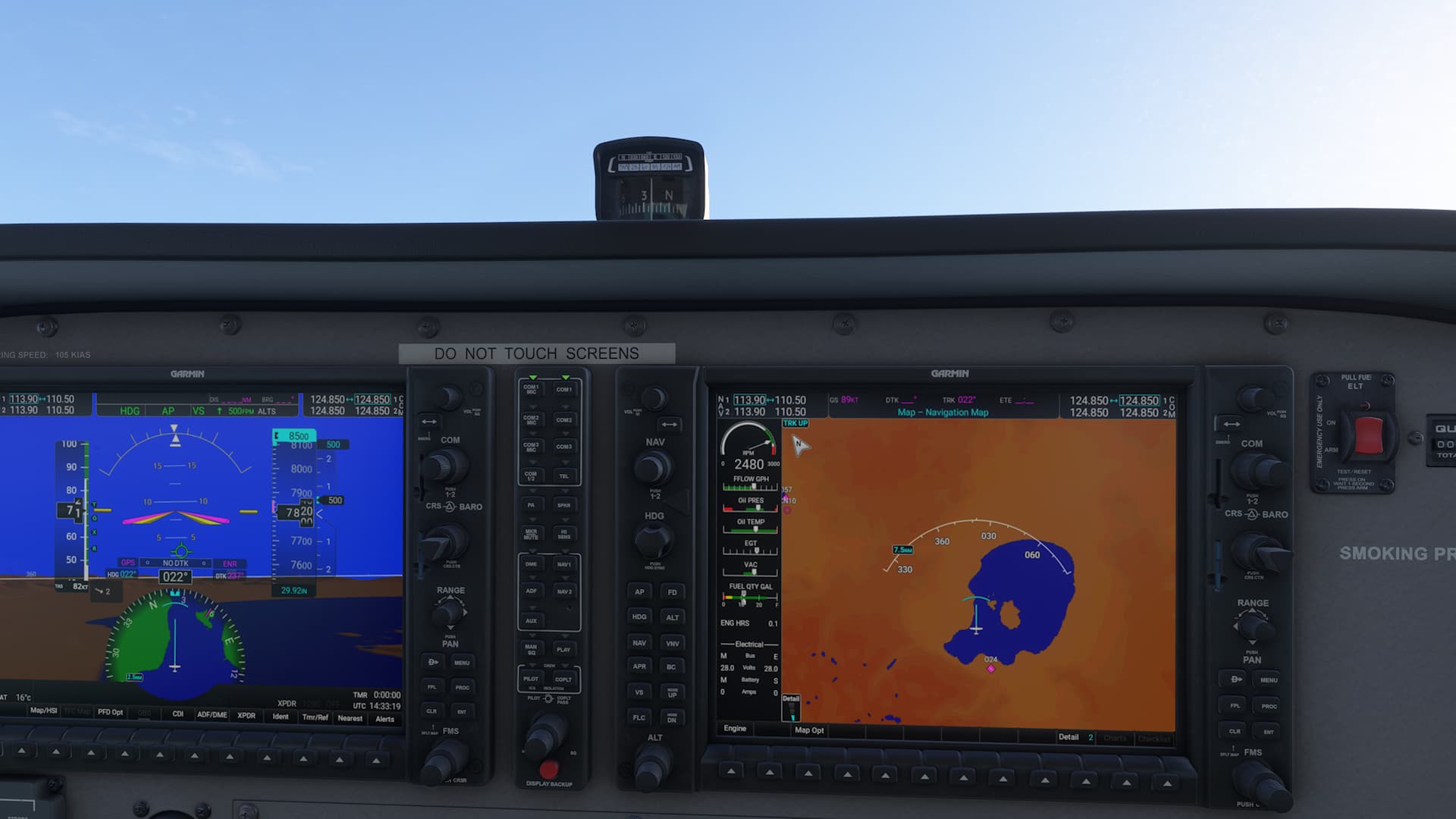
Lee Vining airport O24

[PC Only] Did you remove all your community mods/add-ons? If yes, are you still experiencing the issue?

FREQUENCY OF ISSUE

How often does this occur for you (Example: Just once, every time on sim load, intermittently)?
I went there once and saw it once. I assume its repeatable as others have seen these lines as well at other locations.

REPRODUCTION STEPS

Please list clear steps you took in order to help our test team reproduce the same issue:

  1. Go to O24 Lee Vining airport and look around.

YOUR SETTINGS

If the issue still occurs with no mods and add-ons, please continue to report your issue. If not, please move this post to the User Support Hub.

What peripherals are you using, if relevant:

[PC Only] Are you using Developer Mode or have you made any changes to it?

[PC Only] Many issues may be due to an outdated graphics card. Please state your Graphics Card Driver Manufacturer (NVIDIA, Intel, AMD) and Version:

[PC Only] What other relevant PC specs can you share?

MEDIA

Please add a screenshot or video of the issue occurring.

What is happening:
Where its happening:
[END OF FIRST USER REPORT]


:loudspeaker: For anyone who wants to contribute on this issue, Click on the button below to use this template:

Do you have the same issue if you follow the OP’s steps to reproduce it?

Provide extra information to complete the original description of the issue:

If relevant, provide additional screenshots/video:

Do you have the same issue if you follow the OP’s steps to reproduce it?
• Yes

Provide extra information to complete the original description of the issue:
• I had the same issue landing at KCGX, Xbox X, basic 172

If relevant, provide additional screenshots/video:

Do you have the same issue if you follow the OP’s steps to reproduce it?
• no

Provide extra information to complete the original description of the issue:
• ms-store, AMD Ryzen 5 3600, 16GB RAM, RTX2060

If relevant, provide additional screenshots/video:

you have nVidia on PC. I have AMD on XBox. Do you have an X Box X to try?

Nope, hopefully some Xbox users will be able to test and provide feedback at this same airport.

Do you have the same issue if you follow the OP’s steps to reproduce it?
• Yes

Provide extra information to complete the original description of the issue:
• I’ve had this issue several times, but I feel it seems to happen more around heavily pine forested
areas, although this could be coincidence.

If relevant, provide additional screenshots/video:

I checked today at Lee Vining and the lines were gone so I would say my issue was solved but I don’t know about other locations – can only assume… and, of course, the ocean and water lines are still there in PG regions.

I’m afraid I spoke to soon. The lines are reduced but still there:

maybe the LOD change made them less noticeable?

1 tag is requred - add it in the tag section next to the title above:

Feel free to delete this quote section after adding your appropriate tags.


ISSUE DESCRIPTION

Description of the issue:

Did you experience this issue before you joined the Beta?
no

[PC Only] Did you remove all your community mods/add-ons? If yes, are you still experiencing the issue?

FREQUENCY OF ISSUE

How often does this occur for you (Example: Just once, every time on sim load, intermittently)?
everytime

REPRODUCTION STEPS

Please list clear steps you took in order to help our test team reproduce the same issue:

  1. choose mountainous terrain area, e. g. Courchevel, Bozen, Salzburg
  2. watch

YOUR SETTINGS

If the issue still occurs with no mods and add-ons, please continue to report your issue. If not, please move this post to the User Support Hub.

What peripherals are you using, if relevant:
Standard

[PC Only] Are you using Developer Mode or have you made any changes to it?

[PC Only] Many issues may be due to an outdated graphics card. Please state your Graphics Card Driver Manufacturer (NVIDIA, Intel, AMD) and Version:

[PC Only] What other relevant PC specs can you share?

MEDIA

Please add a screenshot or video of the issue occurring.
See screenshots


[END OF FIRST USER REPORT]


:loudspeaker: For anyone who wants to contribute on this issue, Click on the button below to use this template:

Do you have the same issue if you follow the OP’s steps to reproduce it?

Provide extra information to complete the original description of the issue:

If relevant, provide additional screenshots/video:

Do you have the same issue if you follow the OP’s steps to reproduce it?
• Yes

Provide extra information to complete the original description of the issue:

If relevant, provide additional screenshots/video:

I had this happen to me for the first time just after updating to .19 and loaded into Inibuilds LOWI with flightFX C750 so I restarted the flight and it was gone. Maybe happens first time cache is built? Not seen it happen again since.

I have been really trying to figure this one out over the past few days… It still exists in the latest beta 1.5.21.0 and it is definitely a regression because the current public build doesn’t appear to do it.

I need someone with an X Box Series X who has more than 14Gig of airport addons. It may also be necessary to own the Premium Deluxe version - I don’t know.

First - Go to Lee Vining airport Parking 2 in the C172 G1000 with the Clear Skies preset and make sure you see lines when you look around (towards the mountains). If you have more than about 14.04 Gig of Enabled third party airports then you should if Im right. Airplanes don’t appear to matter (The FlightFX Citation X pushed me over the 14Gig installed addon limit but I still didnt have lines in that particular test).

Second - Disable all of your third party airport addons and go back to Lee Vining to make sure the lines are gone.

Third - Re-Enable about 13Gig of your addons and recheck for lines – They should still be gone. Note that you can judge how much disk space is required by selecting a group of airport addons and then at the bottom it says the required disk space for installation.

Fourth - add a few more 3rd party airports to push you above at least 14.27 Gig and you should have lines again.

I’ve spent the past couple days trying different combinations of my airports. I originally thought it was a certain airport and then a different one and then maybe certain combinations but, on my machine, it really appears that simply having more than about 14Gig of airports (3rd party addons) Enabled will cause these lines.

I have some other observations but I will keep them to myself for now. I just need someone to verify what Im saying about the 14 Gig ‘limit’.

The last thing I did today was revert back to SU2 release version and, with all my addons enabled, there were no lines at Lee Vining. This is a regression of some kind.

Do you have the same issue if you follow the OP’s steps to reproduce it?
• Yes

Provide extra information to complete the original description of the issue:
•On Xbox Series X. Was OK on SU3 Beta in June (been away on holiday for a month)

Had the lines appear again around LOWI yesterday evening and most of Austria unfortunately. Complete eyesore and immersion breaker. No amount of sim restarts and console restarts would fix it for me this time around. I will try again today.

I run at 1080p. Does anyone else? The lines seem to go away with 4K.

I’m always on 4k and the lines appear randomly. Haven’t seen them since I took that last pic. I only had it happen once before at also at Innsbruck and surrounding area.

Thanks for that info. I really don’t have a clue then. They do come and go but lately Ive been trying out 4K and ‘Dolby Vision’ and they were gone so I thought maybe… oh well…

I can still see those lines. Hope this bug will be logged