You are comparing large areas of terrain to small urban houses. You and I both know what a house should look like. If it doesn’t look vaguely box shaped, with vertical walls etc, then we will pick up on that straight away. The same can’t be said for sloped or hilly terrain. It’s much easier to dismiss small errors on terrain which is already bumpy with random slopes.
It’s not as solvable as you think. Practically all man-made structures are going to look odd to some degree or other. The more complex the man-made objects surface is, the worse it will look. The simplest object for these imaging techniques to image would be a cube, with no surface detail. The worst would be any object without a solid surface, like a girder bridge, or power transmission towers.
No one on the forums has ever said “That hill over there doesn’t look right“. There will be errors or defects, but our brains just can’t see them.
Another example above germany at FL340.
Zoomed in a little - I am pretty sure, the Sim was crisp with TLOD 300 before, and not like this, and the TLOD even higher actually made a change - now I can set it to any value and it doesn’t change at all
Next one: Only Ini A350 and EGLL from Ini, about 2000ft above ground with camera.
Also getting 16GB of VRAM usage
Disabled all addons but the Fenix bc it was not linked with AddOn Linker.
You make a good point. I shouldn’t have used the Big Bend TIN pic but I had just flown the area and was mightily impressed by just how far away the mountains retained their detail… and I thought it was a great pic
So, today I saw that a new version of the Addon support module was relesaed so I deletd my Reserved Space on my X Box X which also deletes Rolling Cache and then I went and did a flight from Cessnock to Maitland and the residential buildings still were slow to come in to higher def.
I then went to Flightbeams KSFO and flew around the San Fran area where I have several addon airports and all of it was new to the cache. First pic shows that, with clear sky preset anyway, Oakland is visible and its not made of pyramids. Second pic (and I took many but chose that one because it has such a varierty and its near San Jose airport) shows very little of that crushed scenery look. In fact, I find it hard to find any crushed looking scenery in the updated San Fran area or any other CU13 area. This is why I say its a solvable issue. I don’t know if its PG quality or a matter of some optimization yet to be done at the almost brand new Maitland area (which would seem quite strange if true) or if its a matter of something Seb once mentioned where the renderer is given ‘priorities’. I’ve suspected for a while now that downtown and big city areas have been given a higher priority for download and I think thats what going on here but I can’t know unless they tell us for certain.
I’m curious to know if all of the user feedback about scenery LOD is captured by this single line in the SU6 v1.8.14.0 release notes?
Given the amount of user effort to raise this issue and report here, I really hope MS / Asobo will discuss with some depth and provide explanation about what has gone on with base scenery and LOD in general, in the next Dev Q&A. But I am not holding my breath.
My opening post on this thread was about this. It seems that any flight over an hour on Xbox reduces the draw distance to barely in front of the aircraft. The difference between Kuala Lumpur to Heathrow and Schiphol to Heathrow was crazy. Same at the other end flying to Hong Kong from Helsinki vs (I forget - Vietnam somewhere) to Hong Kong. I called it a memory leak due to it being distance/time dependent but who knows
Either way it has pushed me onto PC where I am just about to land in Hong Kong from Helsinki, recreating me initial flight to see if the problem is unique to Xbox
For completeness, I’m going to follow up on my above post which I have replied to.
I took the A350-900 on an 11.5 hour flight to Hong Kong VHHH and then took it on a 1.5 hour flight to the same airport on the same approach in the same aircraft. The difference on Xbox series X can be seen in the 2 screenshots on my original post (replied to)
But now I have moved onto PC (i5-10400F RTX3060 12Gb 32Gb DDR4) and thought I would redo the 11.5 hour flight on the now released SU6. Below for reference is the Xbox series X screenshot followed by the PC screenshot. So it can clearly be seen that Xbox has a pretty bad memory leak that isn’t affecting PC
SU6 is another step backwards. When it comes to TLOD, it’s actually worse than it was in the SU6 beta. Please compare the screenshots carefully - the poor quality of the distant mountains is clearly visible.
On the other side seems like they managed the old cpu behaviour too , i ve lost some fps in SU6 . my cpu is from 25% to 18% in VR , my vram is not full but main thread struggles in cpu … idk what are they doing . anyone here struggles with CPU too ? from SU6


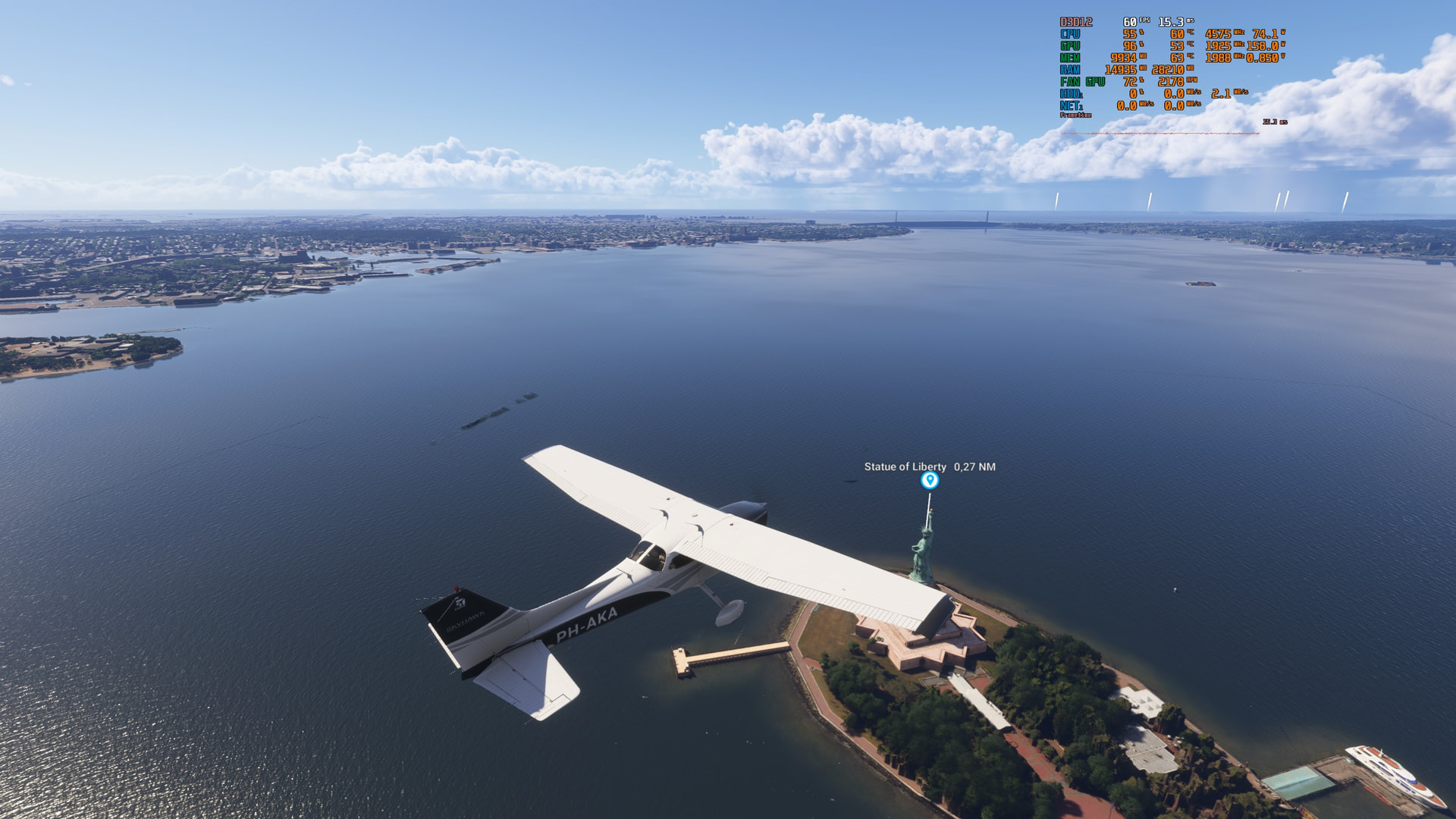
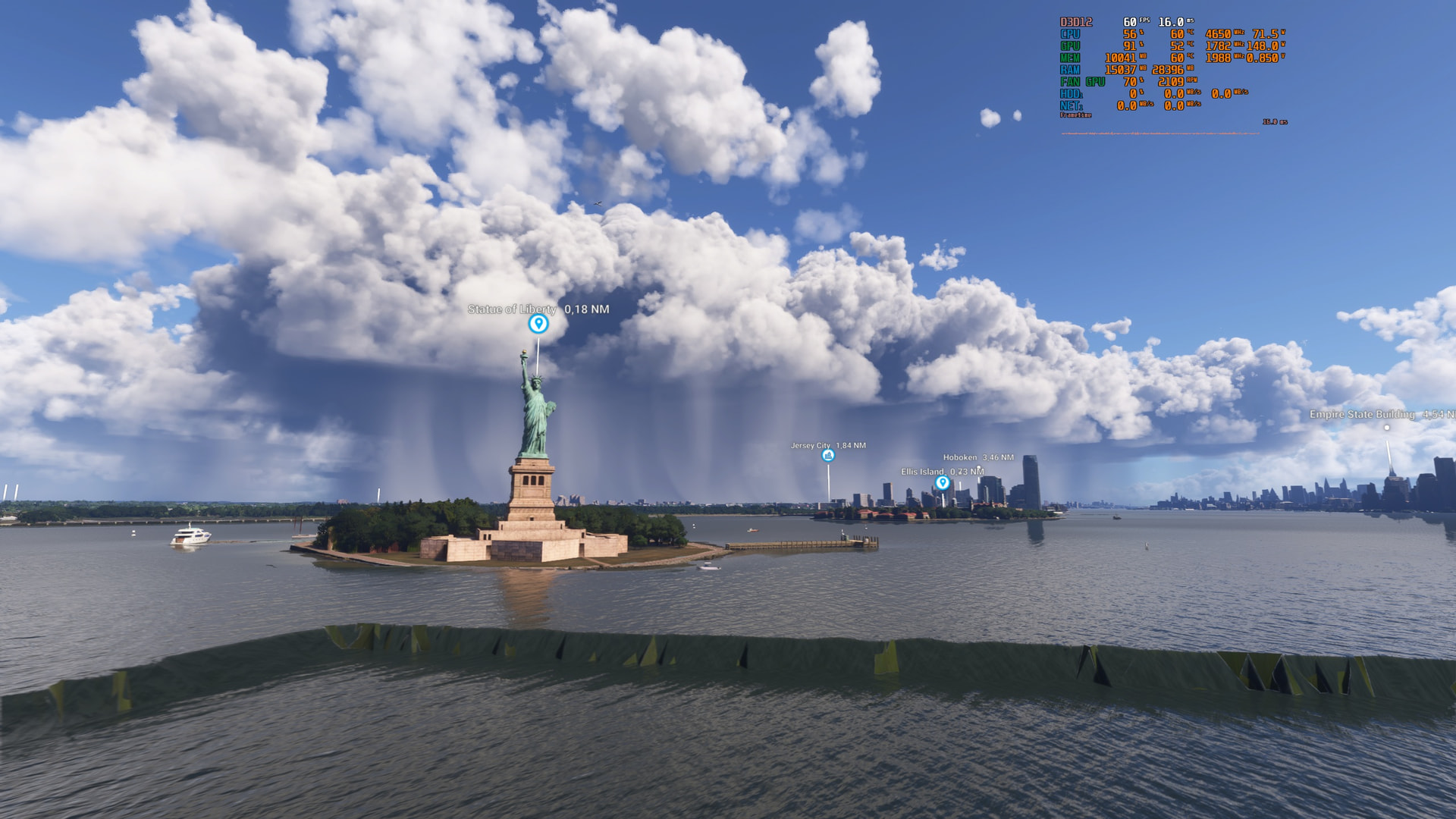
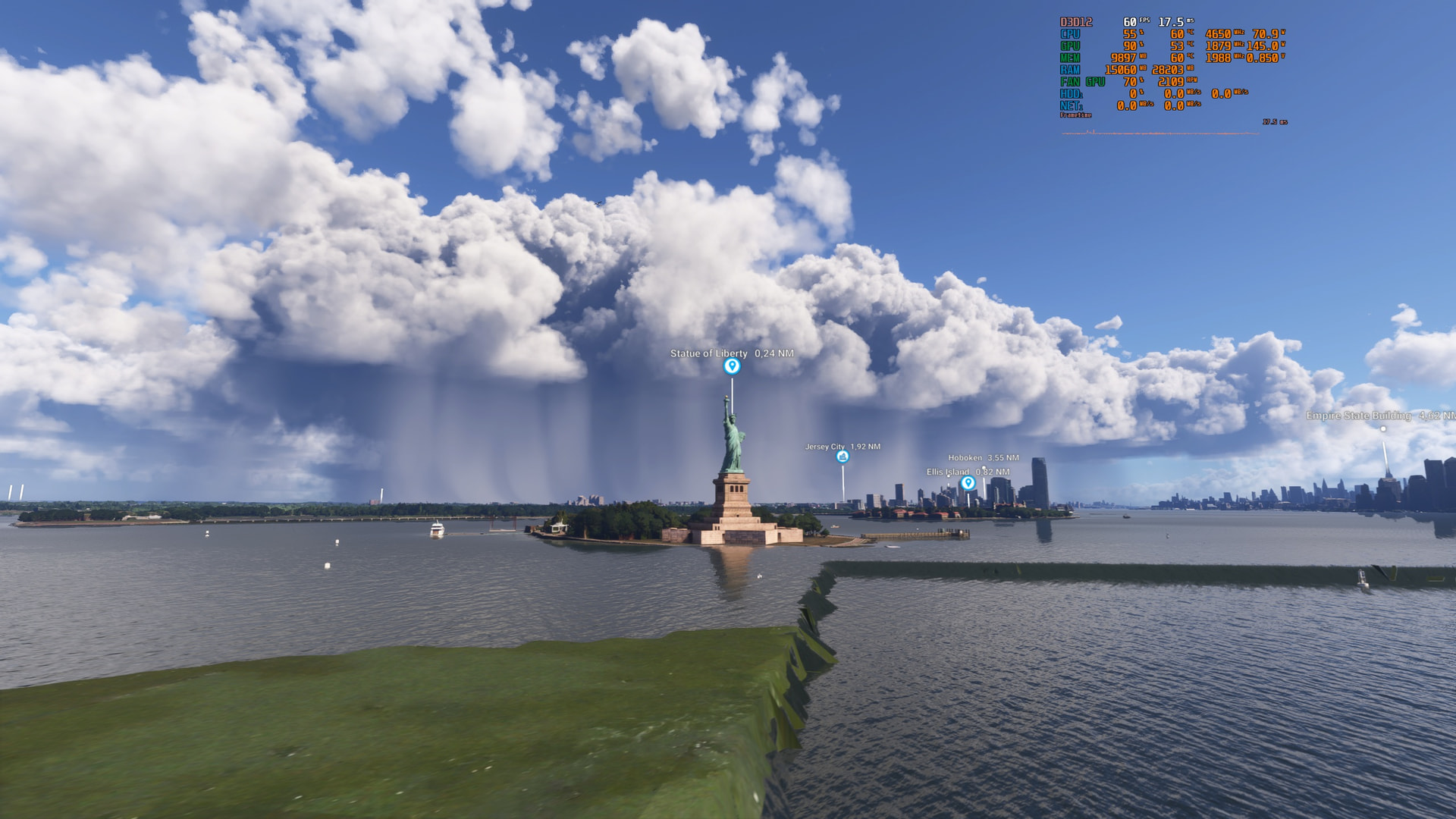
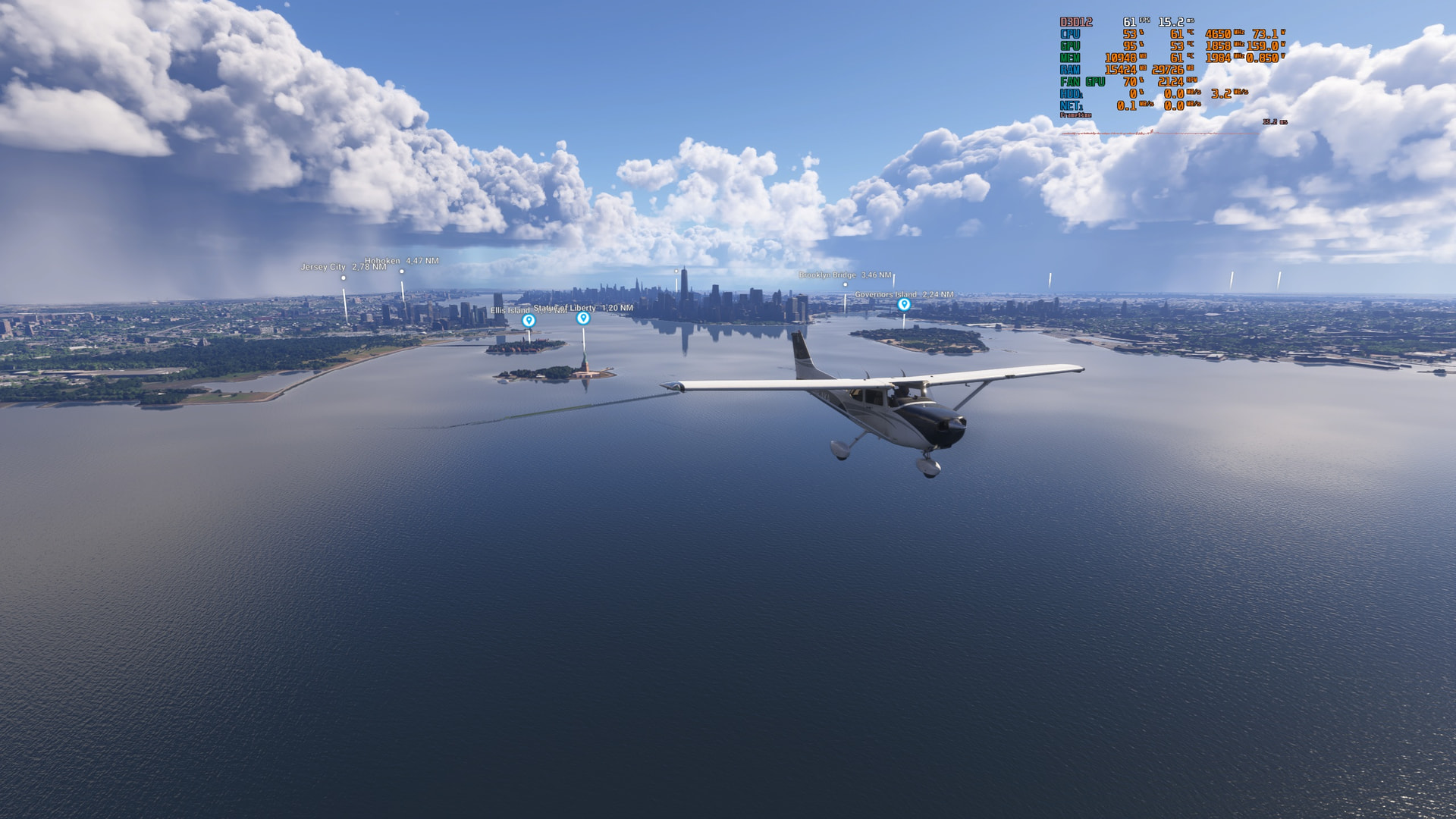


 TLOD300.