Hello,
Flying the TBM 930 yesterday, I got an engine malfunction error while starting my approach.. was able to get it down to the runway, but some questions:
- After a while of the engine being out, the electrical died, including the backup instruments, so I had no instruments at all for the last few hundred feet of my glide.. this seems to defeat the purpose of the backup instruments. I can’t find an emergency procedures checklist ingame. So, how do I keep them on?
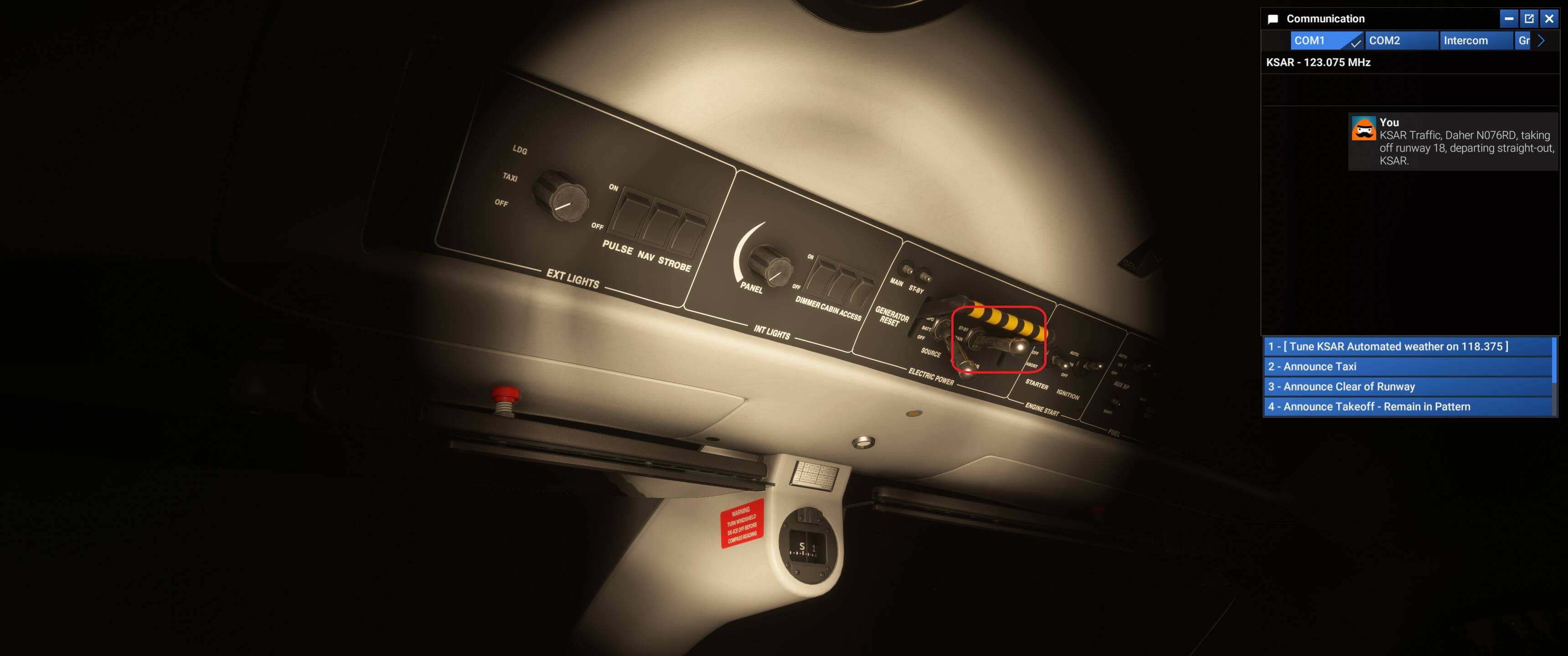
- I couldn’t find the backup landing gear handle in the cockpit, so I had to go make a keybind for that and press it a bunch of times to get the gear down. Is there one in the cockpit somewhere?
- Once landed, I had no ability to request GPU, because the electrical was dead, and you have to use the radios.. bit annoying.
I opened Wear & Tear via Debug and found the engine was busted.. this was after lots of searching.. bit strange that is the only way to determine the underlying issue, unless I’m missing something?
I’ve tried to search for this stuff, and also I’ve tried to search for a manual, but no luck.