Issue Description
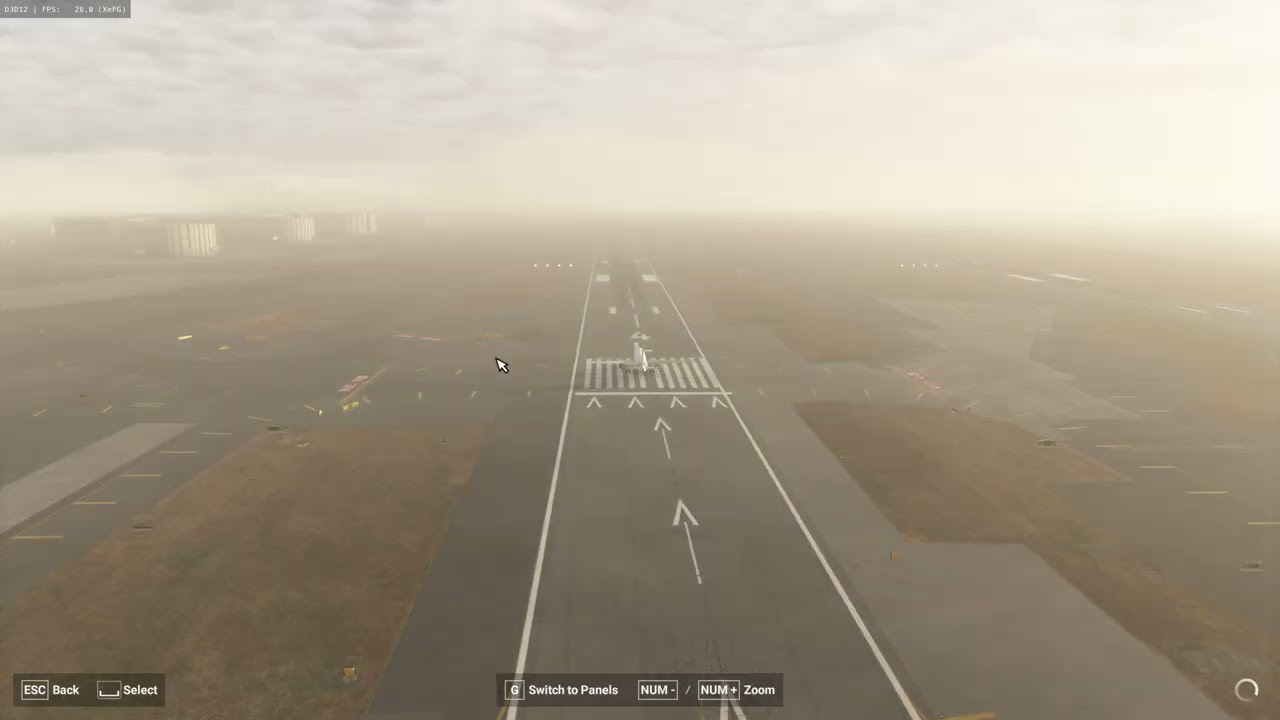
When using vJoy to control the elevators and ailerons on Airbus aircraft, the response is slow. This occurs on the A320 v2 in MSFS 2020, as well as the A321, A320neo v2, A330, and A321 in MSFS 2024, and the Airbus Beluga XL. However, the A320 in MSFS 2020 does not have this issue. By contrast, this issue does not occur on the Boeing 737 or 747 in MSFS 2024.
Frequency of Occurrence
Every time
Steps to Reproduce
Install vJoySetup.exe and Virtual Controller Setup.exe on your PC, then open the Virtual Controller program. Bind the mouse’s X and Y axes to vJoy’s X and Y axes, respectively. In the game’s control settings, bind the elevator to the Y axis and the ailerons to the X axis via VJOY. Then park the A320 at any airport, switch to the external view, move the mouse’s X and Y axes, and observe the response speed of the A320’s elevator and ailerons.
Please add screenshots or videos showing the issue as it occurs.
The reason I ask is because your input rate is determined by your real framerate not generated, so if you are getting 30 FPS with 2x frame gen then it is only sampling your inputs at 15 FPS. I would still probably suggest enabling Dev Mode and see what your CPU utilization is because if it is saturated that will slow down responses as well.
I see Google search results talking about sensitivity settings, presumably in vJoy, as well as mouse sensitivity and camera speeds. I’ve never used vJoy so I don’t know if this will help.
VJoy is not part of the MSFS stock installation and cannot be filed as a defect report.
Thank you for this report. We’ve moved your topic into the User Support Hub.
The Bug Reporting Hub is for posting suspected or confirmed bugs that other users are able to reproduce without duplicating an existing bug report. Using the template or providing all the relevant information about your bug and sim setup is required in order to provide valuable information, feedback, and replication steps to our test team.
If you are not sure if your issue is a bug or need further input from the community, please use the User Support Hub category. If the community can replicate your issue, first search the Bug category to see if there’s an existing topic. If it already exists, contribute to that report. Duplicate bug reports will be closed.
If you believe it is a new report and no duplicate exists, then create a new bug topic using the provided topic template.
All issues caused by or involving third-party addons/mods should be reported to the third-party developer. Assure that no addons/mods are used when reporting issues in Bug Reports.
This has nothing to do with frame rate. I used a Boeing 737 in the video for comparison, and there were no issues. There were no issues with the other aircraft either.