I noticed that if I set custom weather and season (at least at UUMO in Russia), the scenery doesn’t match the conditions that would exist IRL.
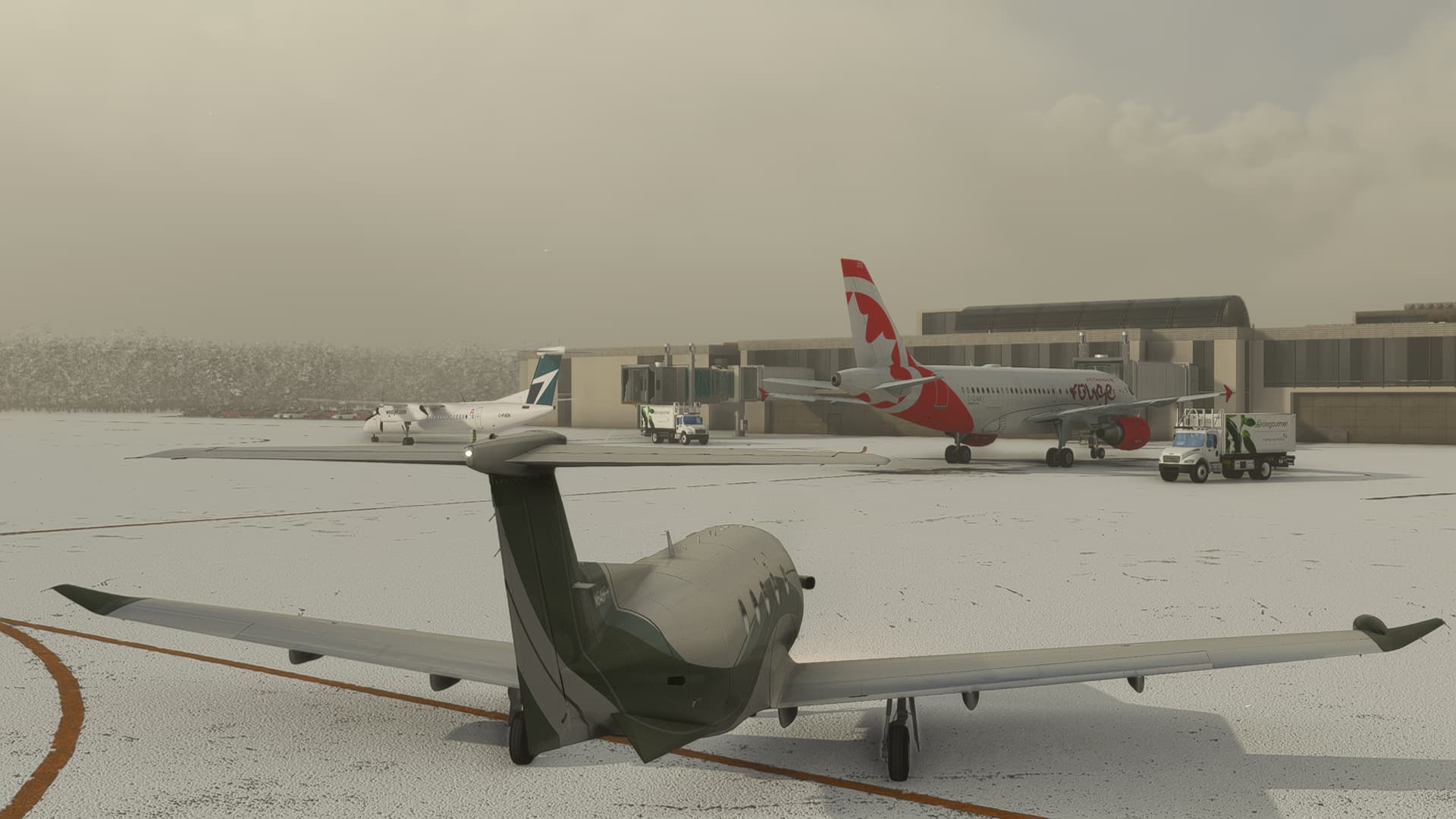
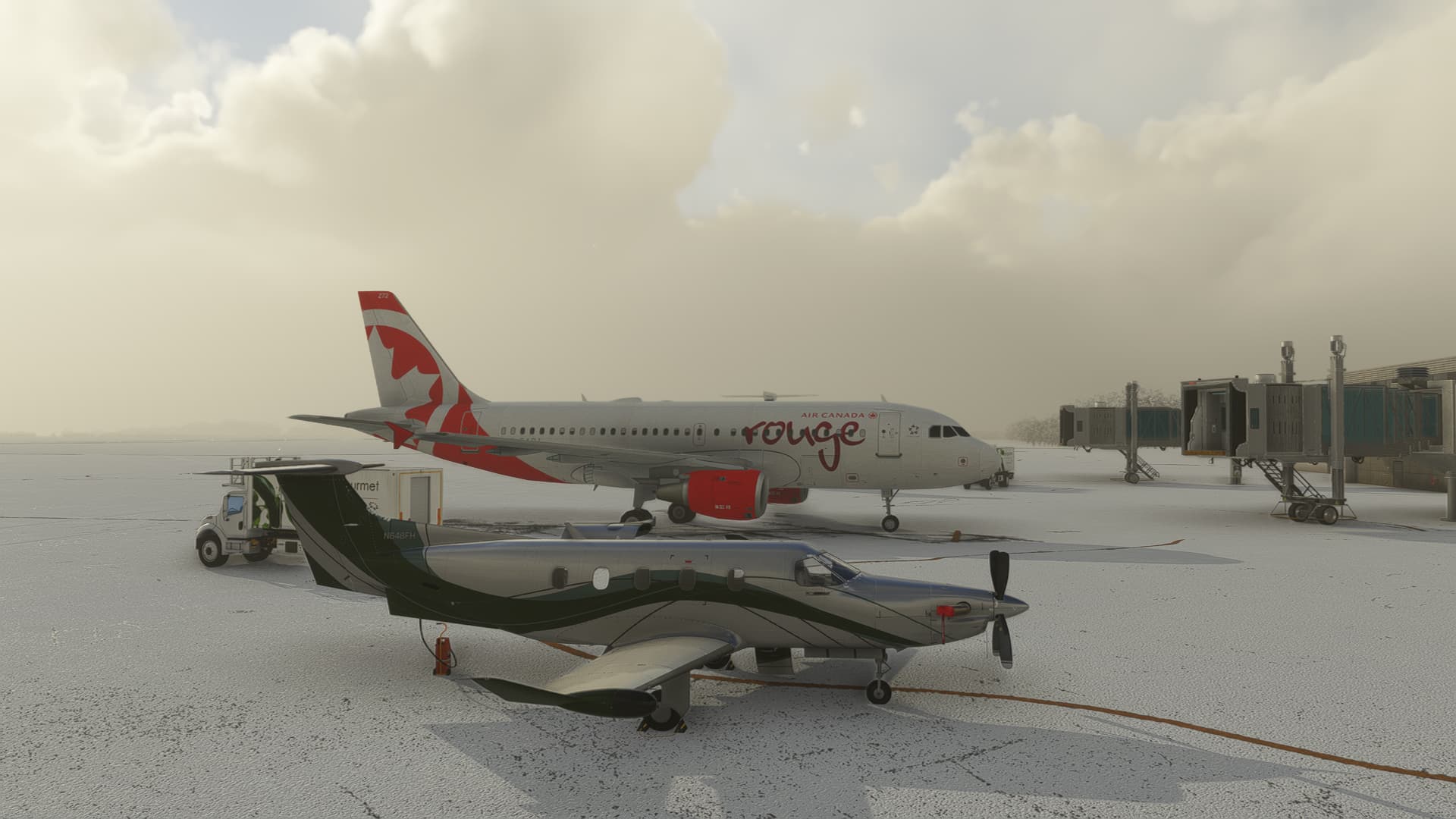
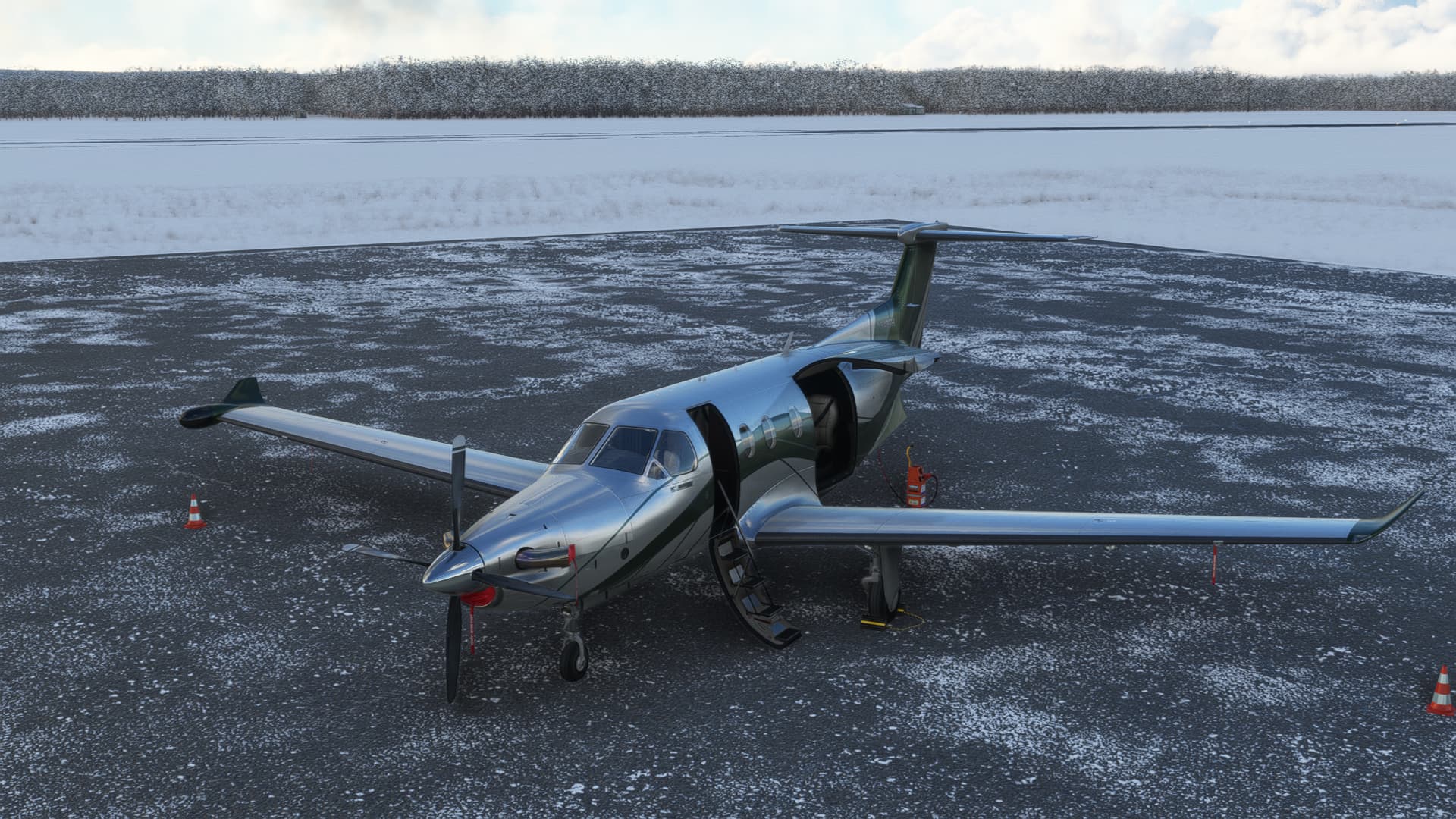
For example: If I set mid-January for the time of year, the scenery is as green and lush as it would be in July whereas IRL January has the trees bare, (except for evergreens), and the ground is covered in snow.
MSFS only supplies the snow as of now. There are a few options to change the trees and the ground. Check out Accuseason by Rex and the products sold in the marketplace (and elsewhere) by Bijan. The latter provides a mask that gets rid of that green look in winter, and the former (Accuseason) is working on it.
I had Bijan’s products, and they are very nice, but he has gone missing due to some personal reasons, so I switched to Accuseason.
Except that it doesn’t. At least not the way I have the weather set. January should automatically come with snow in my latitude.
Update:
If I set the “snow” slider to a non–zero value, (like 17 cm), there is still no snow.
I could even accept the green trees as there are a lot of conifers at this latitude, (though there are a lot of other trees too), but the absence of snow is obviously jarring.
Found the same thing in Cyprus - was doing a number of glider flights in July and August. At that time of year the scenery should be brown and dry but it’s shown as lush green. Another thing that MSFS always gets wrong is salt lakes. A number of these exist in Cyprus but they always appear as blue lagoons in summer. They are only wet in winter!
NE Georgia (state in USA) also not correct. Flew F-14 all around and it’s all green in sim. In RL, brown and ugly because of winter. Guess more things to fix.
@Hester40MT mentioned in a private message, (where I raised the issue of moving the message or not), that artifacts like snow are not available when custom weather is set - but it’s (supposedly) on the hit list for being fixed later on.
It seems to be that a lot of seasonal artifacts are not reproduced in “custom” weather.
I am having the same issue which started last evening 1/15/23. I have flown every Sunday night since my purchase of MSFS 2020 two years ago without this issue until last evening. It is as though the live weather appearance is not working. I also use Bijan Season 4 Season Pack. The only difference last night was that I had turned the Avast VPN on. Ideas?
Obviously my first suggestion would be to try turning off the VPN. !
Here in Moscow Russia, sometimes a VPN helps things, other times it messes things up. It might also make a difference where you are VPN’ing to, and where from.
I don’t normally use “Live Weather” because I like daylight flying and the hours of daylight here - at this time of year - are limited. Since I don’t normally use “Live Weather”, I don’t know how much help I can be, except to state that this is something that appears to not be implemented in Custom Weather yet.
The obvious things to check are your network connections - with the VPN being the primary suspect.
Thanks for your response! With more investigation and a post on the MSFS_Support page on Twitter, they admitted that there is currently an issue with Live Weather. As a workaround, they suggest using preset weather. They also admit to additional problem weather related. I would look on Twitter @MSFS_Support for an update. Thanks Again!
 !
!