Hi,
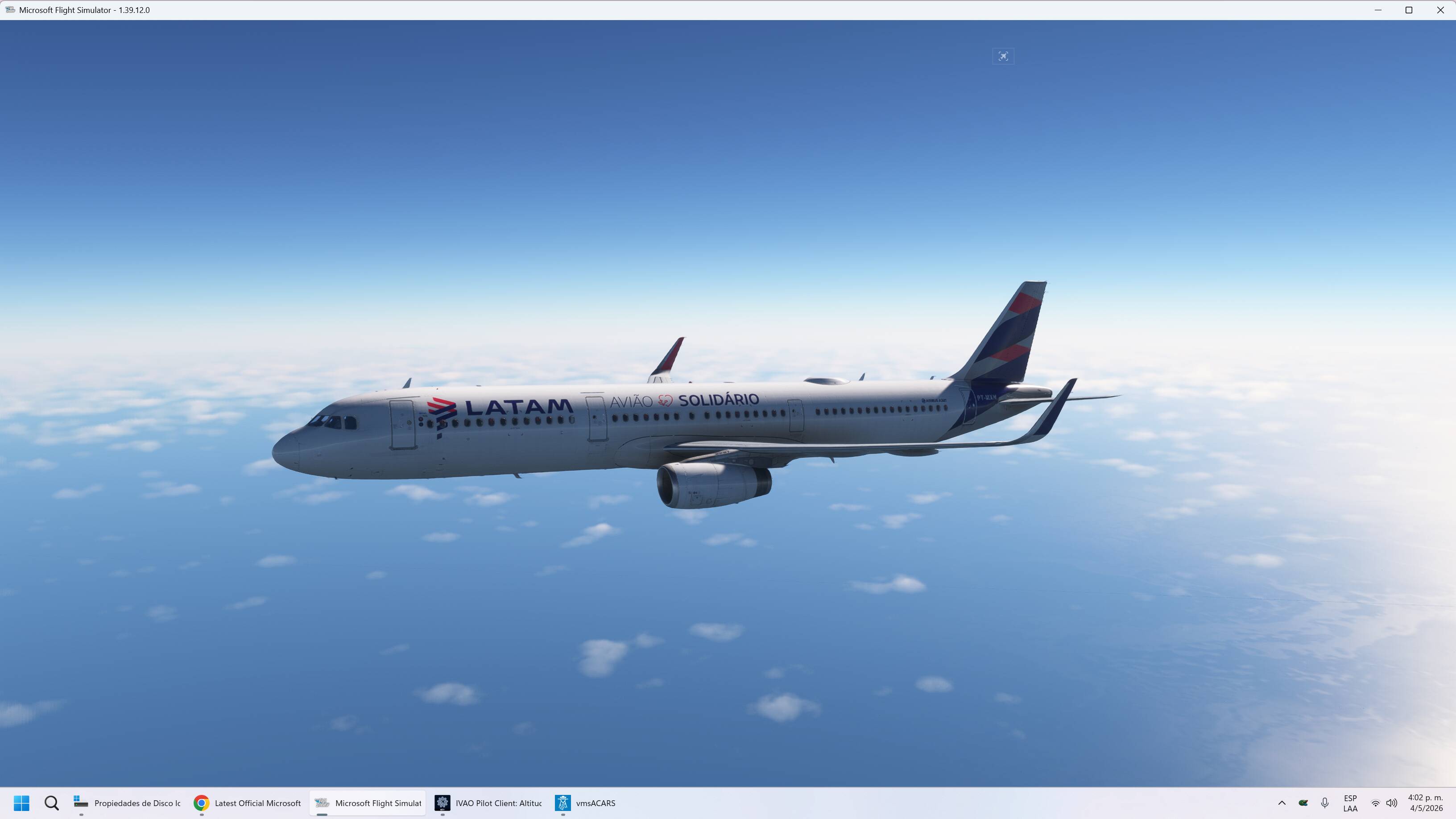
I accidentally deleted the top menu, and now I want to restore it. How can I do that? Help!

Moved to User Support Hub for community assistance.
I’m guessing your on a PC, so my first suggestion would be to start with an empty Community folder. You can either drag the whole folder to the desktop or just rename it - either way, the sim will build a new empty one next startup. It it’s still gone after that, then shut down the sim using the Task Manager to simulate a crash, then start up in Safe Mode when offered on the next startup to disable Marketplace addons in the Official folder. If that doesn’t fix it, then you may have to reinstall.
If an empty Community folder does the trick, start adding things back in a little at a time, starting with the most recent addons. If it took Safe Mode to restore the menu, look in your Content Manager for anything that would relate to the UI and disable that.
Happy hunting!
Did you accidentally turn off Developer mode?
Options > General Options > Developers > Developer Mode = On
Are you referring to the menu that comes when developer mode is activated or to the toolbar ?
If you’re on PC try hitting ALT+ENTER to go back to full screen