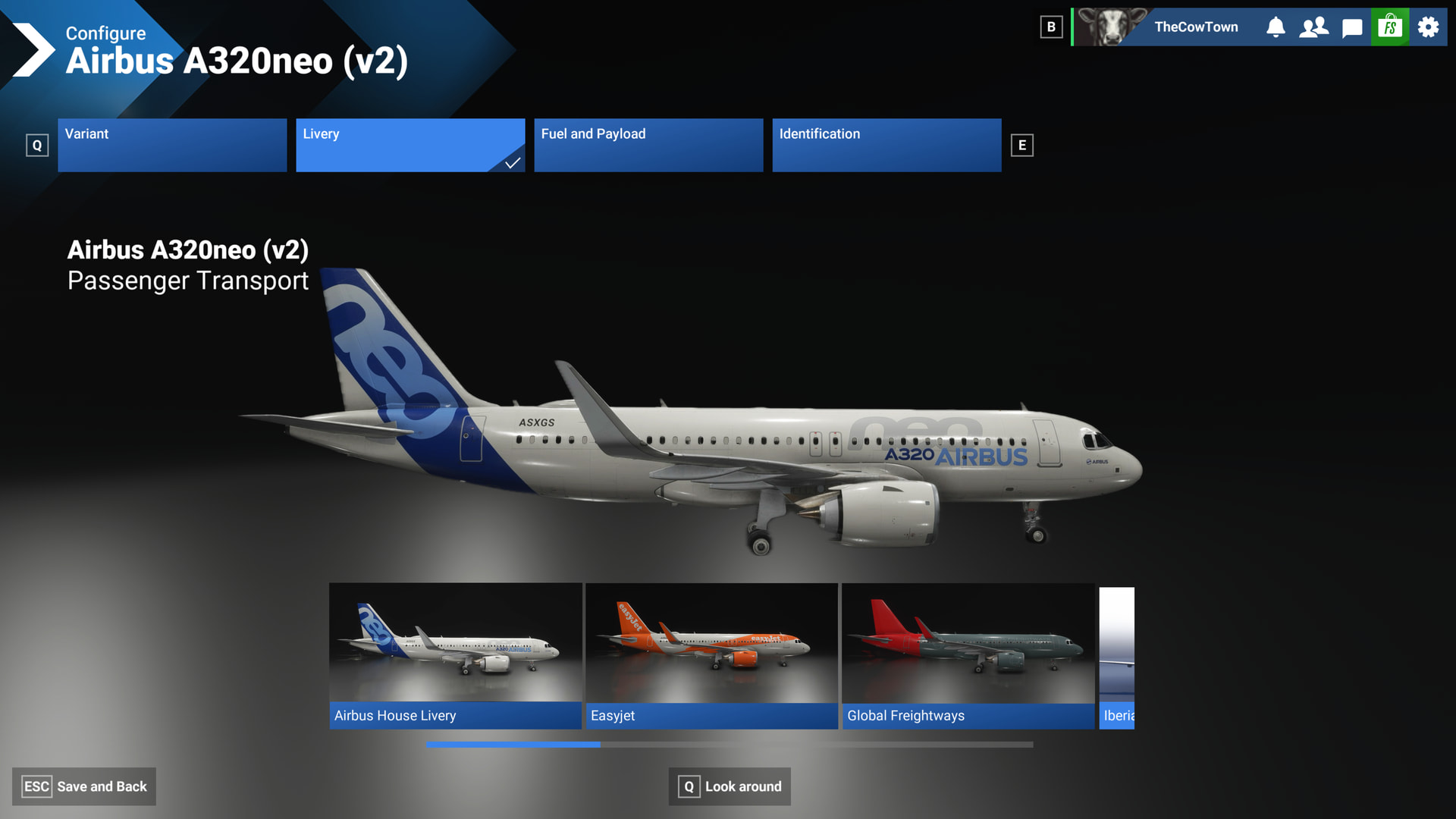
When in Free Flight and in the configuration menu, you’ll see a new “Look around” option. Which at first I was excited to see what it looked like but was quickly disappointed with it.
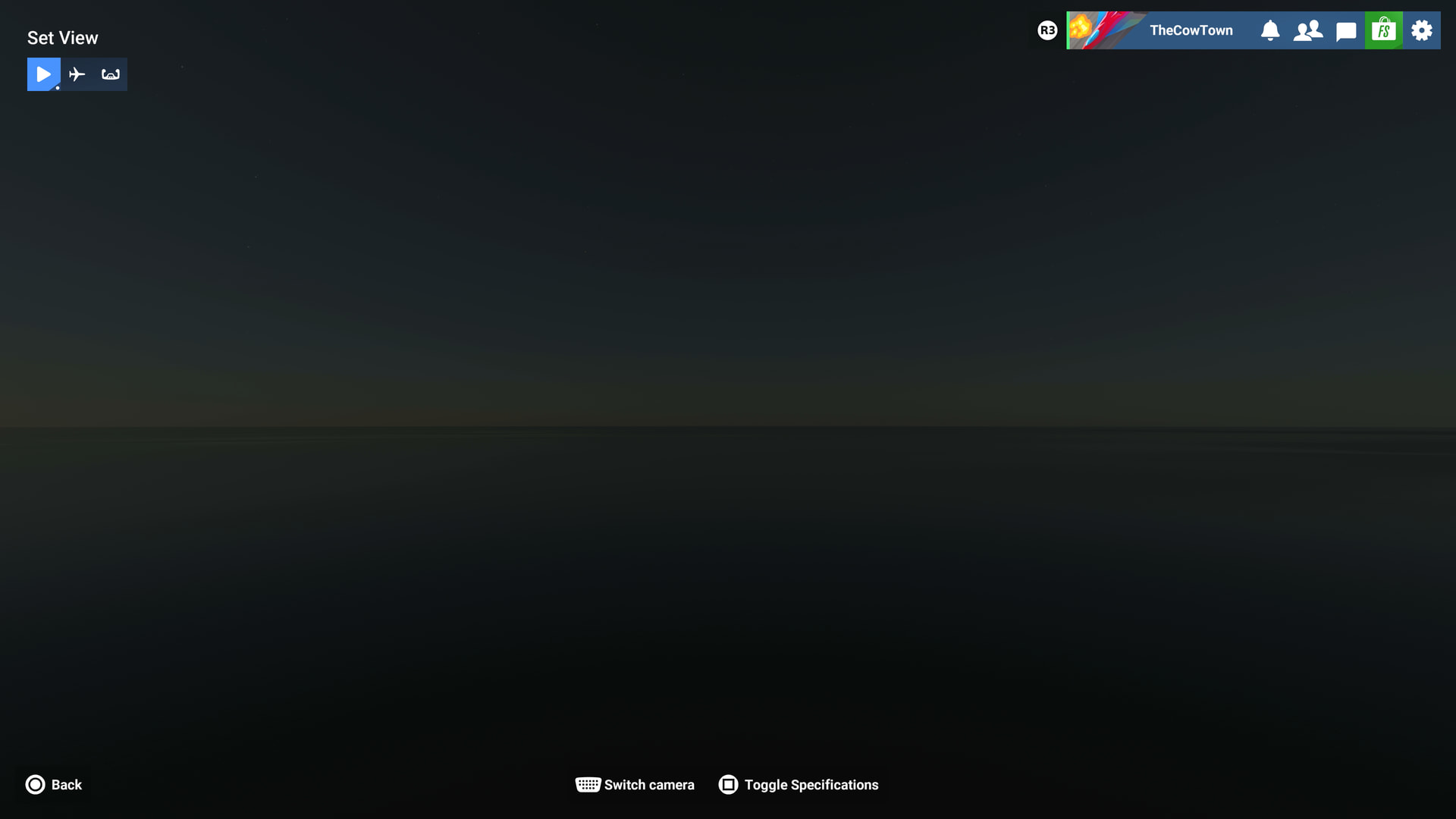
When you first enter the mode, you’re met with a screen that doesn’t load anything (Can’t switch views with a gamepad, need a mouse to switch views)
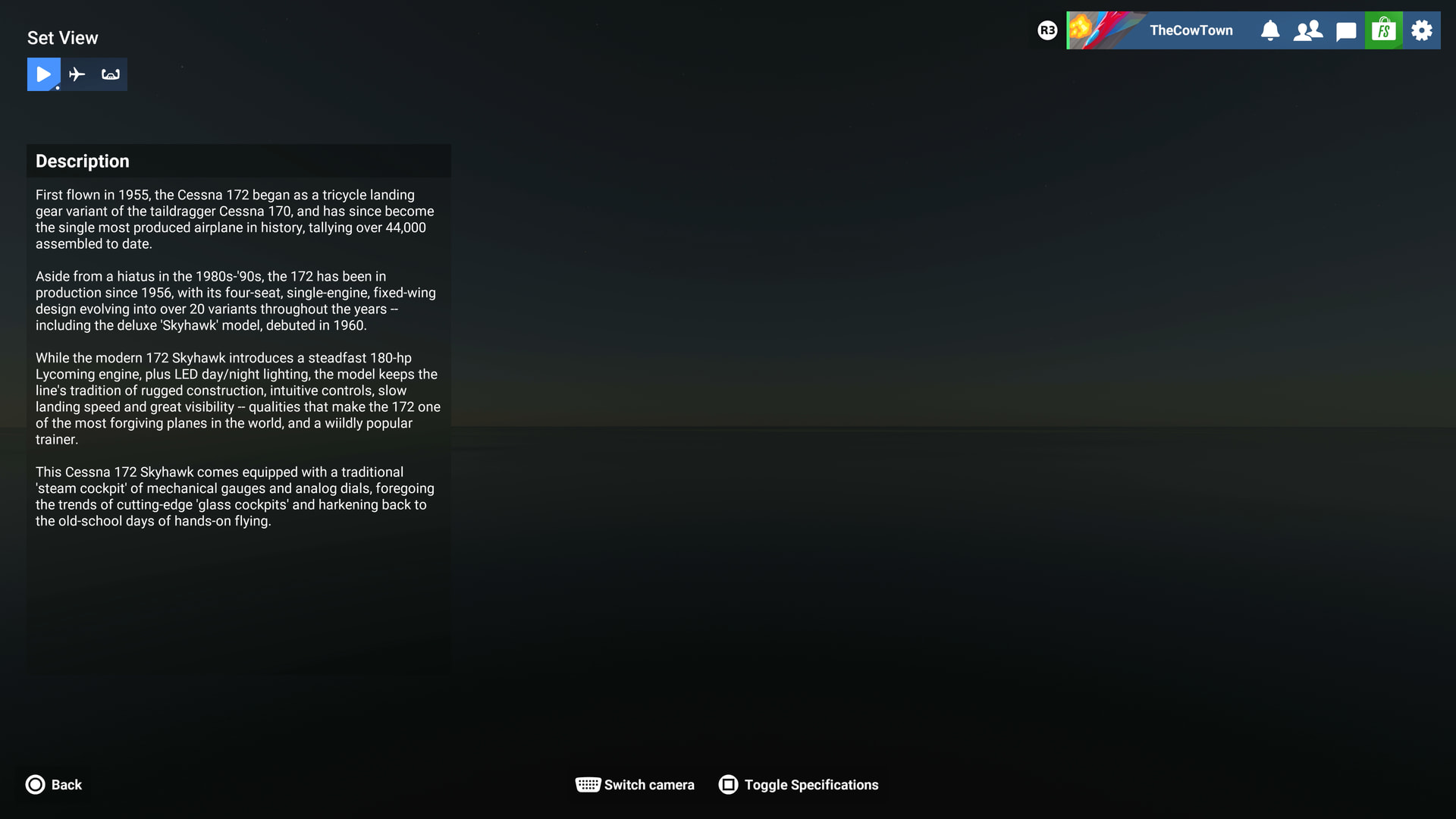
There’s an aircraft description menu that can pop up to give some history of the aircraft which is neat I suppose.
When you switch to the aircraft view you can move the camera 360 degrees, but… if you want to change the variant or livery for the aircraft, you have to back out of this mode every single time and reload the aircraft each time. Also, not a fan of the “void” environment. Would be nice to see something like the MSFS 2020 hanger make a return if this feature is going to stay around.
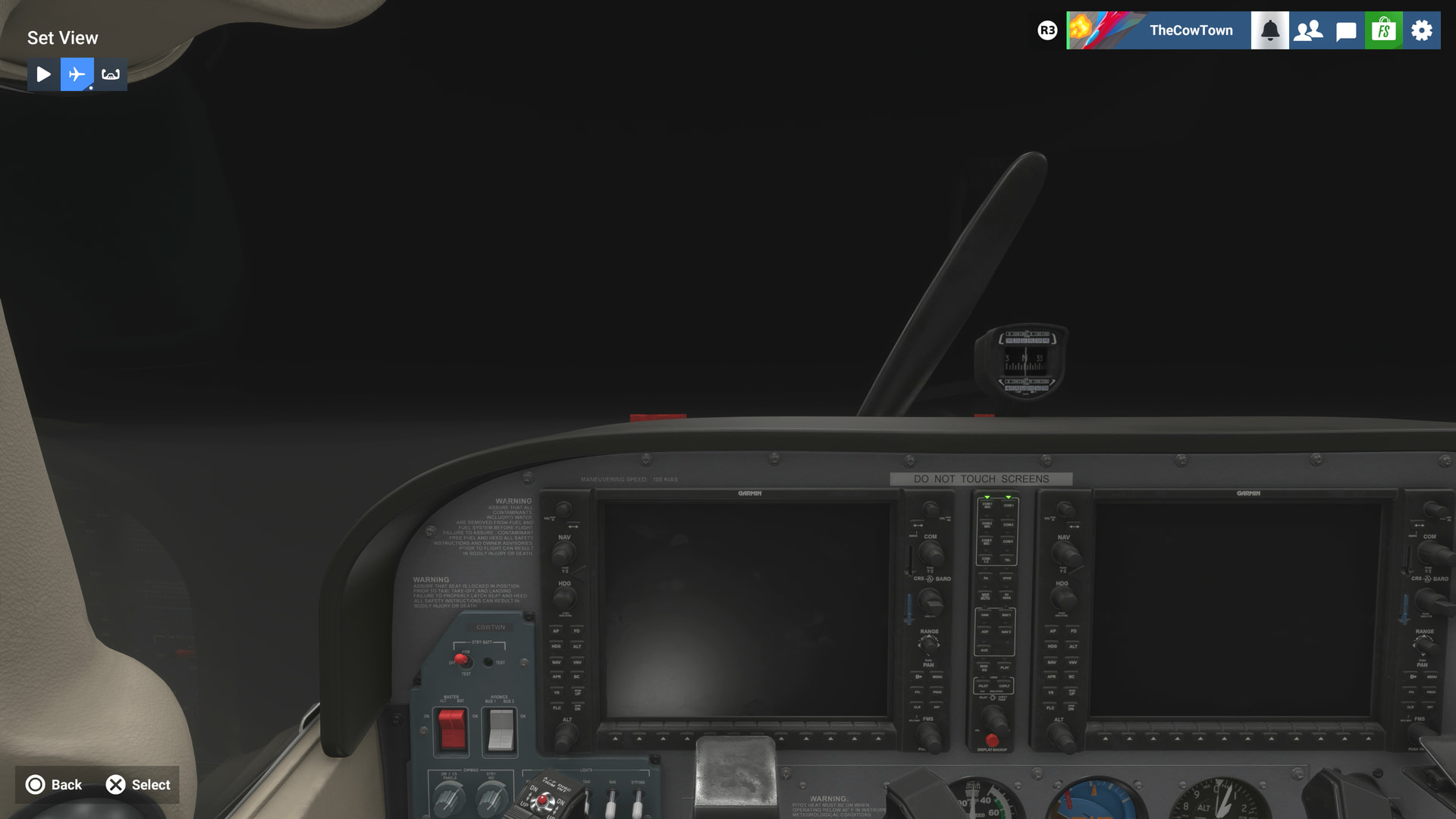
Lastly, you have a cockpit view that you can’t move the camera, its just this view and… that’s it.
And that’s everything. And honestly this is a mode that I see myself using this one time and probably never going back to again. Instead of this, it’d be nice to see the regular menu just get some tweaks to what we have.
Below is a quick mockup I made of what would be ideal to me for changing liveries and the variants. Currently the aircraft are at this odd angle where sometimes you hardly see what the livery is. Making the thumbnail and the model above menu sit at a horizontal view I think is perfect, lets you see what the livery looks like at a glance and done. No extra menus, no extra loads, just simple and shows you what you want sooner.
Anyways, thought I’d share what I think of the new Look Around Menu. Thanks!