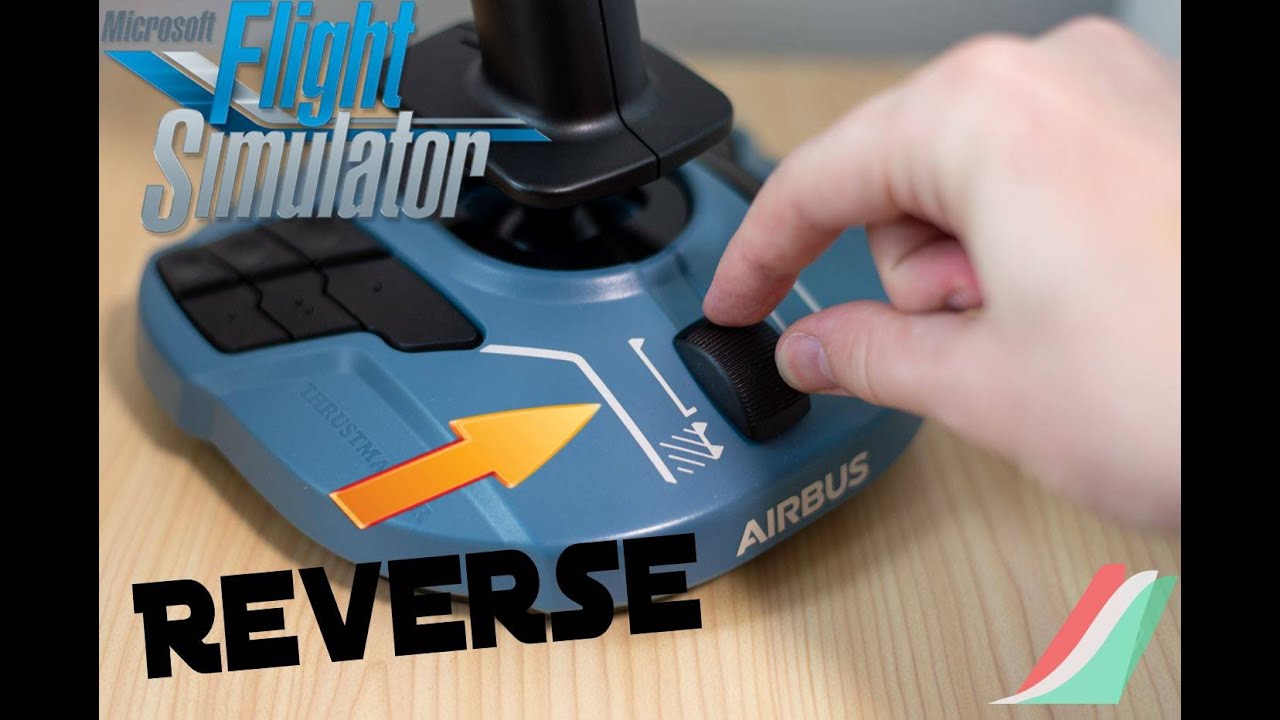
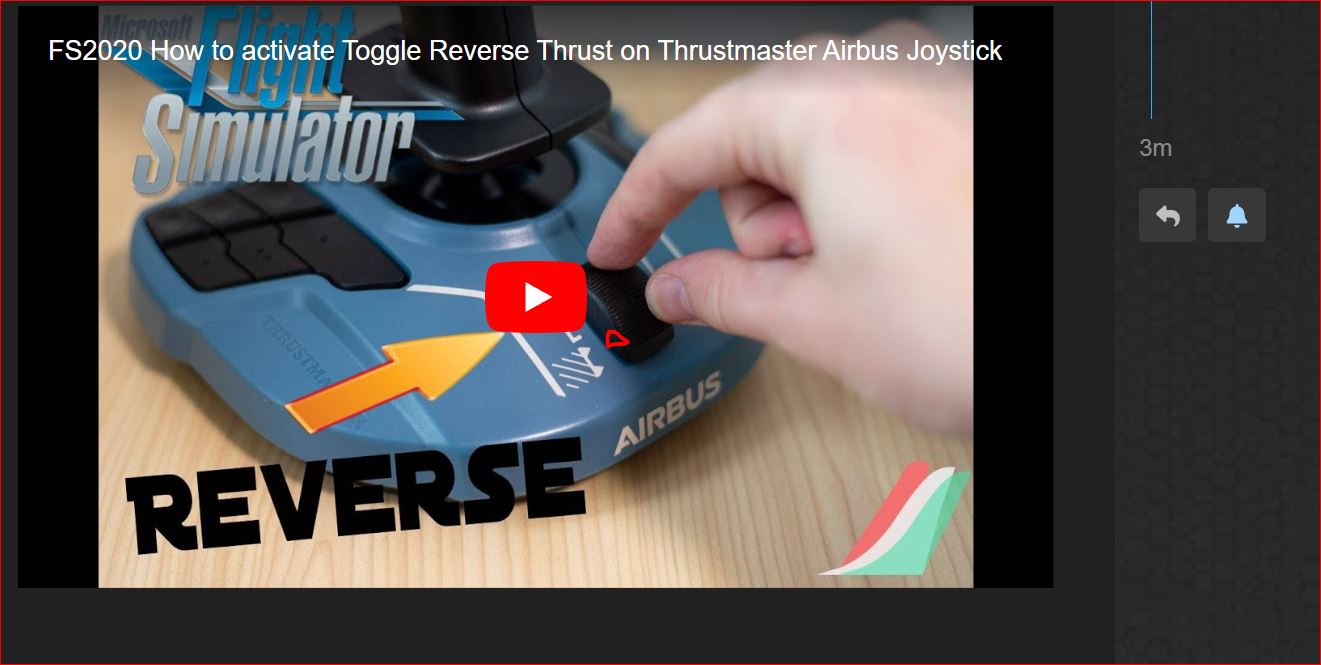
I happened to be looking at a video for FS2020 and the guy was talking about setting up reverse thrust on the Thrustmaster TCA Sidestick Airbus edition joystick, and as he moved the throttle towards the reverse it made a definite click.
Is this what happens? Only mine makes no click and there is no indication of reaching a reverse area. I know you can map this, but as there is no indication of reverse I did not bother. So have I got a dud version and is it supposed to physically stop and then click for reverse?
You need to download the software from Thrustmaster website. In that software you can activate “digital buttons” for the reverser section of the thrust levers.
When using the slider on the base shown in the pic you won’t hear any click.You can feel that there is a detent …quite difficult to feel but it’s there.
Edit : the click you hear in the YT tutorial it’s just the “noise” made by the slider when hitting to the bottom of the course. Just tried it on my Thrustmaster.
Not sure about that. I have listened to the video several times, I think there is a definite ‘click’ as he pushes the final bit. At first I thought it was just the sound you get as you click at the very bottom, but now I am not sure. I have read and searched as much as possible and in most cases there is no sound at all, and no real indent, which is why I was interested in this video and to see if anyone at all has the same sound.
It has a detent which you can set optionally to be the reverse point. You don’t have to if you don’t want to.
However, I don’t recommend this stick because mine has developed a constantly twitching Z axis which I have followed the online tutorials to fix, and the problem only goes away temporarily. I have to yank it around every 10 minutes or so in order to stop the rudder twitching every time I touch the stick.
Well, much depend on what is your goal. If you want to set the reverse on this slider you can forget the click noise that don’t appear when needed on the neutral position but at the end of the course (this is not a switch but a slider) and consider that is pretty difficult to do it because ,as I said, there is a small detent there, difficult to feel when activating the reverse right after the touchdown.This problem arose some years ago (there are many posts on this regards in this forum) to the point that many users,including myself, chose to set the revers on/off on dedicated pushbuttons on the base. I changed all that after the purchase of the Thrustmaster Quadrant that made all this much easier.
If you still want to use this tiny slider you may put a marker on the cursor to highlight the reach of the detent position on idle.
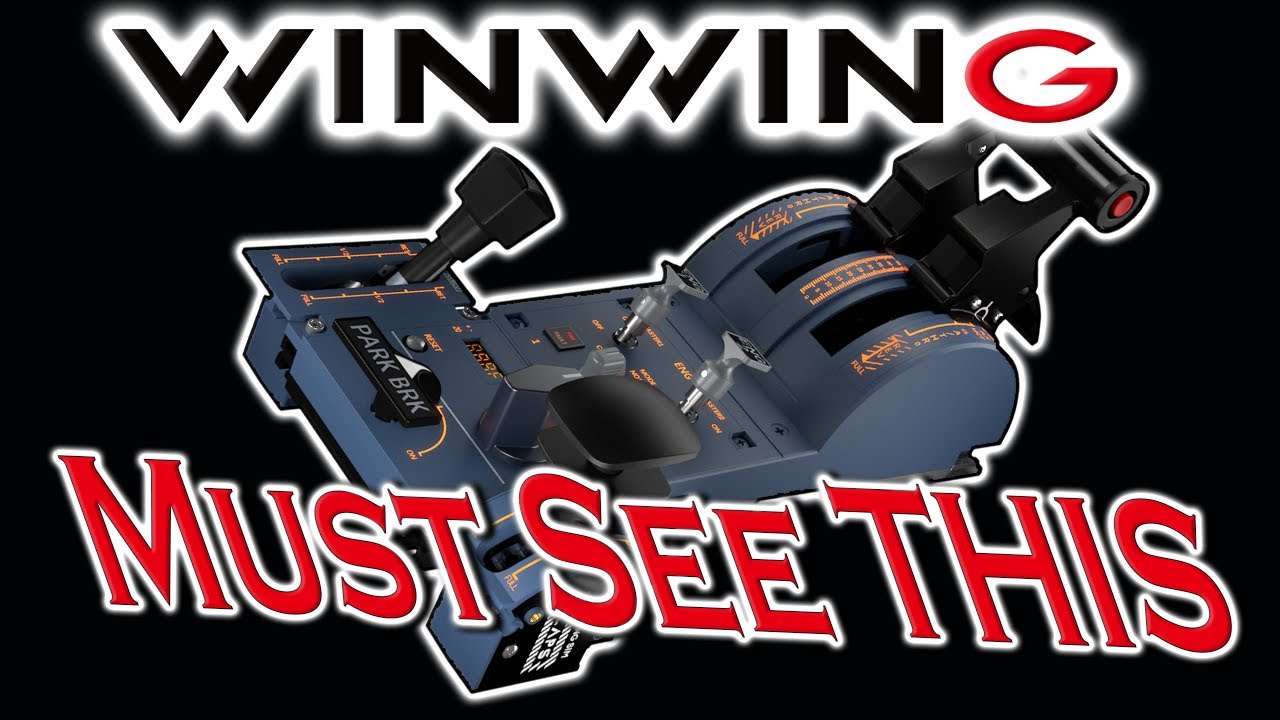
I’d highly suggest you to get the WINWING URSA MINOR 32 Throttle Metal - It’s very affordable and the quality is far more superior to Thrustmaster’s plastic toys. Here’s a review:
Yes - that’s correct. Although I have the separate Airbus throttles, which means that I don’t tend to use the one on the stick, I always thought that mine was faulty as there was no detent. I experimented with the slider knob removed and found that the detent worked, so I tried putting the knob on ‘upside-down’ and all was well.