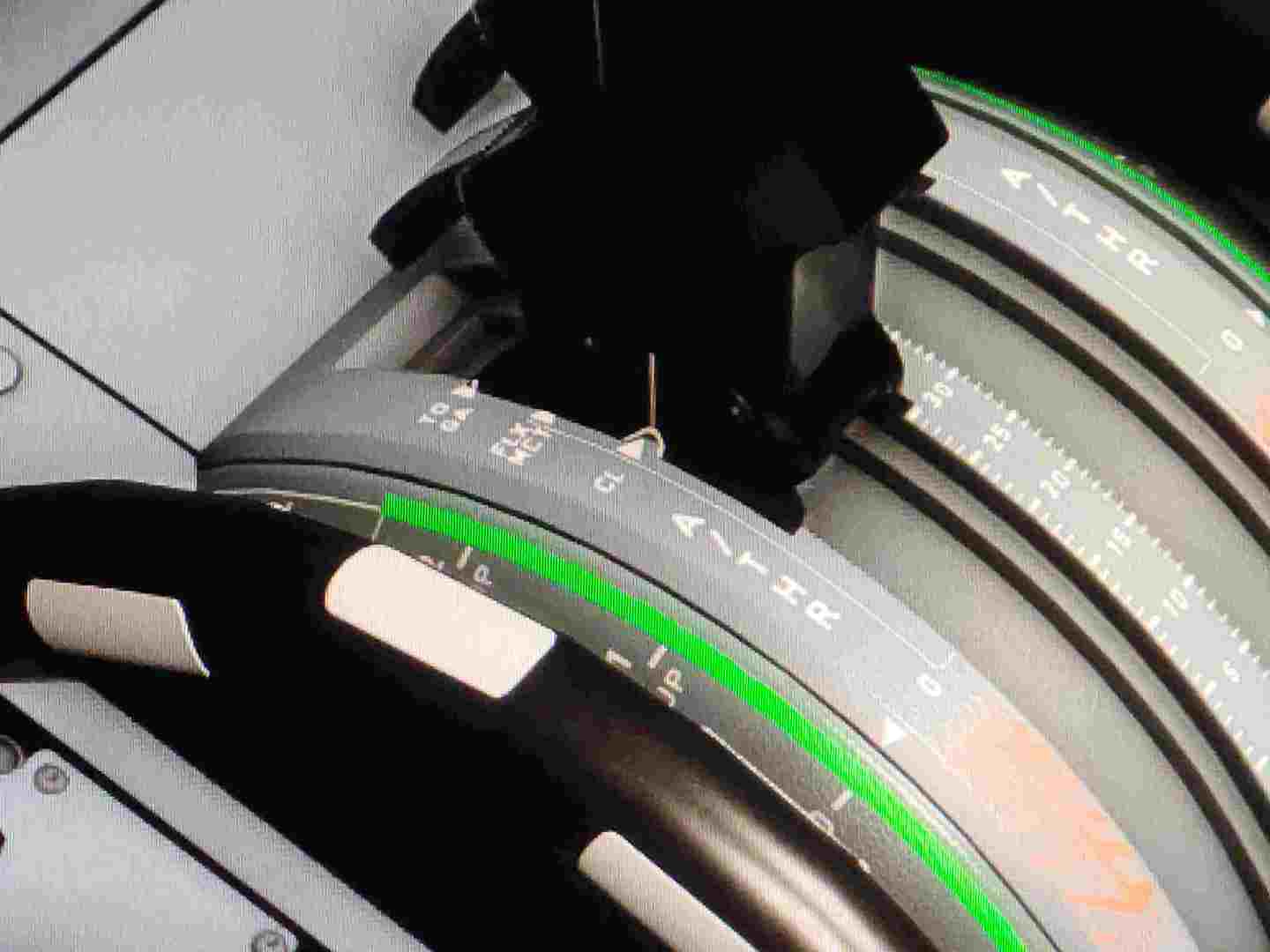
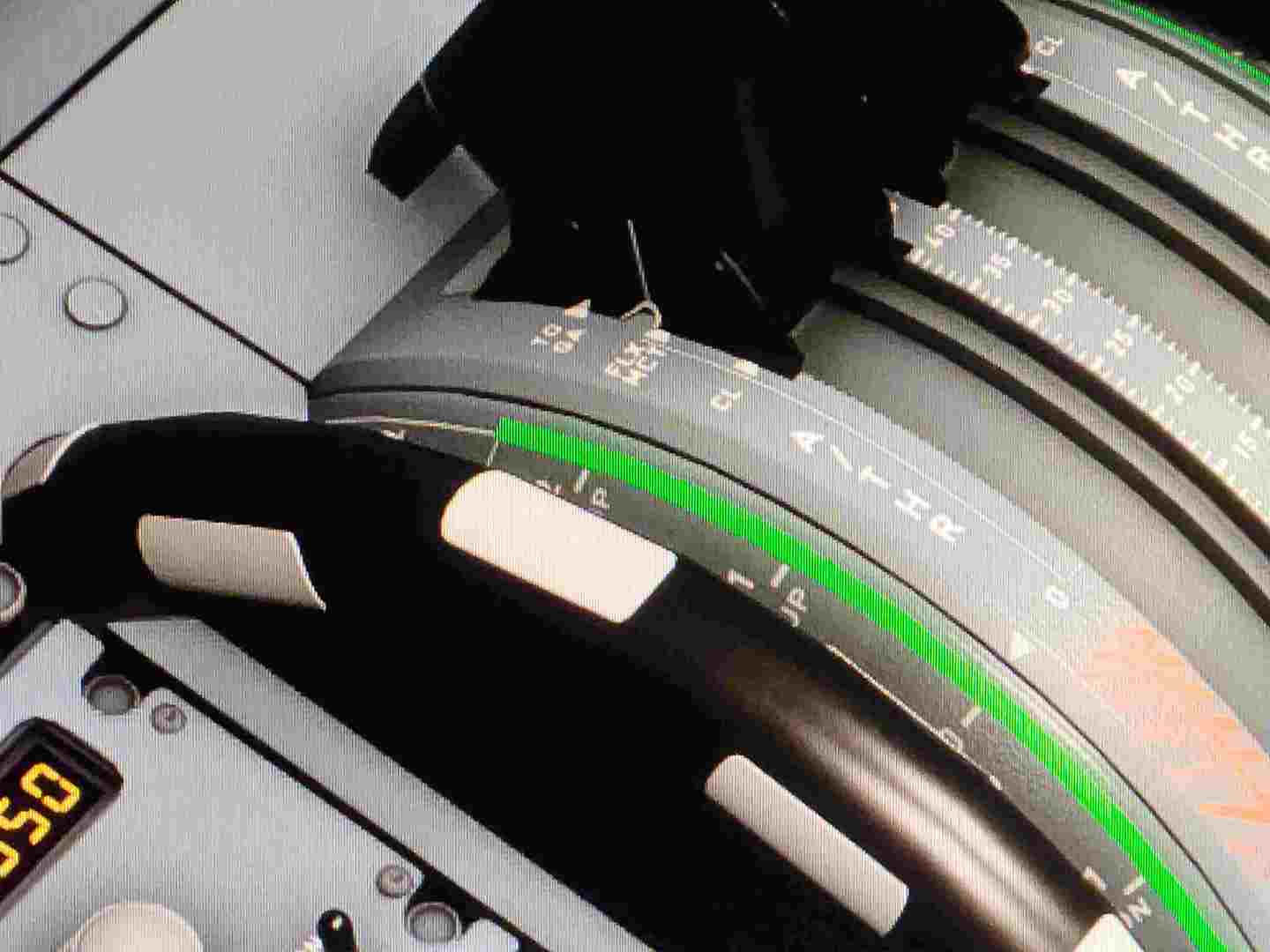
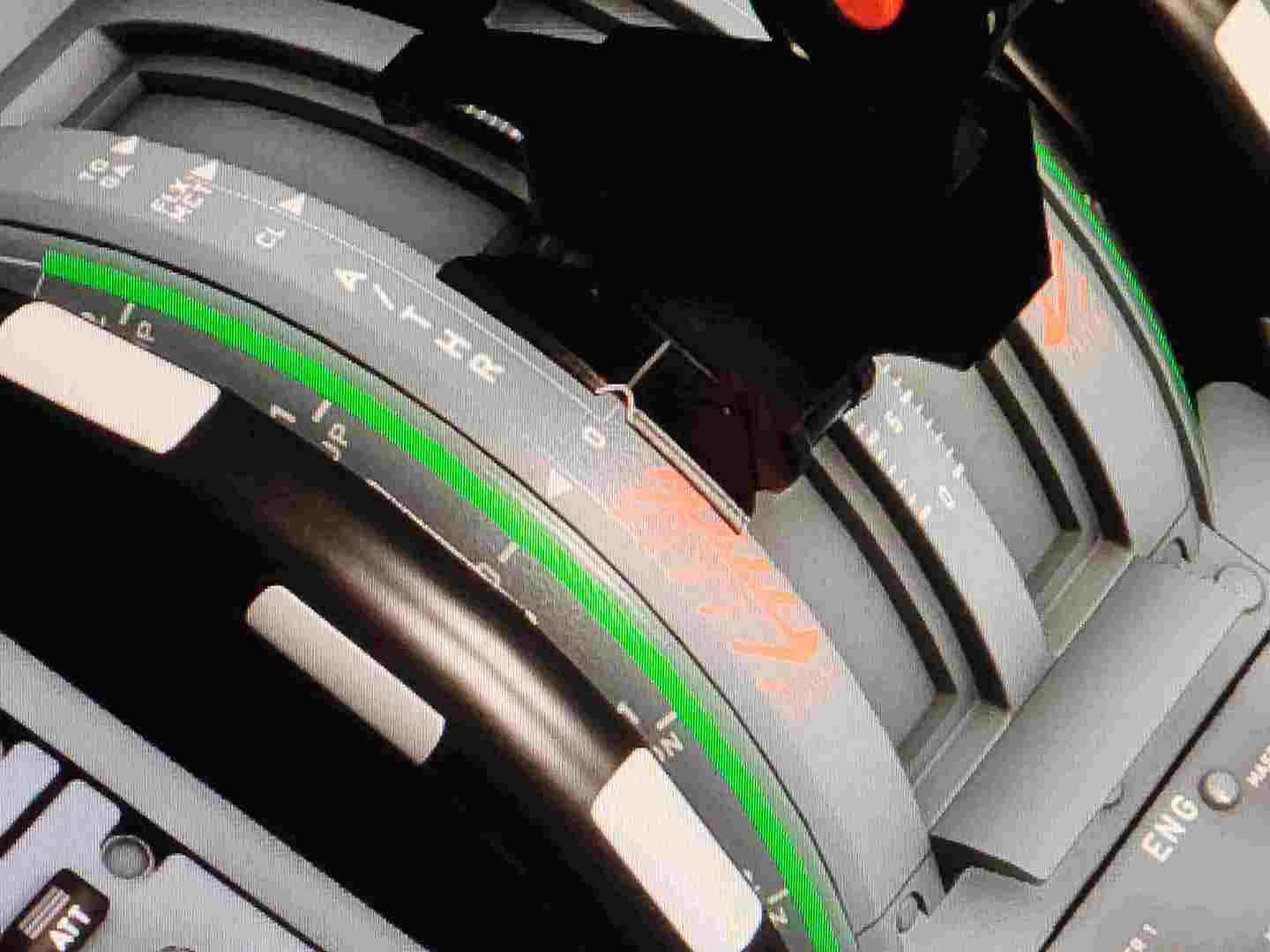
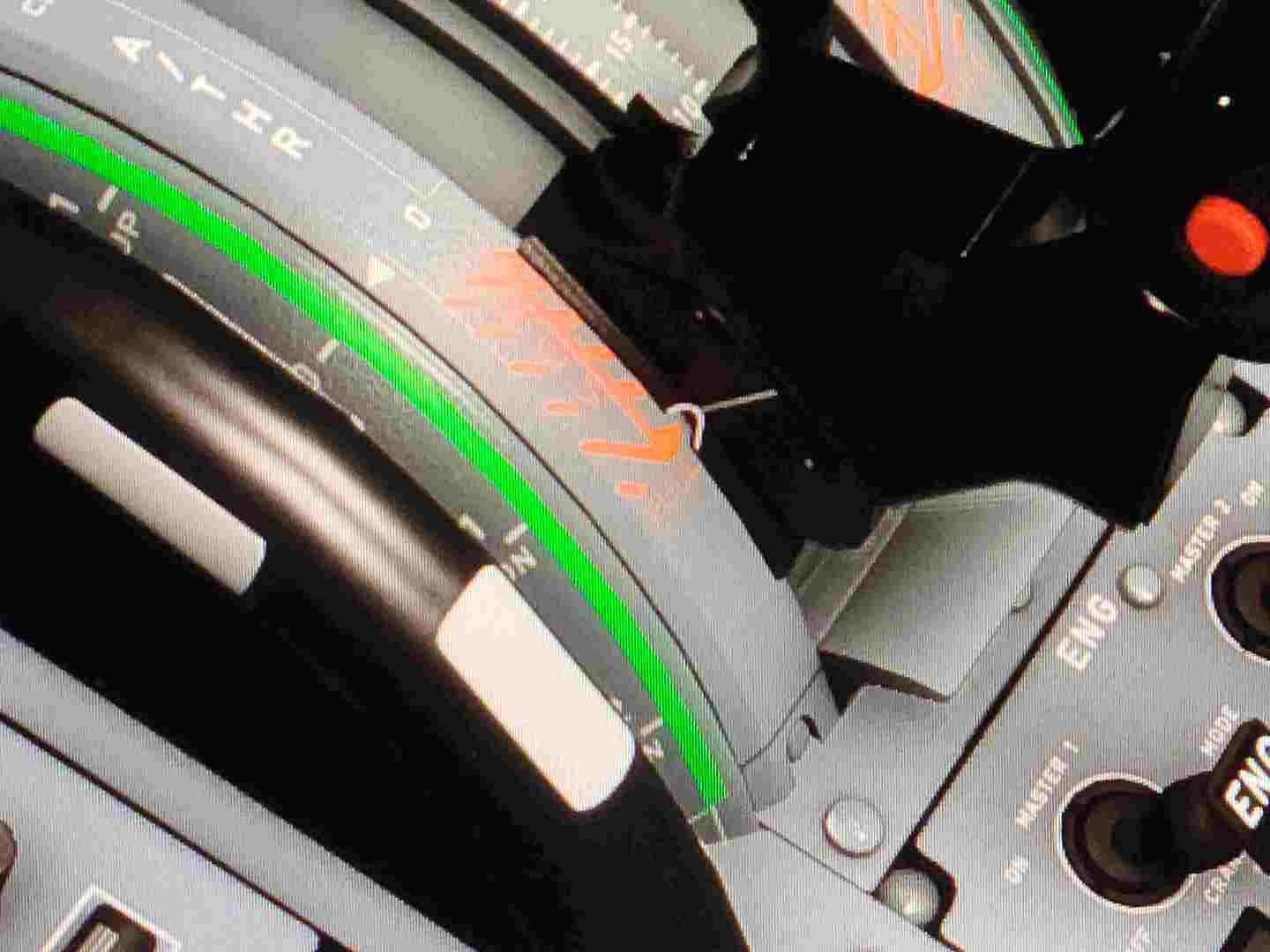
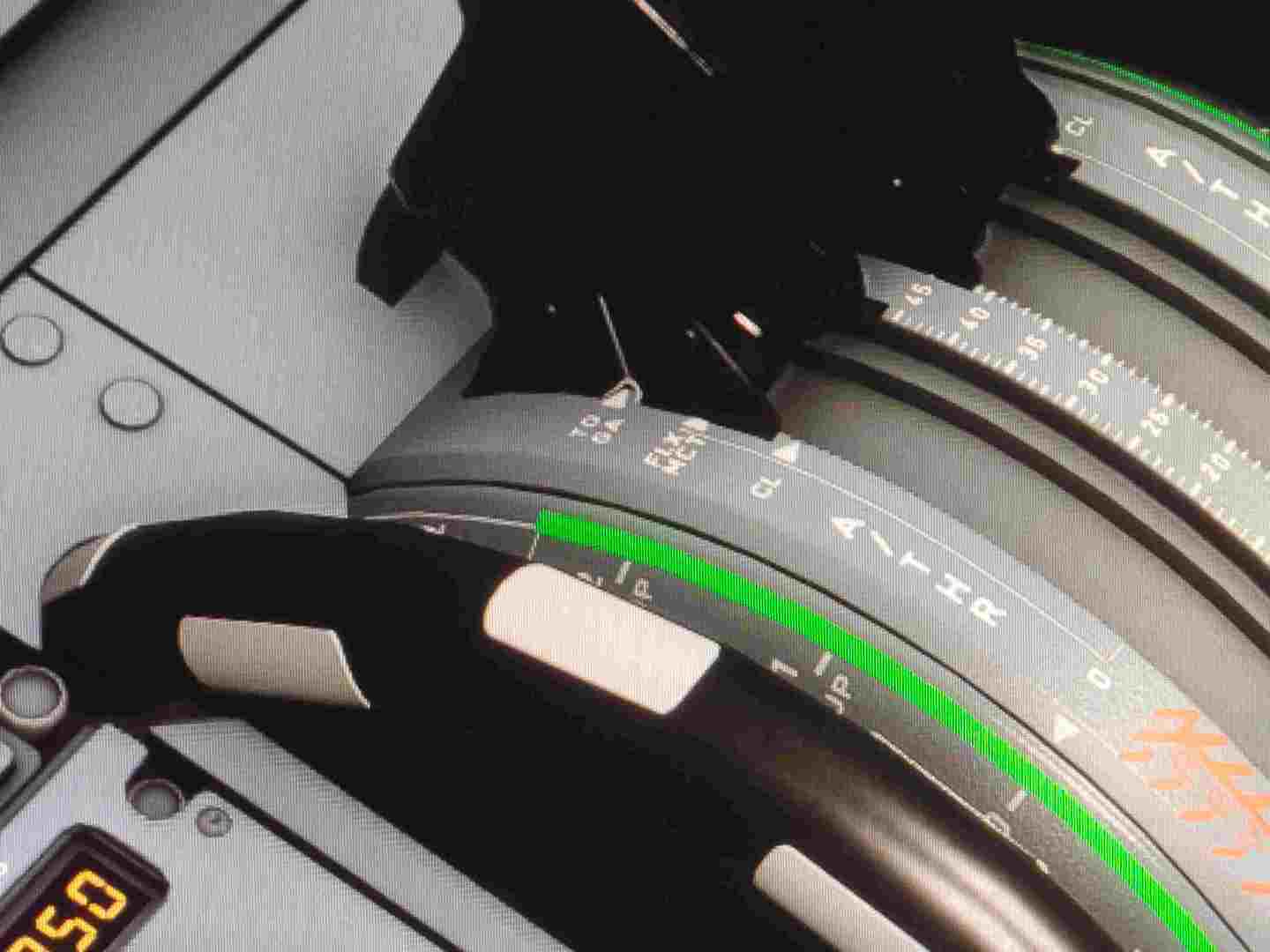
All the buttons work as they are supposed to. The only issue I’m having is the Flex/MCT detent goes a little past in the sim. It is an irritant and a distraction on takeoff, is there any way to adjust this slightly? Reverse is fine. Idle is good. Climb is a teeny bit off, but it hits the detent good enough to stay put. TOGA detent is there. When the physical throttle is in the FLEX/MCT detent position, the one in the sim is just a little past- to where it doesn’t work. Anybody had to deal with this?/ Any suggestion appreciated..
Do you use the A32nx model from FBW, or the one from Asobo?
Because i had that too until yesterday, when FBW updated their model, and you can now via the EFB calibrate the throttle to the perfection.
Hope this helps you. Nice flights !
I am on the fbw A32NX v0.6.0 stable. I looked in the EFB and did not see anything related to the controllers. I’ll try loading the dev version and see if it’s in there. My problem seems small compared to the other numerous issues people seem to be having, but seems like.its so close to being right!
Remember to press the cog wheel to access settings
Yeah thanks, I did and most of the settings on the left were greyed out. So I’m installing the development version right now and we’ll see if that’s why it wasn’t showing…
Yeah, the throttle calibration isn’t implemented in the stable version right now.
1 Like
Ok, yay, it’s there. But it’s not off but just a hair anymore, it’s whacked! So are there instructions on how to use this calibration? Looks like it is trying to use axis number two for the forward settings ??
Ok, right on. Sombody posted a little video that showed how to do the calibration. The TCA Quadrant is just 1 axis- So I have it working correctly now. Buttah!
2 Likes
I have the dev version. And the throttle calibrating tool, is on the EFB since last night only
Hi everyone, I am new to flight simming, I got the quadrant and only just noticed why I get overspeed warnings is because I’m not in climb but in TOGA. Can anyone eli5 what I need to do? I have tried calibrating and thrustmaster asked me to come here as they say the onscreen results I sent them are correct and it’s an issue with MSFS. It really ruins the game when I’m trying to set it 2mm behind a detend it wants to slip back into 
I have the same problem where I can’t get the throttle in CL ingame without it being 2mm in front of the detent on the controller, so it slips very easily back and the plane is out of CL.
FLEX, TOGA, Idle, and Reverse works fine. I’m flying the vanilla/default A320neo.
I have tried to mess around with the options but without any luck.
Try these, a few months old but will check tonight.
( changed to latest Mon 23.04)
My Microsoft Neo 320 (default) settings for TCA Quadrant

My FlyByWire 320 TCA Quadrant settings
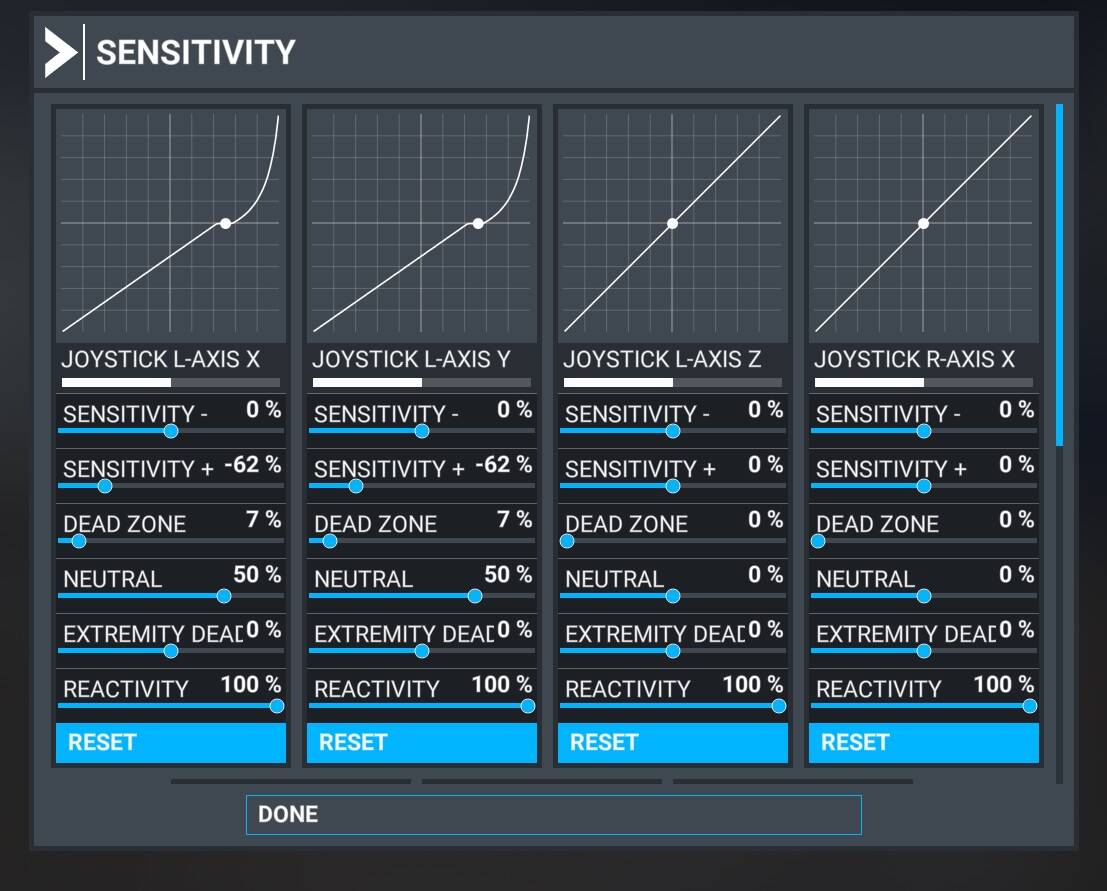
I tried the same settings as you kindly supplied but still no joy, the FLC/MCT detent is about 2mm outside of the “click” so it never stays put. I never would have bought the quadrant if I had known it’s not supported. I really am at a loss of what to do, their support just blames Microsoft and has been no hope.