This applies to people who have Integrated and Dedicated GPU and plenty of system ram:
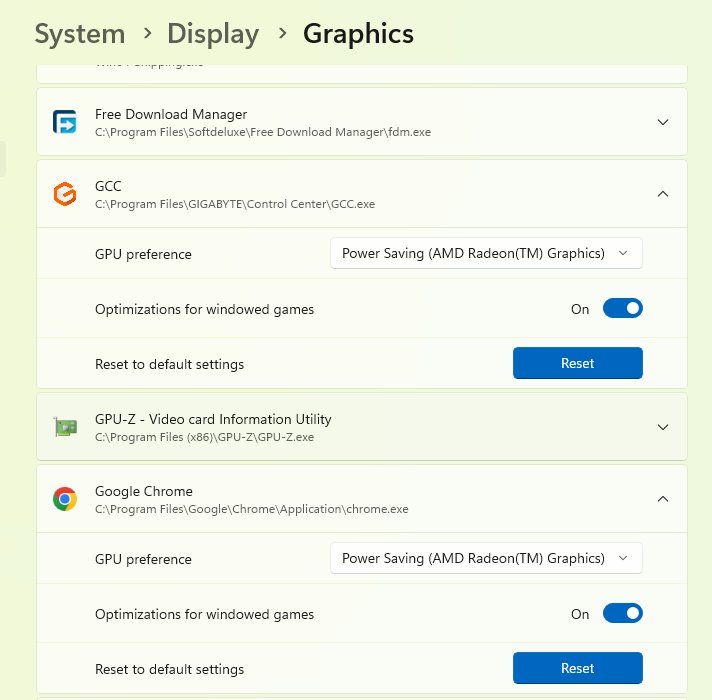
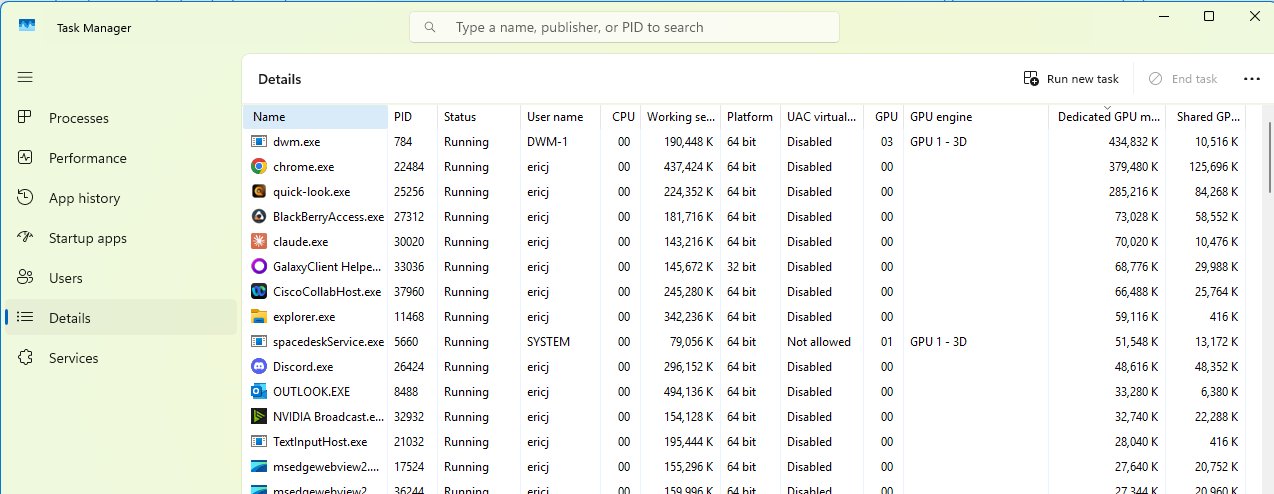
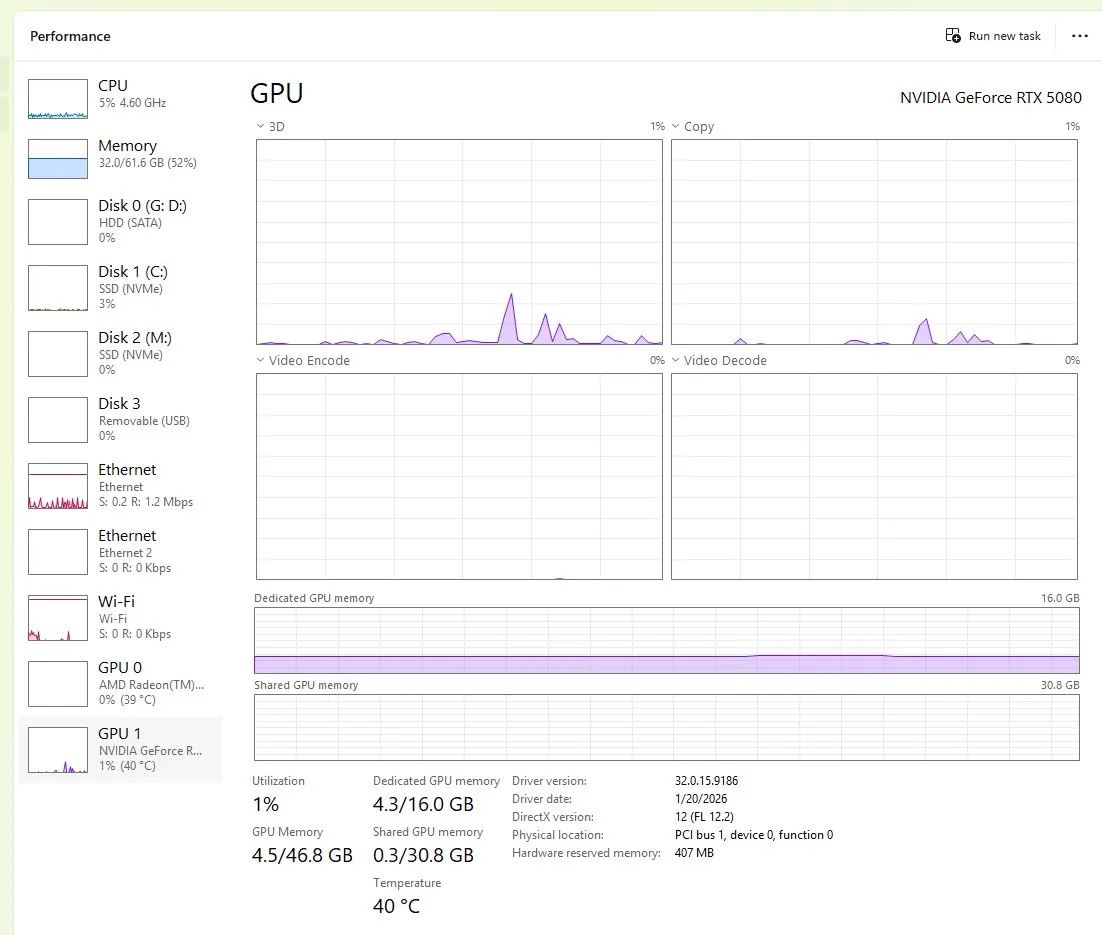
I noticed my 5080 had 25% of it’s 16GB GPU memory allocated to background tasks while my onboard GPU was completely idle. Since I have plenty of system ram for the built in gpu I can Free up precious nvidia GPU memory by using Windows display graphics settings to move background processes to the CPU-integrated GPU. In task manager details, add the dedicated GPU memory column to the display and sort by greatest to smallest. RIght-click each item and open file location to see where it’s at. In windows go to Settings → System → Display → Graphics. Add each heavy hitter one at a time and set to “Power Saving” which will force it to run on the integrated GPU instead of the dedicated GPU. Of course you could reboot and ensure as many background tasks as possible are closed before flying but that’s not really practical for me as I like to have a few chrome tabs open, and discord etc. I free’d up 2.5GB of GPU memory on my 5080 this way.