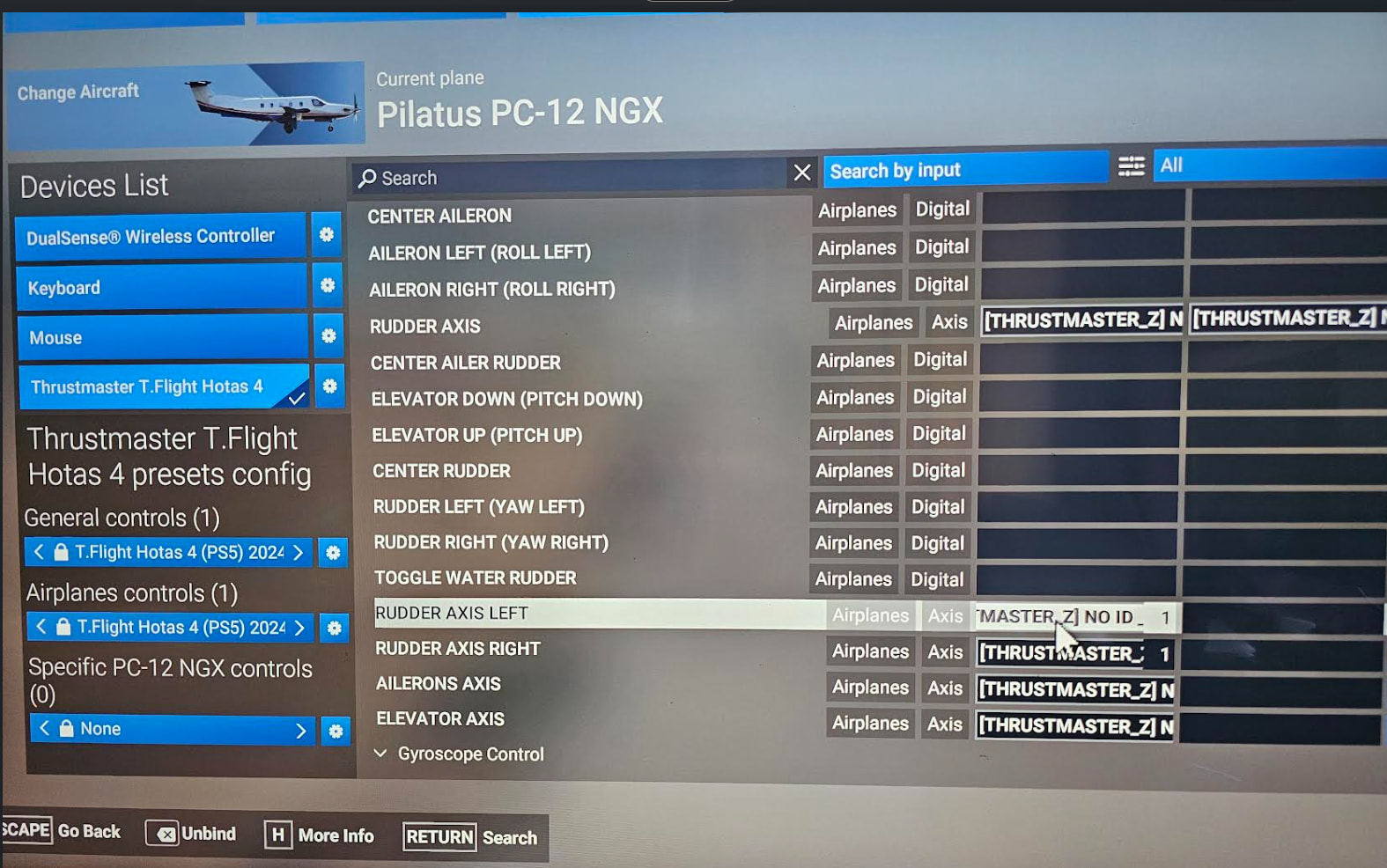
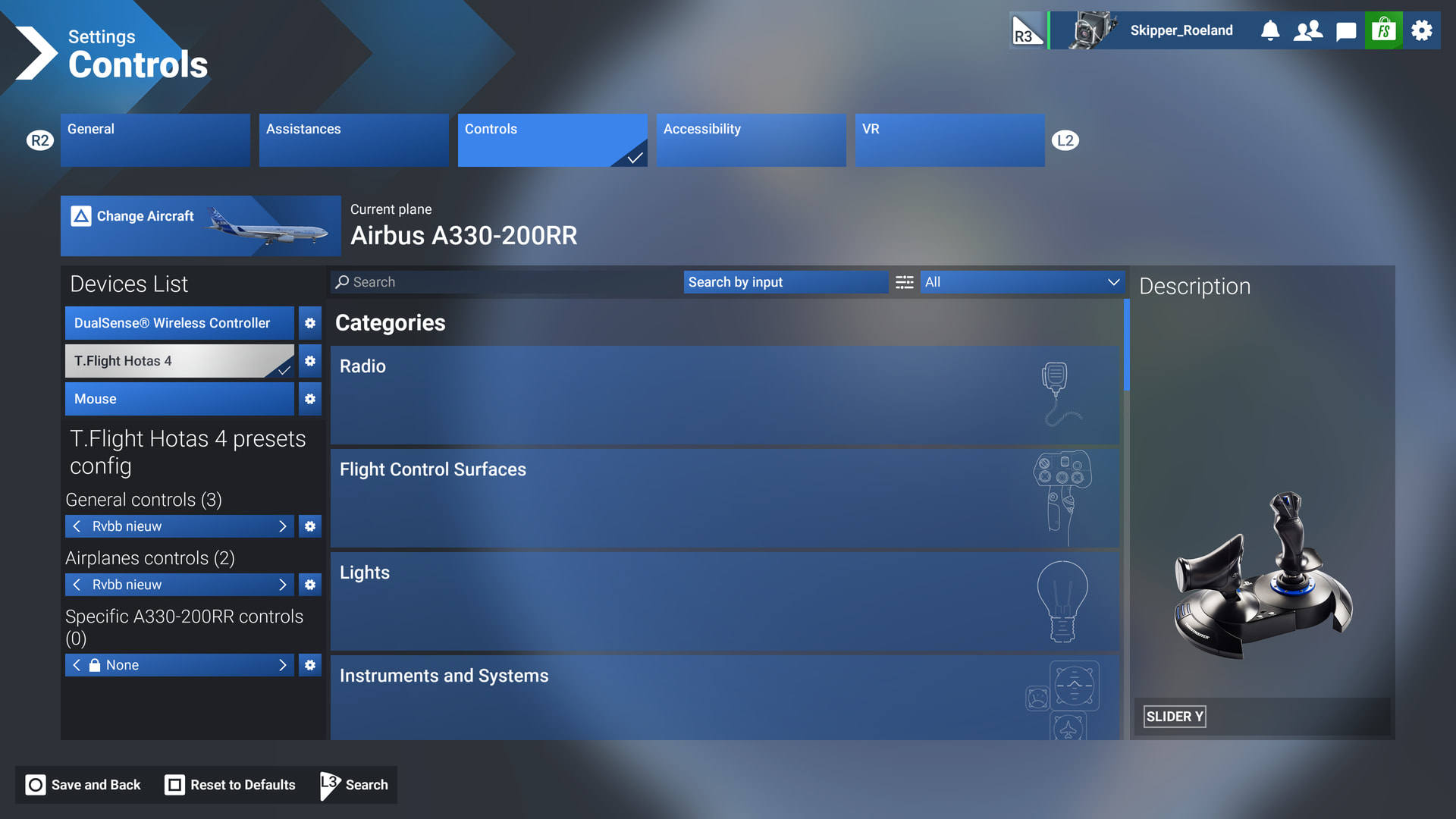
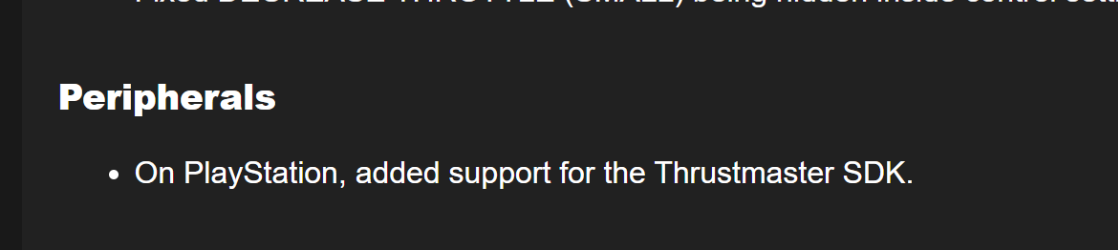
Thrustmaster HOTAS 4 is not being recognised as a PlayStation controller in the SU6 beta. It is being recognised as a PC controller, but you can’t change the bindings and the flight stick does not work during flight or in the menus. Works fine in the main release, so definitely not user error.
FREQUENCY OF ISSUE
Every time on sim load.
REPRODUCTION STEPS
Please list clear steps you took in order to help our test team reproduce the same issue:
Load up the beta and go to controls. The HOTAS 4 is recognised as the Thrustmaster HOTAS 4 in the controller list, but none of the PlayStation-specific button icons appears, and you can’t bind any of the buttons/axis. The controller is also non-functional in the menus and during flight, even after selecting the default profiles.
Yup same here. Reproduced on standard PS5 in the Longitude. Weirdly I was able to bind trim up/down to R1 and the hat switch, but wasn’t able to bind the throttle axis. All bindings removed from what I’ve checked so far and seems impossible to set some critical ones, if not all of them.
We have created an internal ticket to see if our team already has this logged, and if not they will attempt to reproduce the issue and create a new bug report. This item is now marked as feedback-logged. If there is an existing bug report or one is created, we will move this thread to bug-logged.
Personal comments:
Since issue has been reported on day 1 and is already feedback-logged, I am pretty confident (IMO) a fix will be released prior SU6 goes live.
Description of the issue:
The game will not recognise the Thrustmaster Hotas 4.
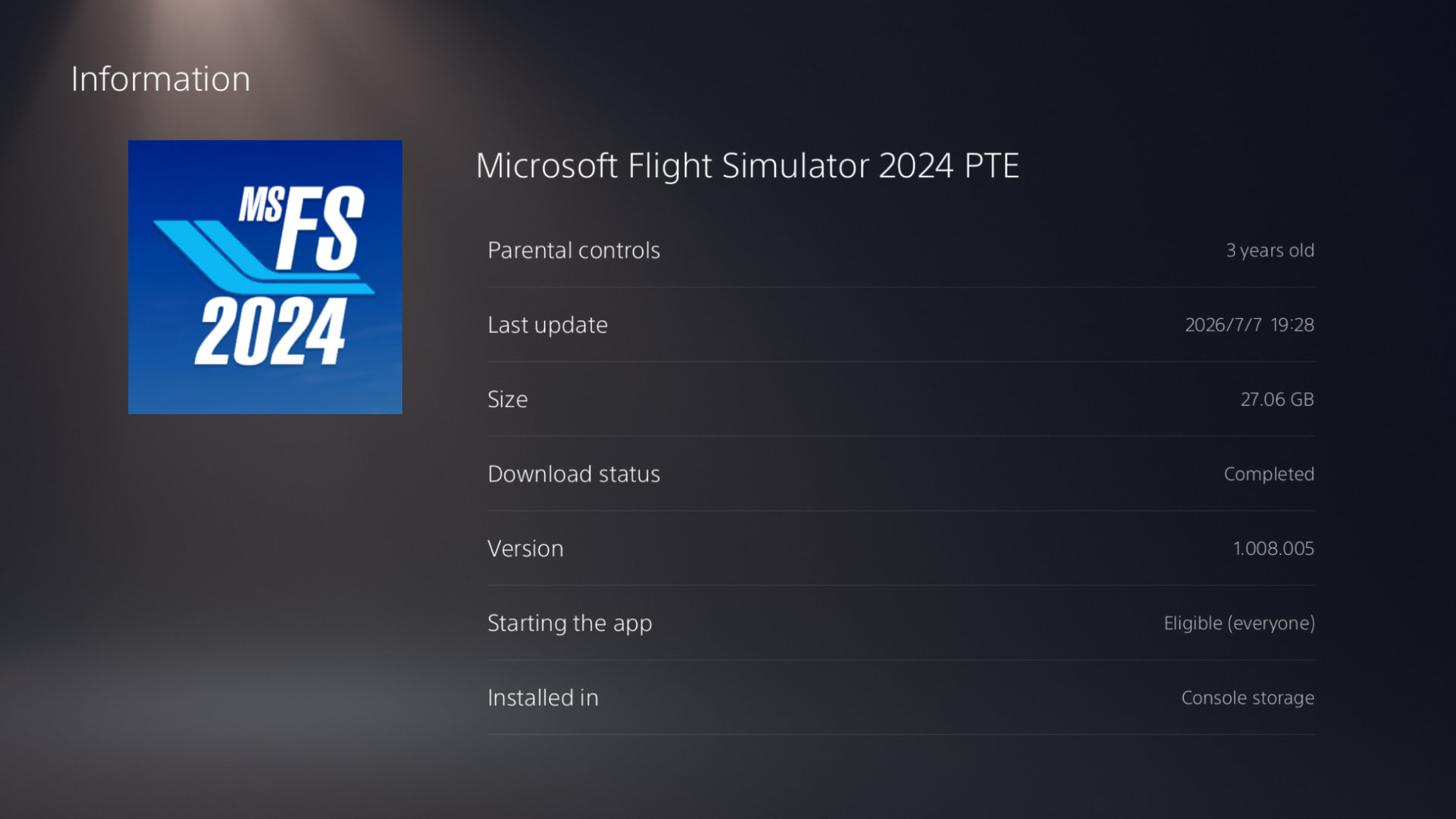
The Beta was a clean install: I deleted the previous beta, cleared the cache and rebuild the database. Then the Beta was installed
FREQUENCY OF ISSUE
every time I start the game
REPRODUCTION STEPS
Please list clear steps you took in order to help our test team reproduce the same issue:
Just play the game on PS5 with the Hotas 4 attached
YOUR SETTINGS
What peripherals are you using:
Thrustmaster Hotas 4, Sony Dual Sence controller, wired trackball
Do you people also have the idea they just don’t test any PS5 functionality, just wait for our feedback?
I wonder if they even have a playstation at the office.
Actually, I am convinced they don’t do any exploratory or interface testing, whatever you want to name it, translated to user language: the never try their builds on a real PS5.
We PS5 Beta users are the first to actually play the release.
Thanks to Zipiol for posting about it in the Discord, I can confirm that you can rebind the controls, but it requires some patience, as some of the buttons are recognised, but for some you need to press the cog and then select it from the list on the left with the toggle switches. Also, you need to remove the weird binding that may already exist before going into the settings and choosing the correct one (throttle, rudder, etc.).
Assume this also works on the HOTAS 5, but I can’t test it, so will wait for someone else to confirm.