I think the DevSupport thread you linked has more to do with BTVPilot’s workaround than the actual topic of this thread. I’m sure Dev Support would find BTVPilot’s writeup informative. However, the primary topic of this thread is still unresolved.
Thanks for pointing that out, I made a post there.
Seems not fixed in su5beta still.
It definitely isn’t, and to me it appears to be worse now, I can’t remember seeing standard Asobo parked aircraft with no front landing gear so often in SU4.
And the Asobo thinks its a per aircraft issue. I dont think so. Its the culling renderer i believe that is to agressive.
Per this DevSupport post, and the earlier ones it links to, this is By Design and not related to LOD. It’s a separate culling operation of small meshes that occurs regardless of LOD. The other DevSupport posts it links to talk about how modellers can work around it.
Is it possible this is why taxiway signage is only visible when quite close to them?
I’ll go out on a limb here and say “contribution culling” and grouping adjustments WILL NOT be a “complete” solution. I’d rather Asobo let us decide if we want the “contribution culling” On or Off per graphic settings. I’ve noticed their implementation causes several other issues with other small objects coming into “view” … good example is panning around PMDG 737 at a close distance (say 70 ft) and move the camera down from top to ground behind the wing … the landing gear will suddenly pop (render) leaving a few ms (well more than a few) where there is no landing gear … this is … well … janky! (I used my wife as an impartial observer and presented her this issues and “Janky” were her words).
You can test this out for any object, not just landing gear and it’s not entire LOD specific, can happen relatively close to objects, just have to hit the right camera angle and obstruction as it shifts into view.
I understand they want to try to keep performance up for the XBOX/CONSOLE users, but I think PC users should be offered an option to turn this feature (contribution culling) On or Off. And then trying to get 1000’s of 3rd party add-on developers to redo all their 3D modeling work just to “try” to satisfy Asobo’s contribution culling implementation is frankly not going to happen … not for prior products and probably not future products as the additional modeling costs to meet this “group” criteria that may still not even resolve the issue completely is again just not going to happen.
Not everyone chases FPS, some of use prefer visual quality over FPS (I know hard to believe). This issue with MSFS 2024 is why I keep going back to XP12 that doesn’t suffer this problem at all and rock solid 60 fps vSync.
Fingers crossed that Asobo are more pragmatic with a solution that works 100% of the time as I’m concerned they aren’t taking this issue seriously and falling back on “by design”.
I have to be honest that I had not noticed this disappearing landing gear before but now that I know its there I won’t be able to un-notice it. Needs to get fixed.
Its even more noticable in VR.
I’ve made a video demonstrating the issue and it seems Asobo are deflecting from the issue rather than addressing it (why did they lock the developer thread on this?):
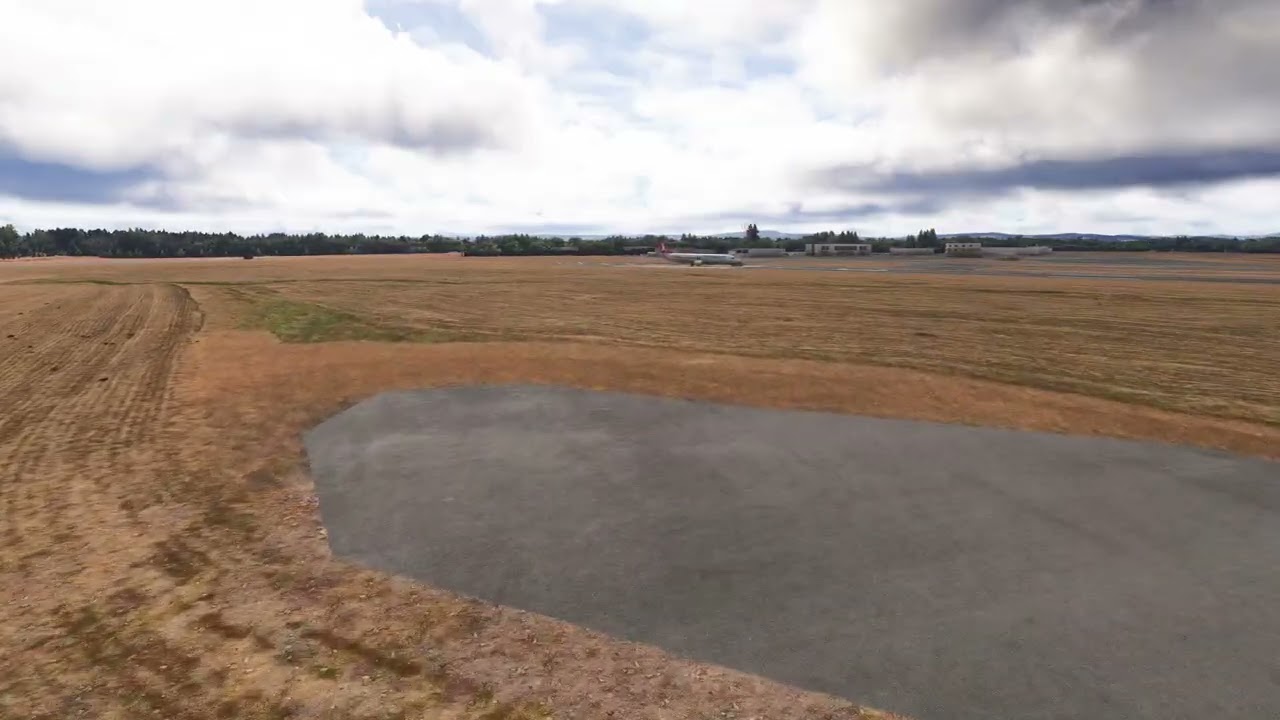
This is the PMDG 737-900 at default KHIO. You can clearly see the rear landing gear fade in/out based on camera position and notice the small front nose gear also.
If this issue were “contribution culling” then why are the runway edge lights (which are MUCH smaller than the landing gear) not being culled also … they remain fixed and visible?
MSFS 2024 SU4.
Culling for airport scenery is different to aircraft I guess.
Is there any talk of this being fixed in SU5?
Don’t count on it…
As mentioned above, the Asobo dev response was this is By Design and not related to model LODs.
It’s inconsistent as well. Some planes are affected, others are not, as my images have shown further up in the thread.
I’ve spawned at TNCM again, this time in the skinny Caravan.
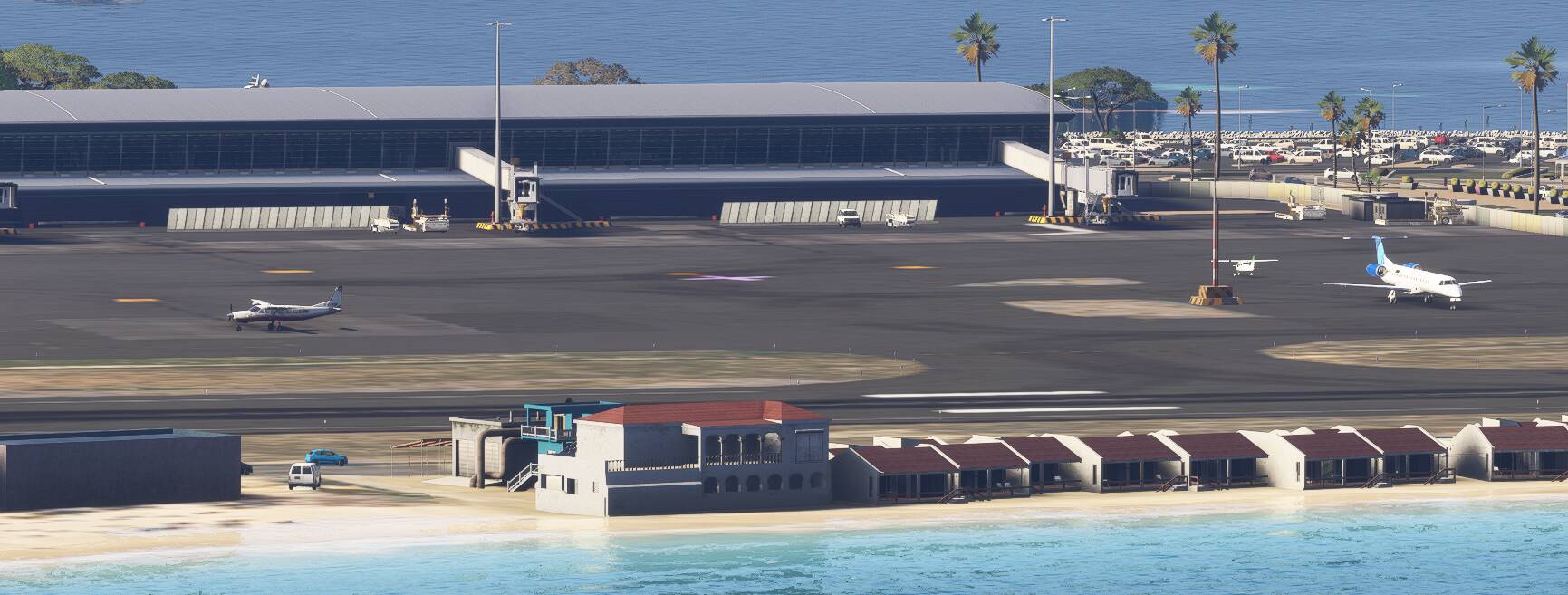
All gear present here, and that is the zoomed in view. Coming back to normal zoom.
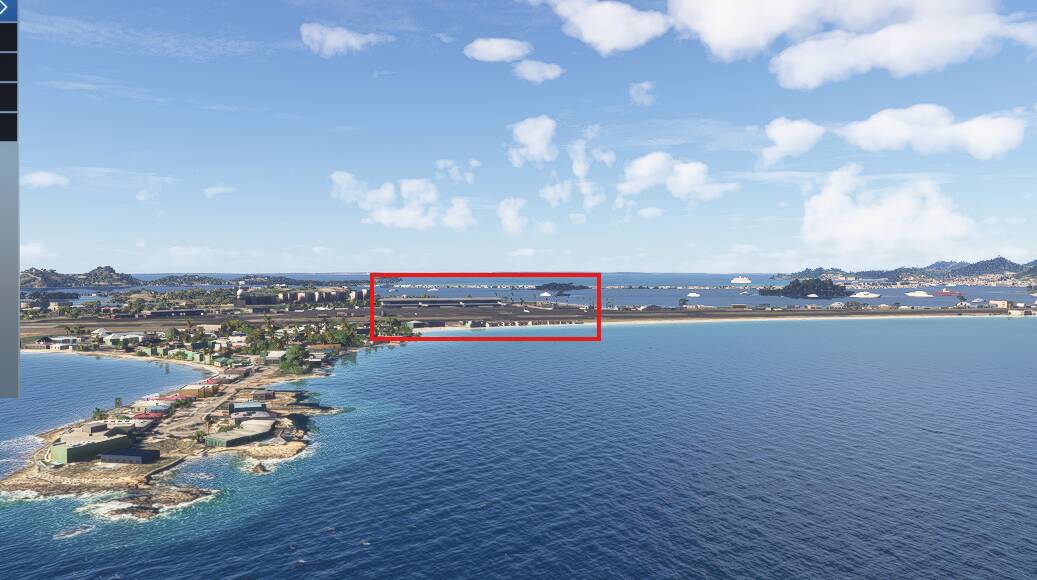
As an aside, I spotted something I don’t think I noticed before. Where there are planes with connected jet bridges, when you pull back far enough that the planes despawn, the jetbridges disconnect, and reset. It may well be these were Live traffic though, and have effectively despawned when their transponder is switched off.
I tried capturing the wheel missing behaviour in video form, without any luck. Even at distances where at normal zoom you cannot even see the planes, when zoomed all the way in you can still see their wheels.
The first one I wasted time waiting for a plane that didn’t line up for takeoff properly, and in the end just despawned for some reason.
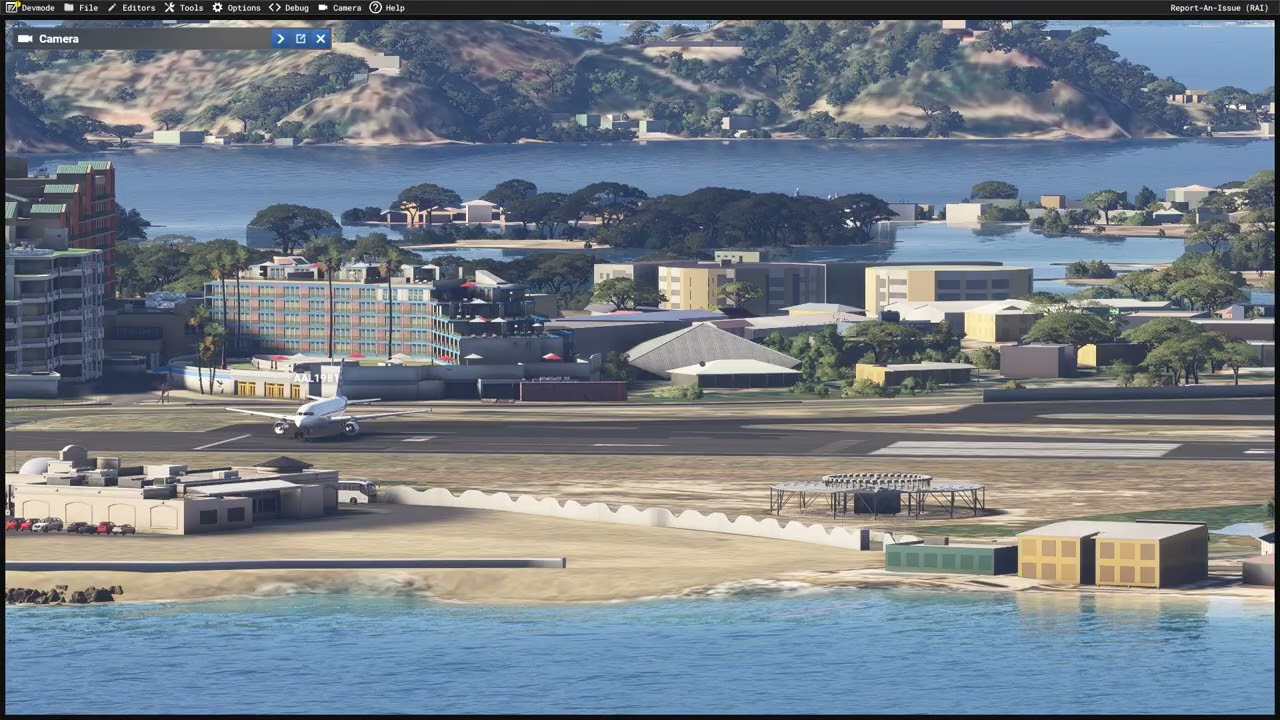
The second video begins just as I ended the first one, as there was a plane coming in to land, and all the way in I could see its wheels.
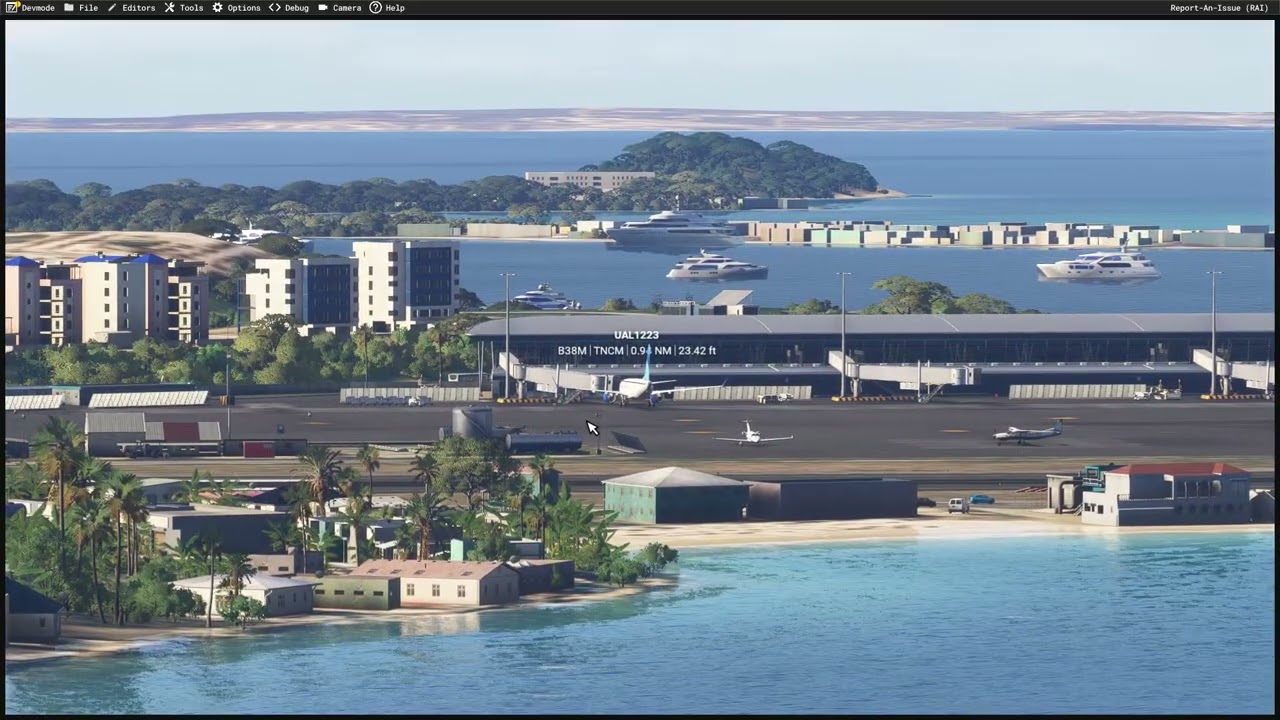
I have no idea what triggers this for others. Is it certain types of traffic, such as live vs AI? I never use AI traffic, only live.
Well in that case their “design” sucks.
I understand they want this sim to run on almost decade old mid tier hardware (consoles) but they really need to allow PC users far more control over graphics settings.
Couldn’t agree more.
We reported a sound cut-off/cut-in issue that started in MSFS2024 SU4 and recently got the “by design” answer to that one too, supposedly because of performance. There are so many other settings already that let users tweak their experience to their needs/wants. These issues should be something the user has control over too.
I was to believe MSFS would be the cutting edge of flight simulation.
But it seems the degradation of quality “by design” is getting a little out of hand.
I remember clouds being better, actually many things, Sim Updates seem to be downgrading quality of a large number of things.
Again fully agree we should be given control, that way it can run on old hardware, but look amazing on top tier hardware, maybe that’s just too much work and coding.
The landing gear issue is very prevalent on my system, with everything at Ultra.
Can you describe a situation where I would be 100% likely to see it? As much detail as possible.