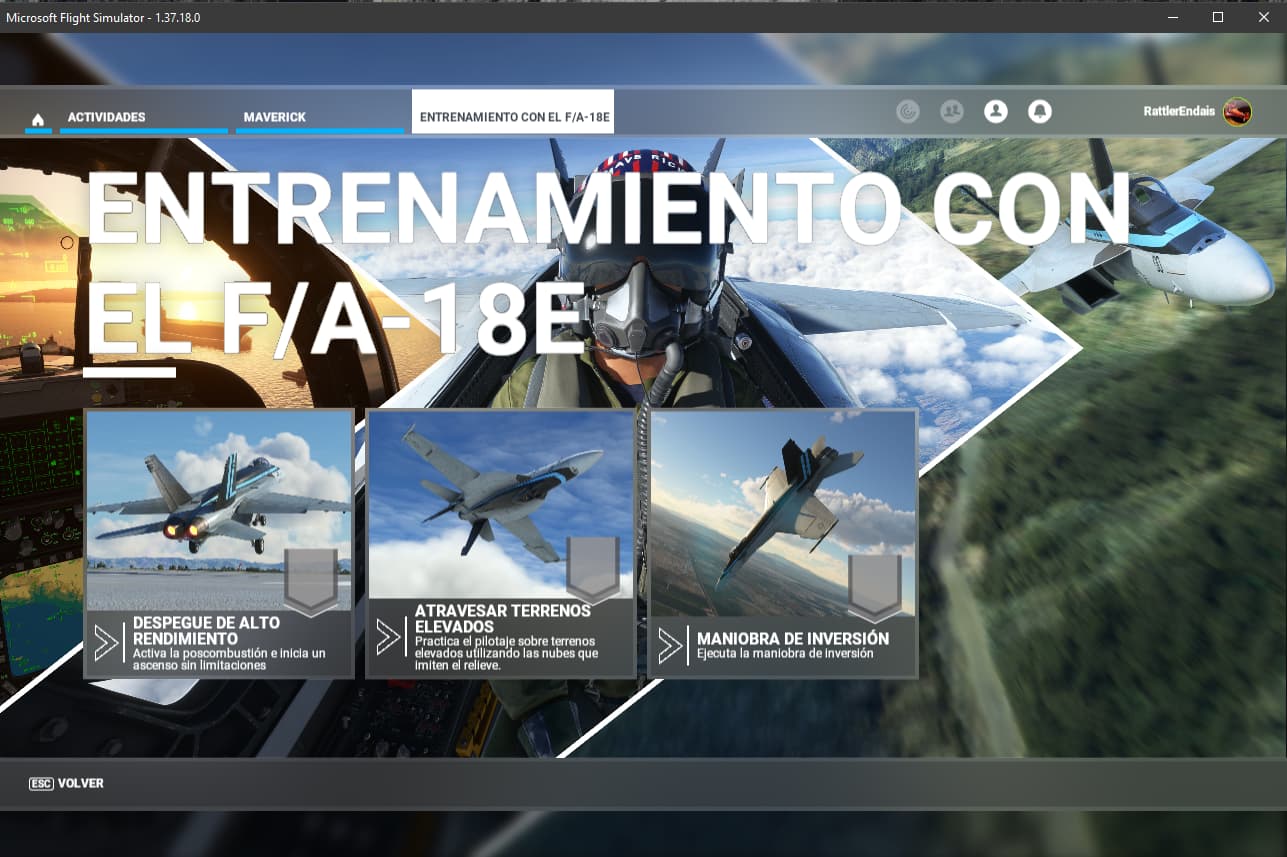
Top Gun Maverick High-Performance Take-Off Mission doesn't start anymore

I am a Steam user. So, I know that on Steam, you can just go to the gear wheel “Settings” → “Properties” → “Beta” → “Participate in beta” and select the version by clicking the dropdown button.

However, I don’t know how to do it in the MS store version.
This is what I found in the feed, but I can’t confirm if it’s still useful.

Hi @corpse007 ,
Have a look at this post:
https://forums.flightsimulator.com/t/read-first-welcome-to-the-sim-update-15-beta/562534
:slightly_smiling_face:

thank you @SmotheryVase665
I hope this post helps to solve the problem @RattlerEndais

I meet the same issue, and I delete the “Asobo-airport-knfl-nas-fallon”, no changes

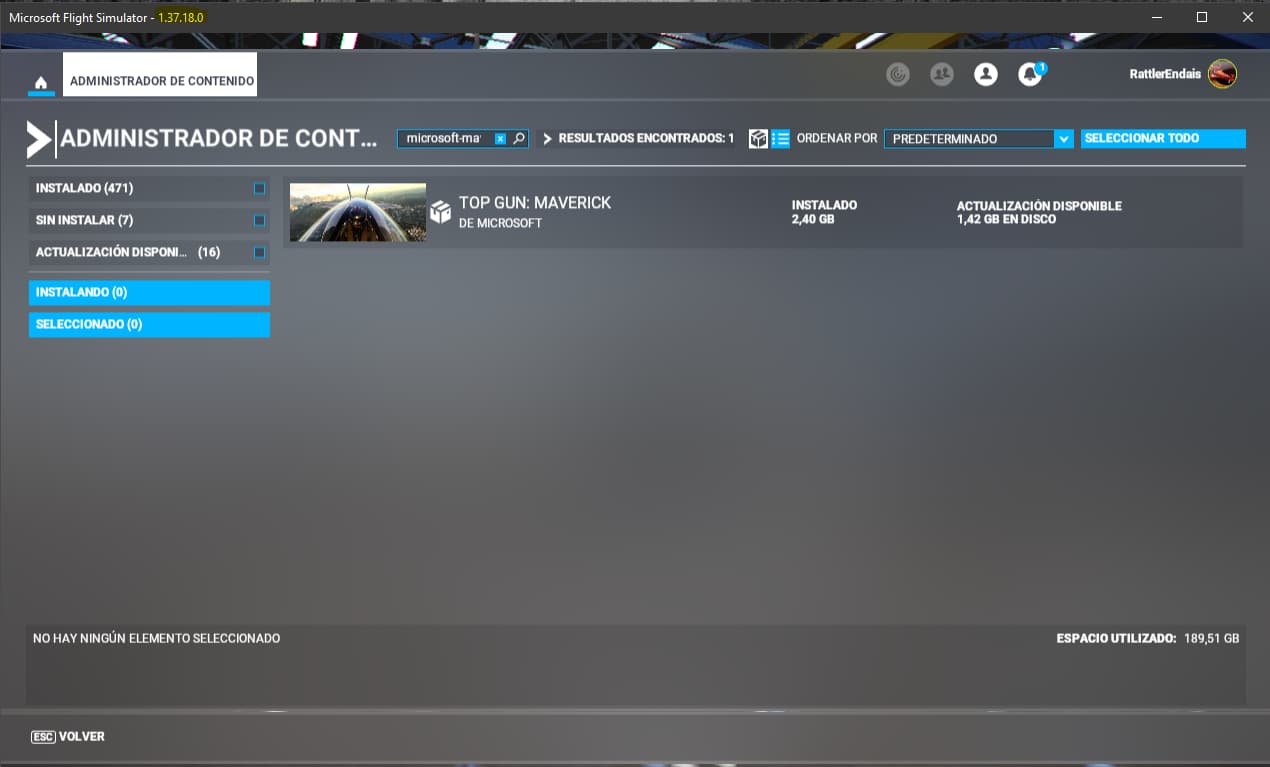
I just updated to the latest official version 1.37.18.0 and after also updating the Maverick package the problem is gone


Wow~ Congratulations~ enjoy flight :airplane: @RattlerEndais