This isn’t my case. I fly on pc only 9800x3d 4090 so not even a weak pc and free flight seems to count
The logs do vanish but hours and mileage stop right, currently doing a 4.5 hour 1500nm from egnt to gmmx, will report back if this drops or not
This isn’t my case. I fly on pc only 9800x3d 4090 so not even a weak pc and free flight seems to count
The logs do vanish but hours and mileage stop right, currently doing a 4.5 hour 1500nm from egnt to gmmx, will report back if this drops or not
I can confirm yesterdays flight has stopped on and the one from this morning logs both still there and hours correct
Frustrated my problems with total flying hours not increasing has returned with the last SU4 beta or release before it. Been doing a few short flights and suspected the hours were no increasing. Tonight I did a 3 hour flight in the Fenix and whilst it is currently showing in the log book my hours did not change. I was happy the hours were increasing again for awhile after my initial complaint. I did previously report flights vanishing from the log book. Not done long flights in awhile so unsure if log book entries have still been vanishing as I focus more on the hours
Do you have the same issue if you follow the OP’s steps to reproduce it?
• Yes.
Provide extra information to complete the original description of the issue:
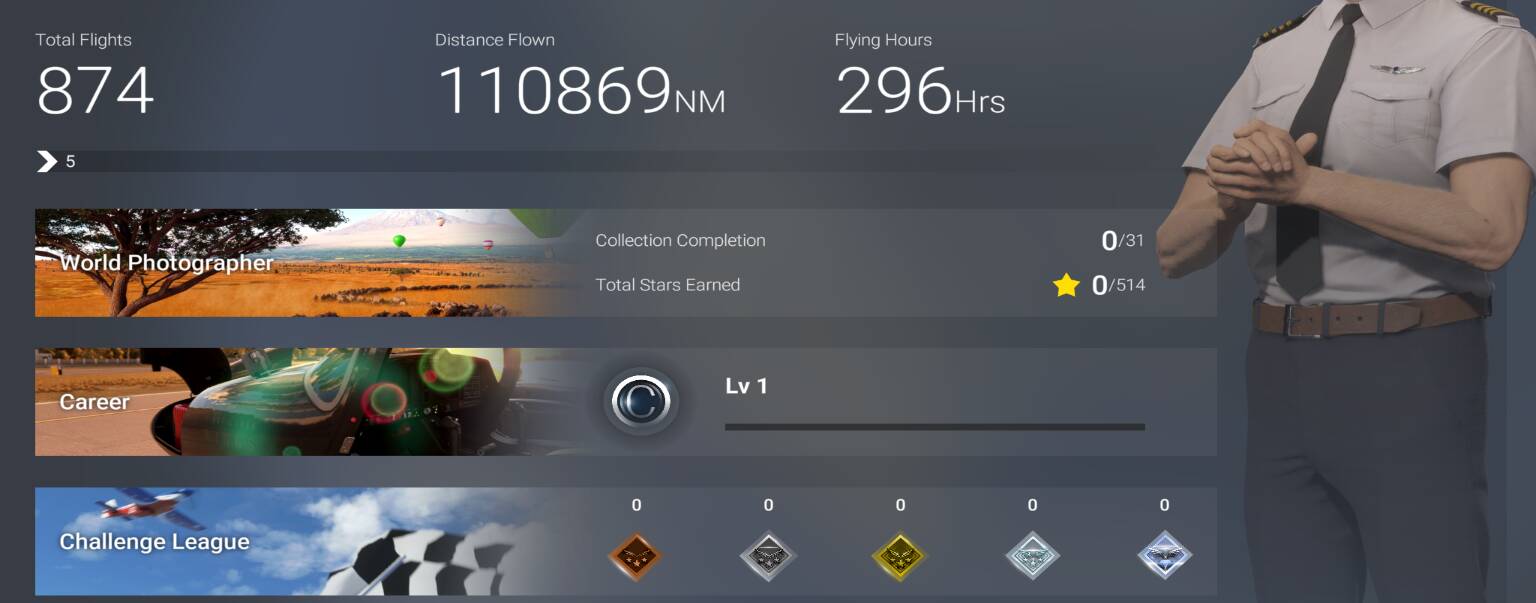
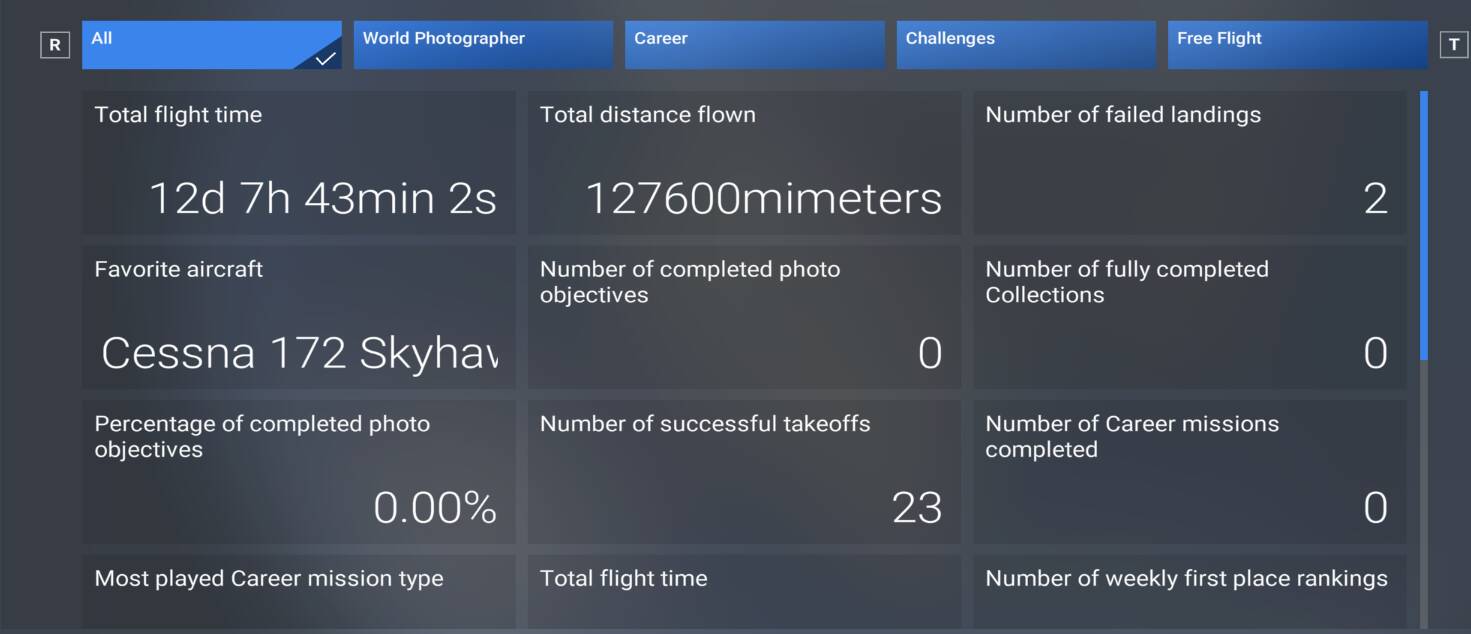
• Logbook continues to update and create entries for all flights - however - total flight time is stuck at 12d 7h 43min 2s from the statistics screen, and stuck at 296hrs from the Overview screen.
If relevant, provide additional screenshots/video:
•
Done a career flight yesterday. Hours went up. Mileage didn’t, then logbook deleted entry but hours stoped same. But what I did notice is I lost 20/30 hours after su4 that may be due to the fact flights got lost and didn’t update hours so after su4 update the hours updated.
My Flying Hours total has stopped yet again. Worked briefly towards the final SU4 Beta updates then into the stable version but noticed the past few days it fails to increase. I have done at least 12 hours of flights in the Fenix over 4 flights, ended flight correctly and not a single hour has been added!!
I’ve noticed that if you restart a flight after loading in and then do the flight, the logbook entry will not be lost after you restart the sim. Also, if you do more than one flight without restarting the sim, only the first one will be lost
I tested this, started a flight in the Fenix then pressed Restart. Flew about for over 3 hours, ended flight and absolutely no time has been added to my “Flying Hours” despite the flight being in the Log Book. Seriously annoying and putting me off using the sim if I cannot see my hours grow.
My flight hours actually increased for the first time since June, maybe it’s a Christmas miracle? The one thing I’ve done differently, is I actually flew some career missions, something I haven’t done since January, I believe. I’ll do some testing, to see if Free flight will also add to the total, or if only career mode will.
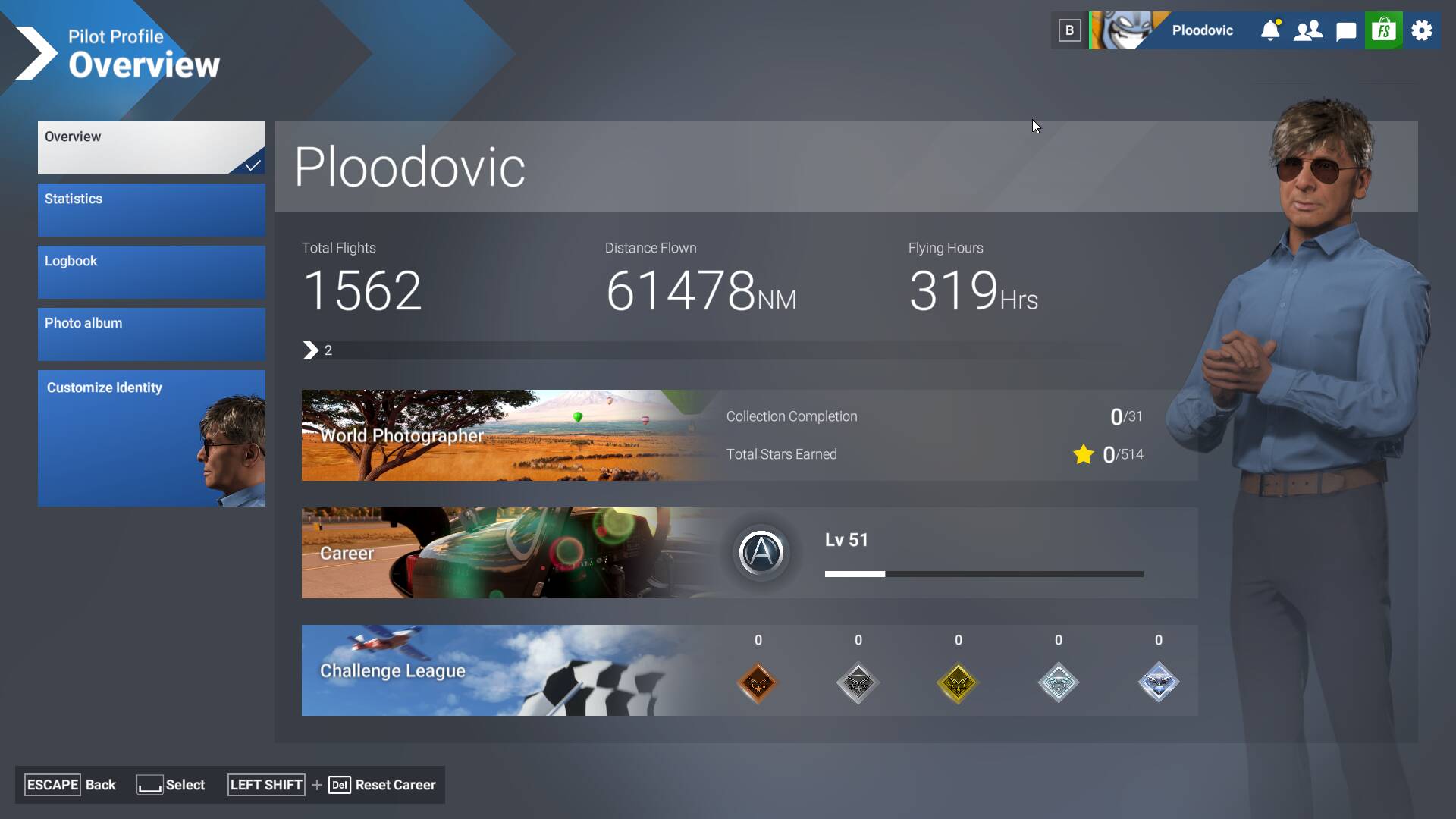
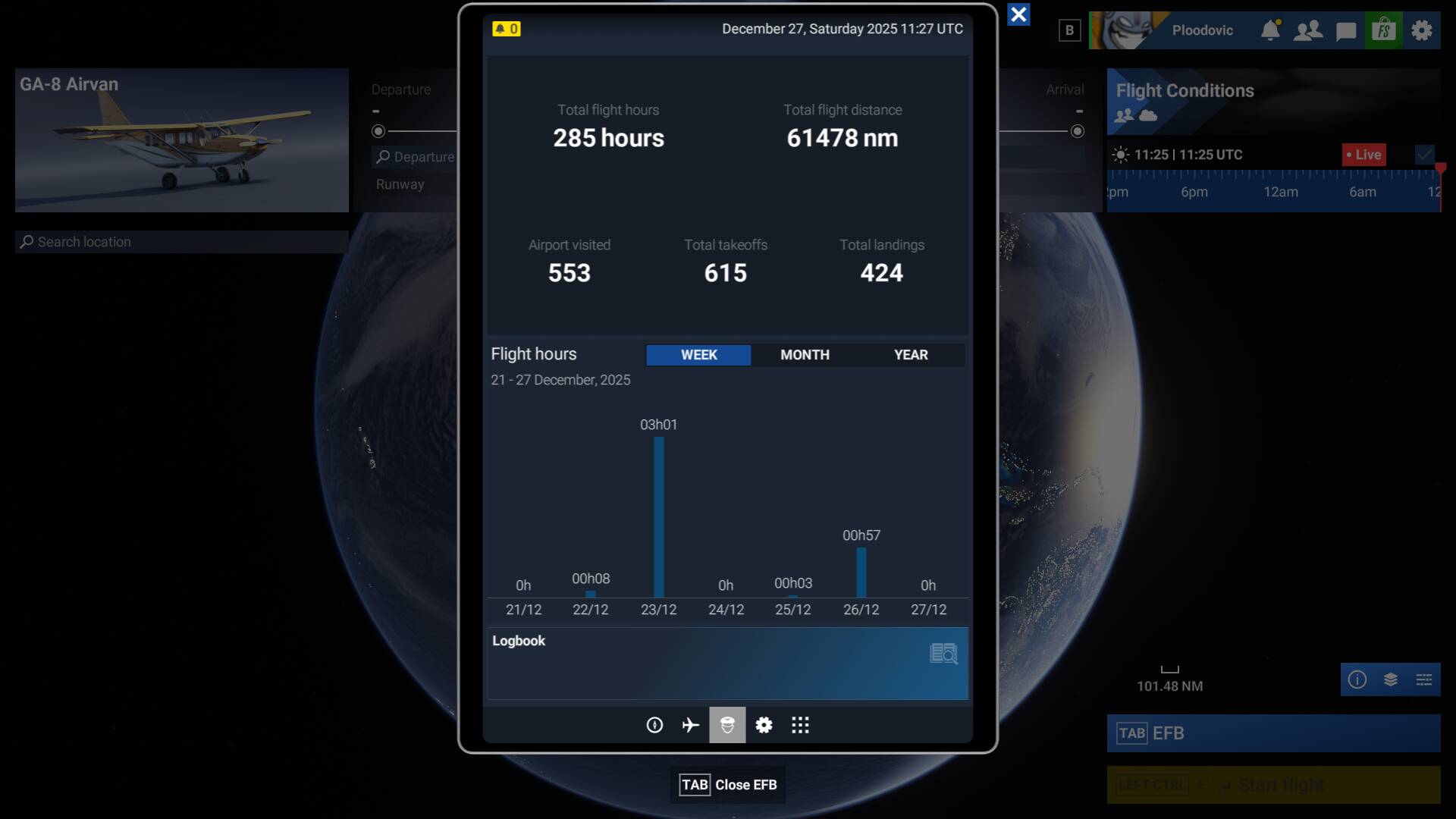
I see that Asobo have changed it, so that the EFB now show ”Total flight hours” to be the same as in the log. This didn’t used to be the case, so now my comparison screenshots will have to be from the profile page instead. The discrepancy between the log and the total flight hours is still there, of course.
I did a cloud save reset on Christmas Eve and had thought it worked. You do lose all your flying hours and log book plus control profiles. First 4 flights logged fine, flying hours went up then tonight total hours should have been slightly higher than expected after flight 5. On reviewing the logbook I see a flight from this morning has completely vanished. This is bug logged in another thread. I only use Free Flight and rarely use the EFB. I normally view Flying Hours under my profile like tour top image. Before my reset my log book total was something like 160 yet flying hours 292. Look book total goes down when the log looses flights
same issue for me…flight hours stuck in profile menu…but they are correctly listed in logbook