ISSUE DESCRIPTION
Description of the issue:
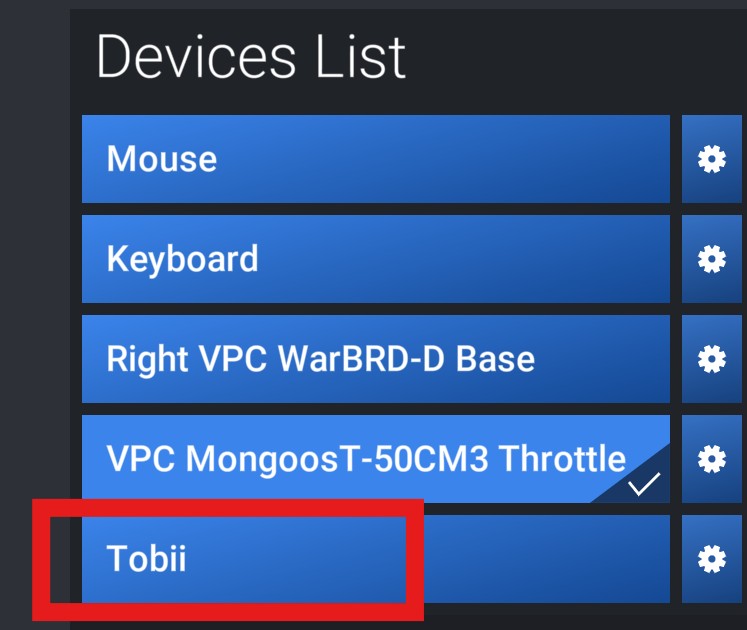
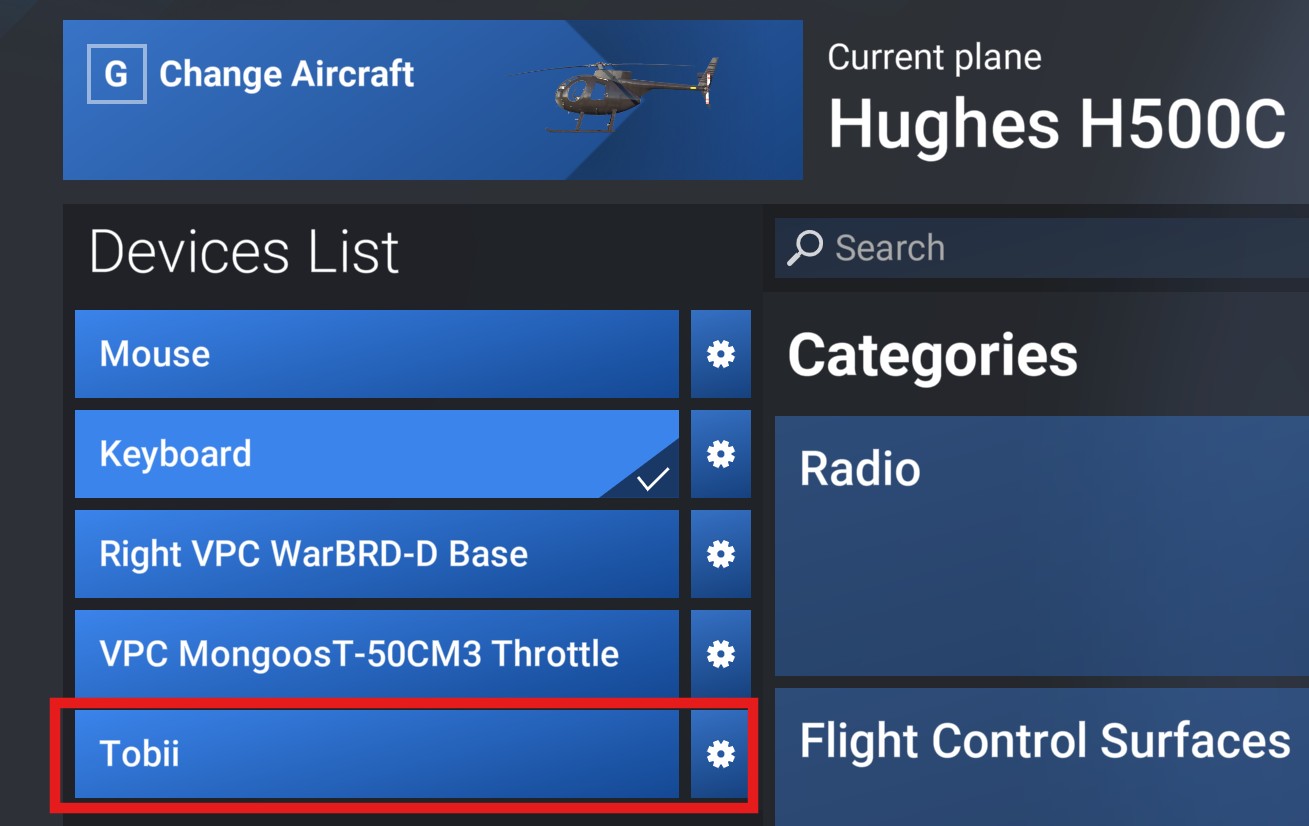
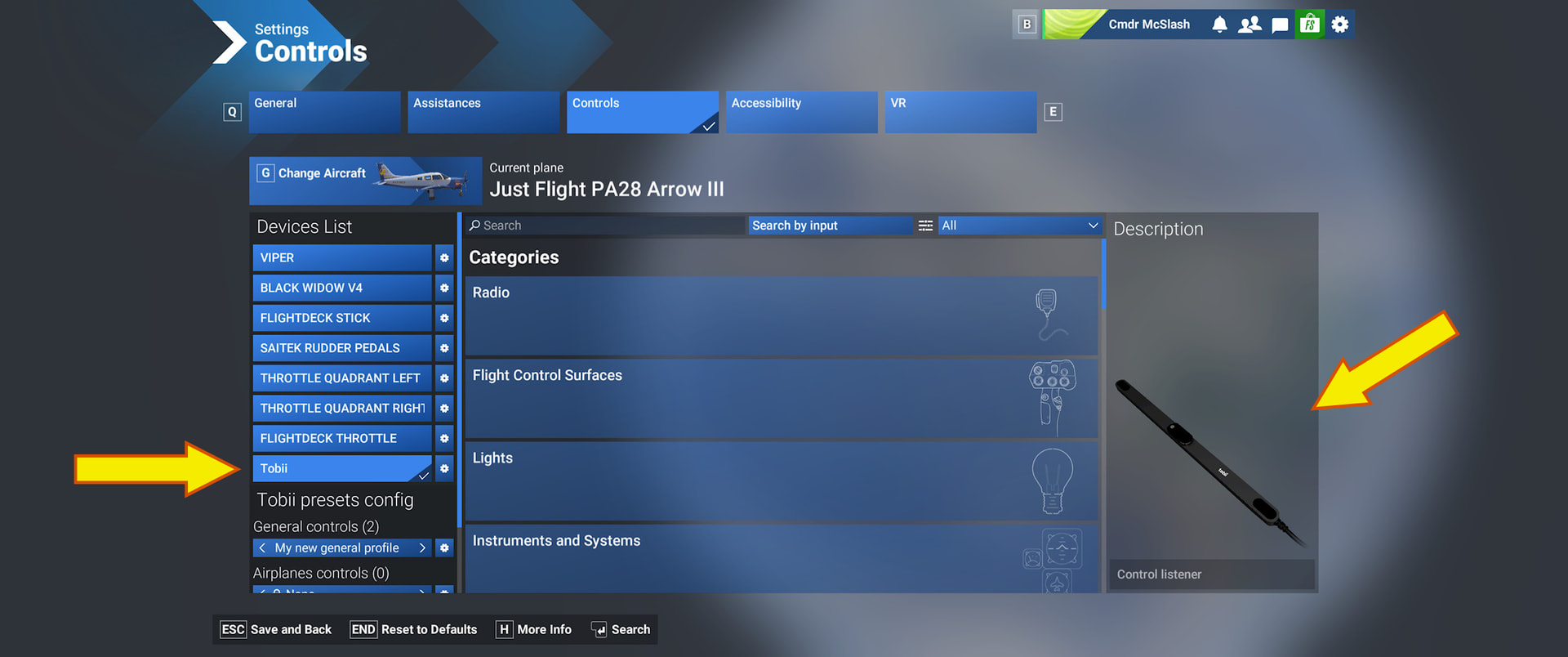
SU5 beta 1.7.6 shows my TrackIR as Tobii in the settings. I never had a Tobii. Win 11 steam
FREQUENCY OF ISSUE
How often does this occur for you (Example: Just once, every time on sim load, intermittently)?
Mostly; also had nothing shown as headtracker category
REPRODUCTION STEPS
Please list clear steps you took in order to help our test team reproduce the same issue:
-
have a TrackIR and no Tobii
-
check ingame settings category and see “Tobii” instead of “TrackIR”
YOUR SETTINGS
If the issue still occurs with no mods and add-ons, please continue to report your issue. If not, please move this post to the User Support Hub.
What peripherals are you using: TrackIR 5
[PC Only] Are you using Developer Mode or have you made any changes to it? No
[PC Only] What GPU (Graphics Card) do you use?
[PC Only] What other relevant PC specs can you share?
MEDIA
I have TrackIR but don’t see it in the list. Did you do something to have it it listed ?
I use a (non-TrackIR) IR headtracker device that interfaces to the sim via OpenTrack. In MSFS 2020 and prior builds of MSFS 2024, this combo was recognized as “TrackIR” in the sim Controls. In SU5 Beta, it now shows as Tobii.
No I didn’t do anything related to seeing the TrackIR
It’s as you say, the TrackIR itself is usually not shown at all in the list.
But it just showed non-existant Tobii.
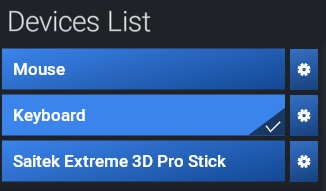
As of now, none of them are listed, no Tobii and no TrackIR (although that is connected)
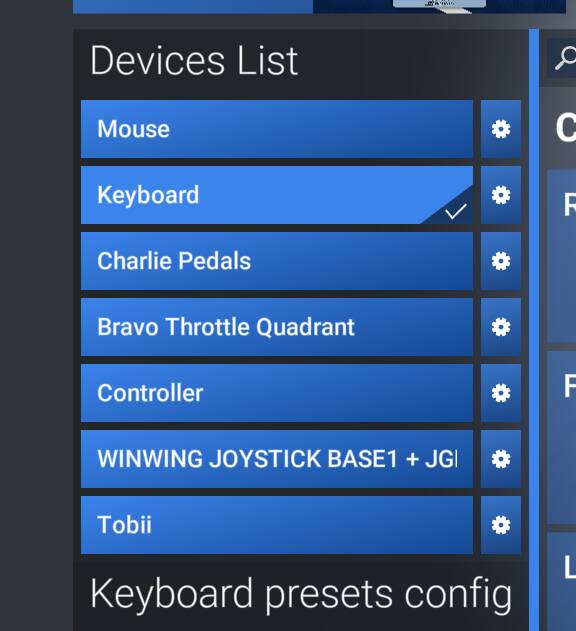
Just went into SU5 beta 1.7.7 and my (non existant) Tobii found the way back into the settings:
For those experiencing this issue, we are curious: do you have the TrackIR software installed?
Thanks for your help.
Yes, TrackIR 5.5.3 software is installed (C:\Program Files (x86)\TrackIR5\TrackIR5.exe).
In addition there seem to be
driver files (C:\Program Files (x86)\NaturalPoint\USB Drivers x64\npusbio_x64)
and profile files (C:\Users<username>\AppData\Roaming\NaturalPoint\TrackIR 5)
Using open track and webcam which connects using Track IR to connect to the sim, also get the Tobii in the control menu.
I have a TrackIR 4 and up until this SU5 Beta it has been working perfectly. Since SU5 Beta was installed it now lists my TrackIR as a Tobii (this is why we enroll in Betas right?). Anyway, the TrackIR still works as normal EXCEPT when I switch to an External view Toii tells me to “Look straight ahead and press Alt+8”. It also happens again when I switch back inside. Has anyone else had this happen?
Yes, same exact issue here.
The problem is intermittent for me. It doesn’t always happen. When it does, the Tobii device shows up in my controller settings.
I do NOT have the Tobii eye tracker, and no driver or software related to this device has ever been installed on my system.
The “Look straight ahead…” dialog is super annoying. Freezes the sim and forces the hands off the controllers, while serving no purpose at all. My tracking device is centered just fine, thanks, and the centering isn’t mapped to Alt+8 anyway.
EDIT: Yes, I have TrackIR, but not the Tobii device.
This is exactly why I had to back out of the SU5 Beta.
Bug is still present in newest beta 1.7.21 … showing Tobii although I have TrackIR.
Completely new install of FS2024
So it seems they will release it like this…
This is also happening to me
Have TrackIR.
No Tobii enabled or installed.
TrackIR5 works in game.
Dev Mode off.
Nvidia 4070 Super
Intel Ultra 7
64GB Ram
If TrackIR ‘Track Clip’ is not engaged with the IR camera, neither TrackIR or Tobii show in the Devices List.
Same problem. IT doesn’t affect TrackIR to work, but still this explains how unprofessional the devs are.