Trim sensitivity too high

1 tag is required - add them in the tag section next to the title above:

  • One for platform (ms-store, steam, xbox , or xcloud)

  • One for aircraft if related (start typing in your aircraft name in the tag section and pick correct option)

Feel free to delete this quote section after adding your appropriate tags.

ISSUE DESCRIPTION

Description of the issue: Trim sensitivity is too high. Really noticeable in the Norden, but depends on the a/c implementation too it seems. See [MSFS2024] Zlin Aviation Savage Norden - #103 by Sonicviz

FREQUENCY OF ISSUE

How often does this occur for you (Example: Just once, every time on sim load, intermittently)?

All the time

REPRODUCTION STEPS

Please list clear steps you took in order to help our test team reproduce the same issue:

  1. Try changing trim in various a/c. Norden is especially sensitive now, but wasn’t before. Other a/c range from fast to slow.

YOUR SETTINGS

If the issue still occurs with no mods and add-ons, please continue to report your issue. If not, please move this post to the User Support Hub.

What peripherals are you using:

[PC Only] Are you using Developer Mode or have you made any changes to it?

[PC Only] What GPU (Graphics Card) do you use?

[PC Only] What other relevant PC specs can you share?

MEDIA

Please add a screenshot or video of the issue occurring.

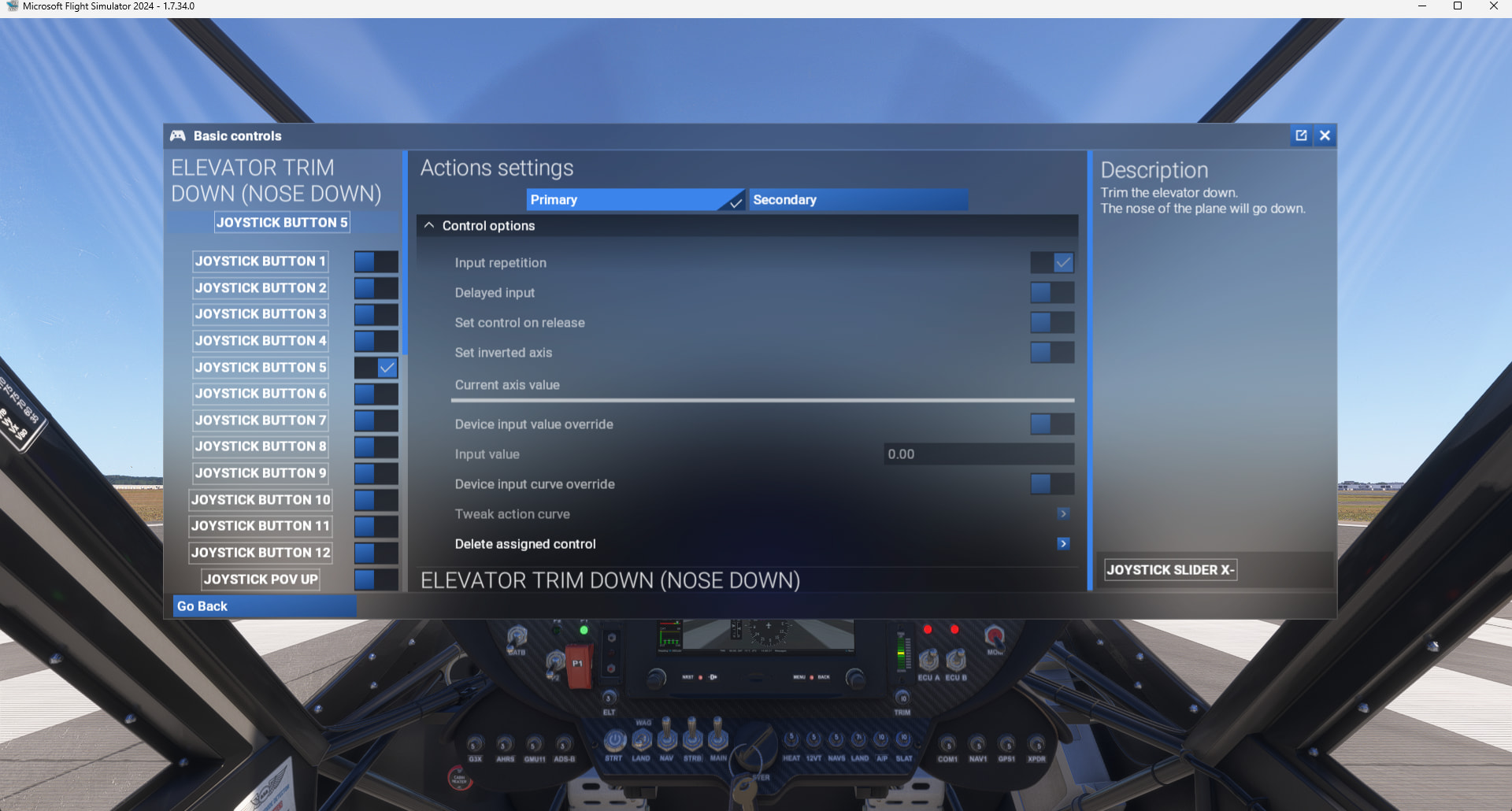
IMO, the trim does not feel too sensitive for the Norden (ms-store, SU5.1 Beta). I use the default settings on my Extreme 3D joystick:

Thanks for your input.
I have the same settings. You can’t actually change any of them, only set the button to use.

A reasonable increment should be 0.5% to 1% per button click (either stick or virtual) but mine is jumping in increments of ~5% which makes trimming properly impossible. Usually that’s 0.1 increment on the tooltip per button click.
I’m on Steam, so unsure if that’s an issue but it shouldn’t be.

Not sure what’s going on but I’ve flown the Norden a lot and dead sure it used to be “normal” increments in the 0.5% to 1% per button click range.

C208B is in the 1% increment (0.1 increment on tooltip) range by comparison. It’s something a/c related but I’ve been on the 5.1 beta since it launched.

I guess I can try deactivating/reactivating the norden and see if that fixes it perhaps.

I activated the “Lock” cockpit interaction & the external HUD to see how trim was reacting after one click on my joystick:

We can see it can move a couple of degrees or % with just 1 click so maybe it results too sensitive vs other aircraft that don’t react the same way.
Nevertheless when flying it I don’t feel it too sensitive but can be a perception feeling.