Using the template below will greatly help the team reproduce the issue and ease the process of fixing it. Before posting, search for an existing report. If you are not sure it’s a bug, please first report in User Support Hub.
2 tags are required - add them in the tag section next to the title above:
Feel free to delete this quote section after adding your appropriate tags.
ISSUE DESCRIPTION
Description of the issue:
At first this issue manifested as such:
If I selected the 2020 preset, the UI keybinds (Esc, backspace etc) would disappear, making it practically impossible to navigate the UI.
Now I have reinstalled the game after a few days, and even when I select the Custom profile which took me an hour or more to rebind everything, now that also breaks the UI buttons.
This effectively means that the entire binding/preset system is non-functional for me, and I will have to rebind my keyboard controls every single time I launch the game until it is fixed. This is completely impractical and effectively makes the game unplayable.
I’d also note that, if the 2024 default keybinds had consistency with the default keybinds that have been standardized over the past 30 years, then this issue wouldn’t cause any problems. Don’t waste time and budget fixing something that isn’t broken. B key has no place as full flaps, and anybody with a good familiarity of the series should already know that.
[PC Only] Did you remove all your community mods/add-ons? If yes, are you still experiencing the issue? Yes
FREQUENCY OF ISSUE
How often does this occur for you (Example: Just once, every time on sim load, intermittently)? 100%
REPRODUCTION STEPS
Please list clear steps you took in order to help our test team reproduce the same issue:
- Attempt to use 2020 keyboard preset - breaks UI bindings
- Set custom bindings saved to a profile
- Reinstall game
- Custom binding profiles now have same issue as the 2020 default preset.
YOUR SETTINGS
If the issue still occurs with no mods and add-ons, please continue to report your issue. If not, please move this post to the User Support Hub.
What peripherals are you using, if relevant: n/r
[PC Only] Are you using Developer Mode or have you made any changes to it? no
[PC, MSFS 2020 Only] Are you using DX11 or DX12?
[PC Only] What GPU (Graphics Card) do you use? 4070tiS
[PC Only] What other relevant PC specs can you share? high end
MEDIA
Please add a screenshot or video of the issue occurring.
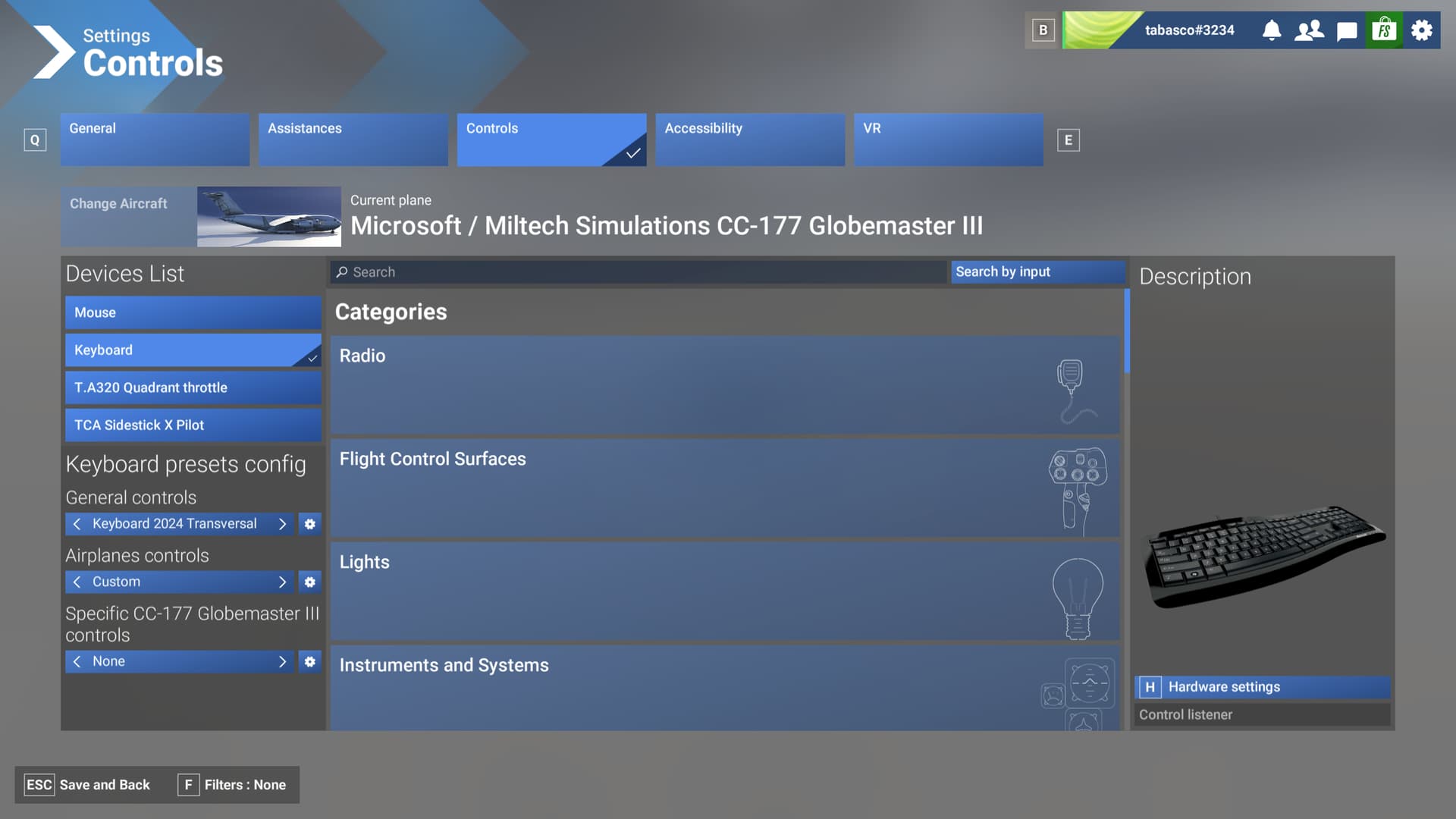

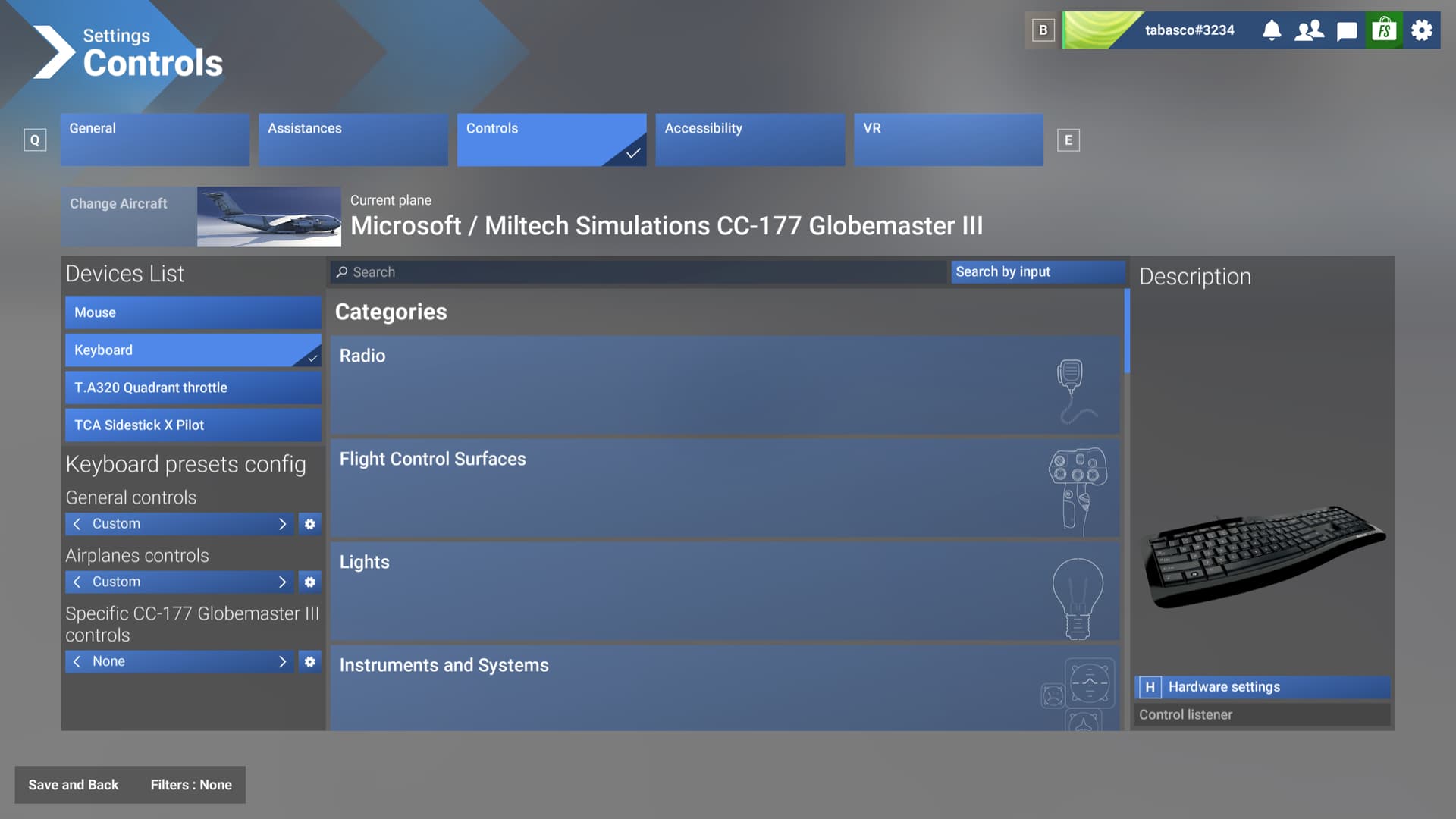
As you can see here, impossible to unbind any controls:
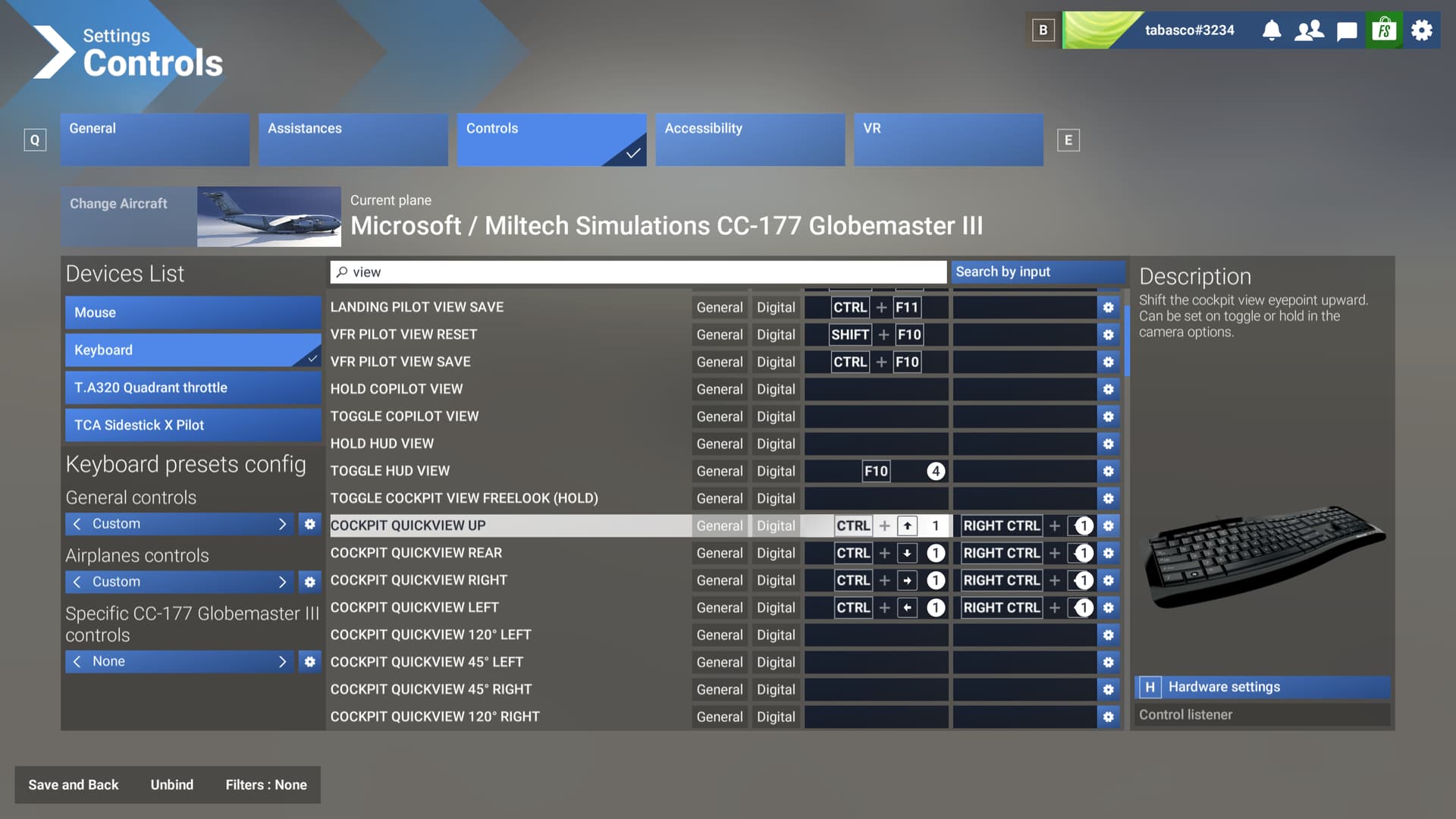
[END OF FIRST USER REPORT]
 For anyone who wants to contribute on this issue, Click on the button below to use this template:
Do you have the same issue if you follow the OP’s steps to reproduce it?
•
Provide extra information to complete the original description of the issue:
•
If relevant, provide additional screenshots/video:
•