Hello everyone,
I’m using the walkaround mode in Microsoft Flight Simulator 2024 (Shift + C), and I’m having trouble with character movement.
I can move the character forward, backward, and strafe left/right without any problem using my controller. However, I’m not able to rotate the character on its own axis (i.e., turn left or right to change the walking direction).
At the moment, I can only move sideways instead of actually turning and then walking in a new direction.
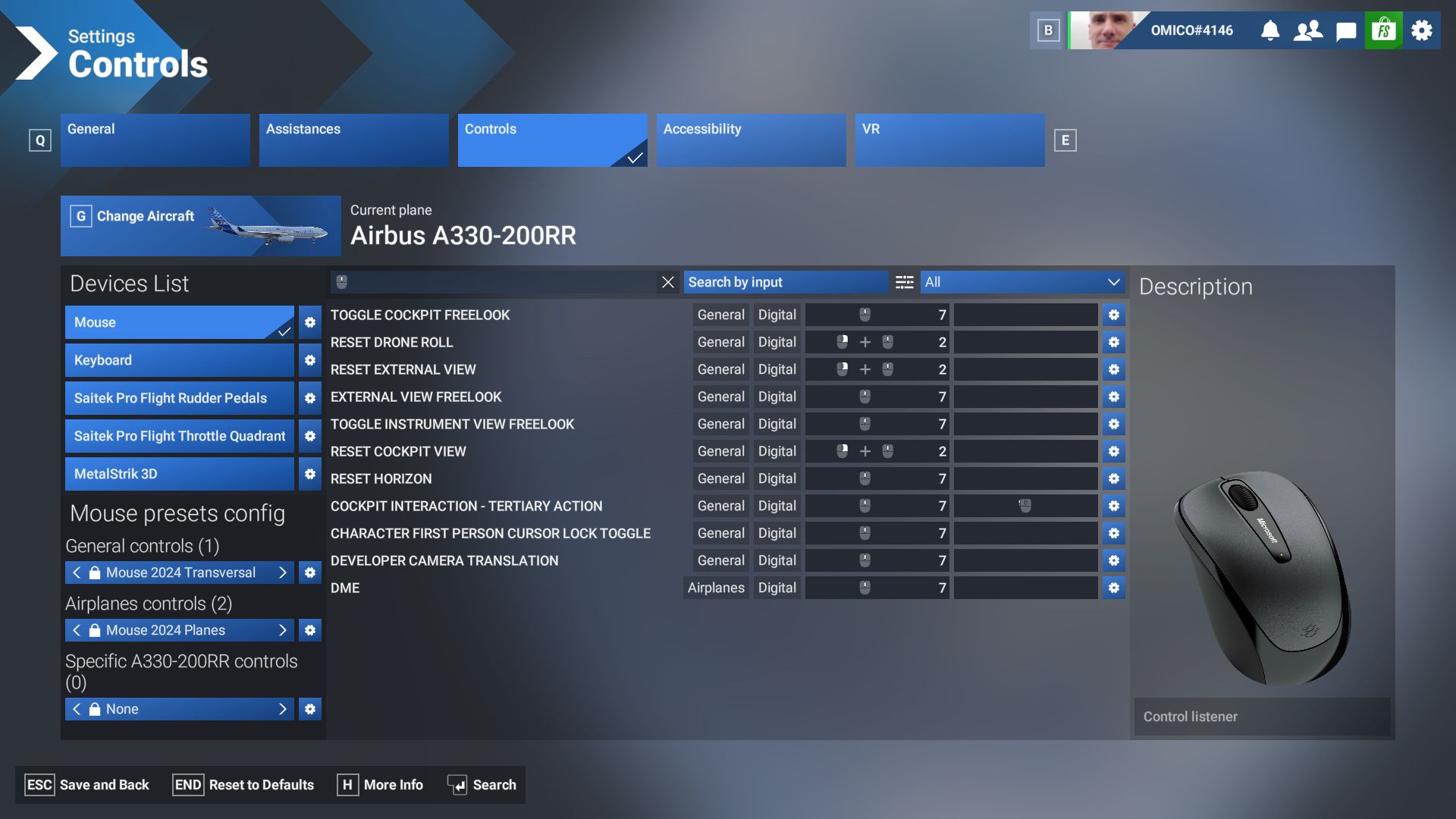
I’ve been looking through the control settings, especially under the camera section, but I cannot find any clear command like “Look Left/Right Axis” or similar.
Could someone please clarify:
-
What is the exact command name that controls character rotation in walkaround mode?
-
In which category (camera, movement, etc.) can I find it?
-
Should it be bound to an axis (e.g., right stick), and if so, which one exactly?
Thanks in advance for your help!