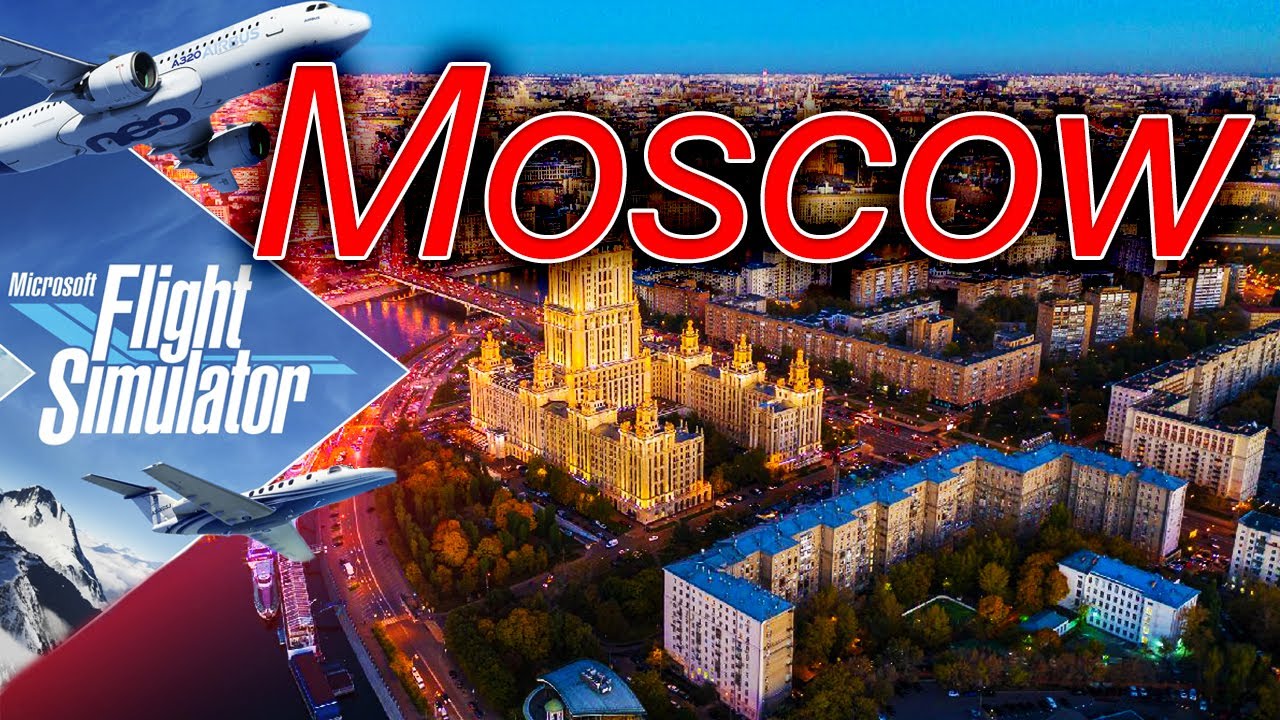
UPDATED: Drzewiecki Design scenery: Moscow scenery update requires significant supplementation for it to be accurate

Not going to be available for a while as I am reloading everyone to fresh installations so I can compare apples to kumquats - or pineapple to coconut. . . :wink:  without any confusion or interferance from any add-ons I may have installed.

This may take days, especially with MSFS as it takes eons to install, but I will do just that when I can.

OK, I’ll bite. Why should the absence of streaming data affect the baseline accuracy of their map data? Just about every previous version had reasonably accurate data - railroads, roads, major local landmarks were all there. Of course you could buy fancy scenery packs for $$$, but it wasn’t absolutely mandatory. If you were flying into smaller airports like Worcester, Fitchburg, or Concord, the scenery was accurate enough that you knew where you were.

Flying over Moscow wasn’t photometric, but it was reasonable and recognizable.

MSFS 2020 is something like 250+ gigs for the Premium Edition, fully installed and updated - I can’t believe that reasonable baseline scenery doesn’t exist.
You’ve seen the results for yourself, so believe!
Without the streamed map data it looks like it looks…absolutely awful. It’s supposed to be using the streamed data, that’s the whole selling point of the sim.

1 Like

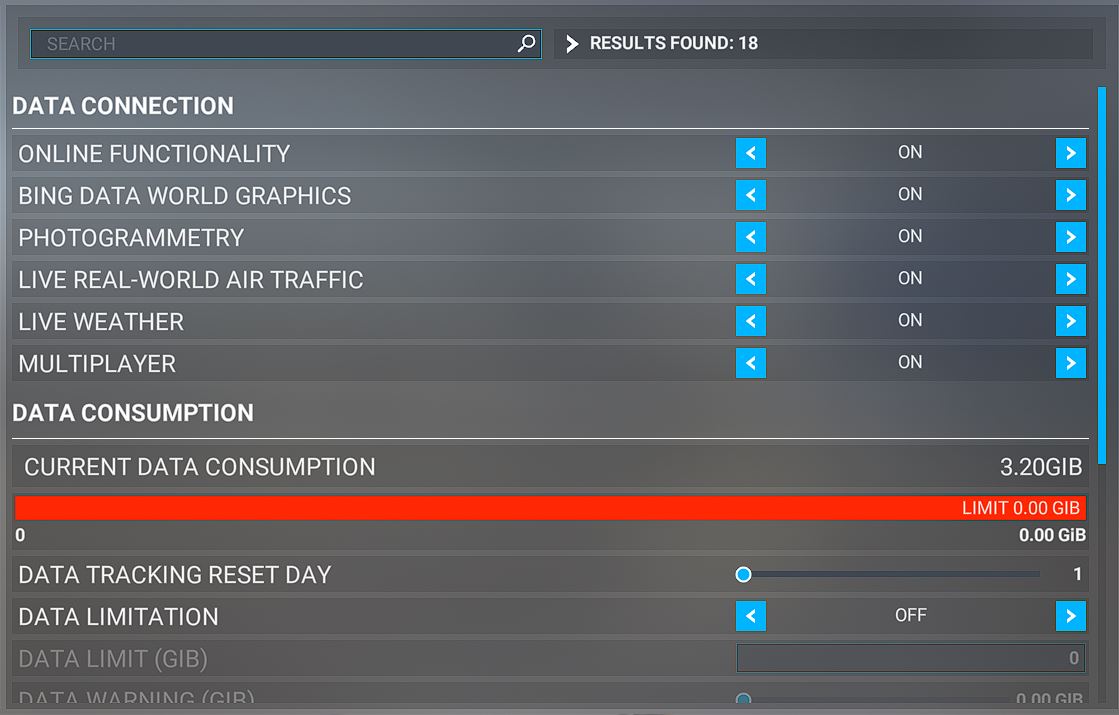
Here’s the data settings:

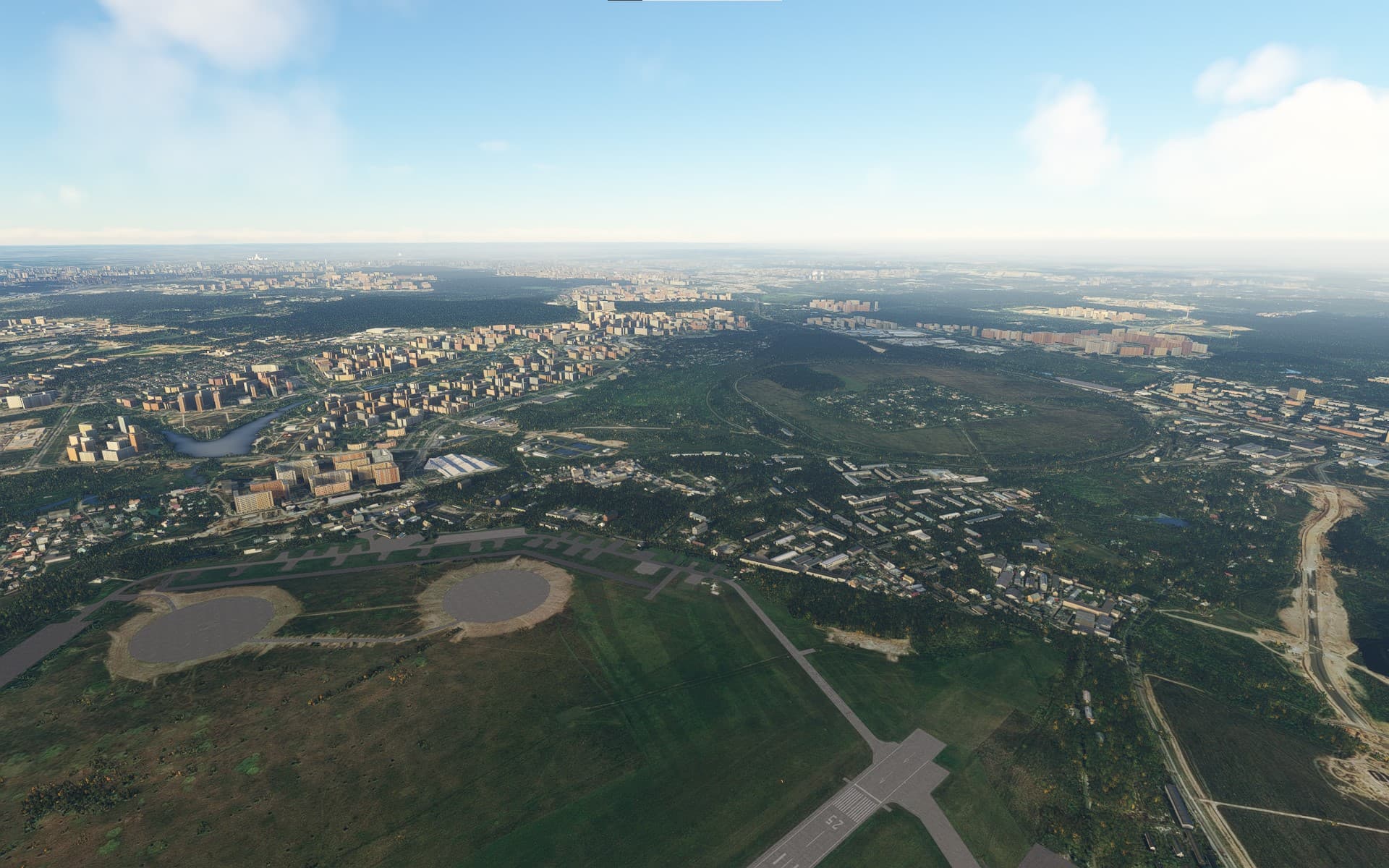
Well this is how it looks for me, from UUMO looking north-east.
If x-plane 12 looks better than this I’ll go buy it right away

1 Like

Well if your setting are like that and the results don’t look like this then there’s another issue…

1 Like

I’m assuming that you’re using the fancy live scenery? Does that depend on the date/time selected?

That imaging is about ten years old as the Butovo Mall has not even started construction, and the construction in the lower right was finished eons ago. However, basic landmarks (like the Russian National Railway’s training circle track), are visible.

Not bad.

Errata:
The “pointy” building identified as the Moscow State University is one of the “Seven Tall Buildings” erected during Stalin’s time, (there should be six more visible), and until recently the rule was that no building could be taller than these.

Again, I suspect that these scenery files are quite old as there are changes all along the place that are not shown, especially on the MCAD, but also on Warsaw Highway, etc.

That could be altough it is probably a failure of the algorithm to place the correct autogen building on top of the image.
And anyway you can always inject alternative maps via a freeware tool.

1 Like

This is on a completely fresh install with only the suggested scenery and aircraft loaded, (plus a LongEX and a Diamond Katana)

Flew from Vnukovo to Ostafyavo and around my “stomping grounds” and it was interesting.

  • The scenery isn’t recent, but not ancient - again I would guess about 7 - 10 years old.
  • Significant details were missing, such as the Gazprom Electrical Generating Plant’s cooling towers. They had the substation near where I live, bu t not the huge cooling towers for Gazprom’s big electrical plant.

The level of detail wasn’t bad, but I don’t know if that was base-level scenery or the live feed.

  • How do I determine if I’m getting the live feed?
  • How do I determine frame-rate during flight?

Thanks!

Manhattan’s photogrammetry is about that old as well.
You figure that a major city like NYC would have photogrammetry that isn’t almost 10 years old, but that’s how it is in the sim.

1 Like

I wonder where Bing gets its imagery.
[snarky comment about Bing waiting near Google’s dumpster.:laughing:

If I had anything to do with it, I’d consider using Google for the US and Yandex for Russia.

1 Like

Update:
After considerable research, (and as I have learned more and more about MSFS), I am compelled to revise my earlier post - and pound my head on the ground in abject apology to Drzewiecki Design’s scenery for unjustly smacking it.  :man_facepalming:

Original issue:
The Drzewiecki Design Moscow POI scenery package supposedly covers an area roughly the major diameter of Moscow, (like from the center to the border of Podolsk), as a more-or-less circular region.  After installation I noticed significant gaps in the scenery’s coverage of Moscow that I originally thought was a defect in the scenery pack itself.

Ultimate resolution:
“The devil’s in the details” is a figure of speech that has been around for a long time.  This is particularly true for scenery in general and in the Drzewiecki Design Moscow POI scenery in particular.

The significant detail about this scenery that I did not realize, (but that was carefully pointed out in additional postings above), is that the Drzewiecki Design scenery is not a monolithic scenery package, but represents individual objects within the global Moscow city region - and as a consequence there will be considerable gaps as his scenery represents particular and specific “bits and pieces” and not an overall scenery overlay

As well done as Drzewiecki Design’s scenery is, if you are looking for a more comprehensive scenery of Moscow Russia, there are other scenery packages you can, (and should), download and install to supplement Drzewiecki Design’s scenery.

Viz.:
https://flightsim.to/by-country/RU/last-released/2

. . . particularly the excellent Moscow Landmarks by Tigercat, as well as the freeware Domodedovo, Vnukovo and Sheremetovo airports.

After adding these additional scenery packages the area surrounding Moscow is much more complete and realistic.

Additional scenery for Russia can be found here:
https://flightsim.to/by-country/RU/

Again - my humblest and most abject apologies to the folks at Drzewiecki Design for misrepresenting their hard work.  [pounds head on ground]

1 Like