Hi all,
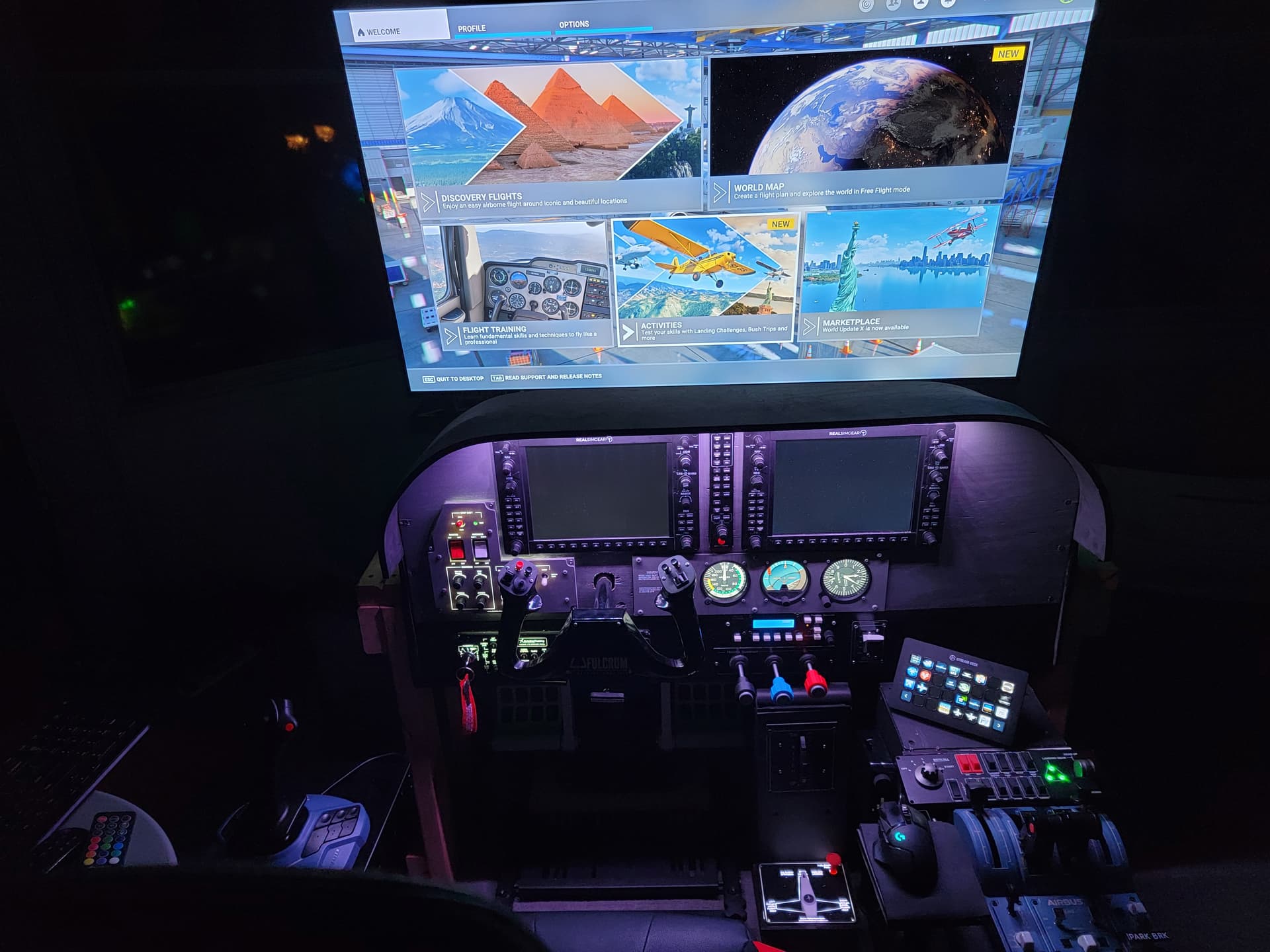
As I’m planning to move my pc from my desk I noticed that two of usb cables are proven too short.
These two cables belong to my Hotas throttle and stick.
I’m thinking to buy either extension cords or go for an USB powered hub.
What do you guys recommend? What option is the best causing no troubles at all within the simulator?
Looking forward to your replies.
Many thanks in advance.
Cheers Mark
For the least chance of hassle, a powered USB hub is best i think. I have a couple of these and all my sim stuff is connected with them, they are well made and having switches means i can turn off various bits without unplugging
https://www.amazon.co.uk/gp/product/B01MQE53GL/ref=ppx_yo_dt_b_asin_title_o03_s00?ie=UTF8&psc=1
Powered hub is the better choice. You have the opportunity for expansion. I have one with 16 switched outlets. No problems.
Thanks guys for your replies.
I will give that powered hub a try.
Happy flying 
Another vote for externally powered USB hubs!
My only regret with buying one is not getting one with enough ports.
A must have if you got plenty of peripherals.
Running two 16 port hubs on my setup…no issues
It’s so silly us simmers get with USB, when my phone is charging I’m at 13 of 14 available in use.
@Boobbuster007 , @SanMan140579979 : Indeed, that’s some serious hardware you have there!
Jon

I actually have hub, not powered hooked directly into USB-C 10GBps outlet. Out of that USB keyboard, USB External 8TB Drive; and extension cable, which I then plug into the hub under my monster tech flight chair to connect up The VFX grip on mongoose base and a Virpil CM-3 throttle unit. I have no issues using all this at same time, currently sitting in that chair, but not in sim, but devices are powered on. It helps that all that is being fed from the USB-c 10GB connection. Buy the best quality hub, and mine can run 2 HDMI outlets at the same time, if want 3, it has to have power.
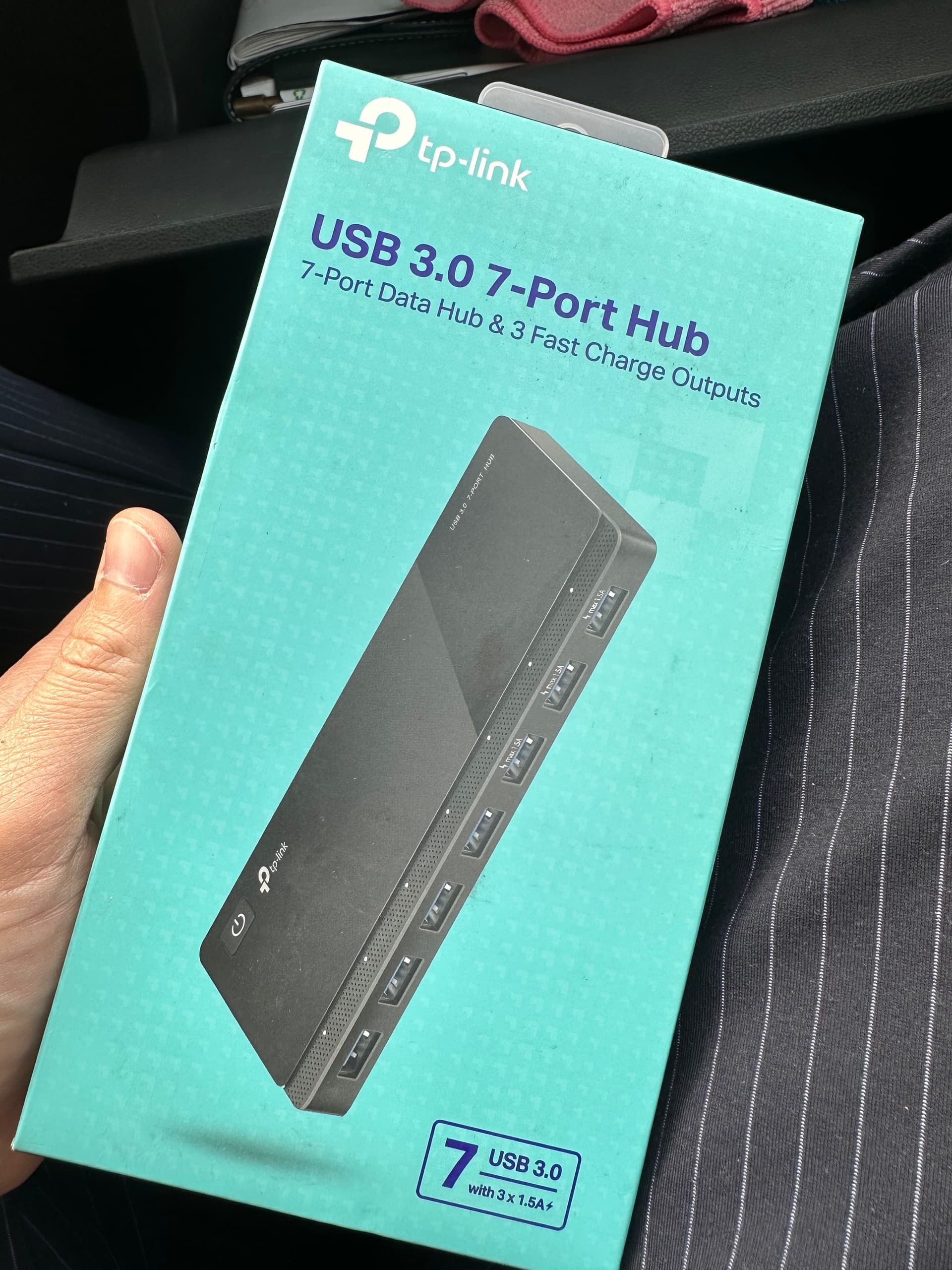
Picked this one up today.
Cheers Mark
Allright guys,
Unfortunately I encountered an issue using this powered USB hub with my X56 HOTAS.
It often happens that there were ghost inputs. I think it has to do with this hub.
Haven’t had the time to troubleshoot further, but today I will give an extension cord a try.
My final update.
I found out that even an extension cable has its faults.
The rgb was flickering.
I eventually decided to drill some more holes in my desk, therefor a shorter route for the cable so I can plug it in directly.
No more issues so far luckily.
Sorry maybe this is a bit off topic but related to this discussion. I understand there is a 3 meter limit on USB cables but I wonder if that applies if you have a powered usb Hub.
Let say if the USB hub has a 2 meter cable then you can only use a 1 meter cable to the hardware you want to use? Or the limit then will be 3 m (from console/pc to hub) + 3 m (from hub to hardware)
I ask because I recently got a powered USB hub and sometimes not all of the hardware hooked up to it turn on, but if I switch to a different port (in the same hub) it starts properly. And it’s really random but once everything is on I have zero issues.
Hi @Ffortuna ,
It depends on factors such as the USB type, hub used & cable used. This article may help:
Max Lengths of Every Type of USB Cable and How to Extend
Also see this article & comments about hubs not following USB standards:
usb 3 - Are there issues with stacking USB hubs?
Thanks. I forgot I could ask ChatGPT and this is what I got.
“Yes, using a powered USB hub allows you to extend the effective length of USB cables beyond the standard limits. Here is how it works:
-
Powered USB Hub: Acts as a repeater, regenerating the signal and allowing you to connect an additional USB cable of the recommended length (up to 5 meters for USB 2.0 and around 3 meters for USB 3.x).
-
Daisy-Chaining Hubs: You can use multiple powered USB hubs in series to further extend the cable length. For USB 2.0, the theoretical maximum is 25 meters (5 hubs with 5-meter cables each). For USB 3.x, the practical limit depends on cable quality and hub performance but is usually around 15 meters with 3-meter cables and multiple hubs.
-
Active USB Cables: These cables contain built-in signal boosters and can be combined with powered hubs to achieve even greater lengths.
If you are planning very long distances (e.g., 30+ meters), fiber optic USB extenders or Cat5/Cat6 USB extenders may be a better option, as they maintain signal integrity over longer distances.”
Reading this I think I might have a faulty USB hub instead (it’s brand new).
External powered usb hub. I use three of them. God knows what the cumulative load would have been otherwise.
Not to play the iconoclast, but…
I have seen some types of HW that will not “connect” over USB if there is a hub between the HW and the PC. They will “charge” but they won’t “communicate” over USB.
I use one powered and one unpowered hub. I also use one extension. Both work just fine except for what I’ve already noted.