It shows I don’t have Ultra Quality preset.
nobody has
No Ultra Quality setting for DLSS for me either. Highest is “Quality”
RTX4080
Well firstly I never said you were and secondly what you are looking for is there
The latest DLSS library has reduced nr of presets comparing to previous ones, that might be the reason why presets show differently. Nvidia’s latest DLSS 3.8.10 version features only two presets: Preset E and Preset F — chipmaker trimmed the DLL file size by more than 50% | Tom’s Hardware
I have a 3090, now that you asked, maybe it’s because I use Optiscaler for the frame generation.
But how can it change the game menus??
Try changing it to 120hz. I know this counterintuitive but my system runs way better at 120. With 72, 80, 90 I get stuttering and the image is choppy when looking at the ground.
Yes Majorlag9496, I’m happy for you
Just tried it and yeah it helps a lot, even with the resolution slider in the Meta app at 1.7x lol
I can’t get link above 30fps no matter what I do. I thought you were using VD
I cant see any difference on my setup with the DLSS swapper to 3.8.10
4070
7600x
32gb ram
I’m the same, very little difference that I can see when swapping out for the newer dll. TAA still wipes the floor with it clarity-wise and to get anywhere even close to that same clarity with DLSS, you need to run DLAA which doesn’t upscale so performance tanks.
I found how to use ultra quality. Made a video.
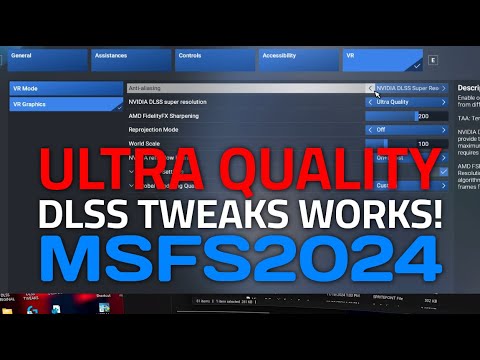
I made dlss tweaks to work in 2024.
so does this fix the issue with smeared/blurry/ghosting fast changing numbers on instruments?
i prefer dlss updater as it updates the files for RTR and FG as well. it also does every game on the system at once according to community and personal configuration so it can be automated.
changes will be minimal as this is more the implementation. even the dlaa looks trash in msfs making most people prefer TAA. I prefer AA off entirely and render scale 200% - no ghosting, no jaggies.
I’m giving you a wonderful tool and you criticize my intro? How old are you? 8?
There you go, I deleted my two posts.