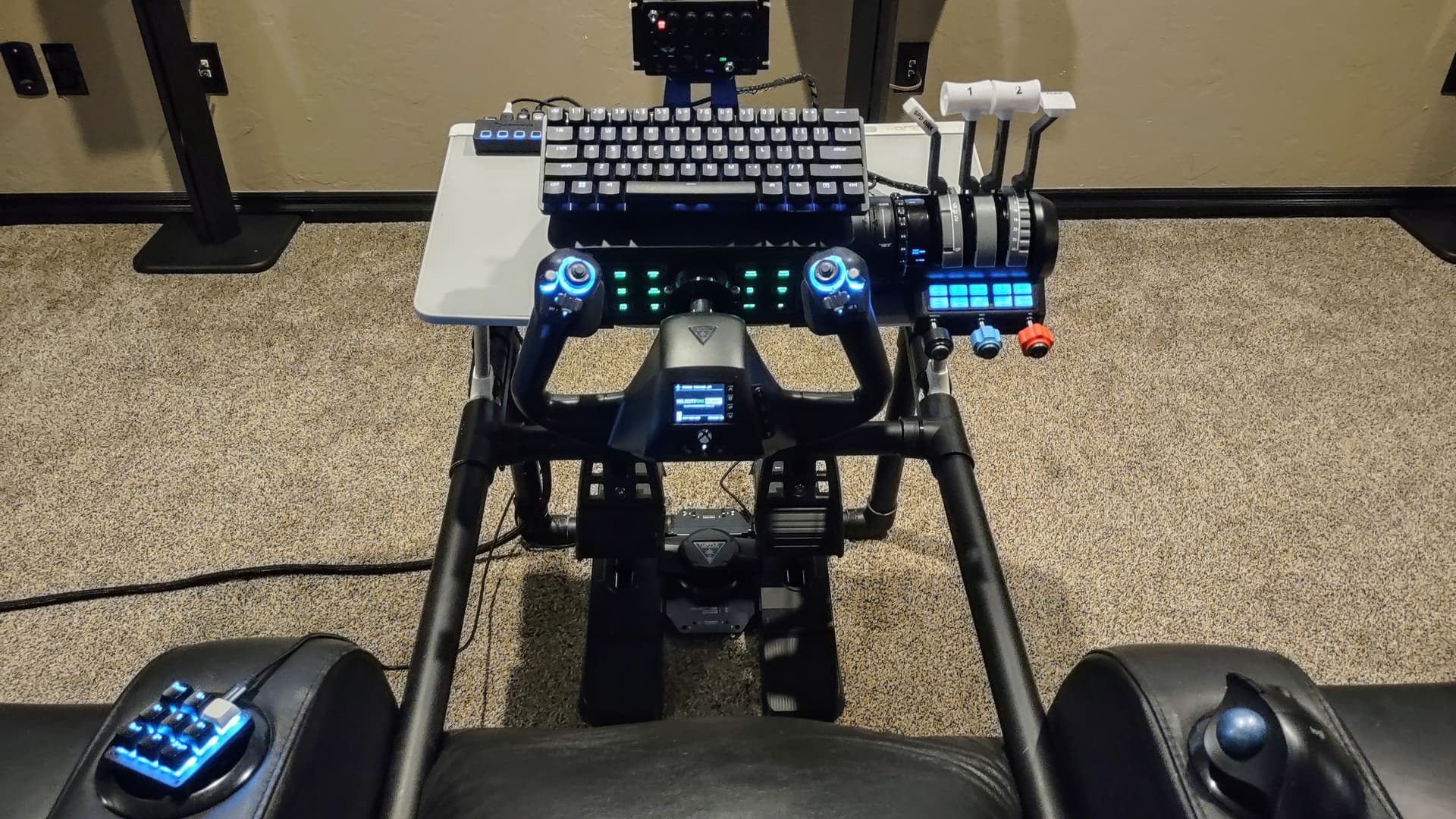
Looking for a solution to an issue trying to use two mice at the same time on Xbox Series X.
Why, you might ask? Well lemme tell ya’…
I saw a video of someone who was using an air mouse as a head tracking device for MSFS on Xbox. I bought one and zip tied it to an Xbox headset and it actually works reasonably well for controlling the free look view.
But the problem arose that I was already using a mouse (actually a trackball) for most cockpit interactions. With two mice connected simultaneously, the Xbox sees them as a single device and the results can be unpredictable.
It seems to depend upon the order in which they are connected. One or the other will take precedence over the button and wheel functions. This makes it impossible to use the air mouse to look about while also being able to manipulate the cursor and activate controls with the other one.
If they could be separated into separate control devices, I could map them to avoid the conflicts. But as a single device, I haven’t been able to make it work satisfactorily.
I have the TB Velocity One yoke and I can set the various hat switches and buttons to take the place of the trackball, but then I have to give up the other functions I had assigned to them.
I realize it’s a stretch, but I’m wondering if anyone here has any idea as to how to resolve this. I really would like to get it to work.