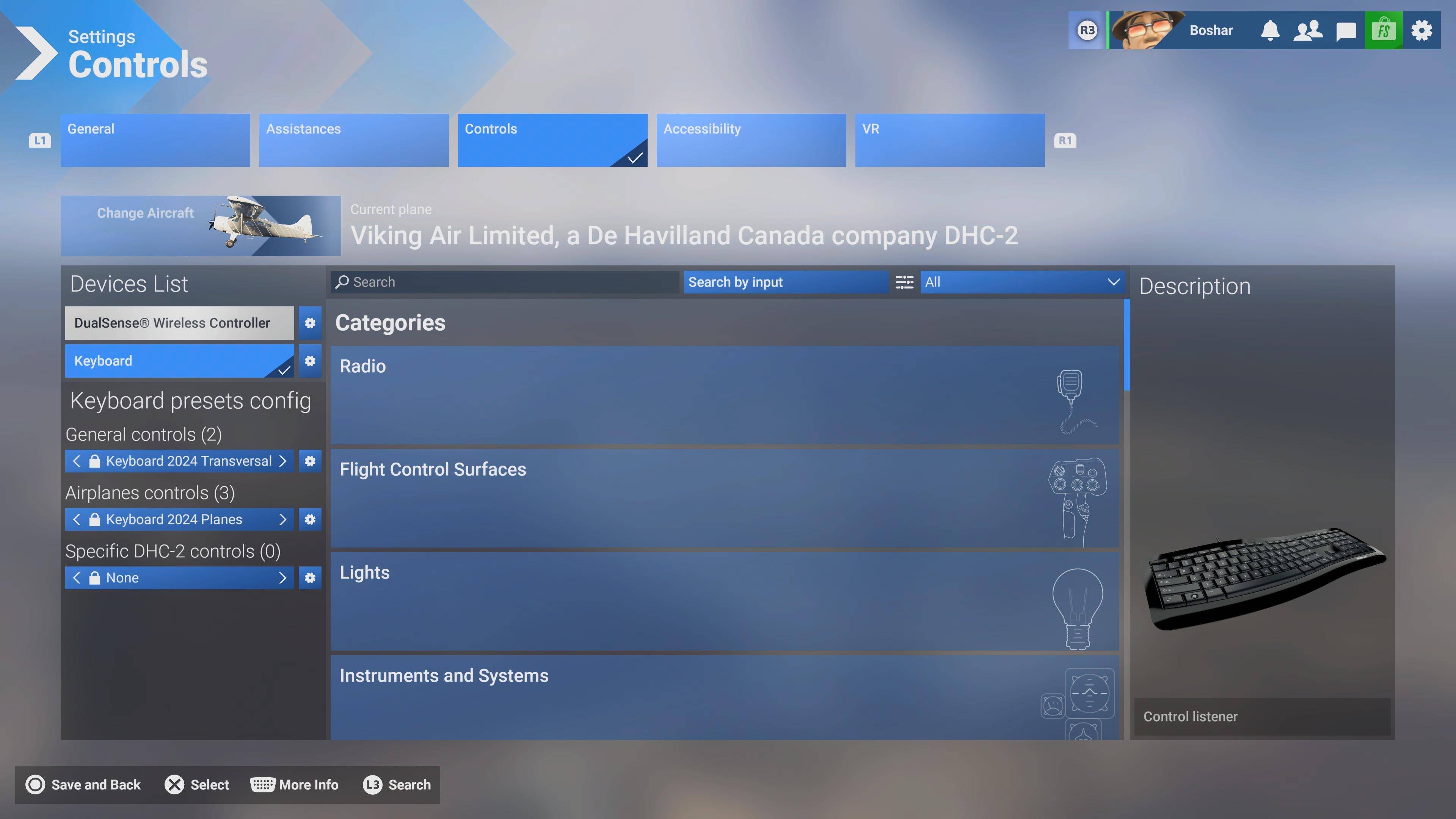
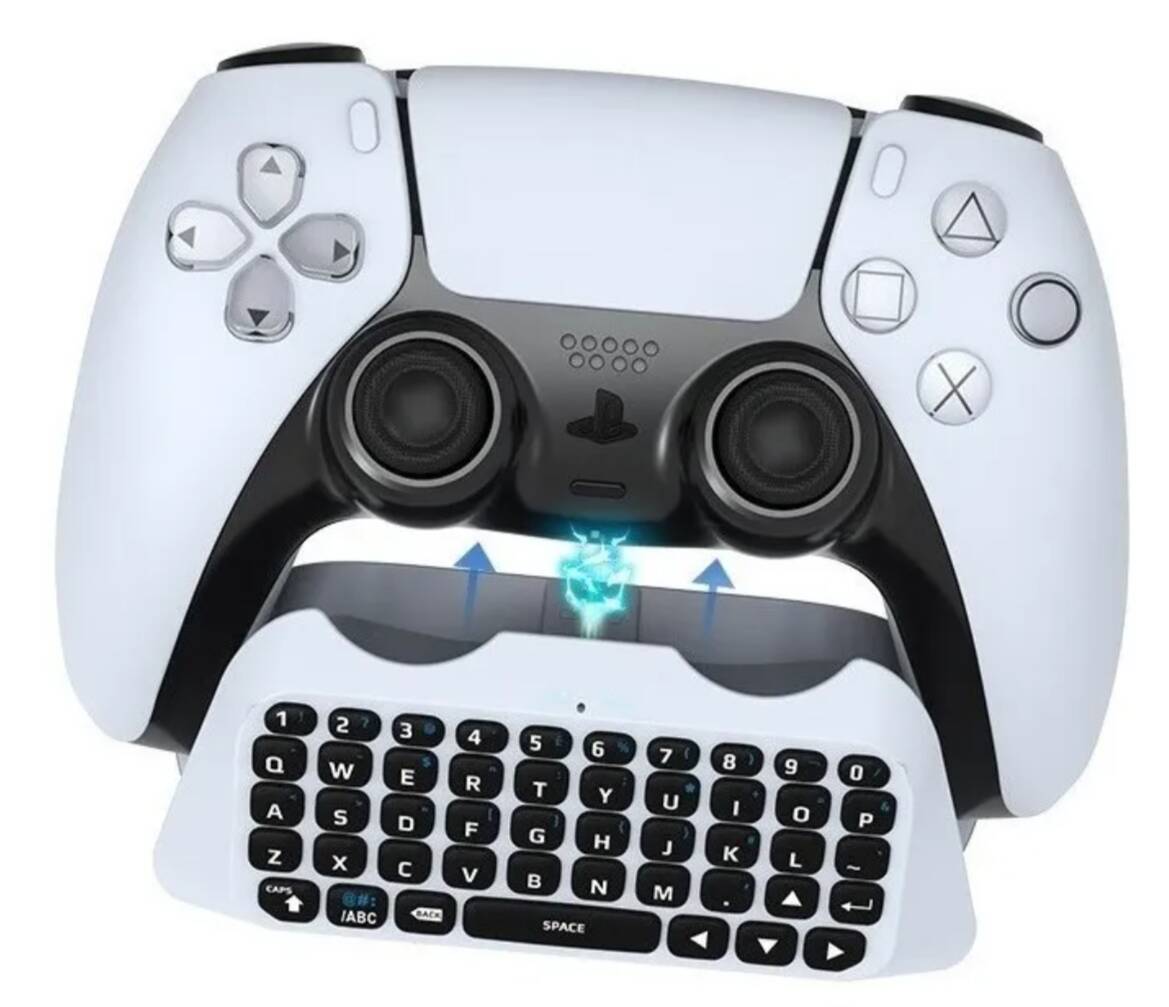
I would like to use my controller together with my keyboard, but the game only accepts input from the controller.
It does recognize my keyboard (lights up and shows as connected), but no keyboard inputs are registered in-game while the controller is active.
It would be great if both could work together — for example, flying with the controller while using the keyboard for quick commands or camera controls.
We have created an internal ticket to see if our team already has this logged, and if not they will attempt to reproduce the issue and create a new bug report. This item is now marked as feedback-logged. If there is an existing bug report or one is created, we will move this thread to bug-logged.
For me it’s working. Plugged a Logitech Keyboard in while the game was running (First time I ever connected a keyboard to my PS5). The console gave a chime and the keyboard appeared as a device.
Both devices work. At the moment I use only one DualSense controller with the console.
I do wonder about the default keyboard control scheme though. I’m an old timer. I might do a FS4.1 era keyboard assignment just for the fun of it. But on the whole I ‘m impressed. I was struggling on the multi engine aircraft with propeller pitch and mixture settings. Having so many extra keys available is going to be a blessing.
My experience is, the sim recognizes the keyboard as a controller. It shows up in Controls Settings, but won’t recognize a key press when scanning. However, I can use the keyboard to type in a text input field.
The session in which I connected the keyboard did have some odd behavior (felt like it sometimes thought it was the controller instead of the keyboard). After I that closed and restarted FS and I entered the settings menu, there are 2 standard profiles there (Keyboard 2020, Keyboard 2024). I choose the 2024 setting and studied some of the assignments.
From then on it worked and the odd double behavior was gone.
I suspect there are more settings that only fully work after you manually close/unload the program. I had some graphics settings that magically worked after a restart.
Hi!, thanks for sharing your experience. What do you mean “it’s working?”. For me “working” would be that I can use the keyboard at any time, specially during the trip, let’s say to enable auto-pilot, flaps, using the parking brake, but as far as I could see none of it is possible.
It doesn’t even allow me to write into the gps without going into active pause.
I’m also still having the same issue - I can only use the keyboard to type/write, but not for any in flight action. Only using dual sense can be quite tricky due to its shortcut limitations. I was hoping for this to be fixed in the latest release - hopefully in the next one
The keyboard, mouse and PS5 controller works great for me. I must admit at the beginning I had the same issue, but after plugging the keyboard directly into the rear USB a few times it sorted itself out eventually. I’ve now got a USB splitter connected to the rear USB port and connected through that I have mouse, keyboard and headset and all work flawlessly. When selecting an input for keybinding make sure you have the keyboard option ticked as the input controller and all should be good. Keep trying, it does work.
Just to verify then, with the keyboard selected as the input I am still able to use the controller as well?
I would like to control the throttle, camera, and basic flight controls with the controller but have the more detailed simulation controls tied to the keyboard and I don’t want to waste money buying a keyboard if it doesn’t allow simultaneous use in the first place.
Officially you should be able to bind anything to the keyboard. In my instance it will not recognise any keypresses other than when I want to change a physical ICAO code as an input or data input into a FP. Commands of any other kind - nope!
Has there been a fix for this yet? I have a 2.4 Num Pad that I use for other games that works everywhere except flight sim. I would absolutely love to be able to use it. It randomly started working one time in game. I was able to bind keys and what not, but just as randomly as it came, it went away.
It would indeed be very useful to use a wireless keyboard with the controller and Hotas, as @Marinhoc writes. There simply aren’t enough buttons for full cockpit control.