ISSUE DESCRIPTION
Description of the issue:
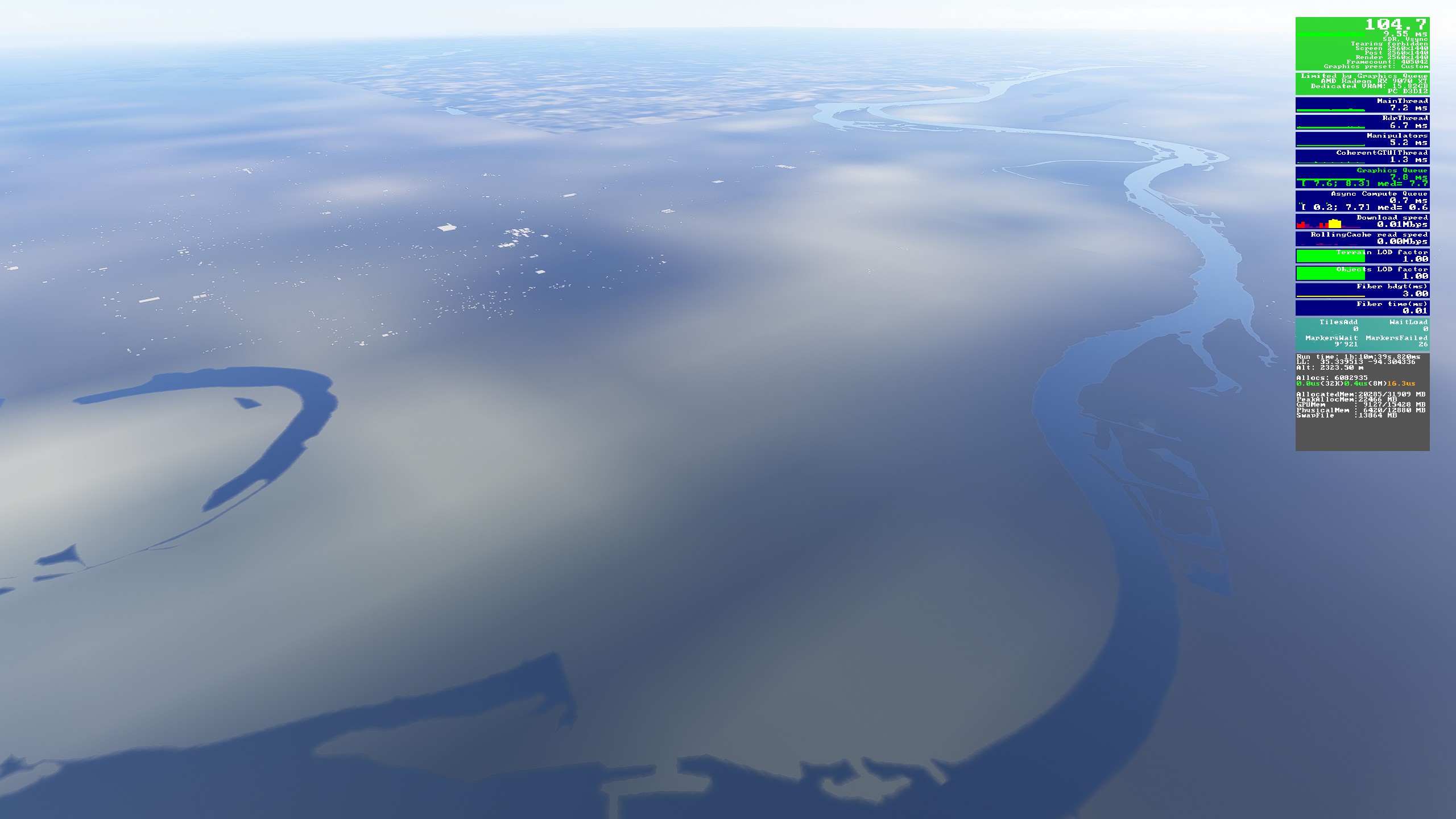
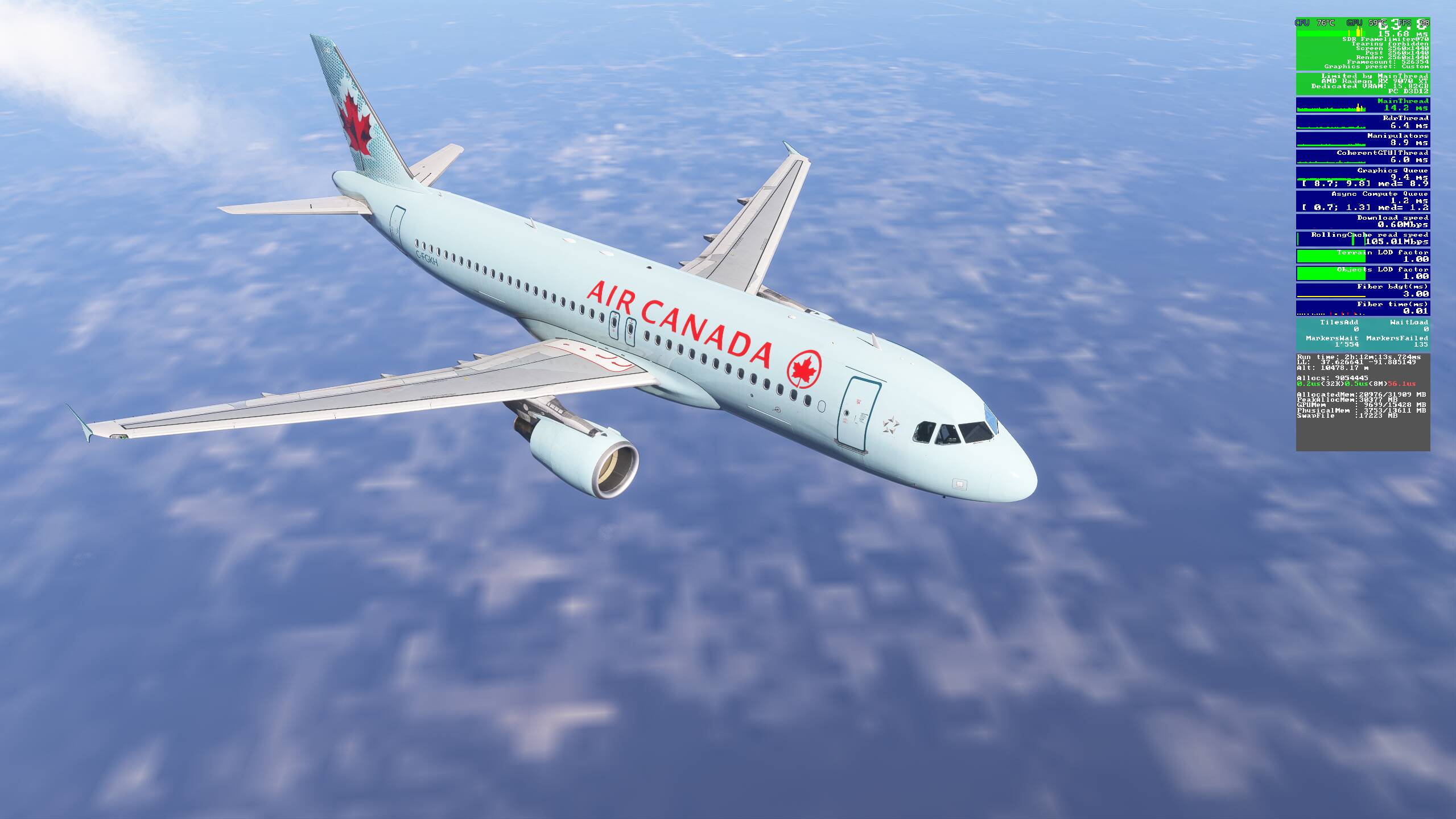
I just picked up FS2024 off the steam sale and tried to do over 10 flights however in every single one of them, about 20 minutes into the flight the ground textures of the sim stop loading. Going to the surface of the terrain, there is a distinct line between what has loaded in and what has not. There are also no trees or grass that get loaded in at this point. What’s worse is the destination airport does not load at all, even if its downloaded locally. I have tried disabling all addons, resetting the host file, reinstalling the sim but nothing seems to work. My wifi speed is around 100 mbps. it’s pretty frustrating and I am not too sure how to fix it.
Coordinate or location of issue: Anywhere
FREQUENCY OF ISSUE
Everytime.
REPRODUCTION STEPS
Please list clear steps you took in order to help our test team reproduce the same issue:
-
Select a departure airport
-
Takeoff and reach cruise
-
After 20 minutes of cruising, examine ground textures
YOUR SETTINGS
If the issue still occurs with no mods and add-ons, please continue to report your issue. If not, please move this post to the User Support Hub.
What peripherals are you using: URSA Minor side stick and TCA quadrant throttle
[PC Only] Are you using Developer Mode or have you made any changes to it? Yes to get access to the FPS information screen
[PC, MSFS 2020 Only] Are you using DX11 or DX12?
[PC Only] What GPU (Graphics Card) do you use? 9070XT
[PC Only] What other relevant PC specs can you share? 7800X3D, 32GB 6000mhz RAM, 2TB SSD storage
MEDIA
Please add a screenshot or video of the issue occurring.